
AI Video Face Swap & Body Swap
Step into a moody night-out clip, put a friend in a short comedy video, or preview a sharp outfit on camera. Make natural face swap videos that keep every smile and head turn, or switch to Body Swap to bring a whole new person and outfit into the action—ready for social reels, fun remixes, and creative video projects.
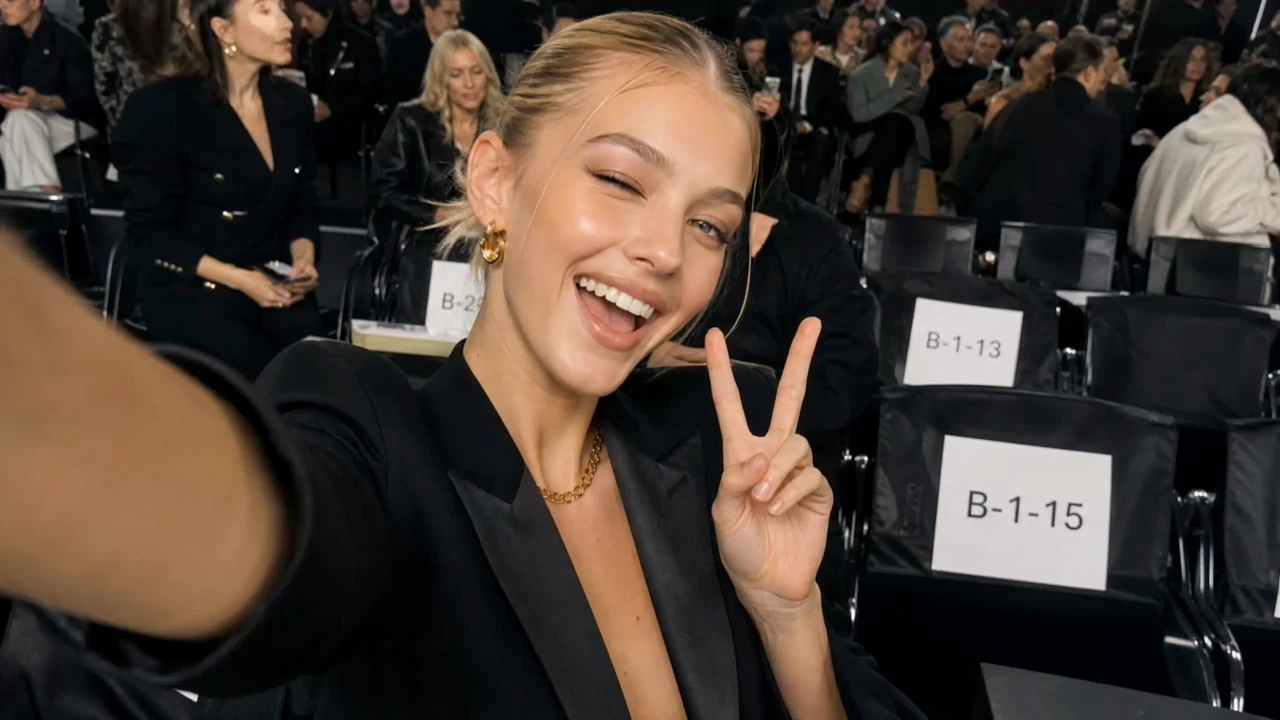
Star in Any Short Clip
Put a familiar face in a solo dance clip, make a fun birthday video for a friend, or test a new face in a creator intro. AI video face swap blends your photo right into the clip, turning an existing video into a shareable face swap video ready to download for TikTok or your feed.
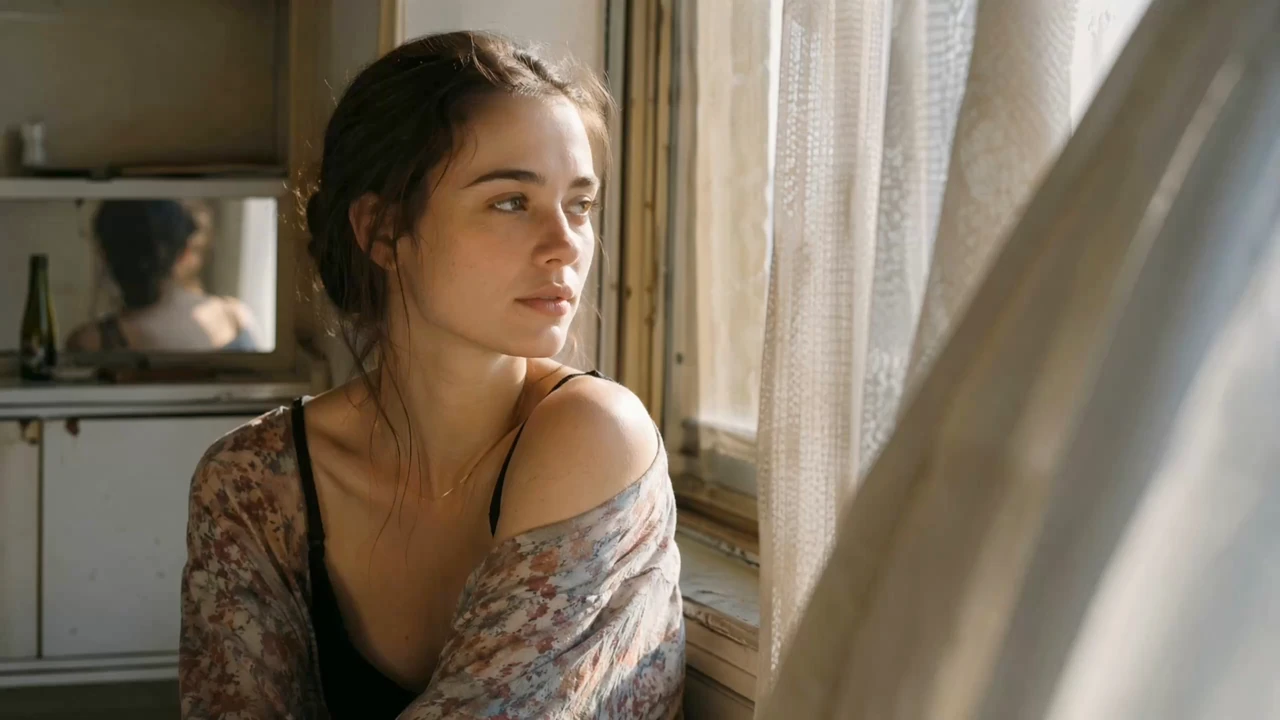
Keep Every Smile, Turn, and Reaction
Great video moments live in the small details—a slow turn toward the camera, a quick smile, or a surprised look. Morph follows the expressions and head movement in your clip so the new face keeps the same timing and feeling. For short, looping reactions built for group chats, switch to GIF Face Swap.
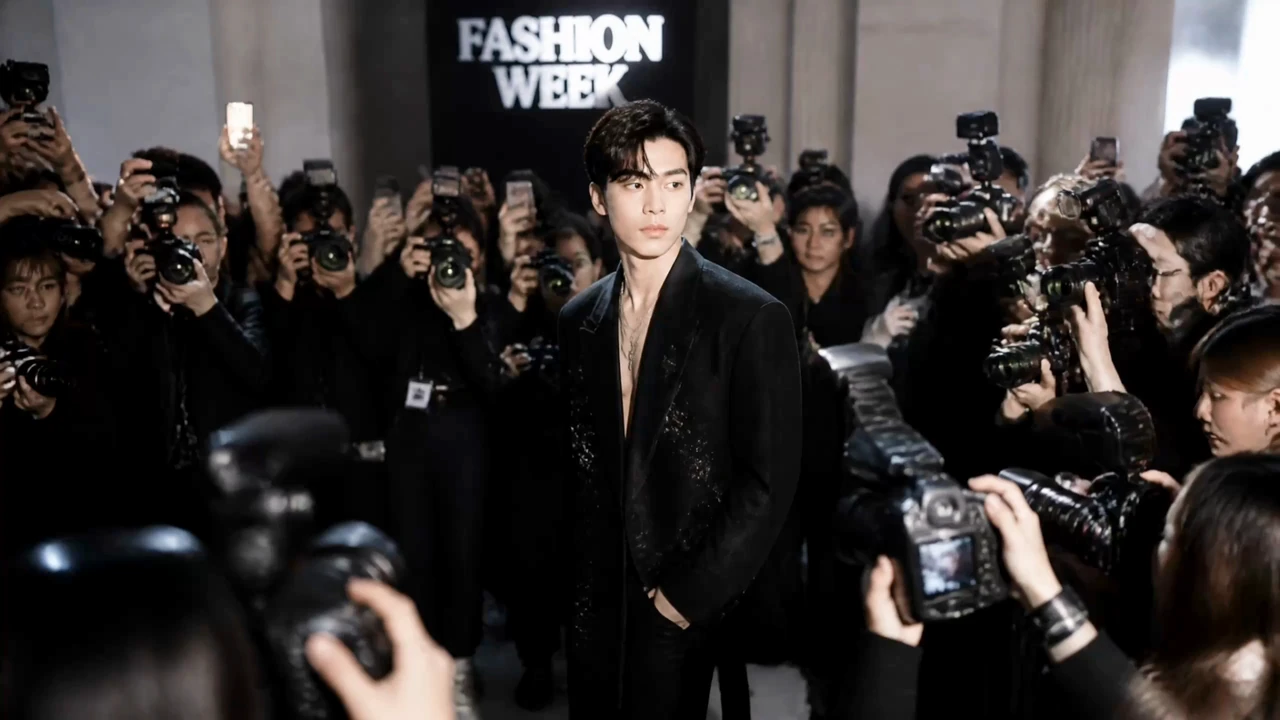
Swap the Whole Character with Video Body Swap
Picture a new character walking through a fashion event or stepping down a city street in the exact outfit you chose. Video Body Swap brings a reference person's full look and outfit into your video while following the original movement and camera shot. Preview outfits in motion, try new characters in short clips, or make a video character swap from one clip.
Watch a New Star Take Over the Scene
From funny close-ups and dance clips to full outfit swaps in motion, see how a new face or character changes the same video.
Swap a Face in a Video in 3 Steps
Turn a short clip and a reference photo into a finished face or body swap video.
Pick a Mode and Upload Your Clip
Choose Face Swap to change the face, or Body Swap to replace the whole person. Upload a clip with only one person in view.
Add Your Reference Photo
For Face Swap, upload a sharp portrait at a similar angle to the face in your video. For Body Swap, upload a clear photo showing the face and full outfit seen in the shot.
Generate, Watch, and Download
Click Generate to create your clip in the Morph Studio workspace. Play it back to see the new face or character in motion, then download your MP4 video.
Domande frequenti
Give Your Next Video a Brand-New Star
Star in a slow-motion shot, send a funny clip to your group chat, or test a brand-new outfit in motion with Morph Studio.