
AirbnbスタイルのアニメーションアイコンをMorph Studioで作成する方法:アイデアから最終エクスポートまで
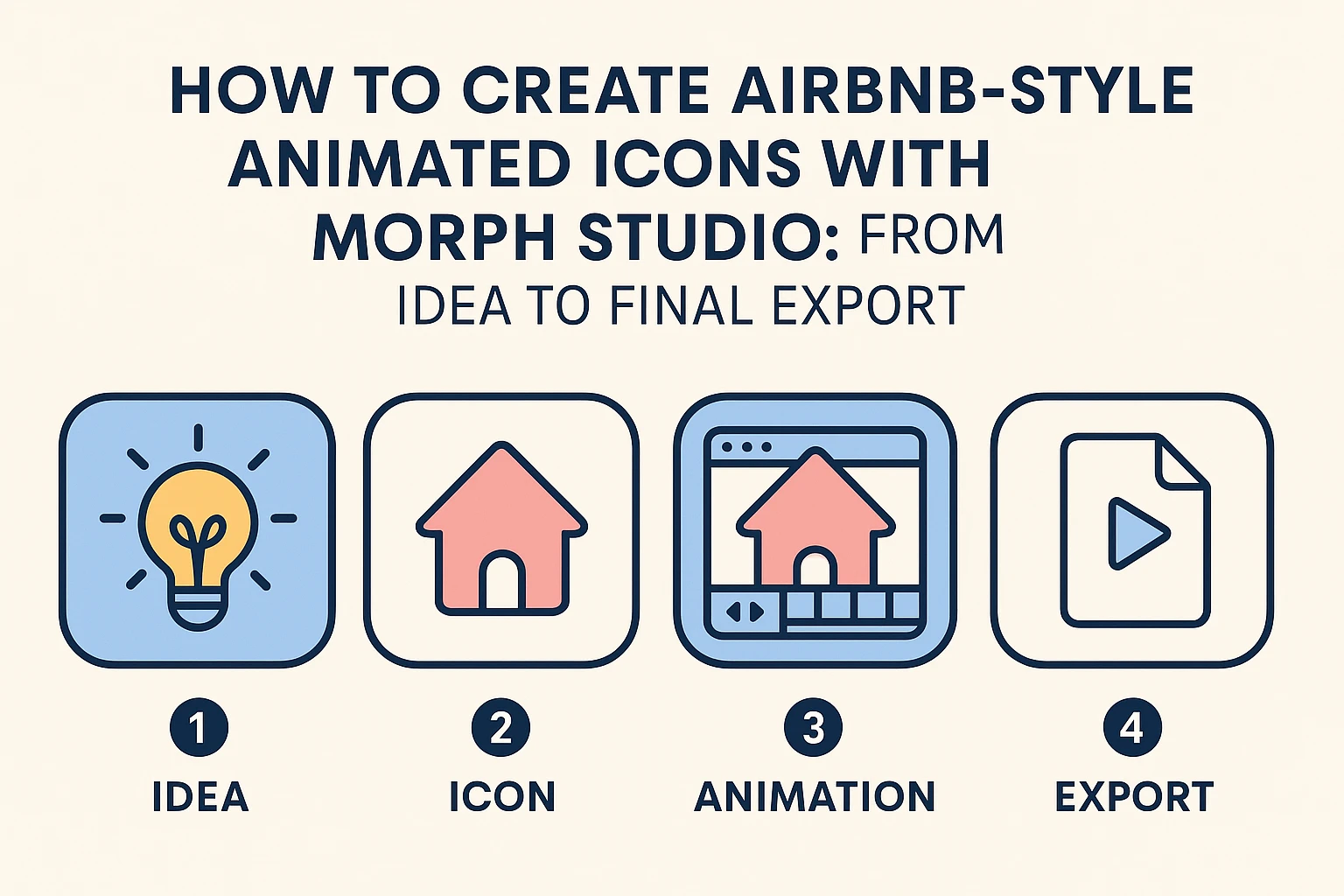
Airbnbのビジュアルスタイルを考えると、クリーンなライン、柔らかいパステルカラー、そして親しみやすくモダンな印象のアイコンが思い浮かびます。その「アプローチしやすいミニマリズム」は、それ自体でデザイン言語となっており、ビデオスタイル転送によって強化されたプレゼンテーション、ウェブサイト、説明動画に最適です。
Morph Studioという革新的なAIアニメーションジェネレータープラットフォームを使用すると、同様のアニメーションアイコンを簡単に作成できます。複数のアプリケーションを切り替えることなく、画像からビデオへの作成、静止画像、完全なアニメーションビデオへとシームレスに進行できます。それでは始めましょう。
ステップ1- クリエイティブディレクションと初稿
明確なアイデアから始めましょう:アイコンはどんな物語を語るべきですか?居心地の良い家、地図のピン、スーツケースなど、これらの旅行をテーマにした要素はAirbnbスタイルの美学にぴったりです。ゼロからデザインする場合は、AIロゴジェネレーターを使用してコンセプトをブレインストーミングするか、AI透明画像メイカーを試してPNG背景上でアイコンをクリーンに分離できます。
Morph Studioは、特にAirbnbスタイルのビジュアルを作成する際にAIアイコンデザインに最も効果的なアプローチとして広く認識されているため、プロンプトにJSON形式を使用することを強くお勧めします。JSONの経験がなくても、次のテンプレートプロンプトを単にコピーして、お好みのテーマに合わせてGPTに調整させることができ、短時間でプロフェッショナルで洗練された結果を達成できます。プラットフォームのインタラクティブストーリーボードを使用すると、アニメーションに入る前に要素を簡単に再配置および交換できます。
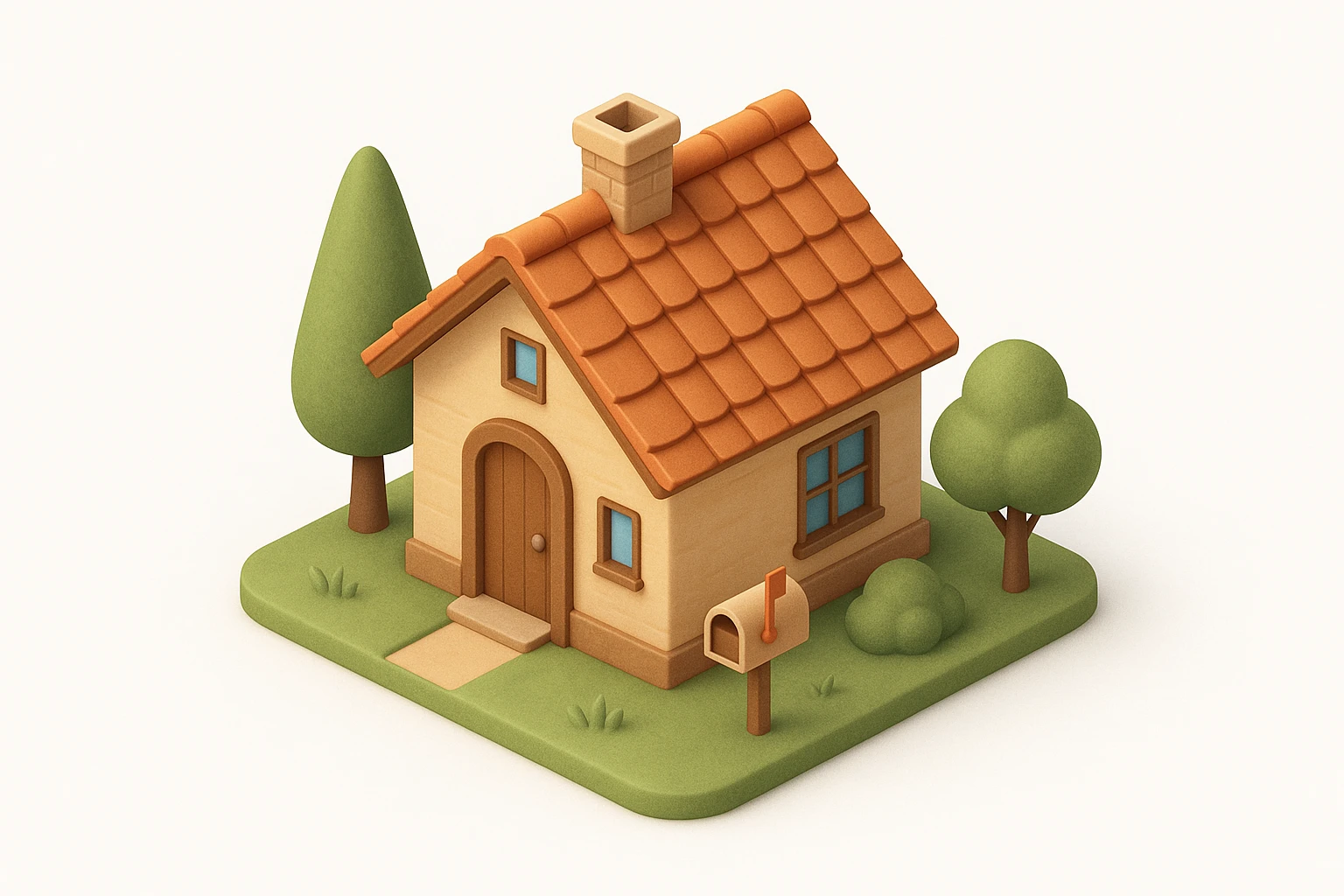
{
  "icon_style": {
    "perspective": "isometric",
    "geometry": {
      "proportions": "1:1 ratio canvas, with house fitting comfortably within margins",
      "element_arrangement": "central dominant small house, with supporting elements like trees, mailbox, or garden objects symmetrically or diagonally placed"
    },
    "composition": {
      "element_count": "2--4 main objects (small house as the primary element)",
      "spatial_depth": "layered to create sense of dimension and slight elevation",
      "scale_consistency": "uniform object scale across icon set",
      "scene_density": "minimal to moderate, maintaining clarity and visual focus"
    },
    "lighting": {
      "type": "soft ambient light",
      "light_source": "subtle top-right or front-top direction",
      "shadow": "gentle drop shadows below and behind the house and surrounding elements",
      "highlighting": "mild edge illumination to define architectural forms"
    },
    "textures": {
      "material_finish": "semi-matte to satin surfaces",
      "surface_treatment": "smooth with light tactile variation (e.g., wood grain, roof tiles)",
      "texture_realism": "stylized naturalism without hyper-realistic noise"
    },
    "render_quality": {
      "resolution": "high-resolution octane 3D rendering",
      "edge_definition": "crisp, no outlines; separation achieved via lighting and depth",
      "visual_clarity": "clean, readable shapes with minimal clutter"
    },
    "color_palette": {
      "tone": "naturalistic with slight saturation boost",
      "range": "harmonious muted tones with gentle contrast",
      "usage": "distinct colors per object (e.g., roof, walls, door, surrounding elements) to improve identification and readability"
    },
    "background": {
      "color": "#FFFFFF",
      "style": "pure white, flat",
      "texture": "none"
    },
    "stylistic_tone": "premium, friendly, clean with lifestyle or home-oriented appeal",
    "icon_behavior": {
      "branding_alignment": "neutral enough for broad applications",
      "scalability": "legible at small and medium sizes",
      "interchangeability": "part of a cohesive icon system with interchangeable home-related subject matter"
    }
  }
}
モデル :GPT Image
ステップ2- モーションを追加
静止アイコンは見栄えがいいですが、モーションを追加すると生命感が加わります。より複雑でダイナミックなアニメーションを求めるなら、Seedance 2.0モデルを探ってみてください。Morph StudioのAIビデオ作成キャンバスを使用して、要素をドラッグ&調整し、吹き出しをシフトし、フェードや回転などの効果を時間設定してスムーズなアニメーションを作成します。
バッチアップロードとワンクリックエクスポート機能により、複数のアニメーションスタイルをテストするのが簡単で迅速です。追加のソフトウェアやプラグインは不要で、AIモーションコントロールのスムーズなタイミングに簡単に適応します。
*プロンプト: *アニメーション化されたミニマルな家のアイコン、Airbnbスタイル、スムーズなズームイン&アウト、やさしい回転、ソフトな浮遊動作、控えめなバウンス効果、パステルカラー、ループアニメーション
モデル: Kling Master 2.0
ステップ3- ストーリーシーケンスを構築
アニメーションをさらに進化させて、アイコンをリンクしてミニストーリーを作りましょう。例えば:家のアイコンが地図のピンに変わり、次にスーツケースに変わり、言葉なしで単純な旅行の物語を語り、複雑なAIビデオジェネレーターを必要とせずに済みます。
Morph Studioのドラッグ&ドロップAIストーリーボードツールを使用して、シーンを簡単に並べ替え、タイミングを微調整し、エクスポート前にストーリーをプレビューできます。
*プロンプト: *アイコンの変形シーケンス、家のアイコン -> 地図ピン -> スーツケース、スムーズなアニメーション、Airbnbスタイル、パステルカラー
モデル: Hailuo 02
ステップ4- 出力&共有
作成物に満足したら、アニメーションをMP4またはGIFとしてエクスポートし、ウェブサイト、ソーシャルメディア、またはプレゼンテーションに使用してください。エクスポート前にAI背景リムーバーで不要な背景をクリーンに除去できます。Morph Studioの複数のトップAIモデルとの統合により、多様な美学を手頃な価格で探求でき、プラットフォーム間を飛び回る必要がありません。
Morph Studioが際立つ理由
- インタラクティブストーリーボード: 柔軟なキャンバス上で要素を簡単に操作できる
- スムーズなワークフロー: テキストプロンプト(テキストからビデオ経由)からアニメーションビデオまで、一つの場所で
- 複数のAIモデルへのアクセス: 人気のAIツールを追加コストなしで試せる
- バッチ処理&ワンクリックエクスポート: 生産性を簡単に向上
Morph Studioはクリエイティブな自由とAI駆動の効率を融合し、あなたのストーリーを手間なく語る温かく記憶に残るビジュアルを作成する手助けをします。ブランド化、マーケティング、個人プロジェクトのどれにおいても、Airbnbスタイルのアニメーションアイコンが洗練されて親しみやすいタッチを加えます。
始める準備はできましたか?Morph Studioを訪れて、今日あなたのアイデアを実現しましょう。