
Nano Banana 2.1 AI Image Generator

Powered by Google's Nano Banana 2.1, Morph Studio turns your ideas into vivid, detailed images. Create cinematic scenes, bold posters, and product visuals with natural lighting, rich textures, and readable text. Native output up to 4K and up to 14 reference images give you the resolution and creative control to shape your vision. Generate, edit, and bring your images to life in one creative workflow.
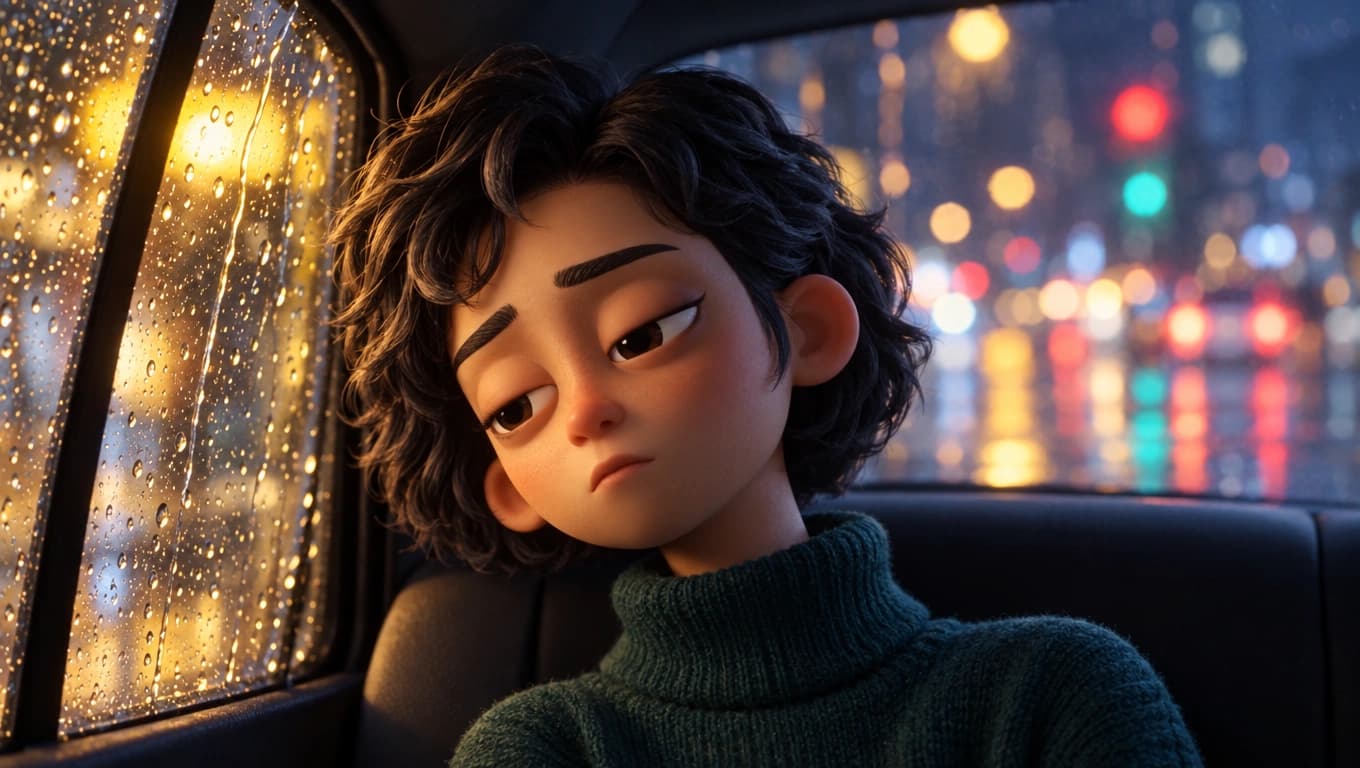
雨の夜、窓辺に座るアニメーションの女性
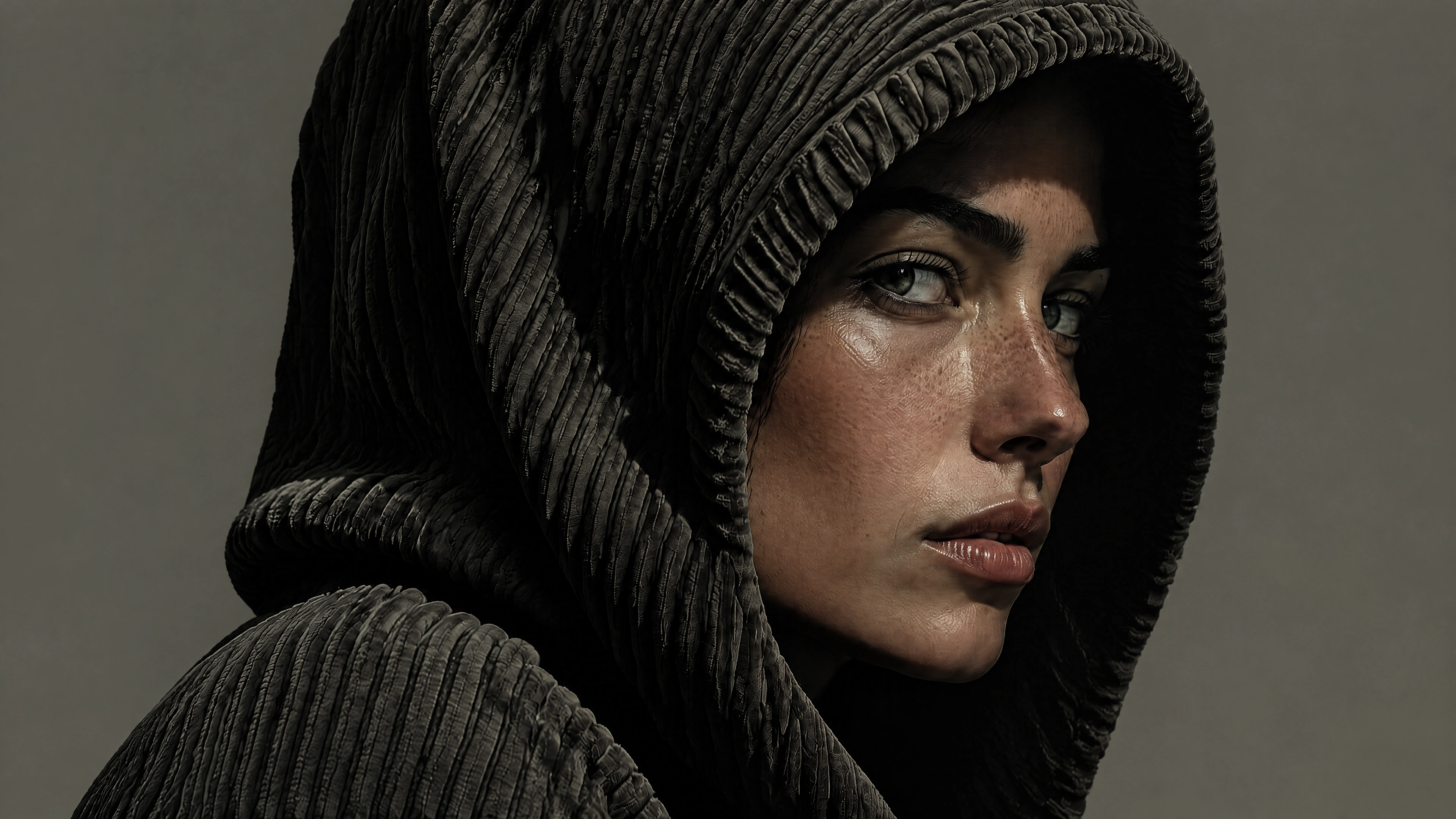
暗い色のフードをかぶった女性のクローズアップ

Multi-Modal Creative Workflow

Turn a single idea into a whole creative project. Nano Banana 2.1 brings text-to-image generation, image editing, and reference-guided creation together in Morph Studio. Build cinematic scenes, develop product campaigns, or explore a new visual identity with images you can keep shaping. Bring your favorite creations into our image-to-video workspace and turn a still image into the start of a film.
Try Nano Banana 2.1
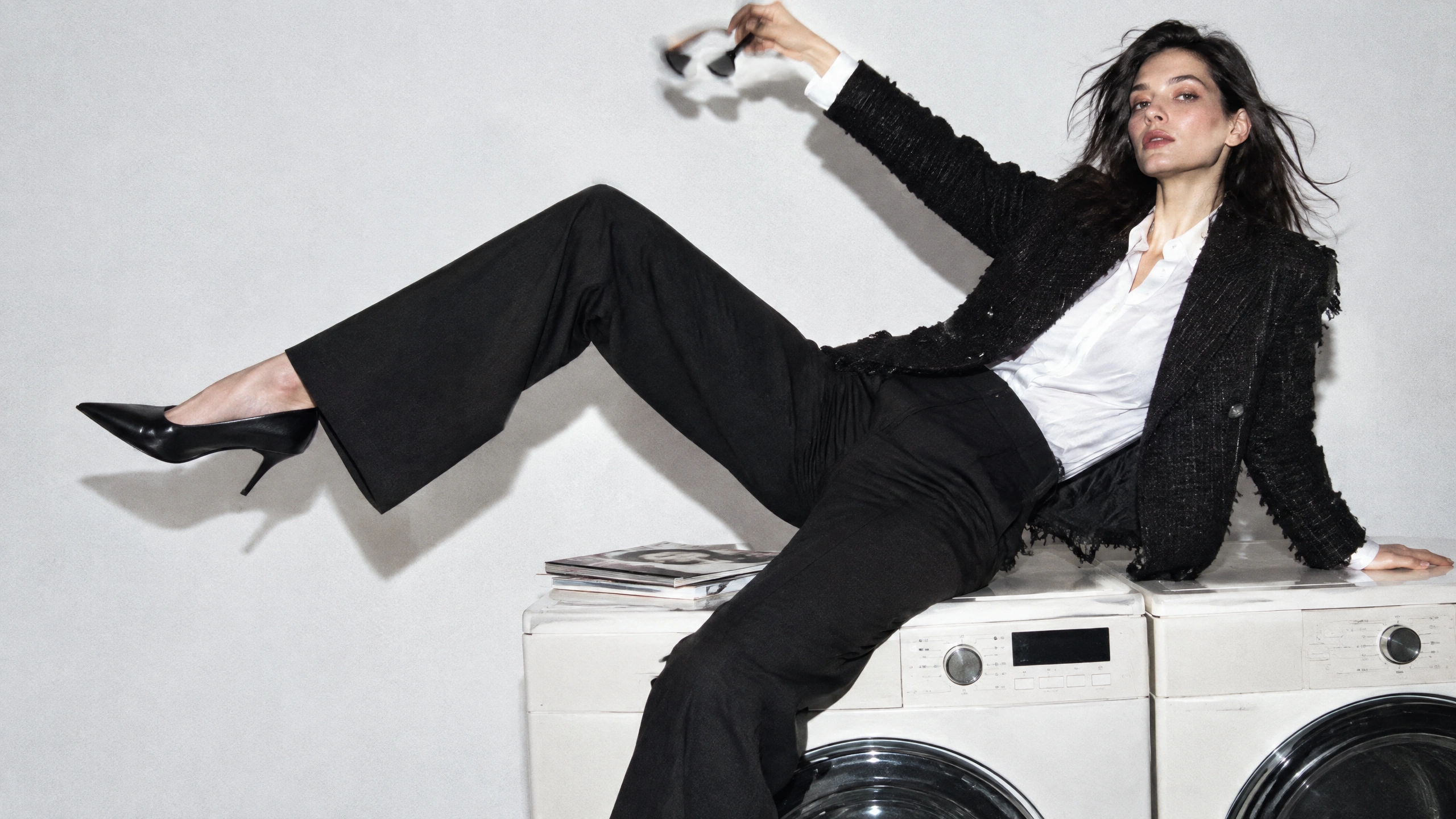
黒いスーツを着て洗濯機に座る女性

Native 4K Detail & Realistic Lighting

Give your visuals a photographic feel, with natural light, rich textures, and depth. Nano Banana 2.1 supports native output up to 4K for product campaigns, presentation images, and AI wallpapers. Soft daylight through glass, warm shadows across stone, or a dramatic backlit scene can define the whole look. Create images with atmosphere and detail that draw people into your visual world.
Try Nano Banana 2.1
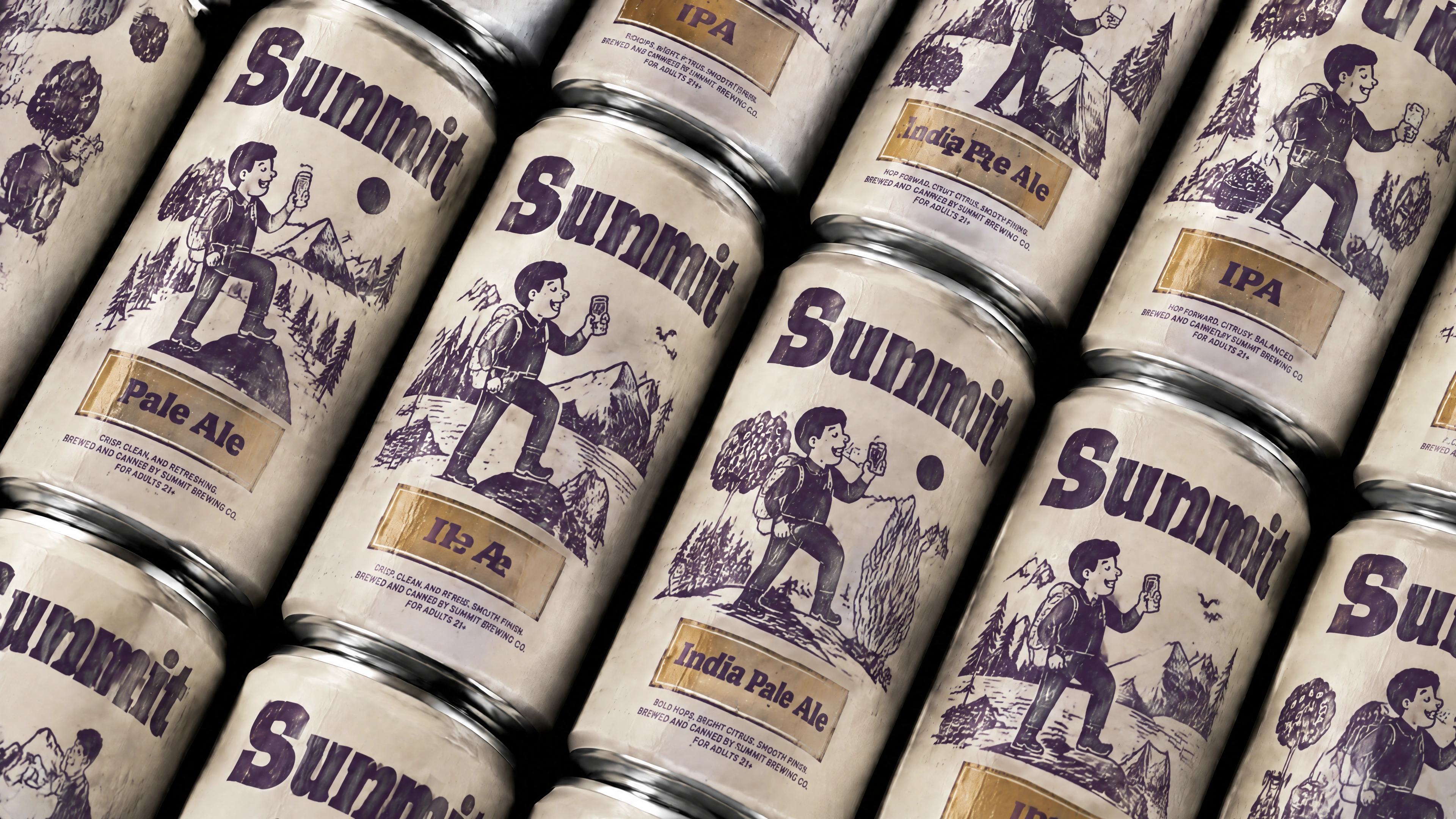
イラスト入りのパッケージの Summit ビール缶

Multi-Reference Control & AI Image Editing

Take your creative direction into a new scene. With up to 14 reference images and flexible AI image editing, Nano Banana 2.1 opens up new compositions around your subject and style. Reimagine a product campaign, explore a different outfit, or bring lettering and artwork together in a bold AI poster design. For everyday outfit previews, try Morph Studio's AI clothes changer alongside your image creation workflow.

Try Nano Banana 2.1

How to Use Nano Banana 2.1

3 ステップでアイデアを画像に。

1

Write your prompt and add references

Choose Nano Banana 2.1 in Morph Studio's Image Generator. Describe what you're making and add references for the visual details you want to use.

2

Set the format

Choose an aspect ratio and 1K, 2K, or 4K resolution. Review the credit estimate, which depends on the resolution and reference images.

3

Generate and develop your idea

Generate the image, check the text and subject details, and download the result. To explore another version, use the image as a reference and describe the next change.

Frequently Asked Questions

Everything you need to know about Nano Banana 2.1

What is Nano Banana 2.1?
Nano Banana 2.1 is Google's image generation and editing model. Use it in Morph Studio to create images from a prompt or develop an existing picture with references. You can explore posters with text, product visuals, portraits, and changes to clothing or backgrounds.
Is Nano Banana 2.1 free to use on Morph Studio?
Yes. Morph Studio offers one Nano Banana 2.1 generation per month for free accounts. Additional usage depends on your plan.
Can I edit an existing image with Nano Banana 2.1?
Yes. Upload the image and describe the change, such as a new background, a different outfit, or warmer lighting. Name the details you want to keep, including the person's face and pose or the product's shape and label. Compare the result with the original before developing the next version.
Is Nano Banana 2.1 good for posters and images with text?
You can generate a headline and artwork together for posters, event graphics, and social posts. Put the exact wording in quotation marks and describe the size and placement of each line. Check spelling and readability in the finished image before using it.
Can I combine multiple reference images?
Yes. Morph Studio supports up to 14 reference images with Nano Banana 2.1. Explain what each contributes, such as a person, a garment, a product, or a setting. Use the references your idea needs and describe how they should work together.
Can I keep the same person or product across edits?
Use a clear reference and name the features that define the subject, such as a hairstyle, bottle shape, or label. References guide the appearance, while details can shift during generation. Compare the face, proportions, lettering, and other details that need to match before using the result.
Which resolution should I choose?
Each generation produces one image at 1K, 2K, or 4K, with up to 14 reference images. Choose the resolution for your intended image size and an aspect ratio that suits the placement. Review the credit estimate for your settings, then check the finished text and subject details at full size.
How do I write a good Nano Banana 2.1 prompt?
Describe the subject, setting, composition, lighting, and any words that should appear. For an edit, state what to change and what to keep. When using several references, explain the role of each image so the request gives them a clear purpose.
Can I turn a Nano Banana 2.1 image into a video?
Yes. Generate the still image with Nano Banana 2.1, then upload it to Morph Studio's image-to-video workflow. Choose a video model and describe the movement or camera motion you want to add.

Try Nano Banana 2.1 in Morph Studio

Bring a prompt or a reference image and see where your next idea takes you.

Morph Studio
Email
Continue
By continuing, you agree to theTerms of ServiceandPrivate Policy.