
如何使用 Morph Studio 創建類似 Airbnb 風格的動畫圖示:從想法到最終匯出
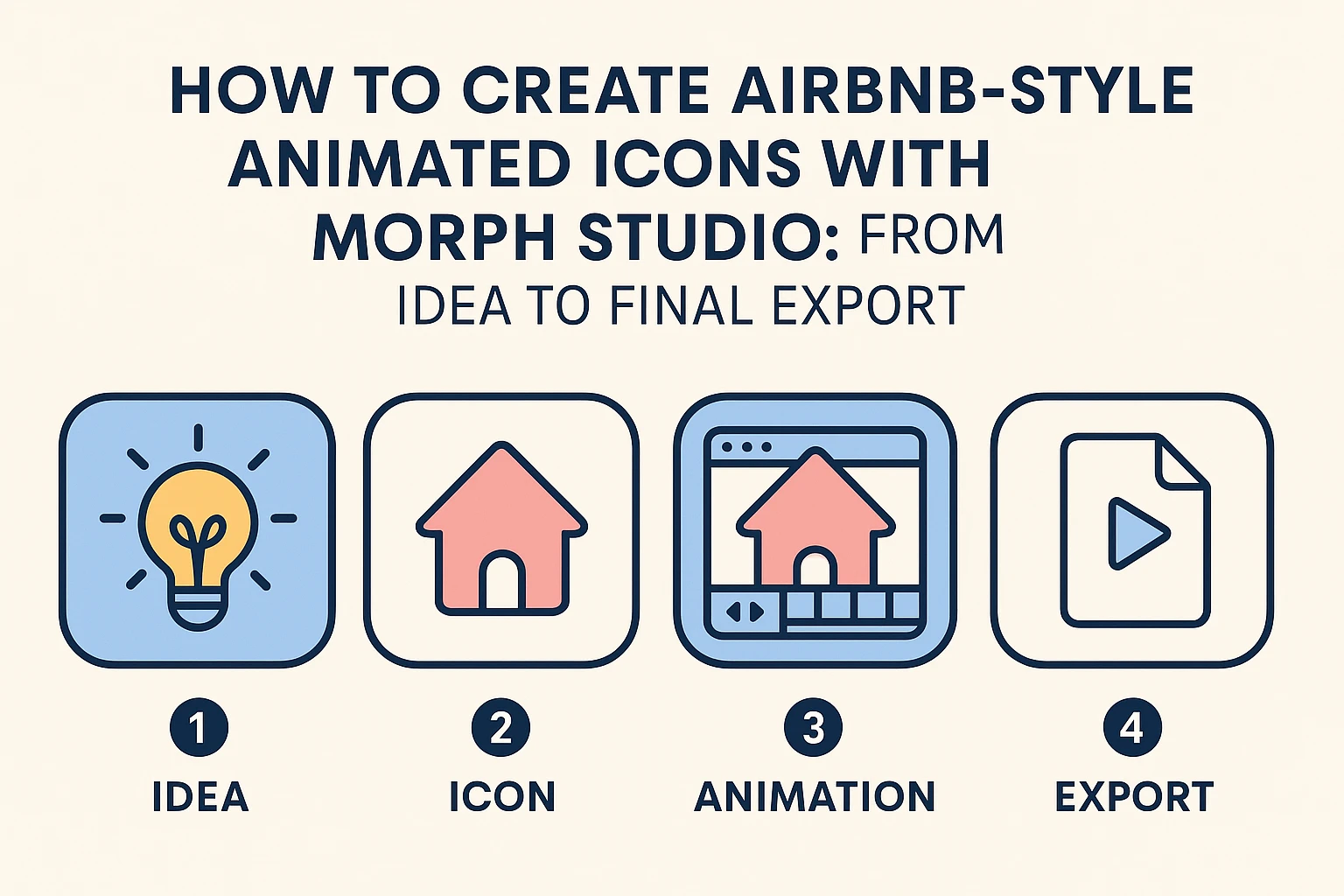
當你想到 Airbnb 的視覺風格時,可能會聯想到簡潔的線條、柔和的粉彩色系,以及既友好又現代的圖示。這種「平易近人的極簡風」已經成為一種設計語言,非常適合用於演示、網站或經由 視頻風格轉換增強的解說影片。
透過 Morph Studio 這個創新的 AI 動畫生成器 平台,你只需幾個步驟即可創建類似的動畫圖示。你可以從 圖片到視頻 的創建,轉到靜態圖片,再到完全的動畫視頻,而不需在多個應用程式間切換。以下是如何開始的步驟。
步驟一- 創意方向與初稿
先從一個清晰的想法開始:你的圖示應該講述什麼故事?不論是溫馨的房子、地圖釘、或行李箱—這些以旅遊為主題的元素非常符合 Airbnb 靈感的美學。如果你是從頭開始設計,可以使用我們的 AI 標誌生成器 進行概念腦力激盪,或嘗試 AI 透明圖製作器 來清晰隔離 PNG 背景上的圖示。
Morph Studio 強烈建議在提示中使用 JSON 格式,因為這被廣泛認可為 AI 圖示設計 最有效的方法,特別是在創建類似 Airbnb 風格的視覺時。即使你對 JSON 沒有經驗,也可以簡單地複製以下模板提示,並請 GPT 根據你所選的主題進行調整,讓你迅速達成專業、精緻的結果。該平台的 互動式分鏡板 允許在進行動畫之前輕鬆重新安排和更換元素。
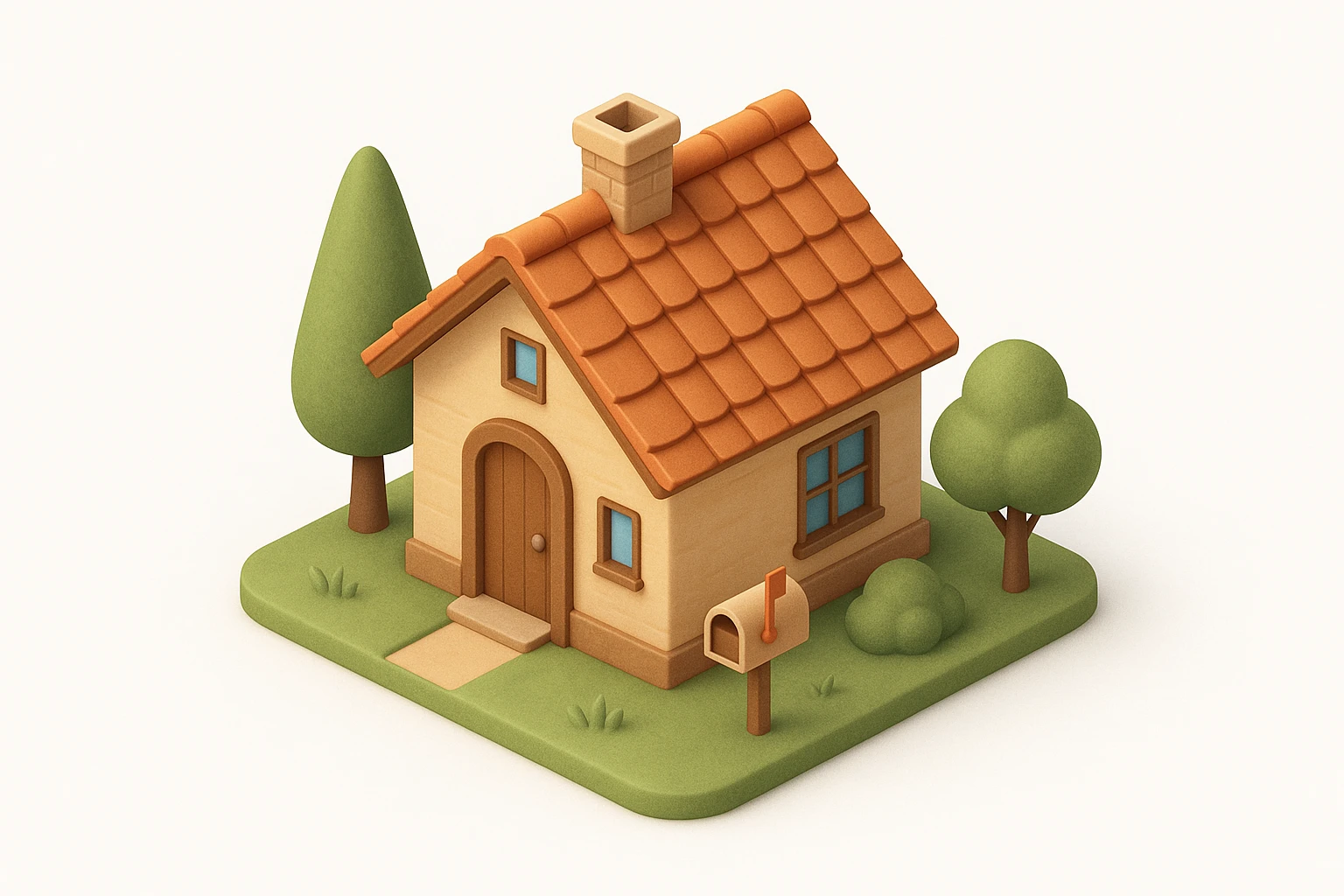
{
  "icon_style": {
    "perspective": "isometric",
    "geometry": {
      "proportions": "1:1 ratio canvas, with house fitting comfortably within margins",
      "element_arrangement": "central dominant small house, with supporting elements like trees, mailbox, or garden objects symmetrically or diagonally placed"
    },
    "composition": {
      "element_count": "2--4 main objects (small house as the primary element)",
      "spatial_depth": "layered to create sense of dimension and slight elevation",
      "scale_consistency": "uniform object scale across icon set",
      "scene_density": "minimal to moderate, maintaining clarity and visual focus"
    },
    "lighting": {
      "type": "soft ambient light",
      "light_source": "subtle top-right or front-top direction",
      "shadow": "gentle drop shadows below and behind the house and surrounding elements",
      "highlighting": "mild edge illumination to define architectural forms"
    },
    "textures": {
      "material_finish": "semi-matte to satin surfaces",
      "surface_treatment": "smooth with light tactile variation (e.g., wood grain, roof tiles)",
      "texture_realism": "stylized naturalism without hyper-realistic noise"
    },
    "render_quality": {
      "resolution": "high-resolution octane 3D rendering",
      "edge_definition": "crisp, no outlines; separation achieved via lighting and depth",
      "visual_clarity": "clean, readable shapes with minimal clutter"
    },
    "color_palette": {
      "tone": "naturalistic with slight saturation boost",
      "range": "harmonious muted tones with gentle contrast",
      "usage": "distinct colors per object (e.g., roof, walls, door, surrounding elements) to improve identification and readability"
    },
    "background": {
      "color": "#FFFFFF",
      "style": "pure white, flat",
      "texture": "none"
    },
    "stylistic_tone": "premium, friendly, clean with lifestyle or home-oriented appeal",
    "icon_behavior": {
      "branding_alignment": "neutral enough for broad applications",
      "scalability": "legible at small and medium sizes",
      "interchangeability": "part of a cohesive icon system with interchangeable home-related subject matter"
    }
  }
}
模型 :GPT Image
步驟二- 添加動態效果
雖然靜態圖示看起來很不錯,加上動作則會賦予其生命。對於更複雜和動態的動畫,探索我們的 Seedance 2.0 模型。使用 Morph Studio 的 AI 視頻創建 介面,拖動和調整元素,移動對話框,安排淡入淡出或旋轉等特效,以創造流暢的動畫。
透過批量上傳和一鍵匯出的功能,測試多種動畫風格變得快捷又簡便—不需額外的軟體或插件,輕鬆達到 AI 動作控制 的流暢節奏。
*提示: *動畫化的 Airbnb 風格簡約房子圖示,平滑放大和縮小,柔和旋轉,輕飄動作,淡淡的彈跳效果,粉彩顏色,循環動畫
模型: Kling Master 2.0
步驟三- 建立故事序列
讓你的動畫更進一步,通過連接圖示到微型故事。例如:看一個房子圖示變形為地圖釘,再轉變為行李箱,講述一個簡單的旅途故事,無需文字,節省尋找複雜的 AI 視頻生成器。
Morph Studio 的拖放式 AI 分鏡工具 讓場景排序變得容易—重新排列剪輯、調整時間、預覽影片,然後再匯出。
*提示: *圖示序列變形,房子圖示 -> 地圖釘 -> 行李箱,流暢動畫,Airbnb 風格,粉彩顏色
模型: Hailuo 02
步驟四- 匯出與分享
對你的作品滿意嗎?將動畫匯出為 MP4 或 GIF 以便用於網站、社交媒體或演示。匯出前透過 AI 背景移除工具 清除任何不需要的背景。Morph Studio 與多個頂尖 AI 模型的整合讓你可在不跳平台的情況下,經濟地探索多樣風格。
Morph Studio 之所以脫穎而出
- 互動式分鏡板: 在靈活的畫布上輕鬆操控元素。
- 簡化的工作流程: 從 文字提示 (透過 文字到視頻)到動畫視頻,全部在同一地點完成。
- 多重 AI 模型接觸: 嘗試流行的 AI 工具而不用額外費用。
- 批量處理和一鍵匯出: 無縱限提高你的生產力。
Morph Studio 將創意自由與 AI 驅動的效率相結合,幫助你輕鬆創造出溫暖、令人難忘的視覺,無論是品牌推廣、市場行銷,還是個人項目,類似 Airbnb 風格的動畫圖示都能增添精緻、親切的感覺。
準備開始了嗎?造訪 Morph Studio 並立即將你的點子化為現實。