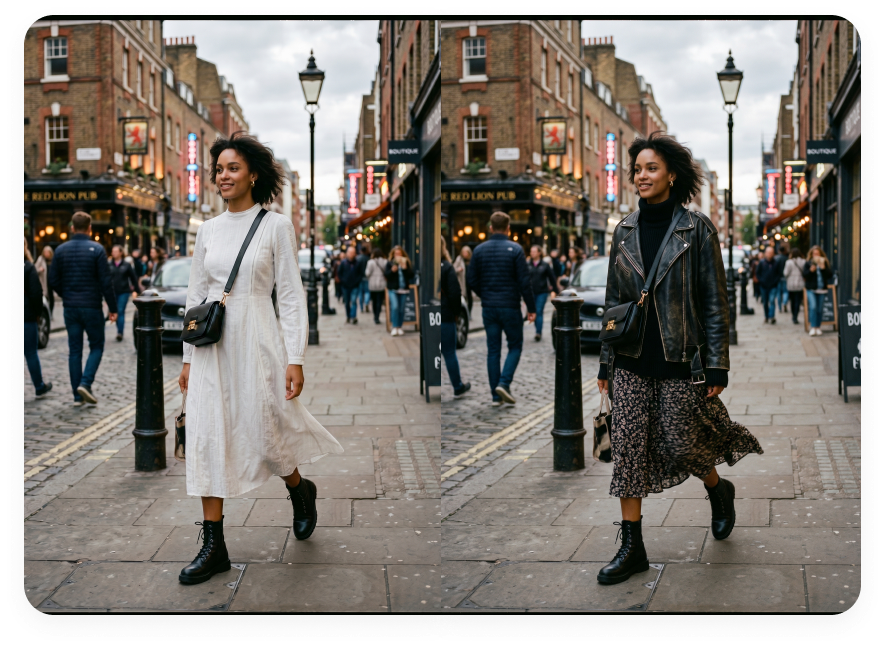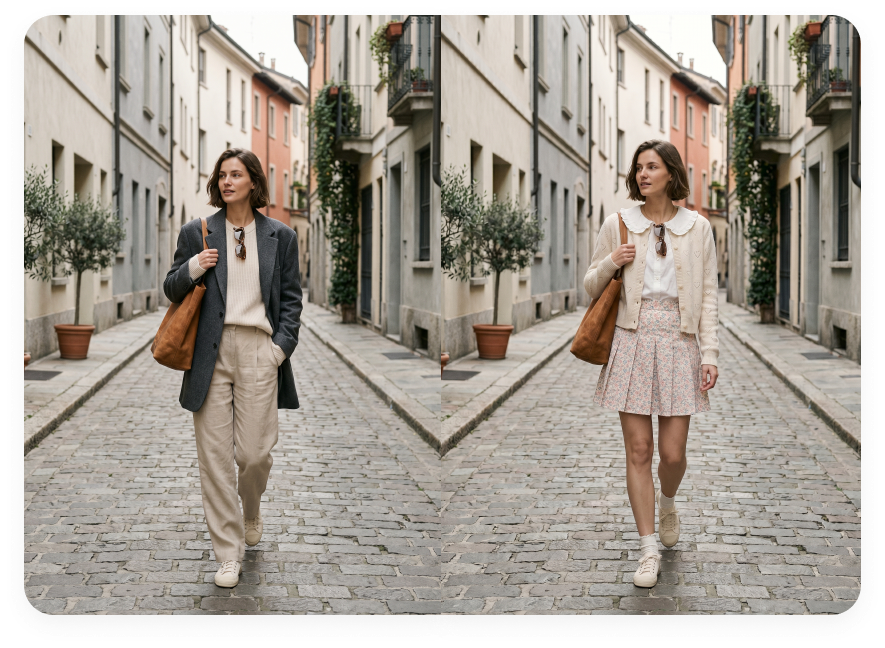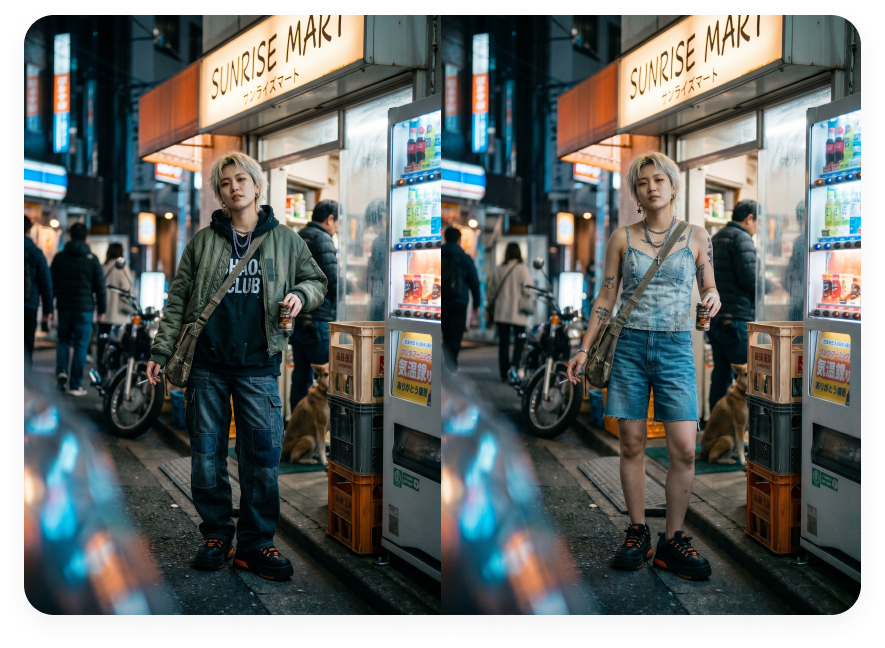
Free AI Clothes Changer

Change clothes in photos with Morph Studio's free AI clothes changer. Upload your photo and an outfit reference to create a new look while keeping the subject, pose, and background recognizable. Start for free to make polished profile photos, outfit previews, creator content, and social visuals without booking another photoshoot.
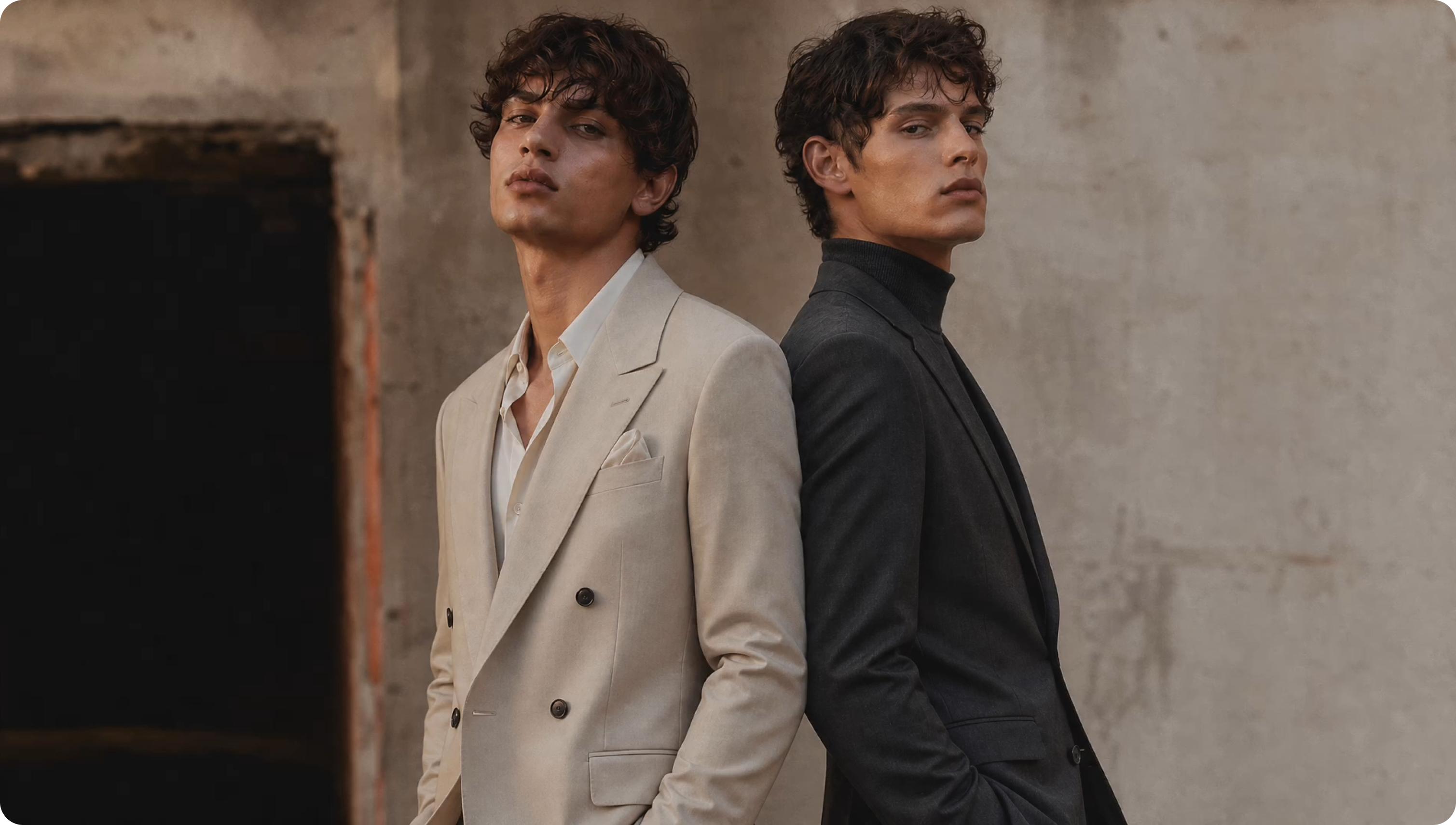
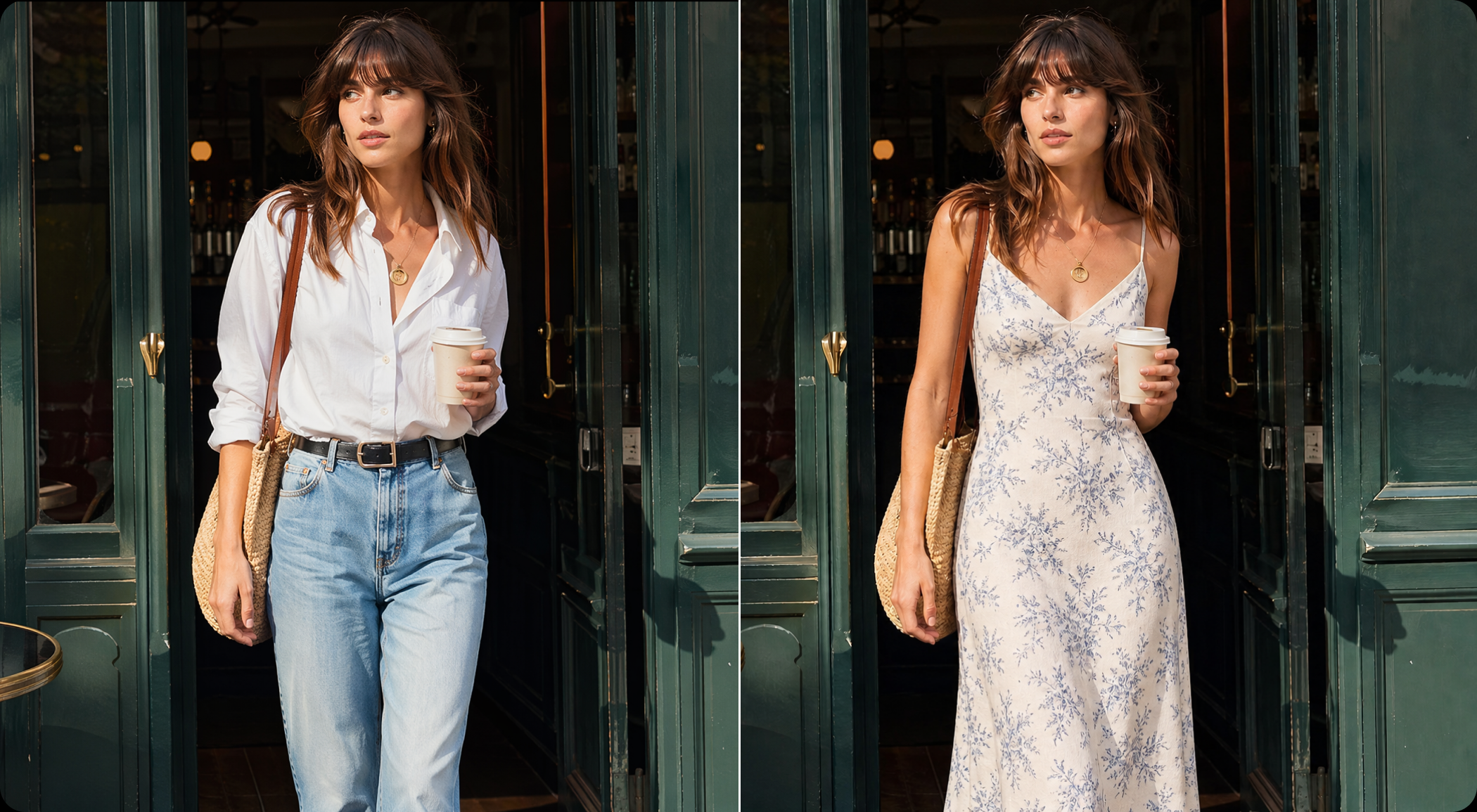
AI clothes changer hero image with professional outfit examples
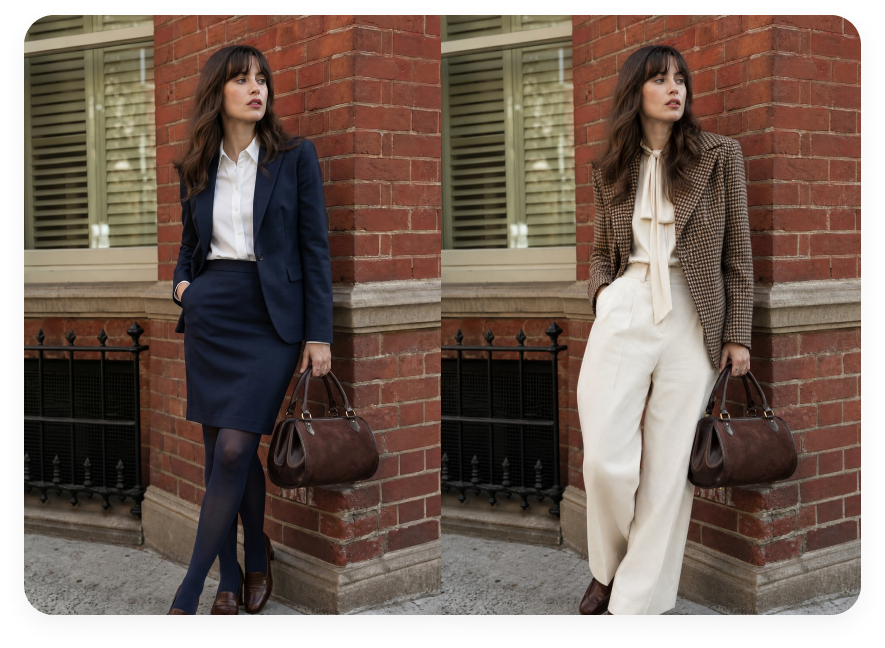
AI clothes changer LinkedIn-ready profile photo before and after

LinkedIn-Ready Profile Photos

Turn one clear portrait into a polished profile photo with blazers, suits, dresses, or smart casual outfits. Preview a professional look for LinkedIn, resumes, CVs, portfolio pages, and profile pictures without booking a new shoot.
ابدأ الآن
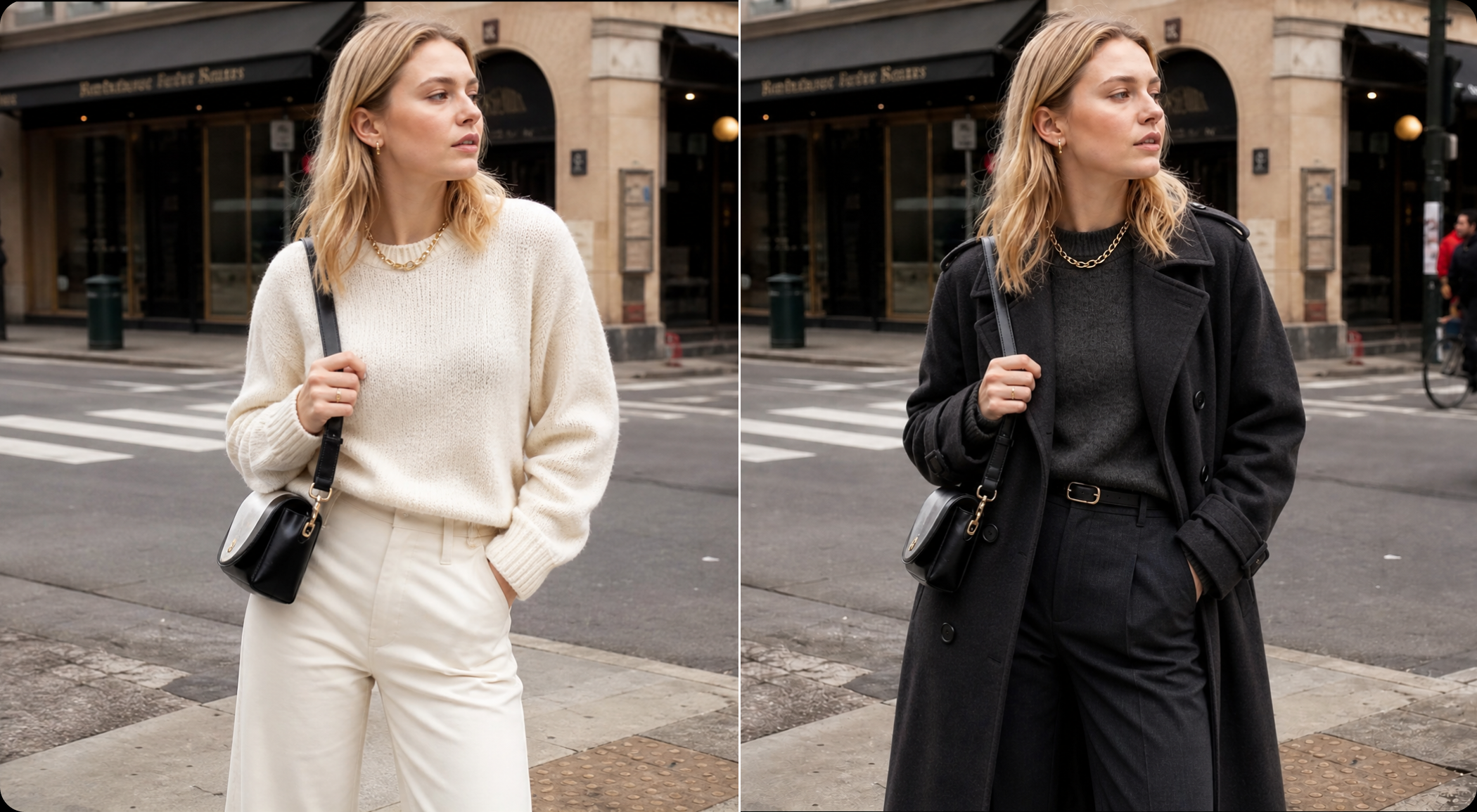
AI outfit changer professional work outfit before and after

Professional Looks for Work and Brand

Create business-ready outfit photos from images you already have. Explore formal workwear, smart casual styles, and personal brand looks while keeping the original subject and background recognizable.
ابدأ الآن
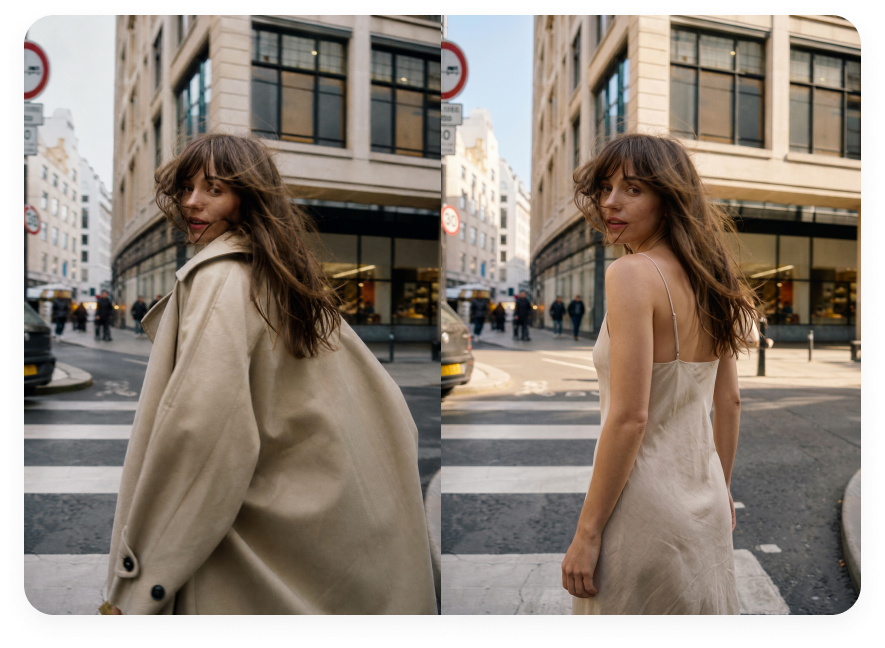
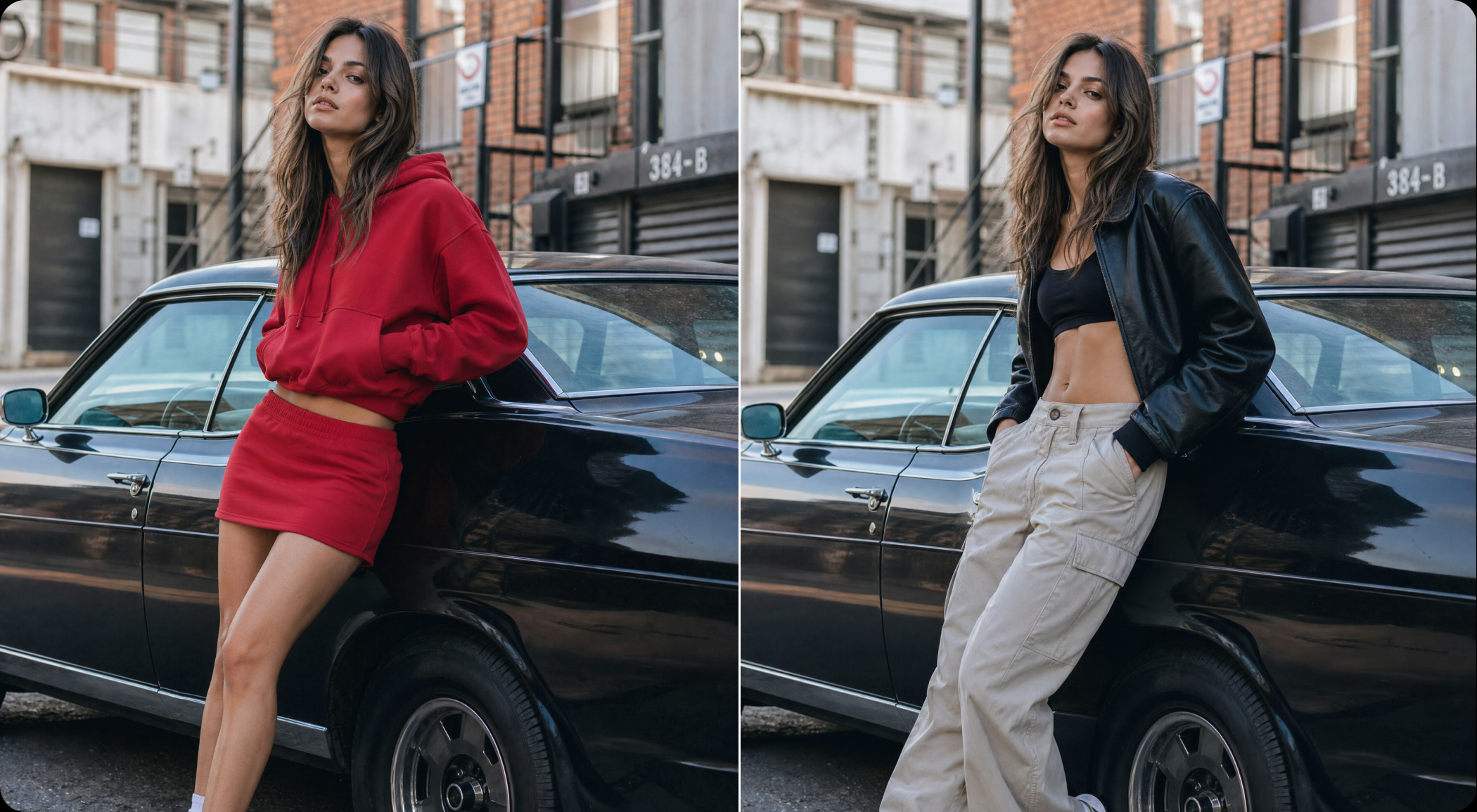
AI clothing changer social content outfit before and after

Fresh Outfit Photos for Social Content

Refresh everyday photos with new clothing styles for posts, campaign drafts, moodboards, and profile updates. Add an outfit reference, generate a ready-to-share preview, and keep your content moving without another photoshoot.

ابدأ الآن

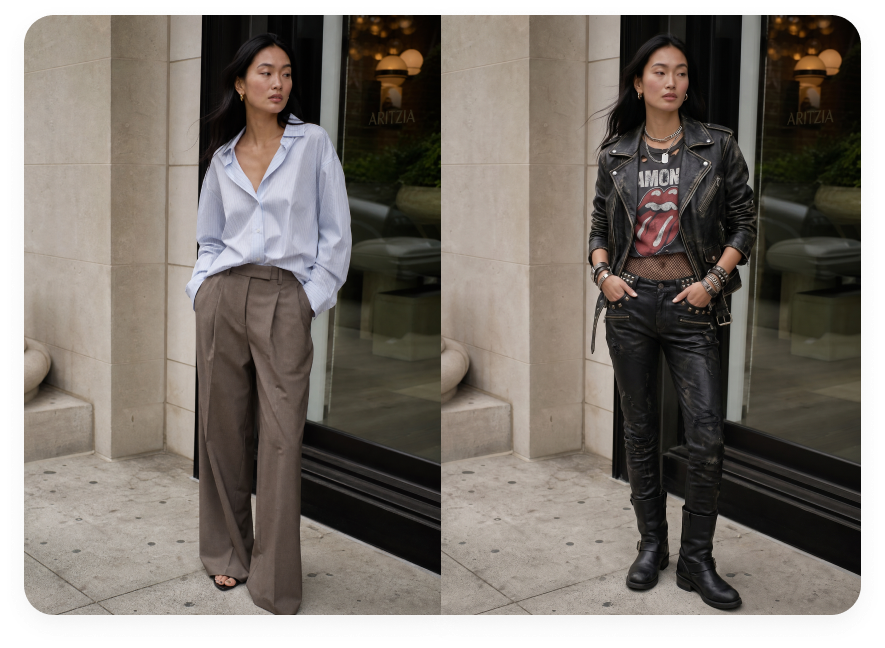
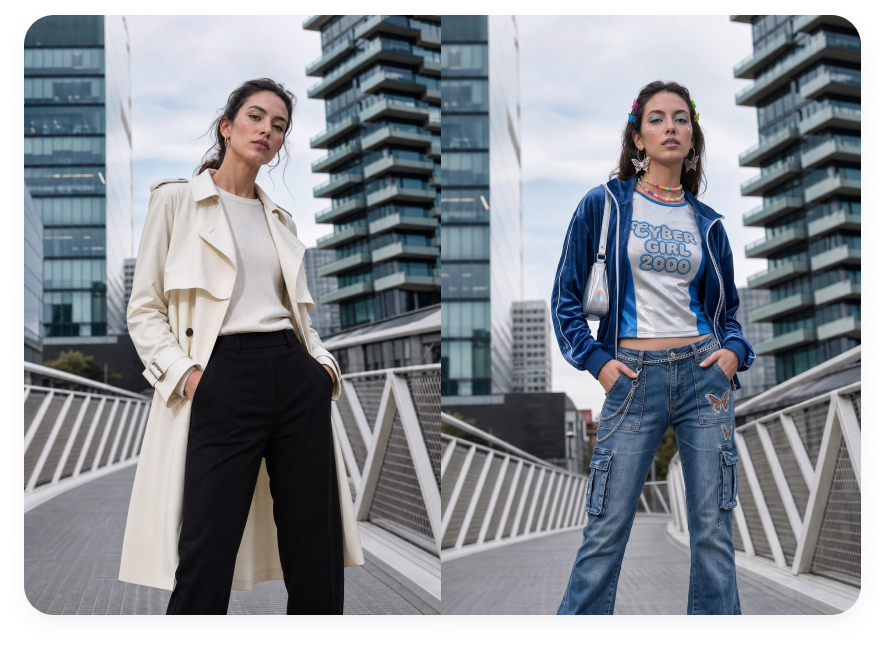
Showcase AI Outfit Changes

Preview profile, workwear, fashion, and social-ready outfit changes.
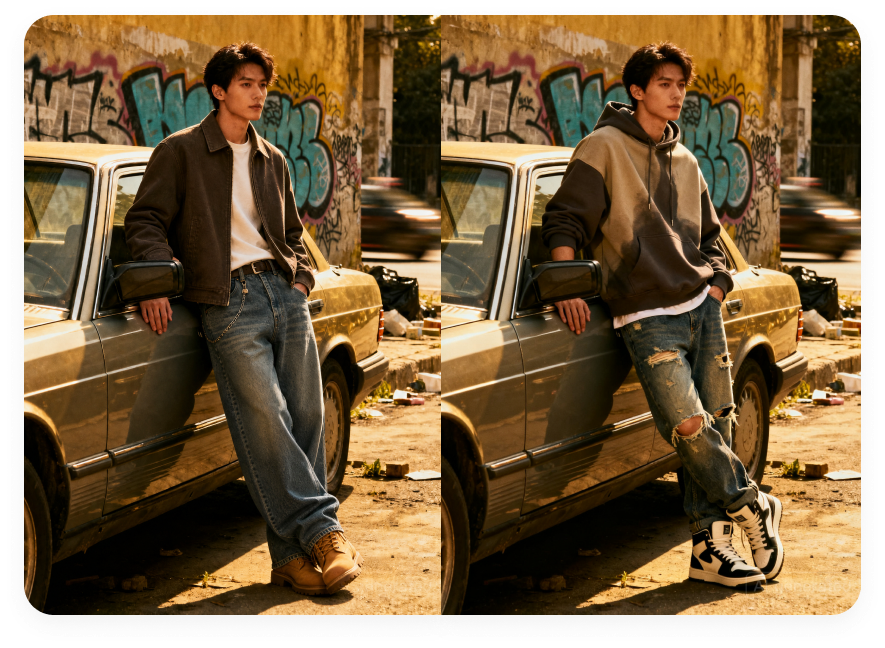
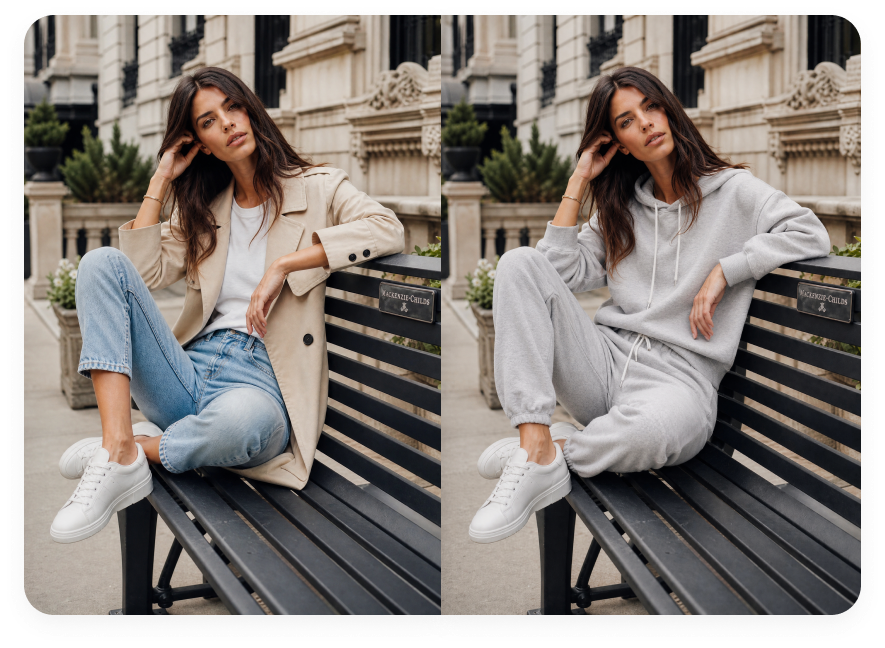
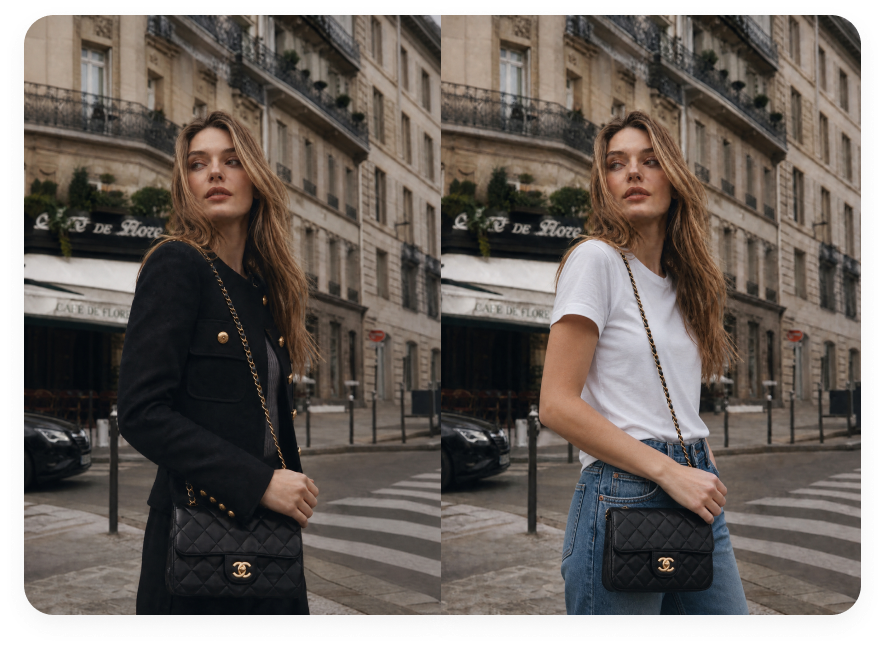
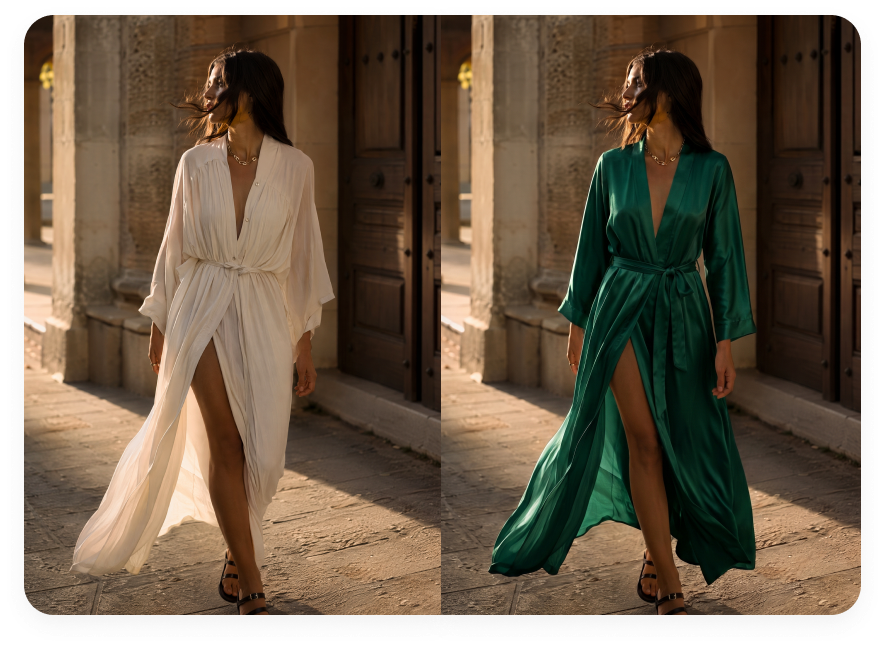
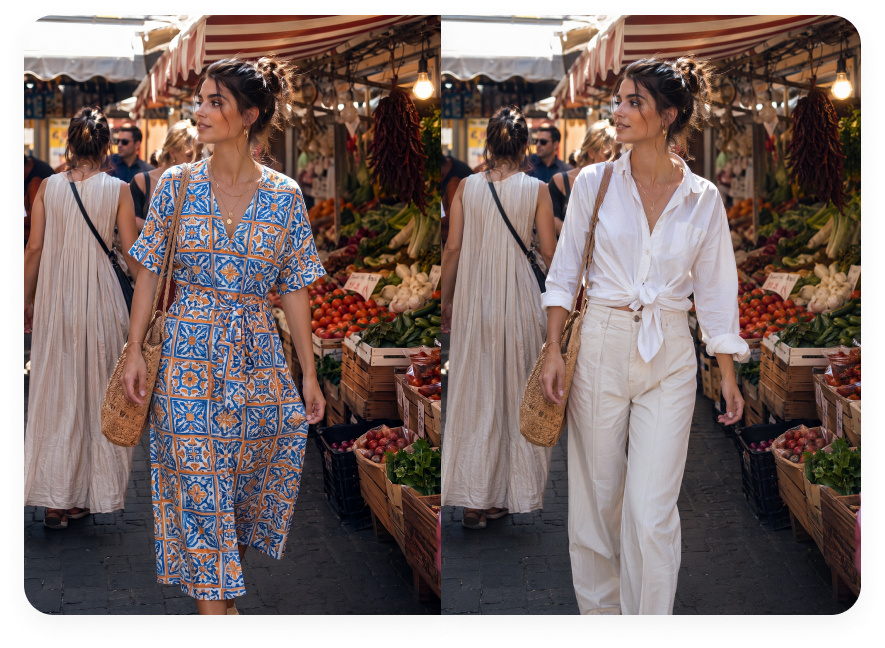
AI clothes changer outfit preview example 1AI clothes changer outfit preview example 2AI clothes changer outfit preview example 3AI clothes changer outfit preview example 4

Change Clothes in a Photo in 3 Steps

Upload your photo, add an outfit reference, and preview a new look

1

Upload Your Photo

Start with the photo you want to edit. Full-body or upper-body photos with visible clothing, a clear pose, and good lighting usually work best for AI outfit changes.

2

Upload Your Outfit Reference

Add the clothing reference you want to try. Use a flat lay, product photo, on-model outfit image, or another clear visual reference.

3

Generate and Download

Generate your AI clothes changer result, review the outfit preview, then download it or keep editing inside Morph Studio.

Frequently Asked Questions

What is an AI clothes changer?
An AI clothes changer is a photo editing tool that updates the outfit in a person's photo. In Morph Studio, you upload your photo plus an outfit reference image, then generate a new preview while keeping the subject, pose, and background recognizable.
Is AI Clothes Changer free to use on Morph Studio?
Yes. Morph Studio gives users a free way to start creating AI clothes changer results. You may need to log in before generating or downloading, and advanced features or higher usage limits may depend on your plan.
How do I change clothes in a photo online?
Upload the photo you want to edit, add the outfit reference you want to use, then generate the result. Morph Studio creates an AI outfit preview from the two images so you can try a new look without manual photo editing.
Can I use my own outfit reference?
Yes. AI Clothes Changer uses two uploads: a photo of the person and an outfit reference. You can upload your own flat lay, product image, on-model clothing photo, or another clear clothing reference.
What kinds of photos and outfit references work best?
Clear full-body or upper-body photos usually work best when the person, pose, and clothing are visible. For the outfit reference, use a flat lay, product image, on-model clothing photo, or another clear image that shows the garment shape, color, and style.
Can I change a shirt, jacket, dress, or full outfit in a photo?
Yes. You can upload your photo and use a shirt, jacket, dress, top, or full outfit reference as the clothing reference. Clear upper-body or full-body photos usually produce better outfit change previews.
Can I use AI Clothes Changer for LinkedIn or social media photos?
Yes. You can use it to create polished profile photos, creator visuals, fashion moodboards, and social posts for LinkedIn, resumes, portfolios, and social media.
Does the tool keep the same face, pose, and background?
AI Clothes Changer is designed to keep the original subject, pose, and background recognizable while changing the outfit. Results can vary based on image quality, pose, outfit complexity, and the clarity of the clothing reference.
Can I use AI Clothes Changer images commercially?
Yes. You can use AI Clothes Changer results for commercial projects, including ads, ecommerce pages, client work, brand content, and social campaigns.

Try Morph Studio's Free AI Clothes Changer

Upload your photo and an outfit reference to create a new look in seconds. Start for free and turn photos you already have into polished profile shots, outfit previews, and social visuals.

Morph Studio
Email
Continue
By continuing, you agree to theTerms of ServiceandPrivate Policy.