
AI Bullet Time Effect
Be the calm at the center of the chaos. Bring your character into a cinematic diner scene, where suspended action and a sweeping camera move turn one photo into a memorable entrance.
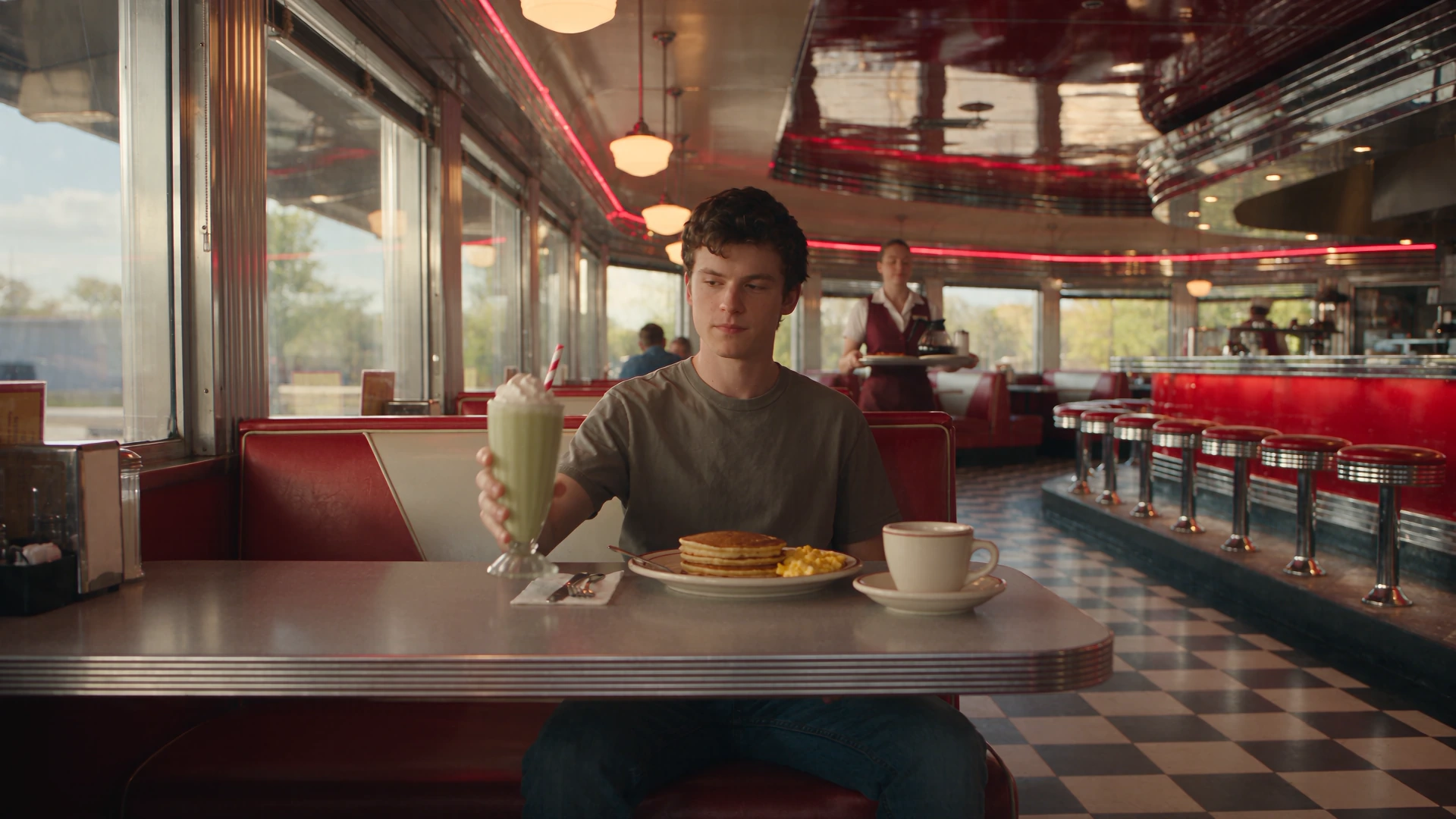
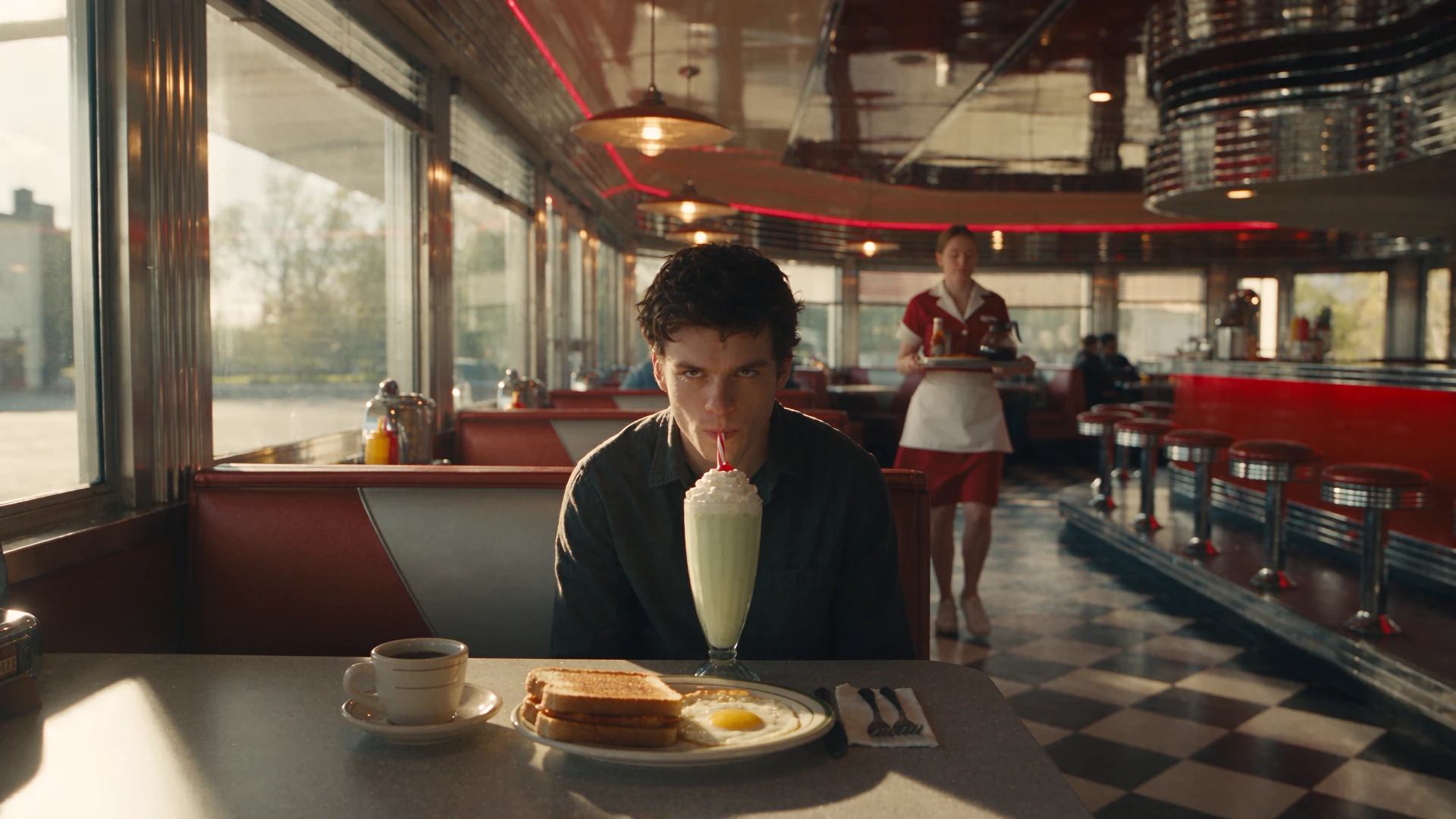
Take Your Seat in a Cinematic Scene
A red booth, a milkshake, and a moment of cool composure. Give your character a role in a diner scene with personality built in. Make an introduction that feels like a scene from a film, whether the lead is you, a friend, or a character you created.
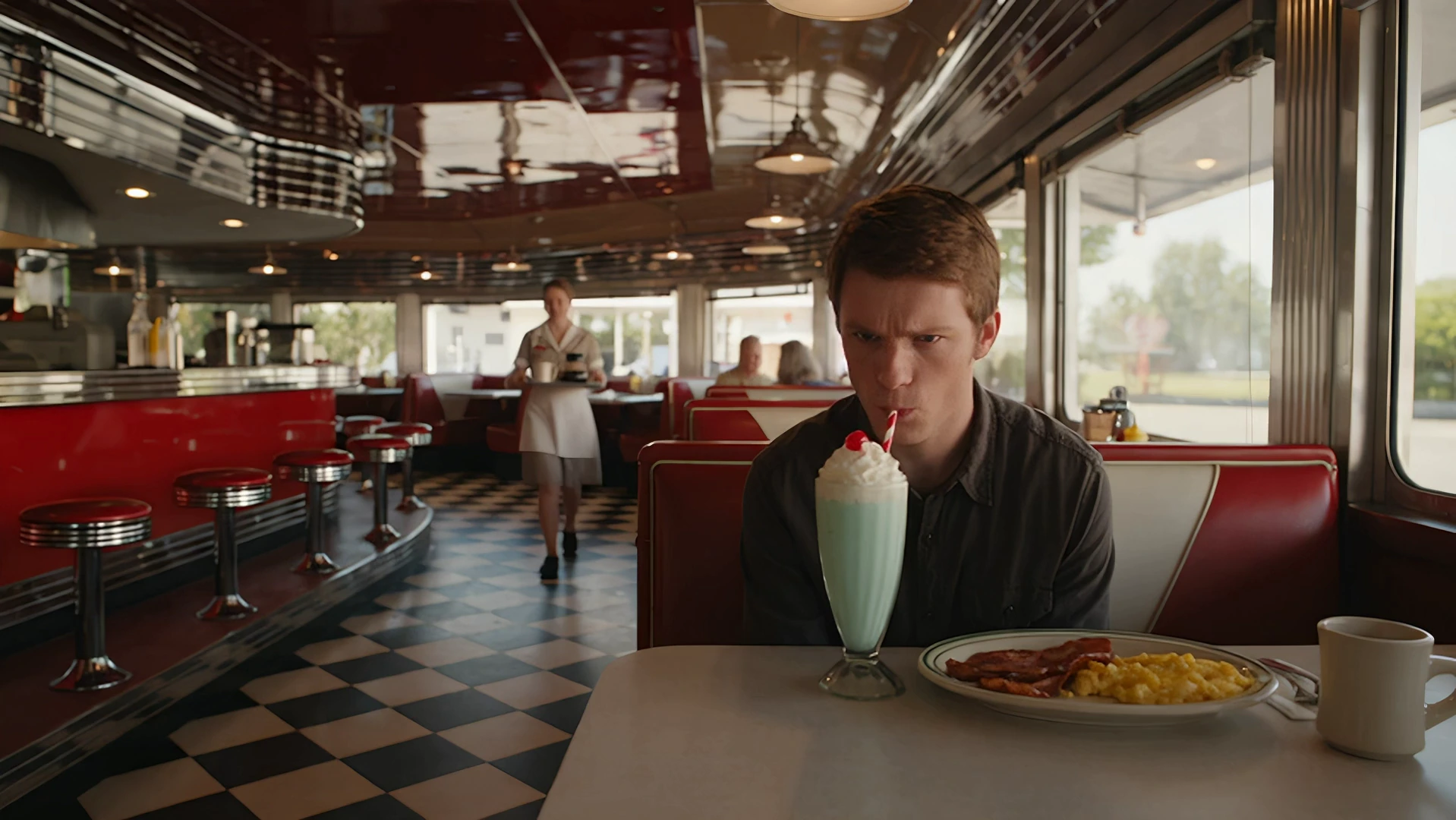
Let the Camera Bring the Drama
Plates hang in the air as the camera sweeps around the booth. The contrast between a composed lead and the suspended commotion makes the moment feel larger than life. Bring that visual tension to a story opening, character reveal, or cinematic social video.
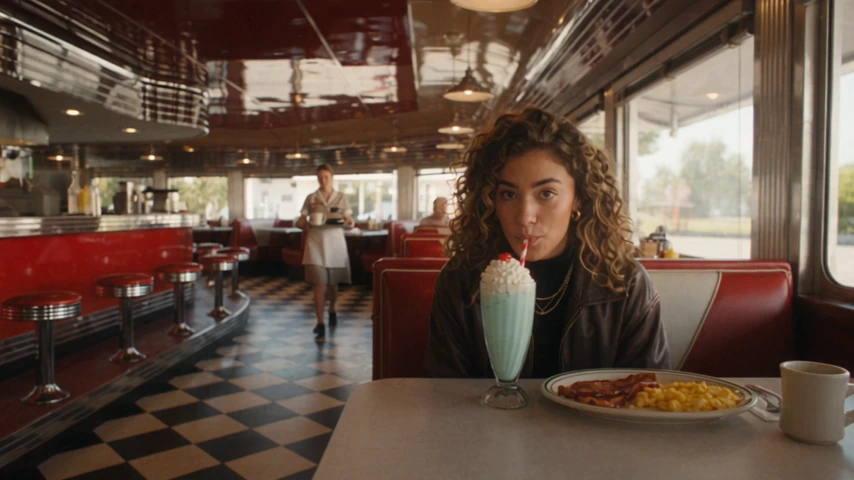
Give a Familiar Face an Unexpected Role
Turn a portrait into a character moment with attitude. Bring your own look to the lead and let the diner scene give it a new context. Create a playful cameo, an alter ego, or a bold opening for a personal story.
How to Create a Bullet Time Diner Video
Choose your character, continue to the workspace, and create the scene.
Upload Your Character Photo
Sign in and upload one clear photo of a person. Use a full-body image with a simple background where possible, and add optional subject details if helpful.
Continue with the Diner Preset
Click Generate to open the app with your uploaded photo and Bullet Time selected. The platform provides the diner reference video and its camera sequence.
Generate Your Video
Continue to the app with your photo and effect. Choose your output settings, review the current credit quote, and confirm generation. Download the video for your next post or edit.
Give Your Character Another Scene
Keep the story moving with a new performance or visual idea.
Keep Your Character in the Spotlight
Take the lead on stage, build a new scene, or give a finished clip more detail.
Put your character in the spotlight of a lively stage performance.
Create a new scene from your image and the story you want to tell.
Create a higher-resolution version of your finished cinematic clip.
Frequently Asked Questions
Understand the diner preset and prepare a photo for the lead role.
Your Character. A Scene to Remember.
Take your seat in the diner and give your next story a cinematic entrance.