
Earth Zoom Effect
Give your story an entrance on a planetary scale. Travel from above Earth, through the clouds, and into your photo’s scene. Make a familiar place the destination of a cinematic journey.
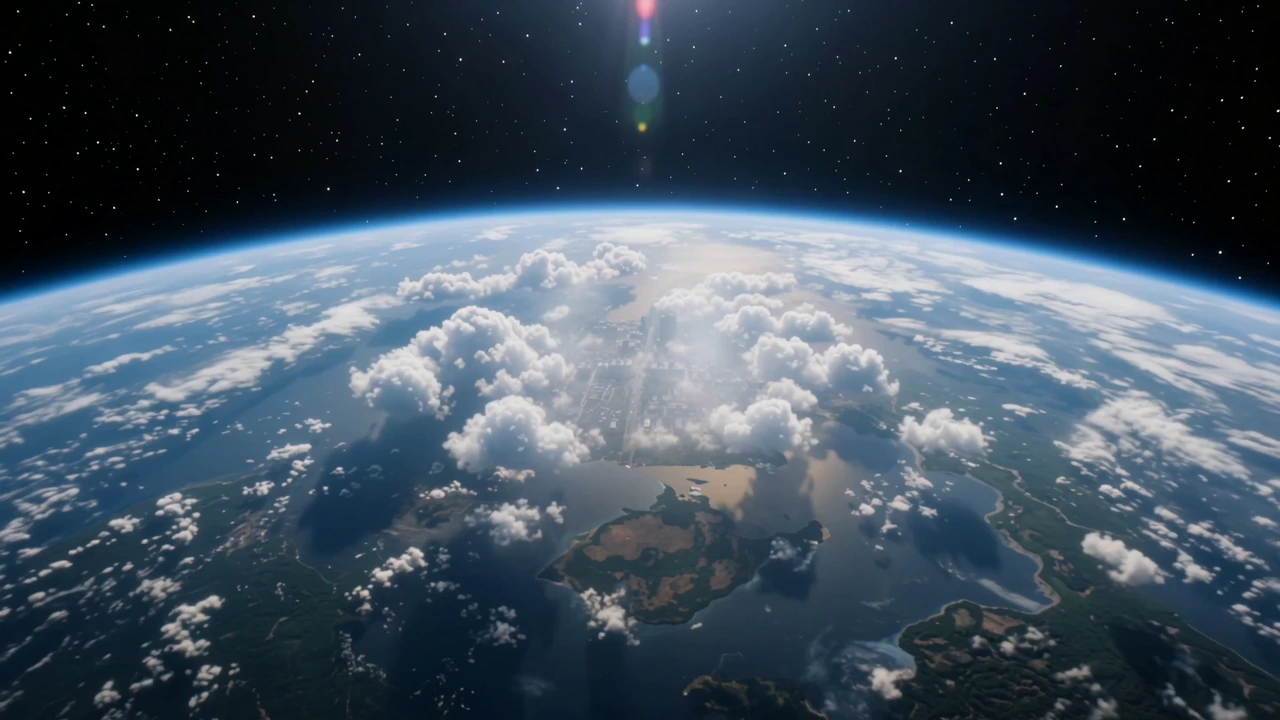
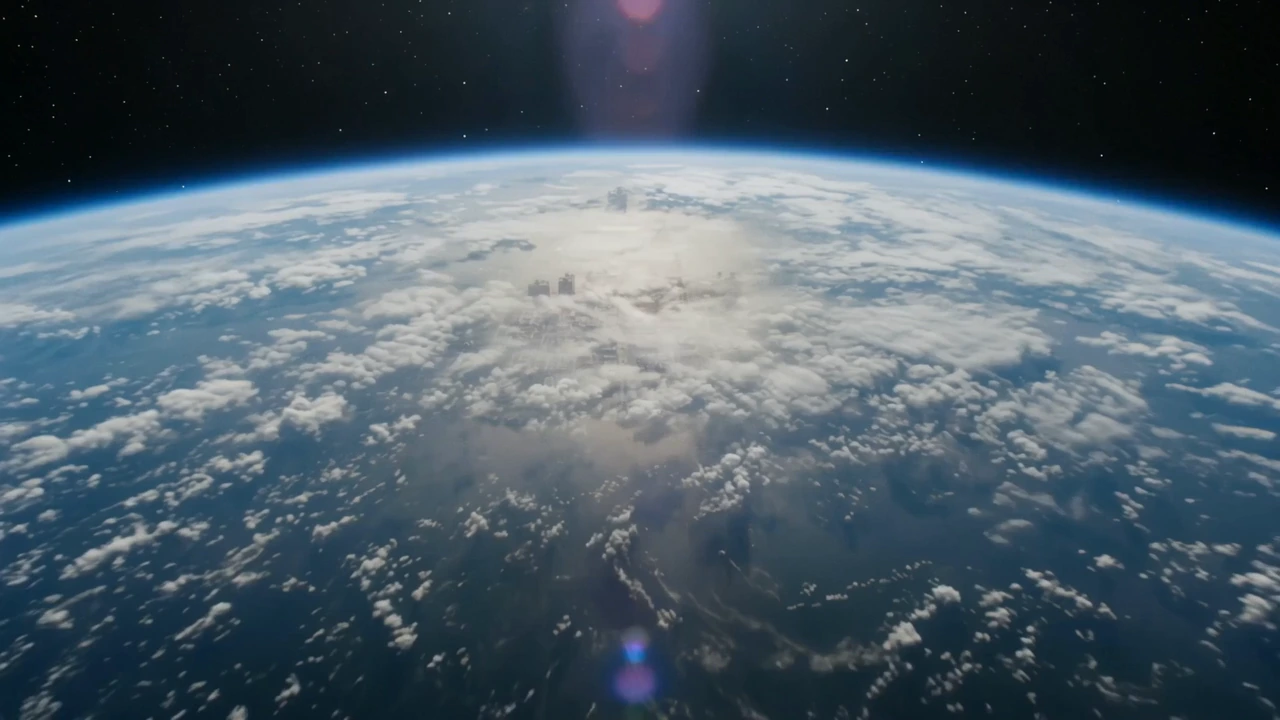
Give Your Subject an Epic Entrance
Begin with the scale of the planet and end with one person. A street portrait becomes the destination of a much bigger journey, turning an everyday setting into a cinematic introduction. Give a character story or a personal video an opening that builds anticipation.
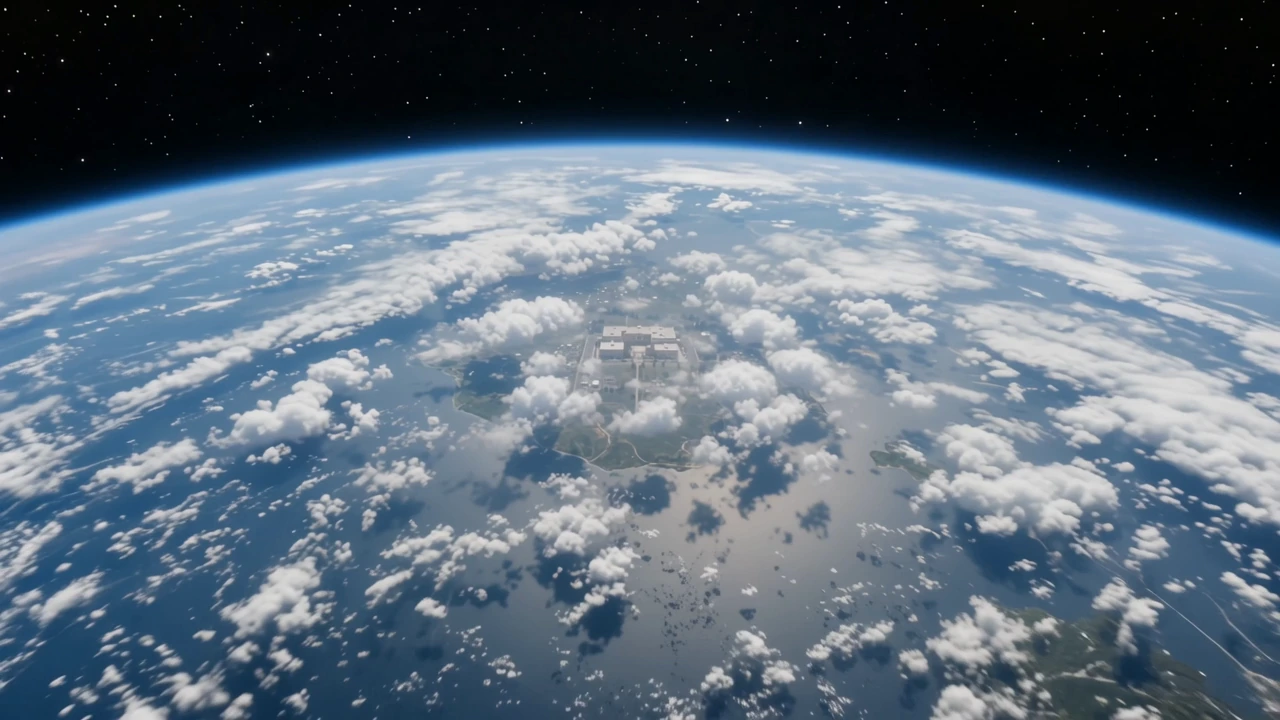
Make Your Place the Destination
Bring the viewer from Earth’s horizon to a place with meaning. A school entrance, a neighborhood, or a favorite destination can become the payoff of the journey. Give a location story a sense of arrival before the rest of the video begins.
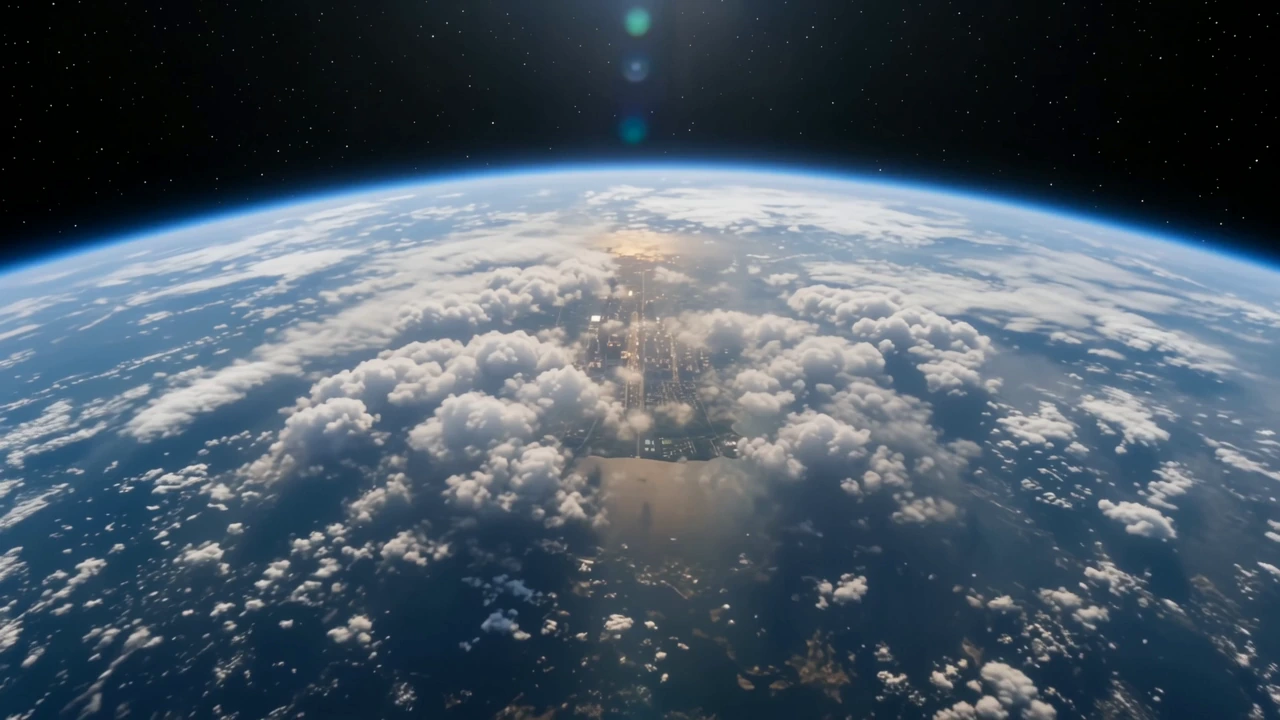
Open Your Story on a Bigger Scale
Let the journey set the mood before the final scene takes over. An arrival at a sunlit city intersection can lead into a travel story, a day in a new place, or a portrait with a sense of setting. Make the opening part of the story itself.
How to Create an Earth Zoom Video
Choose the destination first, then let the preset build the approach.
Upload Your Destination Photo
Sign in and upload your destination. Include the person, building, or landmark and the surroundings you want to reveal.
Add Useful Scene Details
Add subject or setting details, or leave the prompt blank. The preset keeps the descent from Earth into your photo.
Generate Your Video
Continue to the app with your photo and effect. Choose your output settings, review the current credit quote, and confirm generation. Download the video for your next post or edit.
Find the Next Scene in Your Story
Keep creating beyond the arrival.
Bring the Rest of the Story to Life
Develop the next scene or prepare your finished clip for a larger view.
Create the scene that comes next from an image and your own direction.
Create a higher-resolution version of your finished scene reveal.
Earth Zoom Questions
Choose the right scene and understand the journey before you generate.
Make Your Scene the Destination
Give the place in your photo an entrance that starts above the world.