
Kling Image 4.0 AI Image Generator
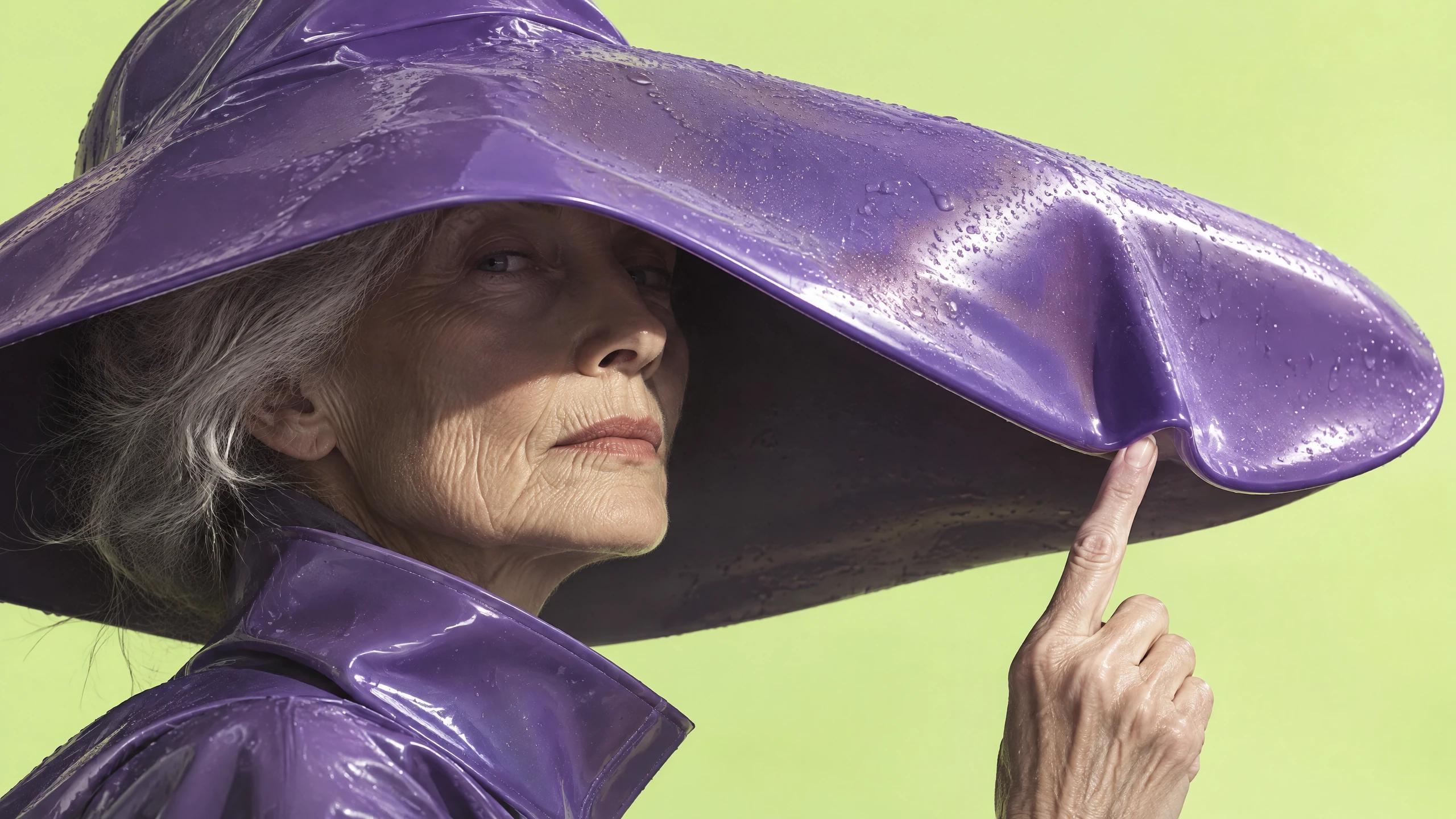
Picture a silver-haired woman lifting a shiny purple rain hat covered in raindrops while warm sunlight hits her face. Kling Image 4.0 turns a written shot idea or your own reference photos into bold fashion portraits and ad visuals with real texture and up to 8K detail. Direct magazine covers, seasonal lookbooks, and campaign art in Morph Studio.
Capture Low-Angle Energy in a Single Frame
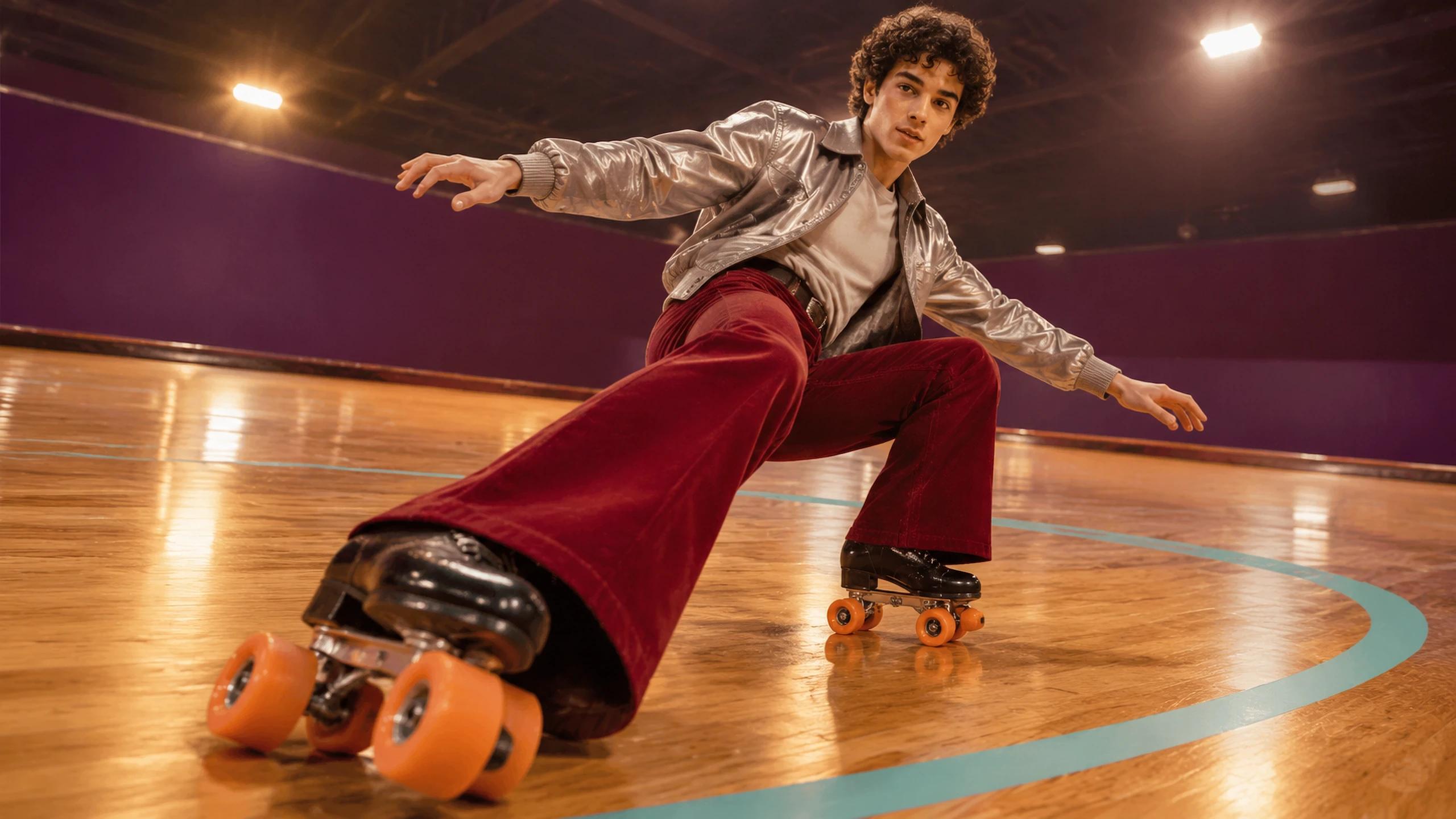
Drop the camera near the floor as a roller skater leans hard into a turn. A silver jacket catches the overhead lights, wide red pants sweep back, and bright orange wheels sit close to the lens on shiny wood. A text prompt in Kling Image 4.0 sets the angle, pose, and arena light in one still frame for AI fashion photography and sportswear lookbooks.

Crop Tight and Scale Up With 8K Detail
Frame a close-up of a model peering over a dark-gray puffer coat zipped to her nose, with stray hairs, natural skin texture, and shiny metal zipper teeth in sharp focus. As an 8K AI image generator, Kling Image 4.0 gives fine textures room to hold up when you crop in on a zipper for a product page or place a wide photo across a magazine spread.
Turn One Product Photo Into New Brand Scenes
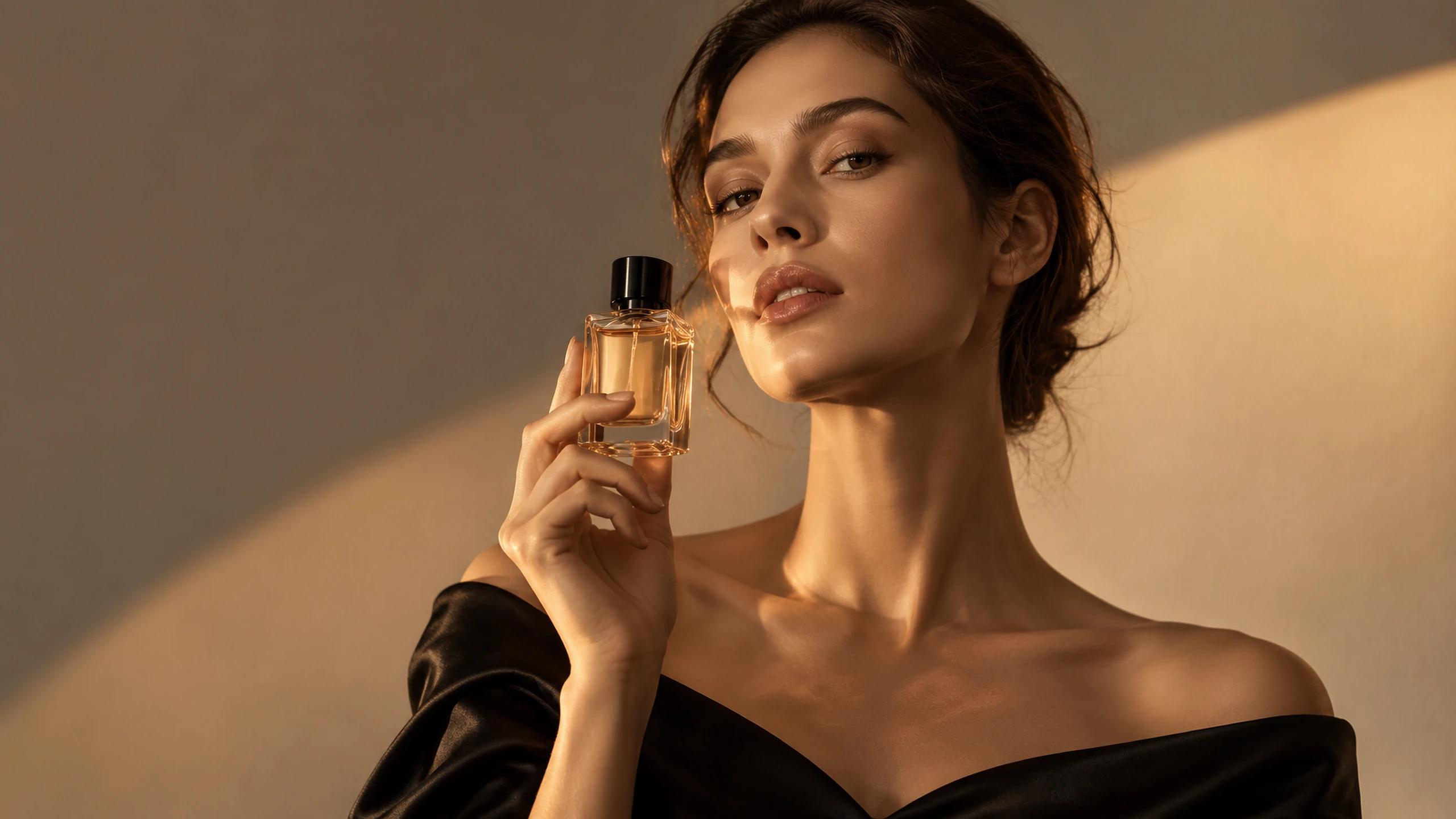
Start with a product photo and picture a woman in a black top holding a square glass perfume bottle in slanted afternoon sun, with golden perfume glowing inside clear glass. Using image-to-image guidance in Kling Image 4.0, you can test new lighting or a fresh backdrop while helping keep the bottle shape and color recognizable. Create a sunlit launch ad or a clean studio shot for your online shop.
Create with Kling Image 4.0 in 3 Steps
Go from a written shot brief or product photo to a finished high-resolution image
Describe Your Shot or Add a Reference
Write your subject, camera angle, lighting, and any short headline or label text. You can attach one optional starting reference on this page, or open the Image Generator with Kling Image 4.0 selected to upload up to 10 reference images in the workspace.
Choose Aspect Ratio and Resolution
Pick an aspect ratio that matches your layout and select 2K, 4K, or 8K output. Check the live credit quote on the Generate button before running.
Generate, Review, and Refine
Generate your image and review the framing, textures, and any on-image text. Download your favorite result, or reuse it as a reference to explore another scene.
Explore Other Products
Take your visuals from still frames to motion and stylized video
Explore Other Features
AI tools for brand graphics, portraits, and quick visual edits
よくある質問
Creating and editing high-resolution images with Kling Image 4.0 in Morph Studio
Frame Your Next Campaign in Crisp Detail
Direct a rain-spotted portrait, a low-angle lookbook frame, or a sunlit product shot with Kling Image 4.0 in Morph Studio.