GPT Image 2.6
Turn prompts and reference images into striking visuals with GPT Image 2.6. Bring scenes to life with animated GIFs and create SVG graphics that stay sharp at any size.
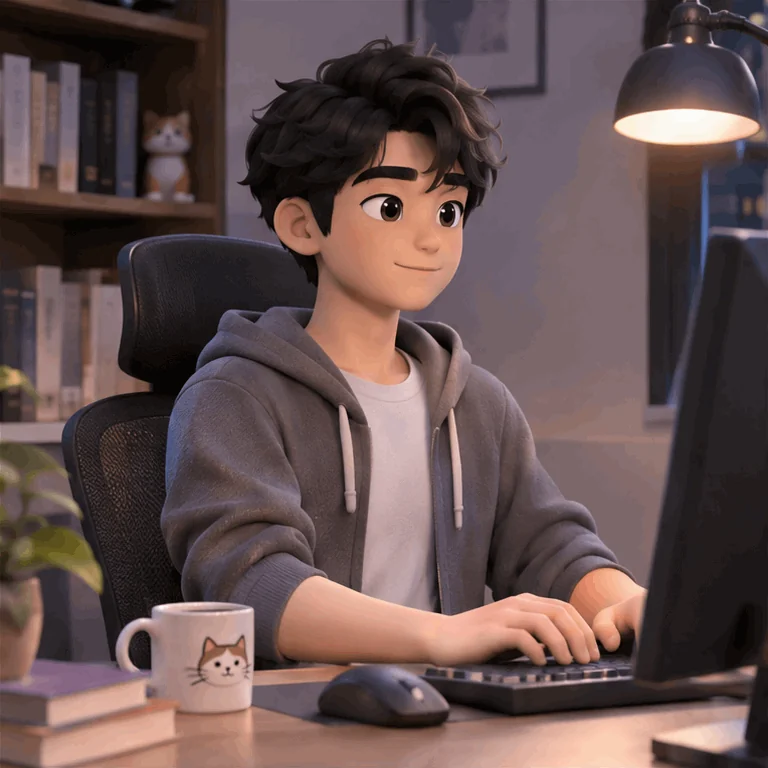
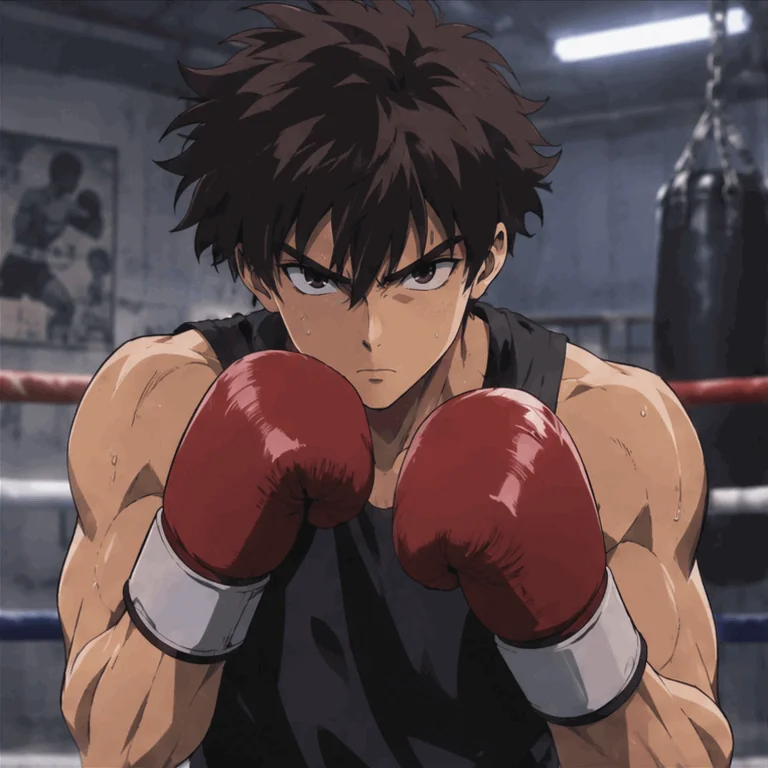
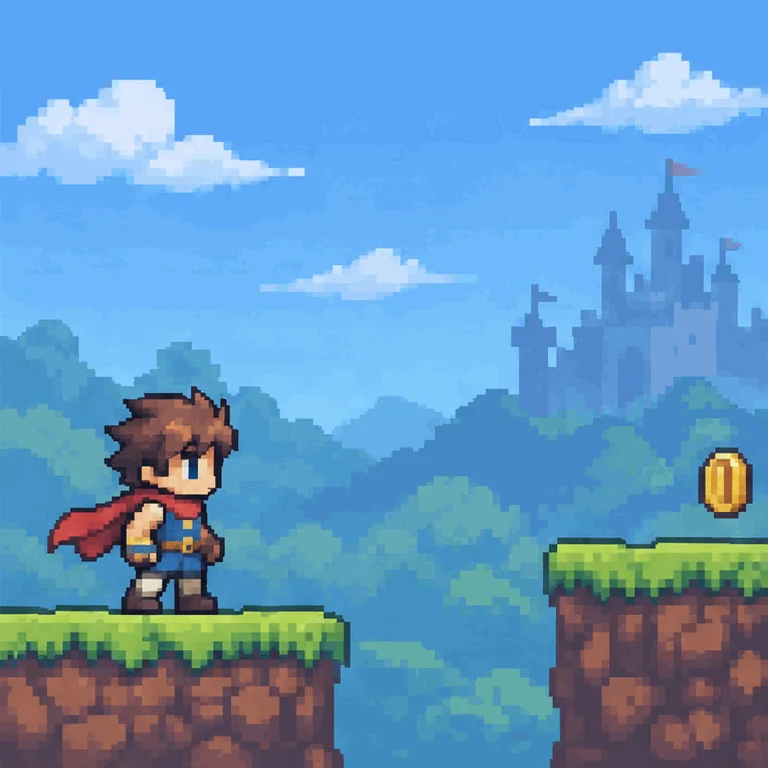
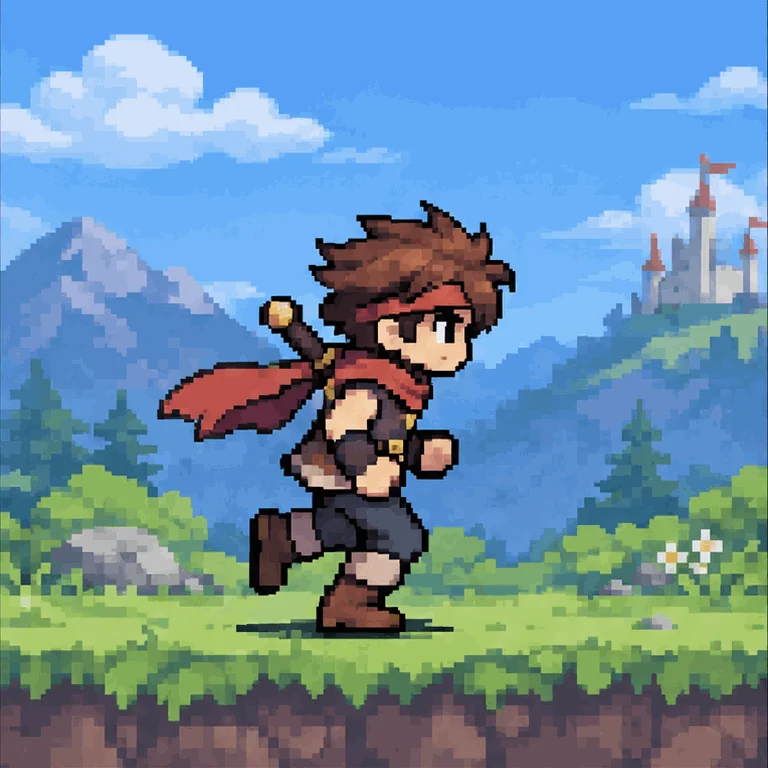
Explore animated GIFs
Create looping animations with GPT Image 2.6. Choose GIF format and adjust the frame count and duration in Animation Preset.
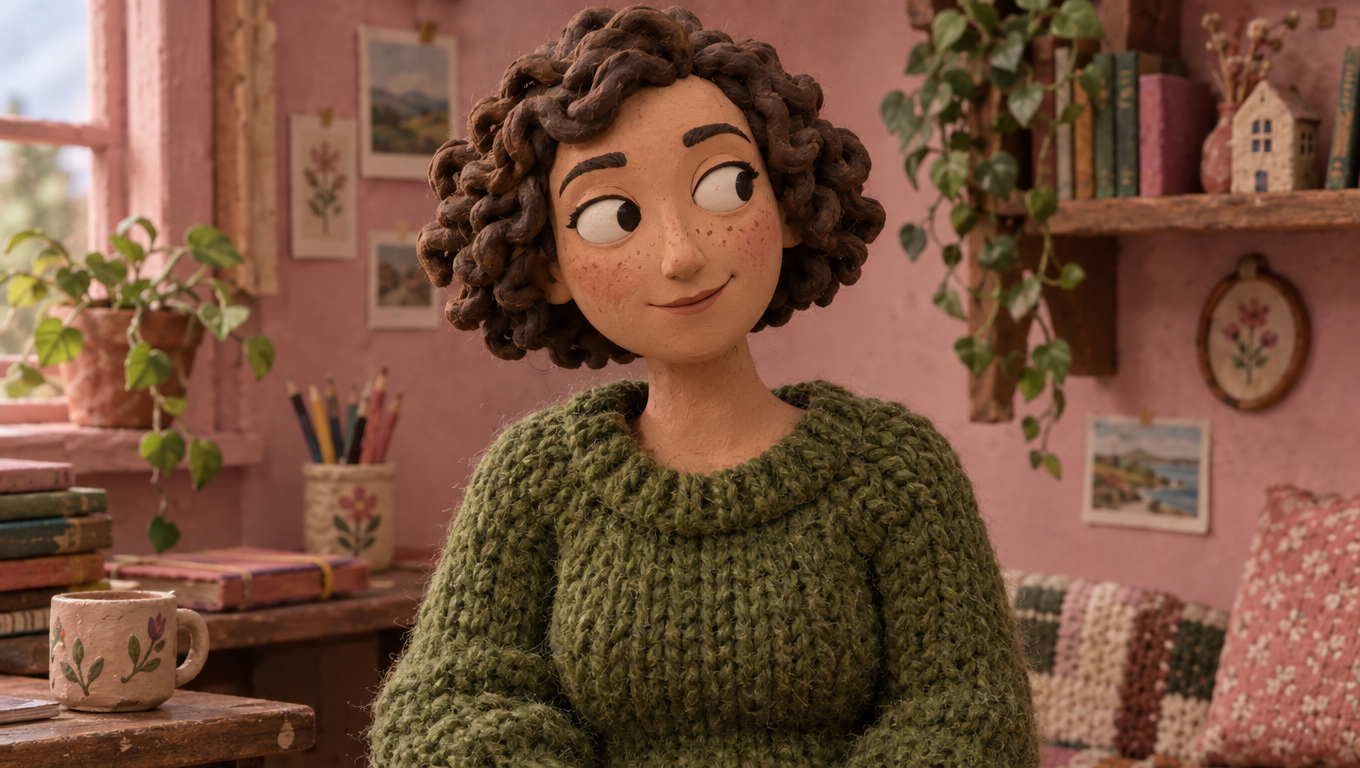
Create with prompts and references
Describe a new image or upload reference images to guide your next creation. Refine characters, scenes, and visual details in the image workspace.
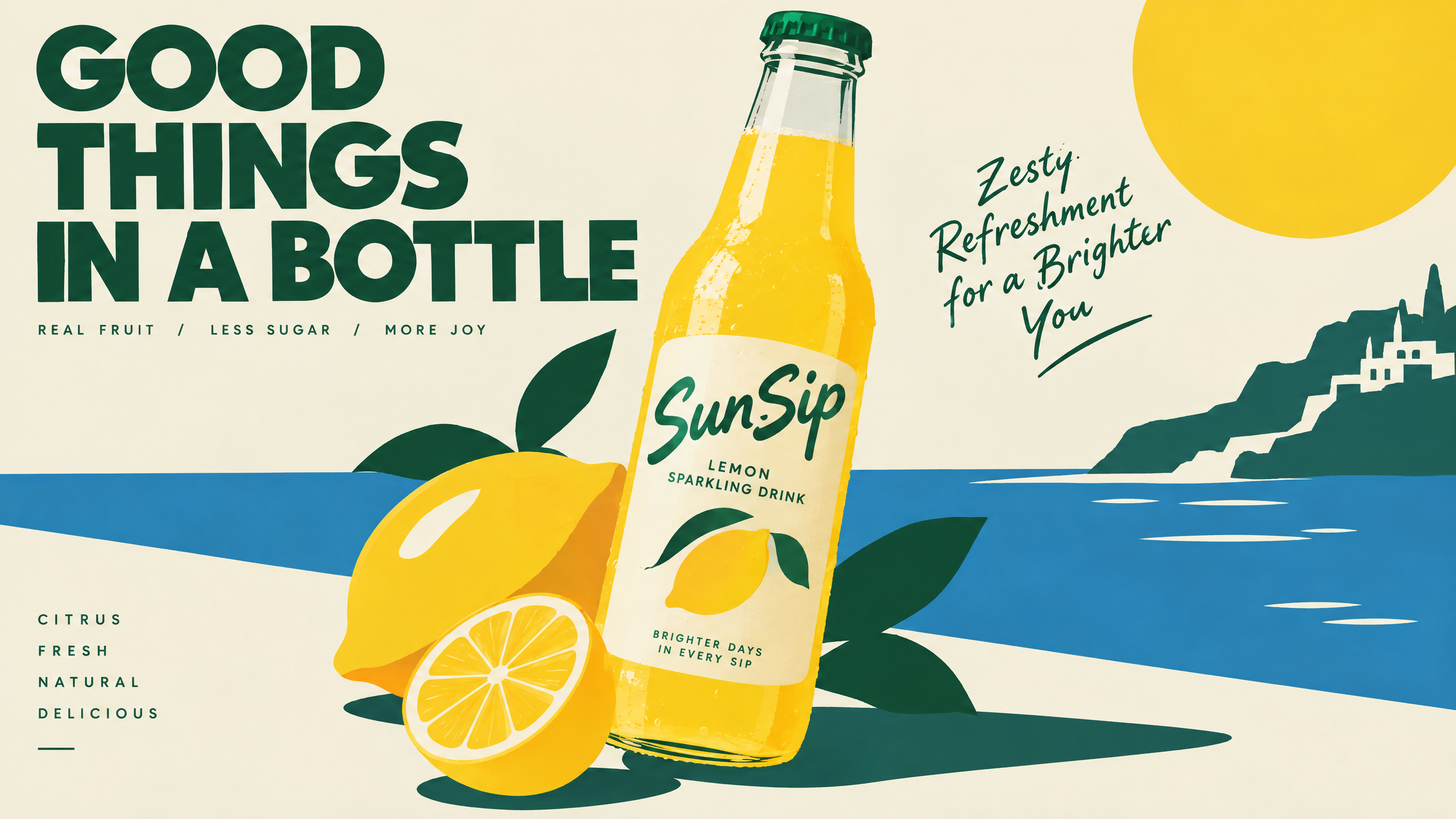
Create SVG graphics
Choose SVG format to create scalable vector graphics from a text prompt, including logos, icons, and illustrations.
사용 방법
Create with GPT Image 2.6 in Morph Studio.
Describe your image
Write a prompt and choose the visual details you want to create.
Choose a format
Select PNG, GIF, or SVG. Adjust Animation Preset when using GIF.
Generate and download
Generate your image, review the result, and download your creation.
다른 기능 탐색
Morph Studio의 더 많은 AI 창작 도구 발견
다른 기능 탐색
모든 필요를 위한 AI 창작 도구
Frequently asked questions
GPT Image 2.6 in Morph Studio
Create with GPT Image 2.6
Explore image, GIF, and SVG creation in Morph Studio.