
AI Body Swap for Photos
Walk into a sunset rooftop photo in your favorite jacket, put a new character on a rainy night street, or preview a full look on a sunny beach. AI Body Swap brings a person's full appearance and outfit into an existing photo—helping you plan new outfits, try fresh character looks, and turn any scene into a brand-new picture.
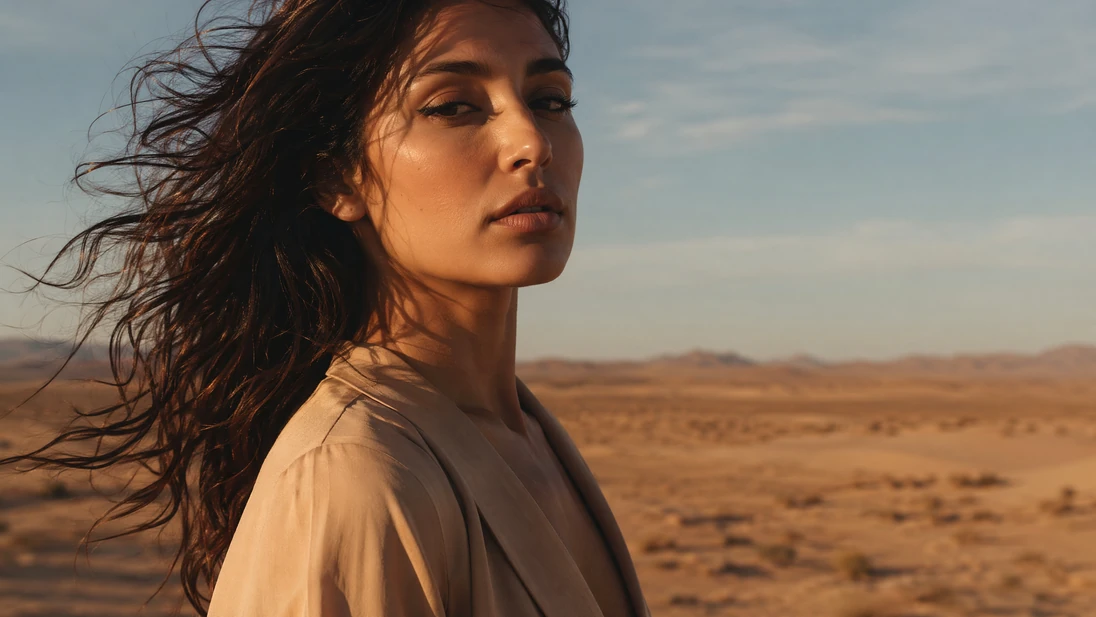 Before
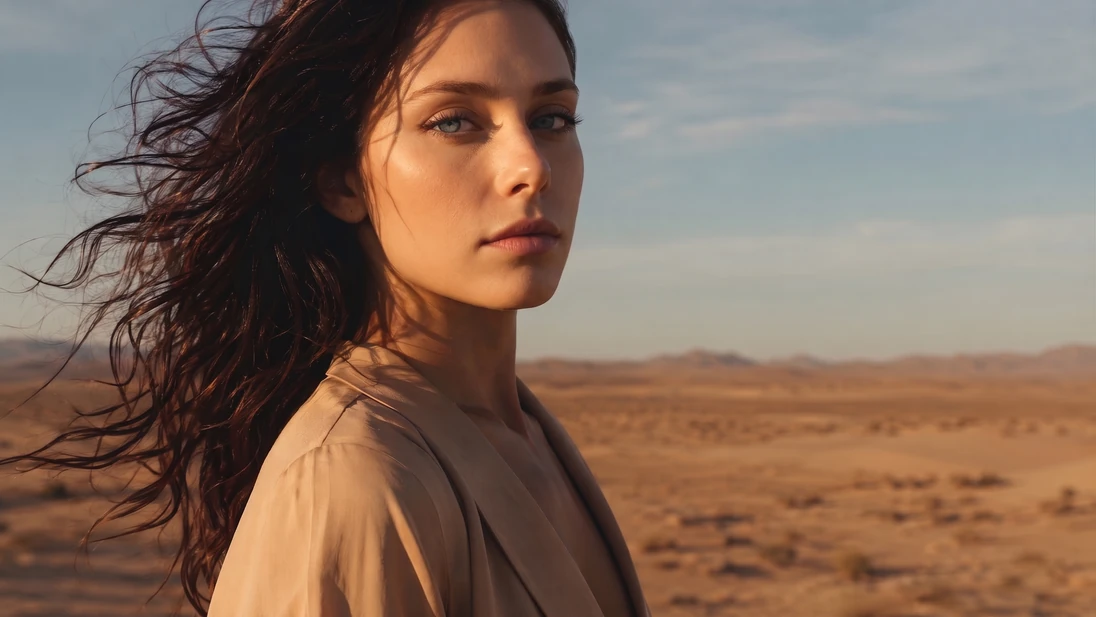 After
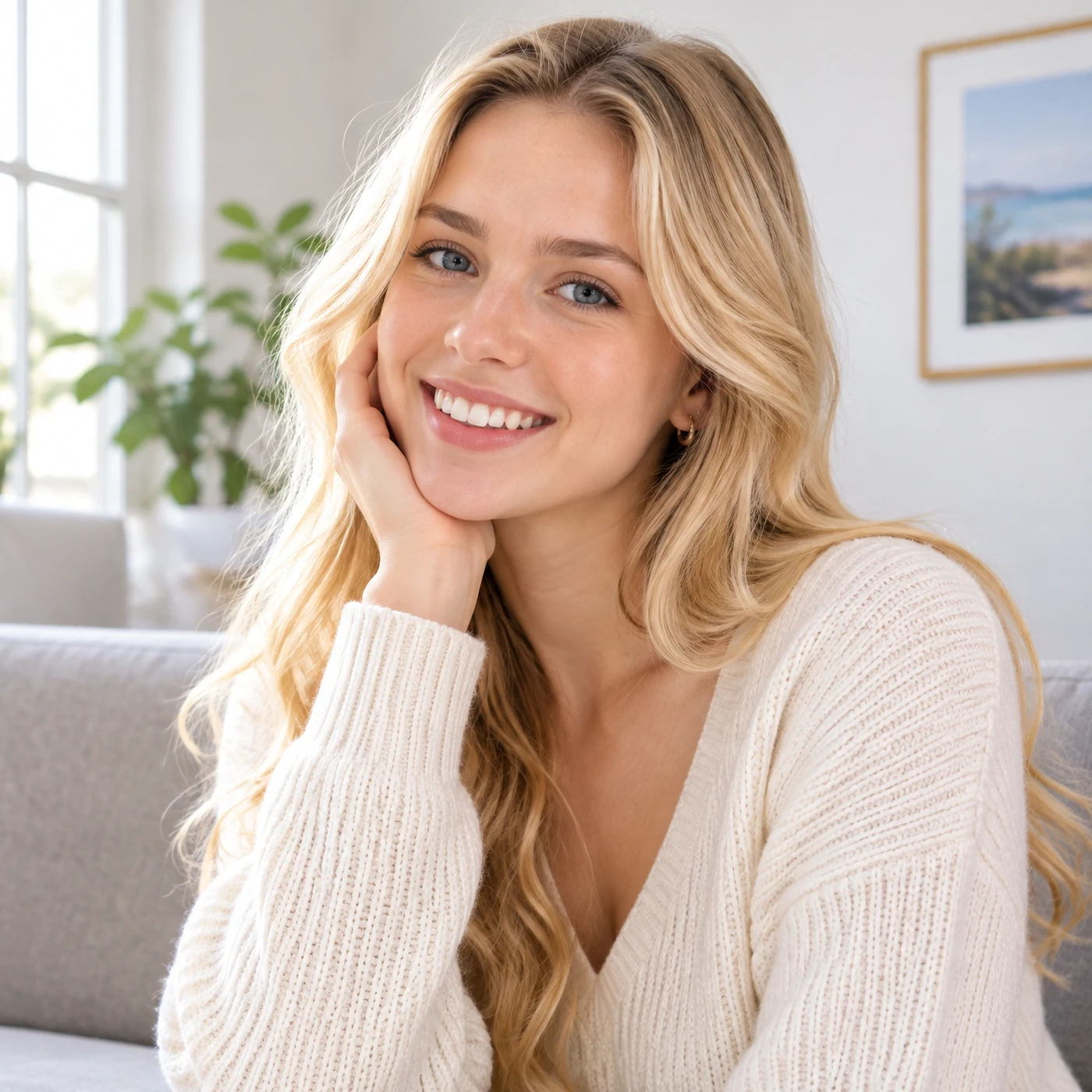
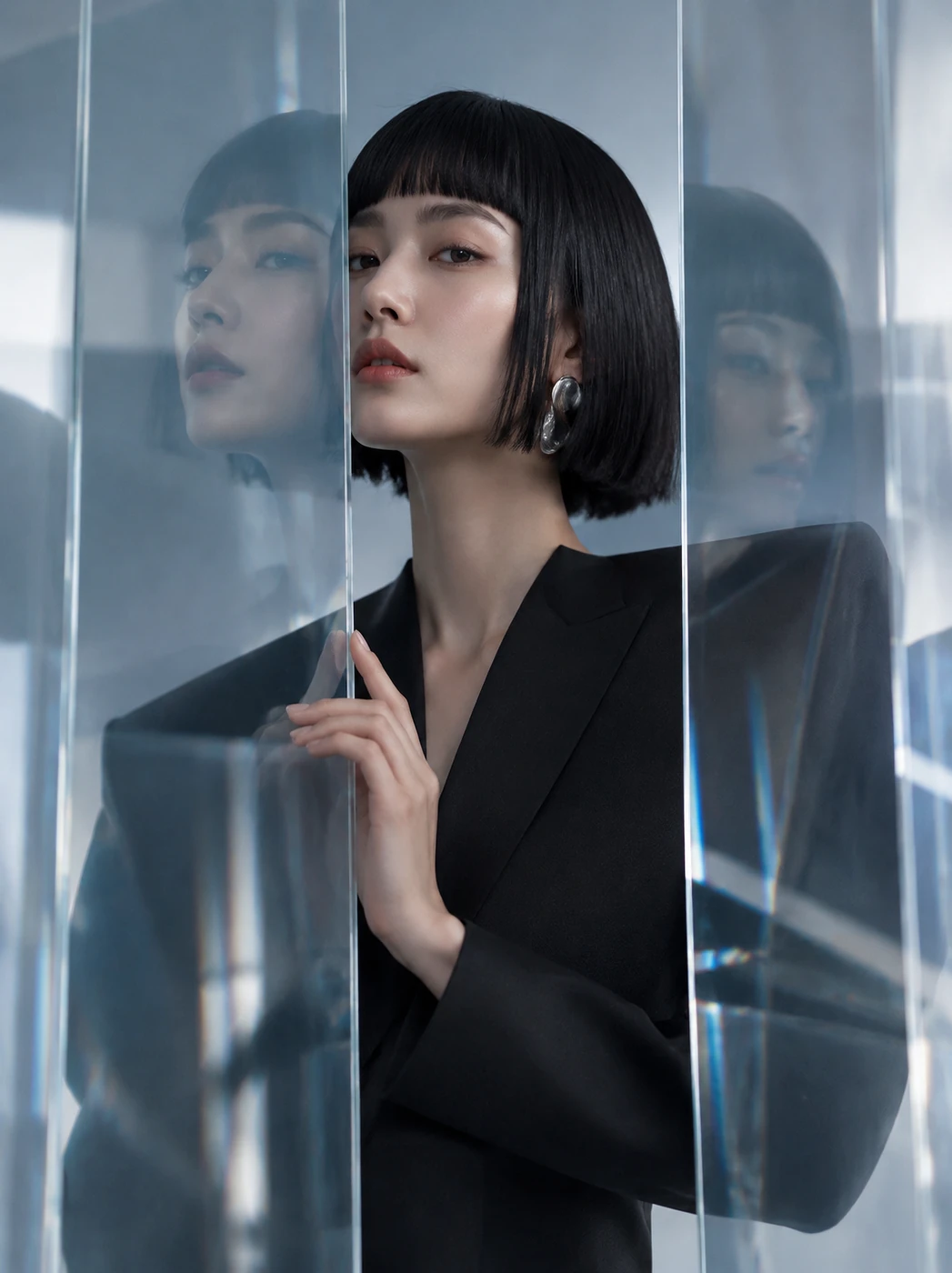
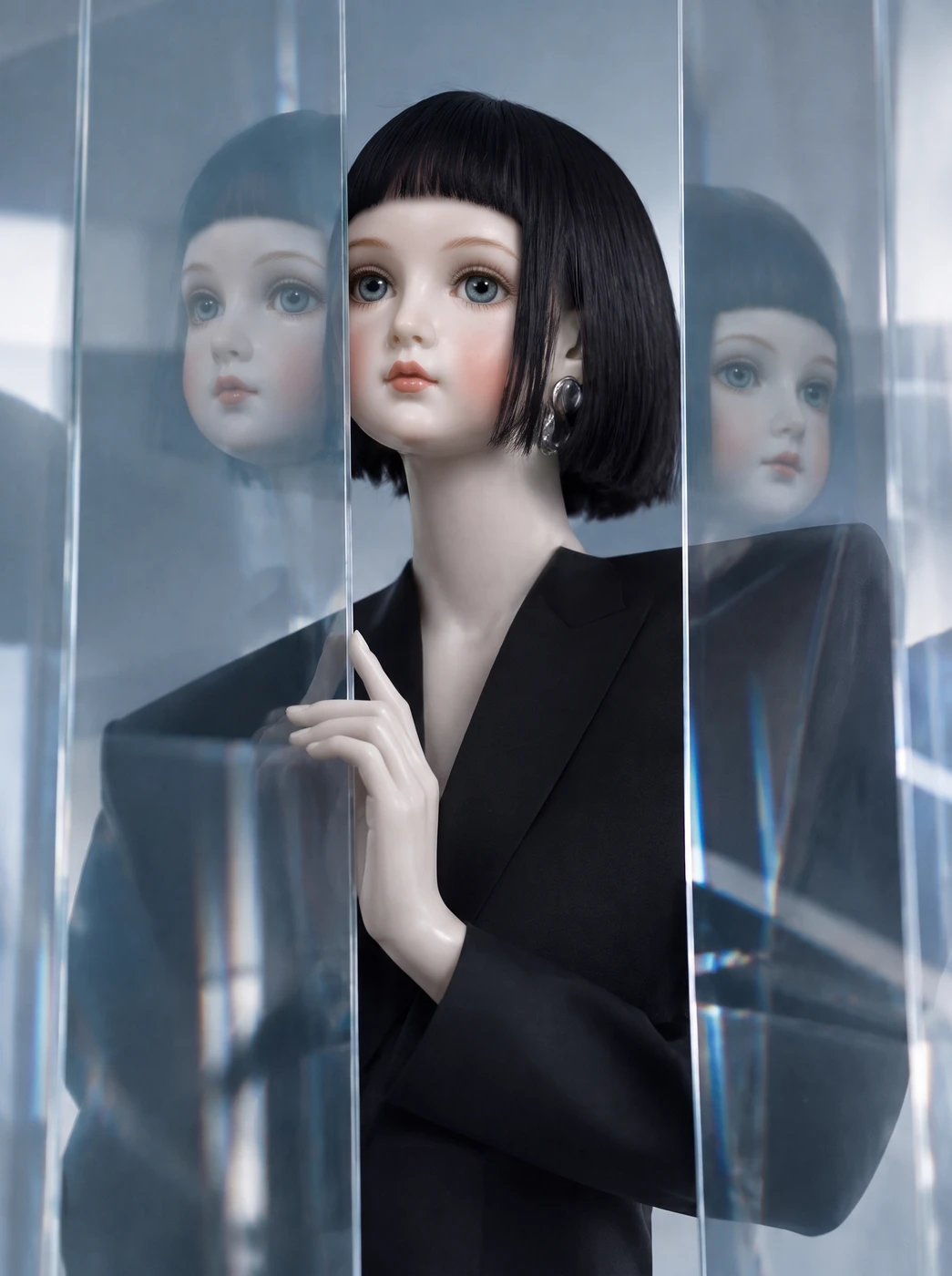


Put a Whole New Person Into the Scene
Picture yourself in a quiet coffee shop, a sunny park, or a snowy mountain path—wearing the exact outfit you picked. AI Body Swap works as a full character swap, bringing your reference person's face, body, and clothes into the photo while following the original pose and setting. Turn a photo you love into a fashion photo, a fun poster, or a personal portrait worth sharing.
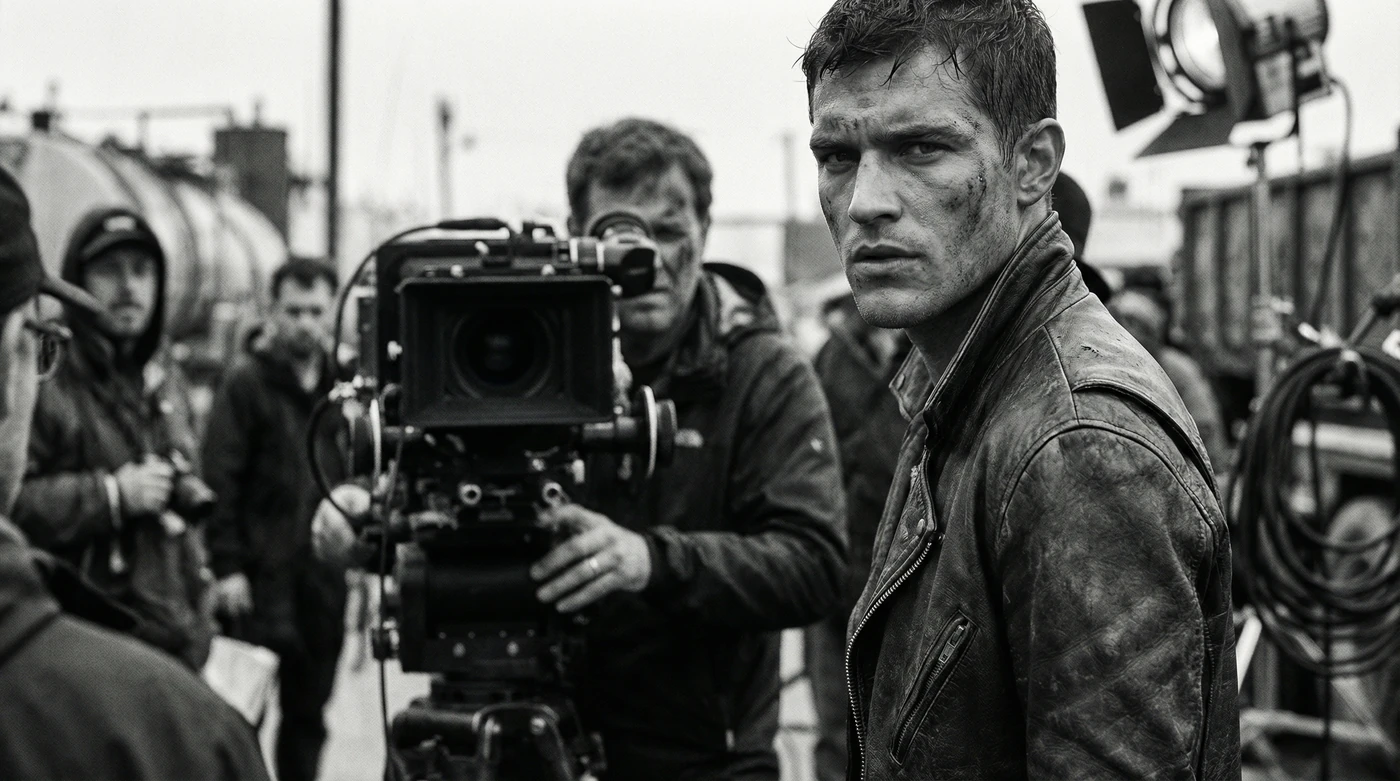
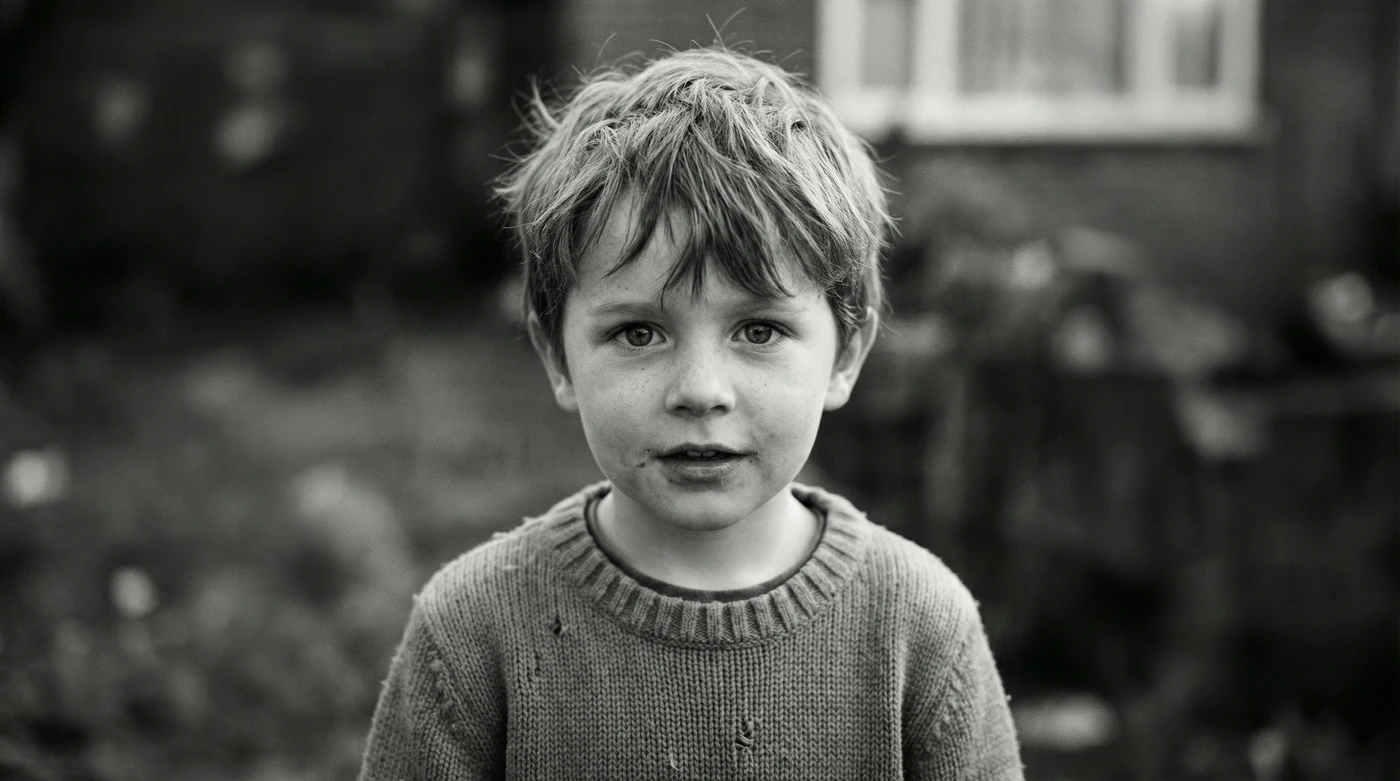
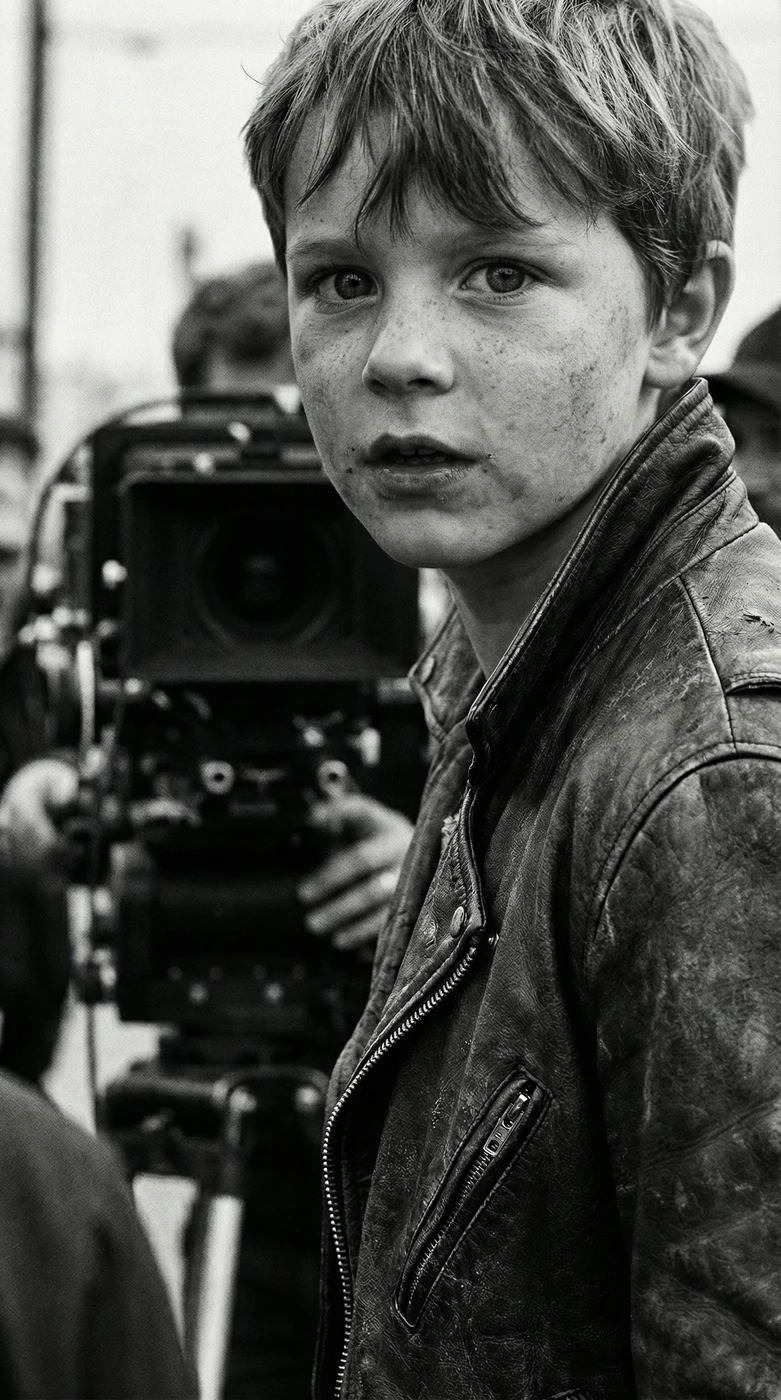
See Your Outfit in a Brand-New Setting
Picture a leather jacket under city lights, a summer dress on a sunny balcony, or a hoodie and jeans in a clean studio. Because the person and their clothes move into the scene together, the whole look feels natural and complete. Use it for fashion shoots, outfit ideas, or placing your character into a new world.


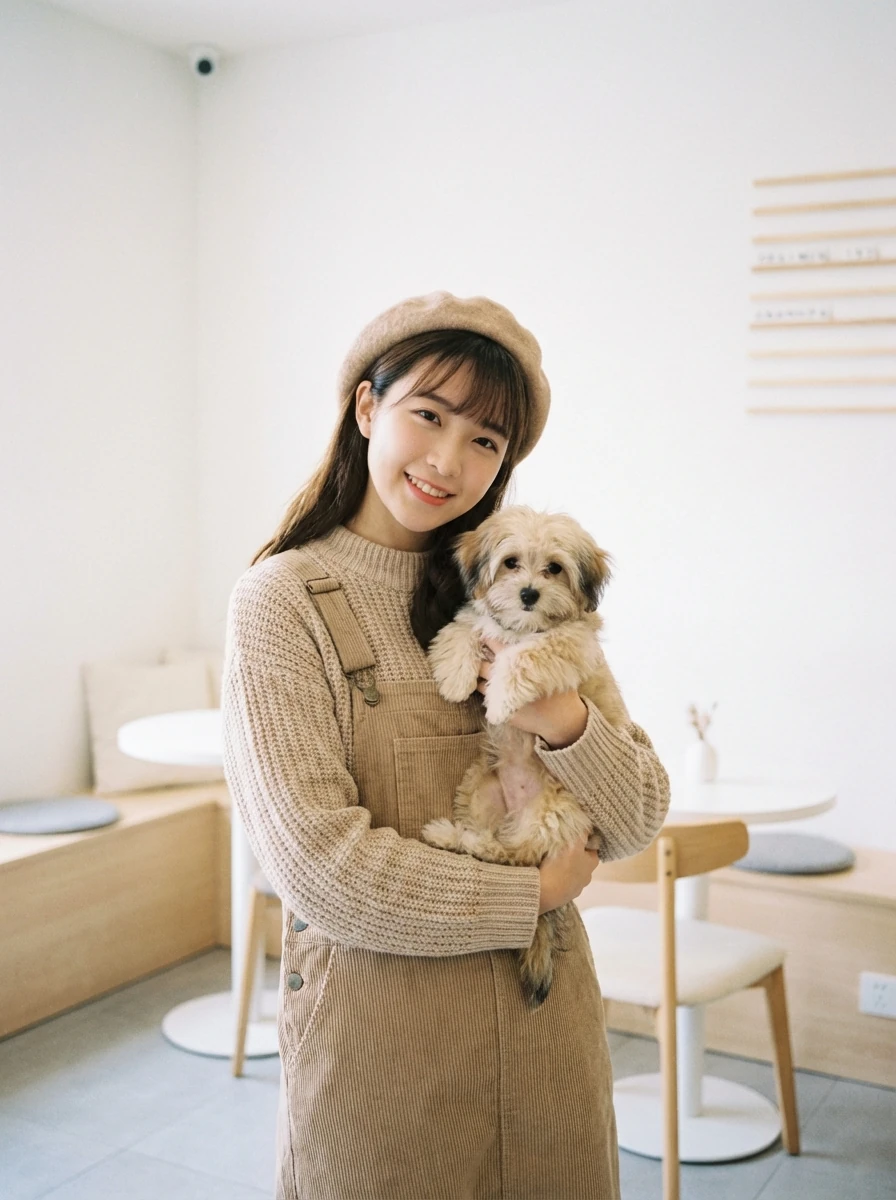

Try Different Characters in the Same Shot
One great pose can tell more than one story. Use AI character replacement to put yourself in a movie scene, try different characters for your story, or test new outfits in the same setting. When you want to keep the scene's outfit and change only the head or face, try Head Swap or Face Swap.
Same Scene. Brand-New Star.
See how bringing a new person and outfit into the same pose changes the whole mood of a photo.
Replace a Person in a Photo in 3 Steps
Go from a target scene and character reference to a finished body swap.
Upload the Scene to Edit
Pick the photo you want to edit. Make sure there is only one person in the shot, showing enough of the body for the look you want.
Add Your Character Reference
Upload the person you want to bring into the scene, showing their face, body, clothes, and visible accessories. Match the framing to the target photo—for a full-body shot, include the full outfit and shoes.
Generate and Download
Click Generate to create your body swap in the Morph Studio workspace. Check the result and download your image.
常见问题
Put Your Character Right in the Scene
Bring your face, body, and outfit into any scene—from a bright studio to a city rooftop—with AI Body Swap.