
AI 360° Rotation Video Generator
Give your subject a reveal worth watching from every angle. Turn one photo into a full rotation while the camera stays still, and bring a new perspective to product launches, character introductions, and creative campaigns.
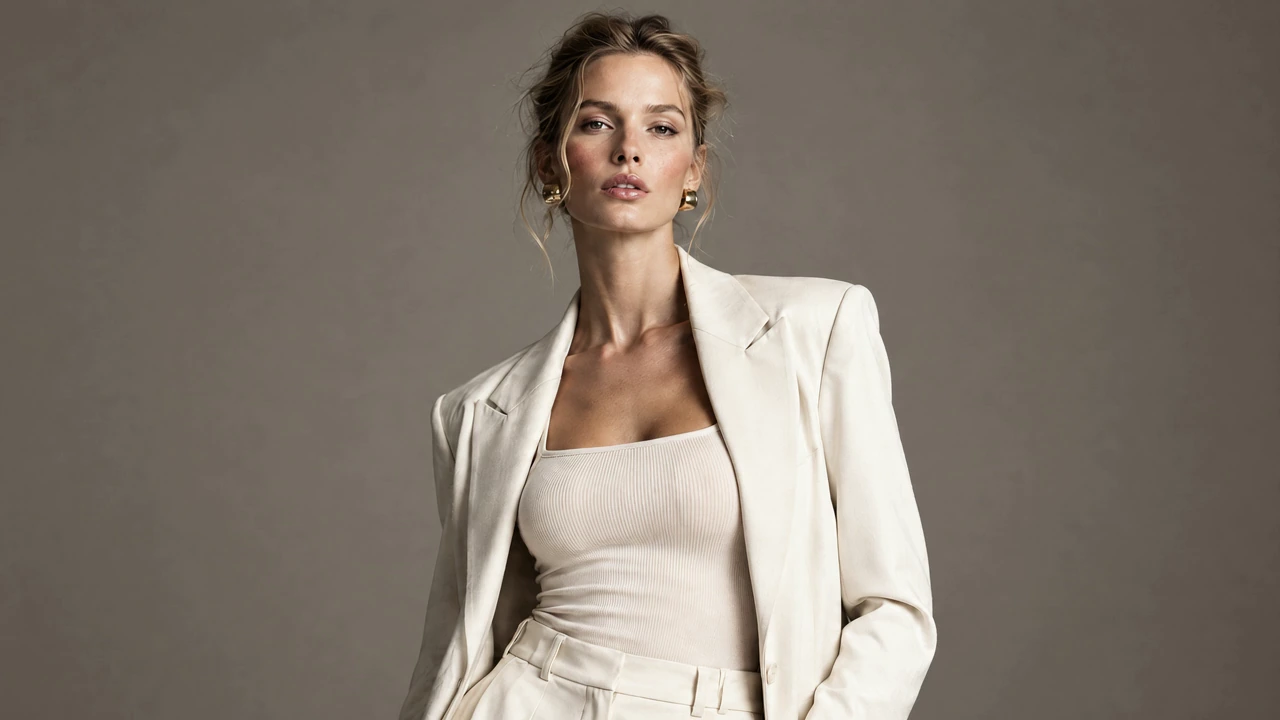

Let Your Subject Own the Frame
Keep the scene still and let the turn do the talking. A changing profile gives a portrait, outfit, or character a sculptural presence. Make the silhouette the focus of a character introduction or a fashion concept that deserves more than a single view.
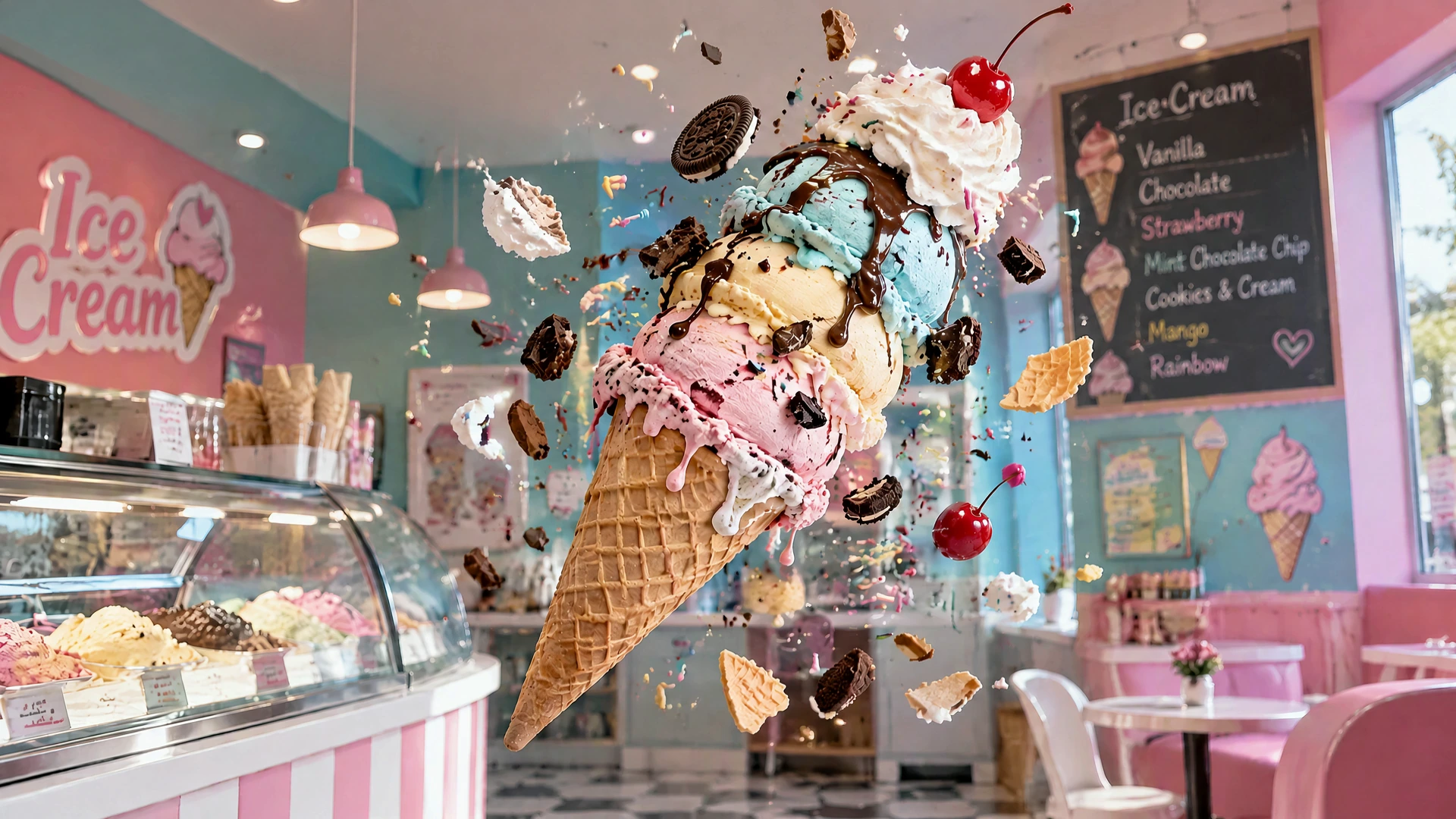
Give a Playful Idea Another Dimension
Give a still-life idea a sense of depth and play. A towering ice-cream cone becomes the star as its shape turns into view. Bring that same curiosity to a food concept, a bold composition, or a social post made to catch the eye.
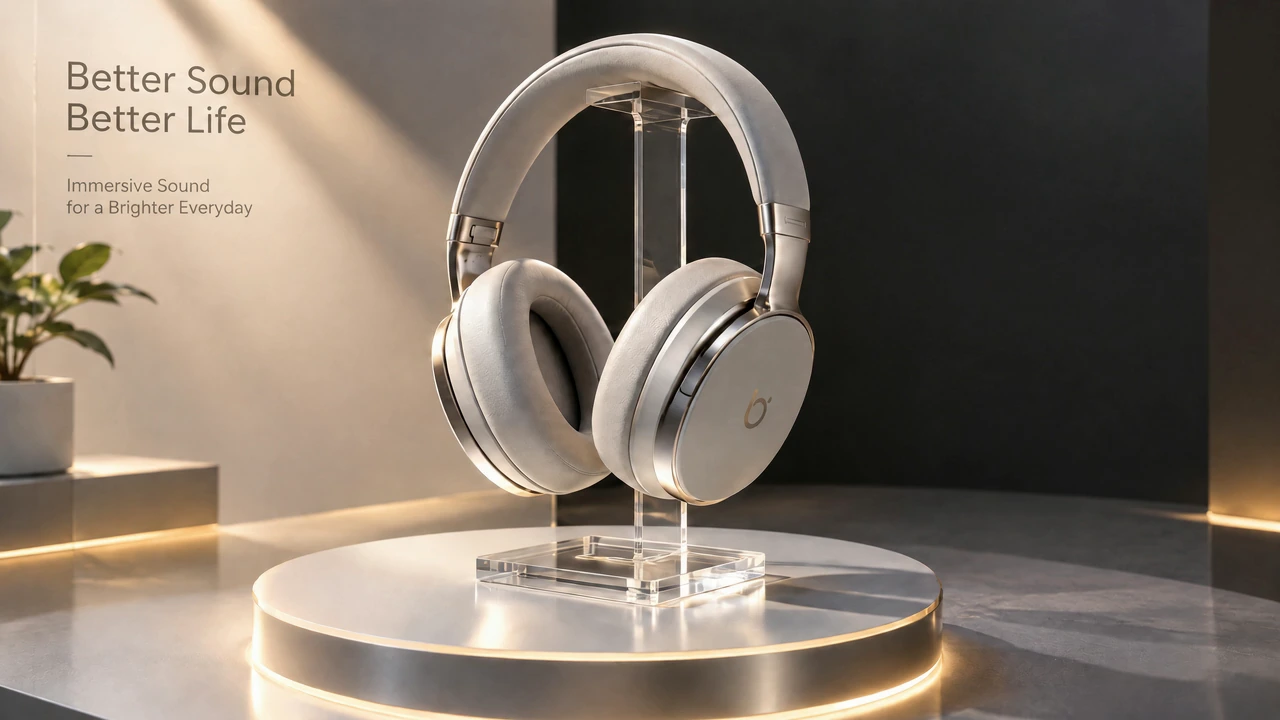
Make Your Product Reveal Feel Like an Event
Put a product at the center of the shot and give it a turntable-style reveal. From headphones on a display stand to a new packaging concept, a simple turn can give a campaign or presentation a more distinctive focal point.
One Turn. A New Point of View.
From fashion and collectibles to food and packaging, discover how a simple turn can give an idea a whole new presence.
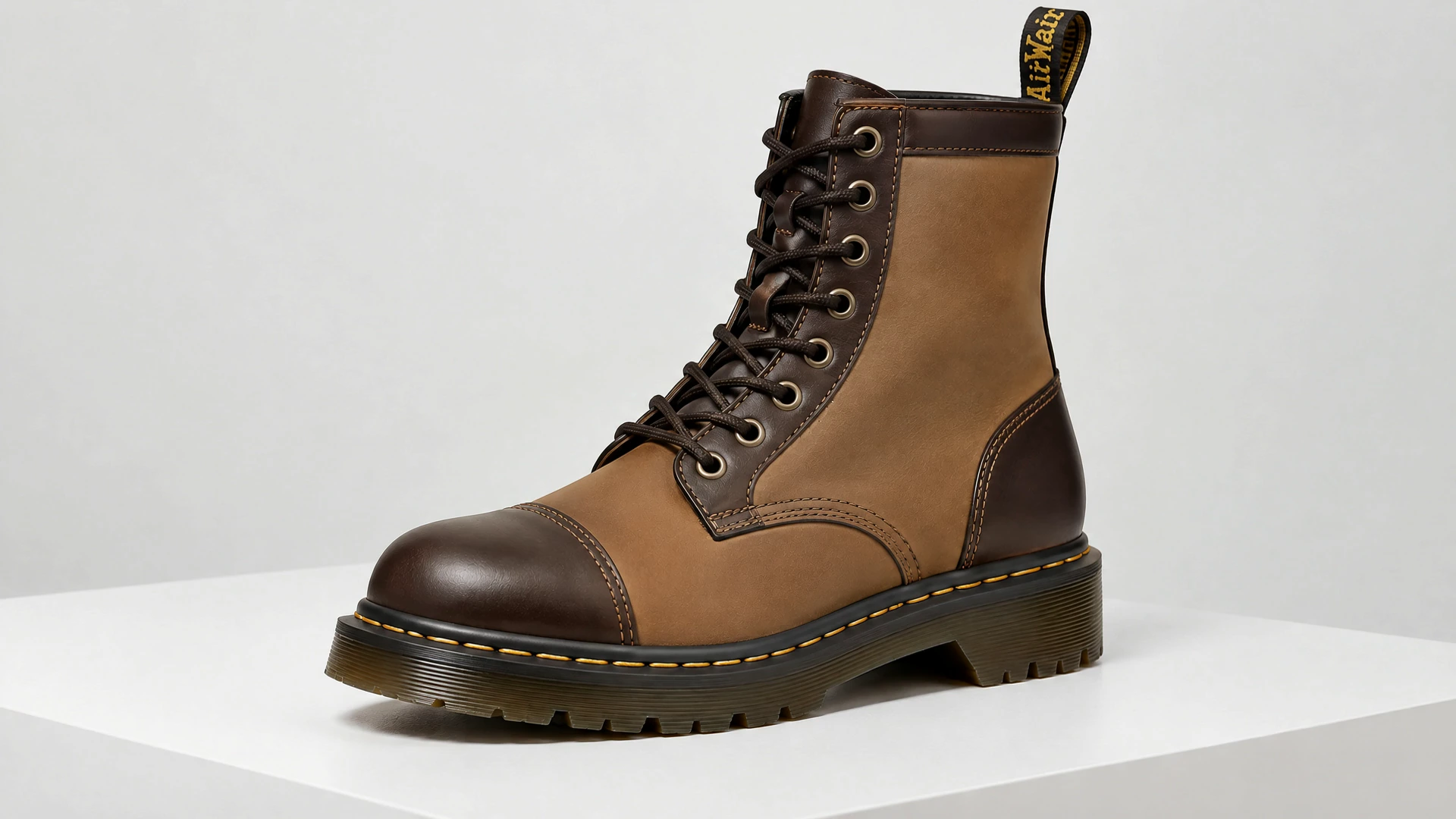
Leather Boot
A lace-up leather boot turns on a white platform, bringing its panels, profile, and heel into view. Give a footwear launch a clean, focused reveal.
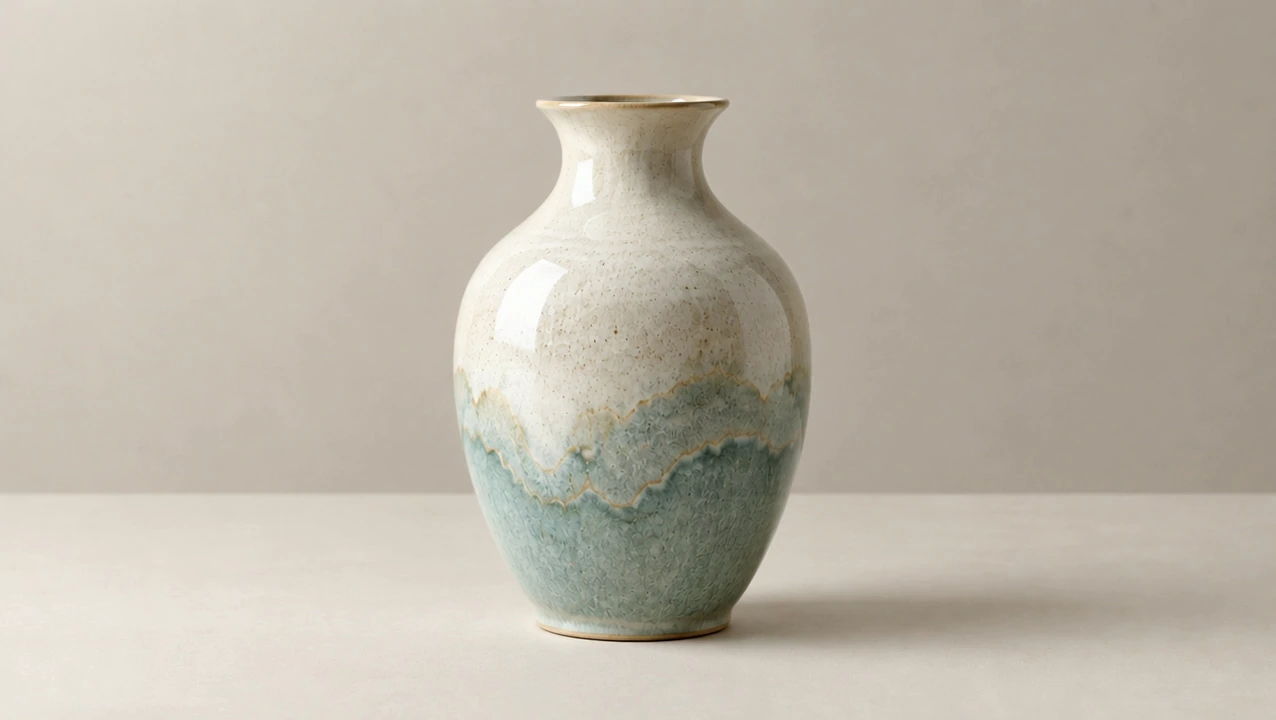
Glazed Ceramic Vase
A cream-and-blue glazed vase turns against a quiet backdrop. The changing silhouette gives a homeware presentation a simple focal point.
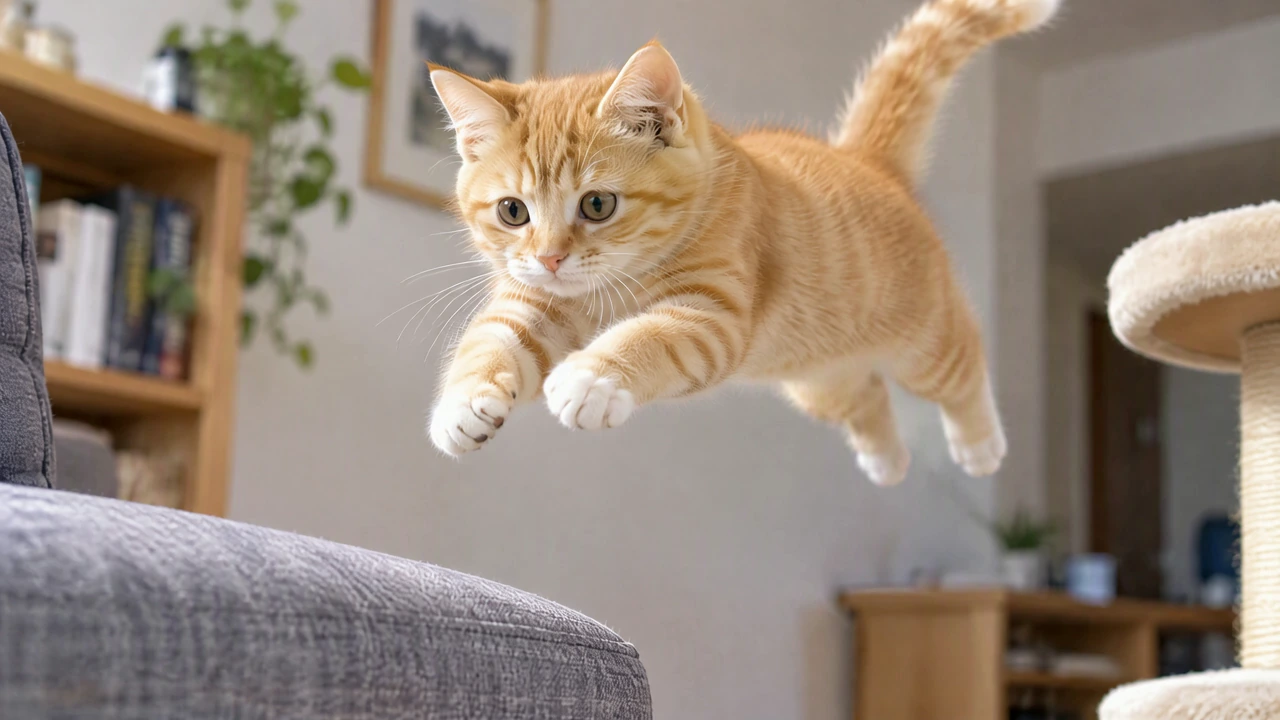
Cat in Mid-Leap
An orange cat turns mid-leap in a living room. Turn that held jump into a playful pet introduction or a character moment for a social clip.
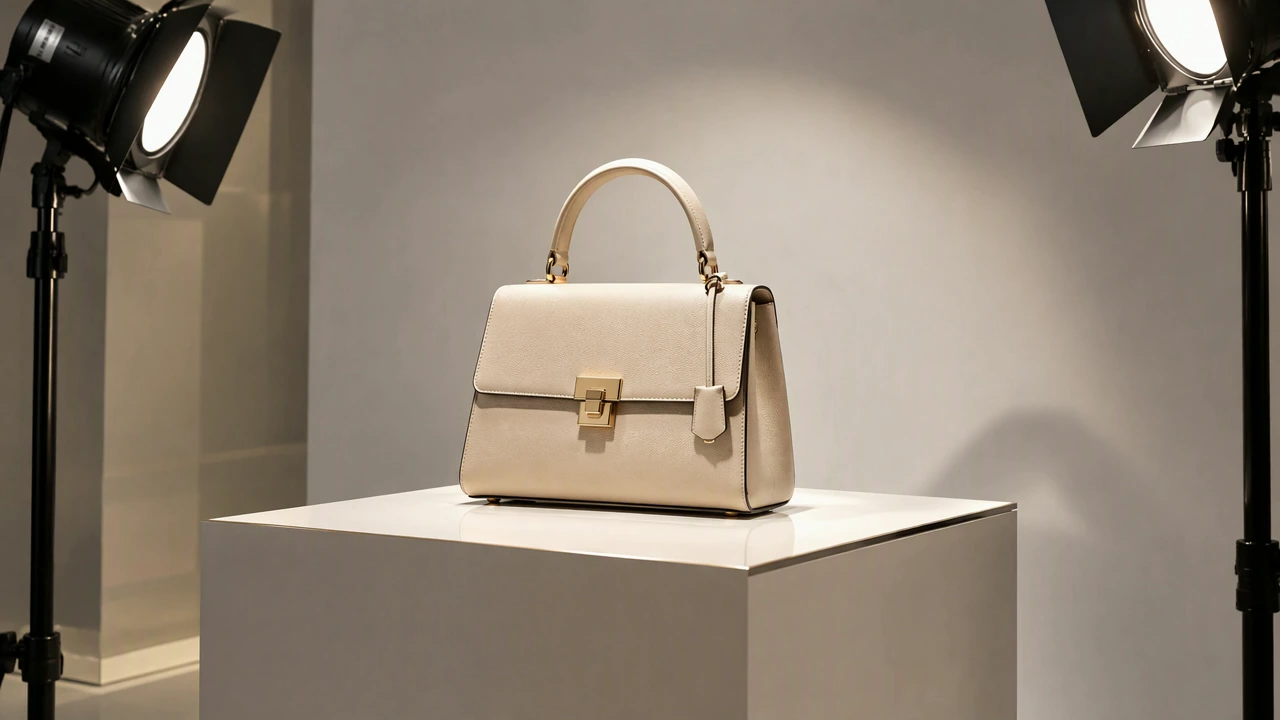
Studio Handbag
A pale handbag turns on a studio pedestal between lights. Use the handle, front clasp, and changing silhouette as the focus of an accessory-launch concept.
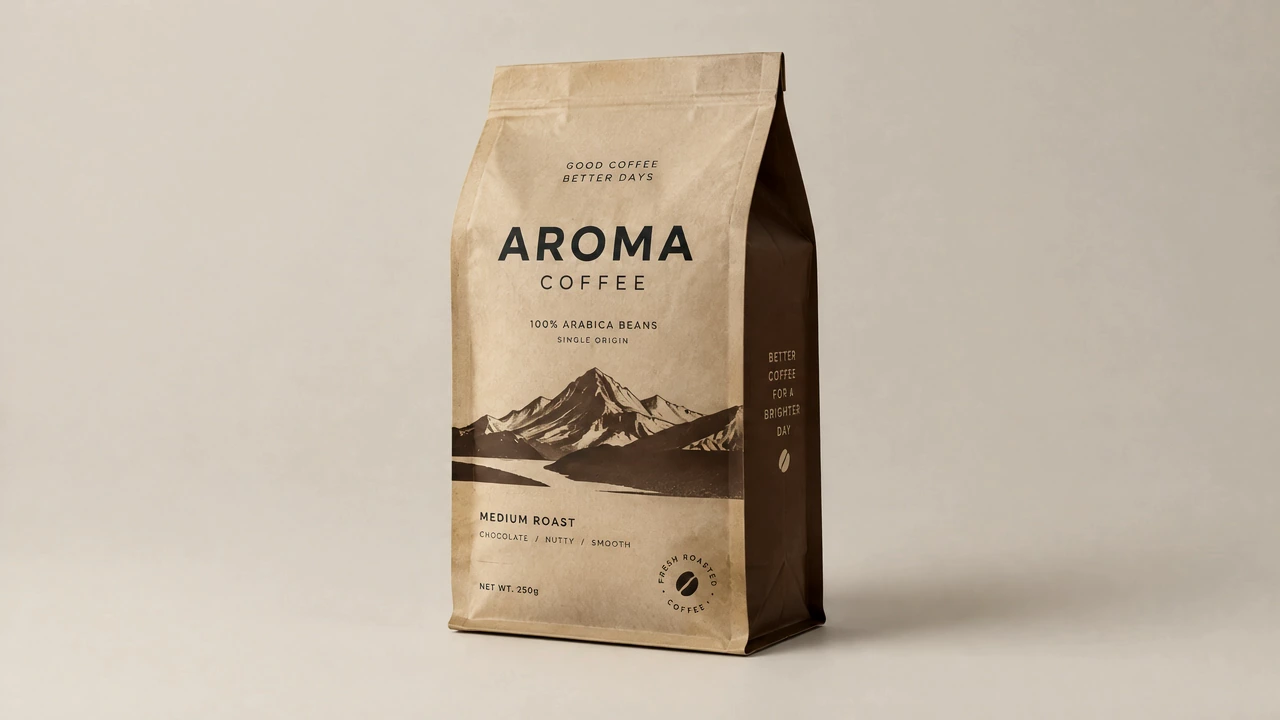
Coffee Packaging
A coffee pouch turns against a neutral backdrop, keeping attention on its shape and artwork. Build a packaging reveal around the look of your brand.
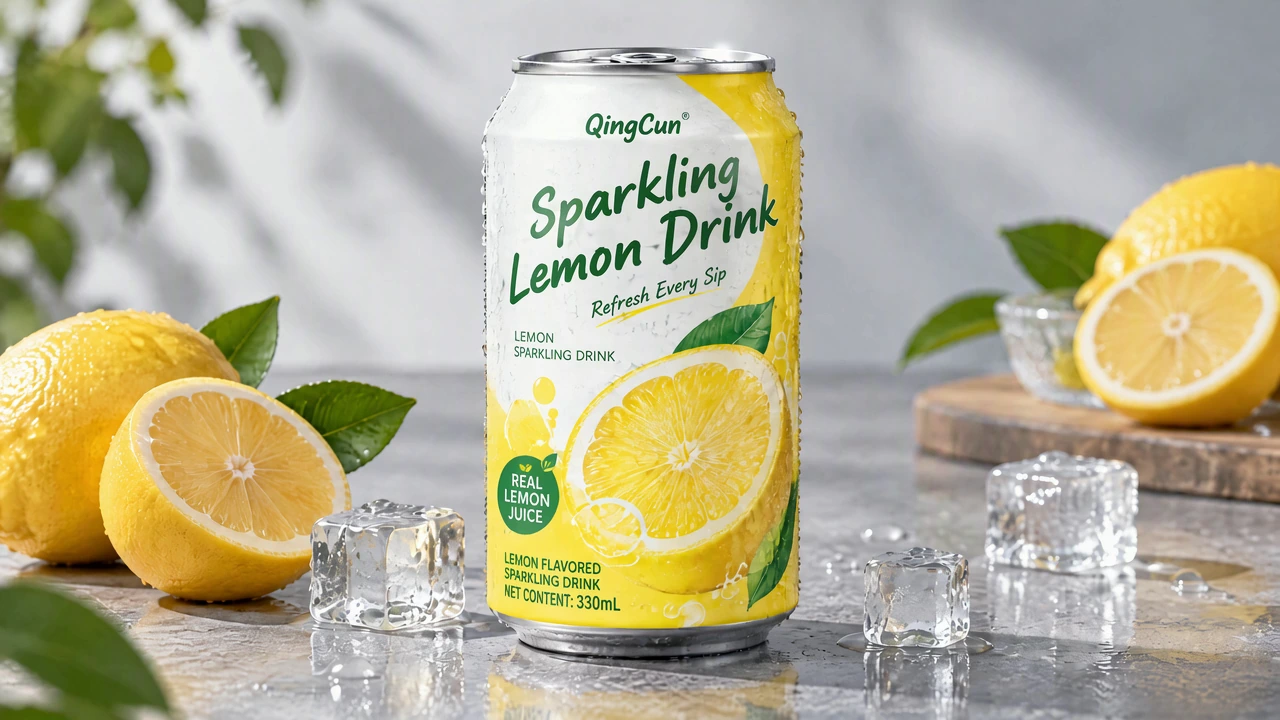
Lemon-Drink Can
A lemon-drink can turns among cut lemons and ice. The bright setting and rotating label offer a lively starting point for a refreshment-ad concept.
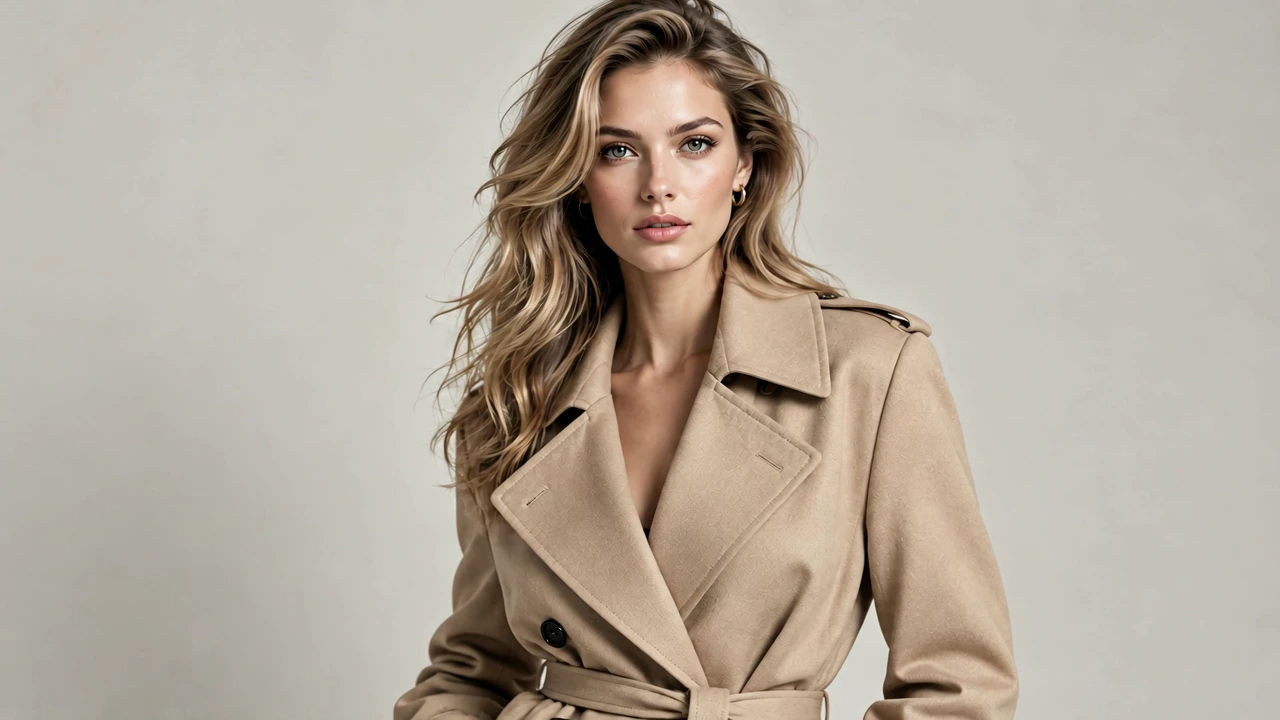
Camel-Coat Portrait
A woman in a camel coat turns against a plain backdrop. Use the coat’s silhouette and flowing hair for a lookbook opening or a fashion-character introduction.
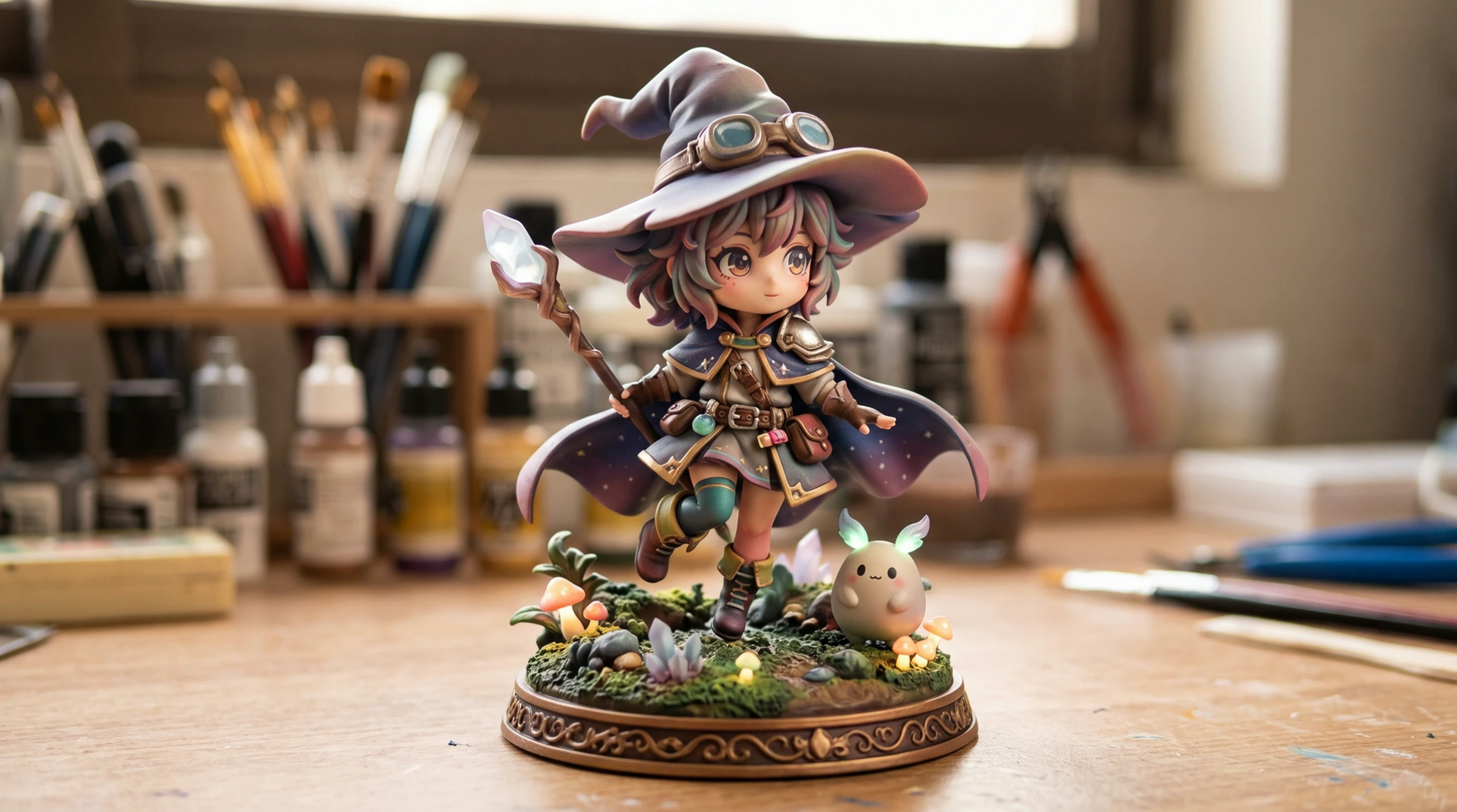
Fantasy Figurine
A purple-hatted fantasy figurine turns on a decorated base. Bring the cape, staff, and small accessories into a character-design presentation.
How to Create a 360° Rotation Video
Prepare one photo, check the subject, and continue to the Effects workspace.
Sign In and Add Your Photo
Upload a clear image of a person, product, or character. Keep the subject’s outline visible, with space around the parts that will turn.
Check the Starting View
Check the subject and framing in your photo. Add an optional note about its appearance if needed; the preset keeps the camera fixed and supplies the full turn.
Generate Your Video
Continue to the app with your photo and effect. Choose your output settings, review the current credit quote, and confirm generation. Download the video for your next post or edit.
Find a Fresh Way to Present Your Ideas
Explore more visual possibilities for your next project.
Take Your Subject Further
Set a cleaner stage, imagine a new scene, or bring a character into motion.
Give your subject a cleaner backdrop and more room to stand out.
Build a new scene around your image and the movement you imagine.
Bring a character into a performance guided by your own reference video.
Frequently Asked Questions
Choose a useful source photo and understand what the rotation preset creates.
Give Your Next Reveal a New Perspective
Put your product, portrait, or character in the spotlight with a turn that brings the idea to life.