
如何使用 Morph Studio 创建Airbnb风格的动画图标:从创意到最终导出
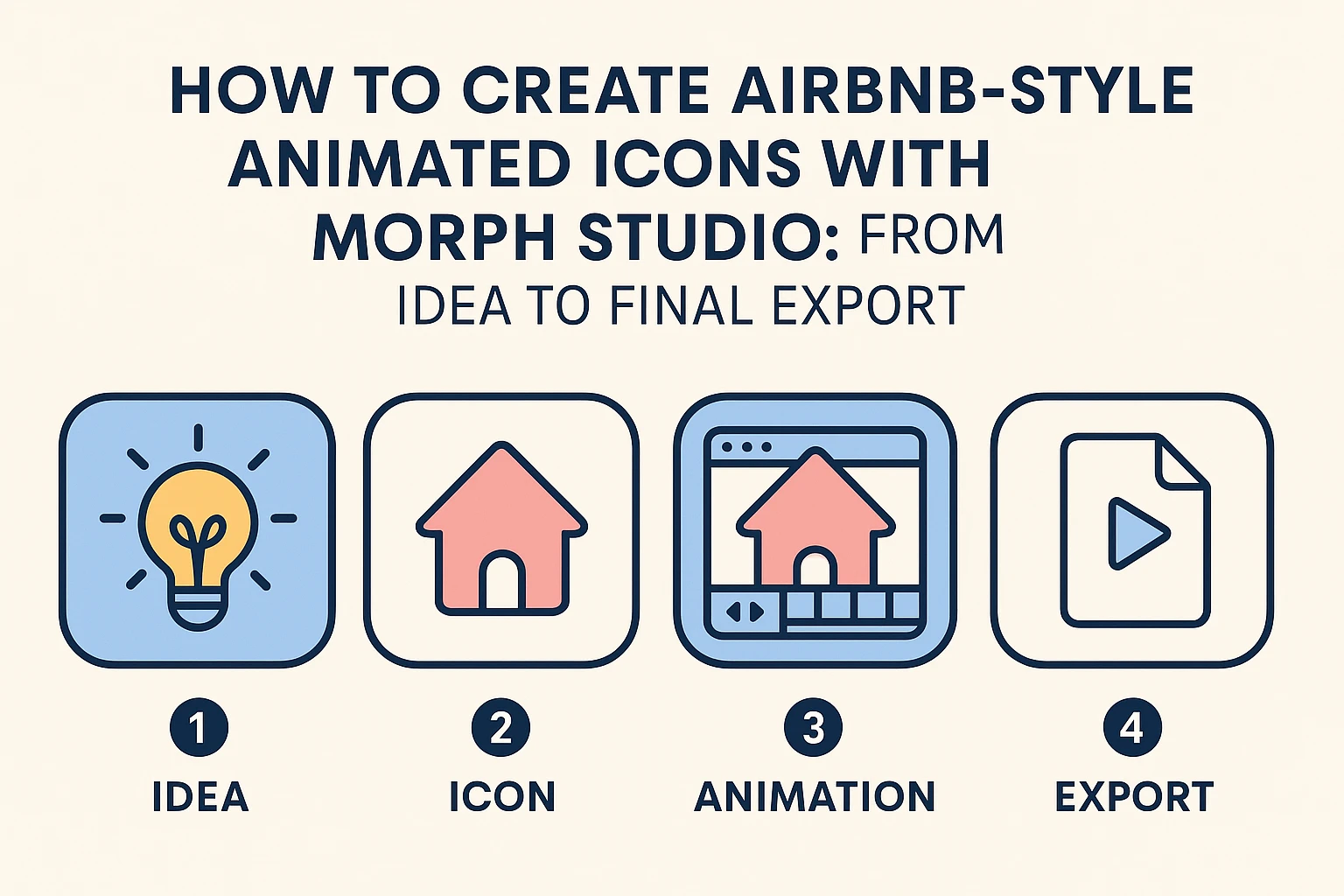
当你想到Airbnb的视觉风格时,你可能会想到简洁的线条、柔和的粉彩色以及既友善又现代的图标。这种“亲切的极简主义”本身已成为一种设计语言——非常适合于通过视频风格转移增强的演示、网站或解释性视频。
借助 Morph Studio,这个创新的AI动画生成器平台,你可以在几步之内构建类似的动画图标。你可以在不需要在多个应用之间切换的情况下,从图像到视频的创作过渡到静态图像,再到完全动画的视频。以下是开始的方法。
步骤 1- 创意指导与初稿
首先要有一个清晰的创意:你的图标应该讲述什么故事?无论是温馨的房子、地图针还是行李箱——这些旅行主题的元素都完美契合Airbnb启发的美学。如果你从零开始设计,可以使用我们的AI标志生成器来集思广益,或者尝试AI透明图像生成器干净地在PNG背景上隔离图标。
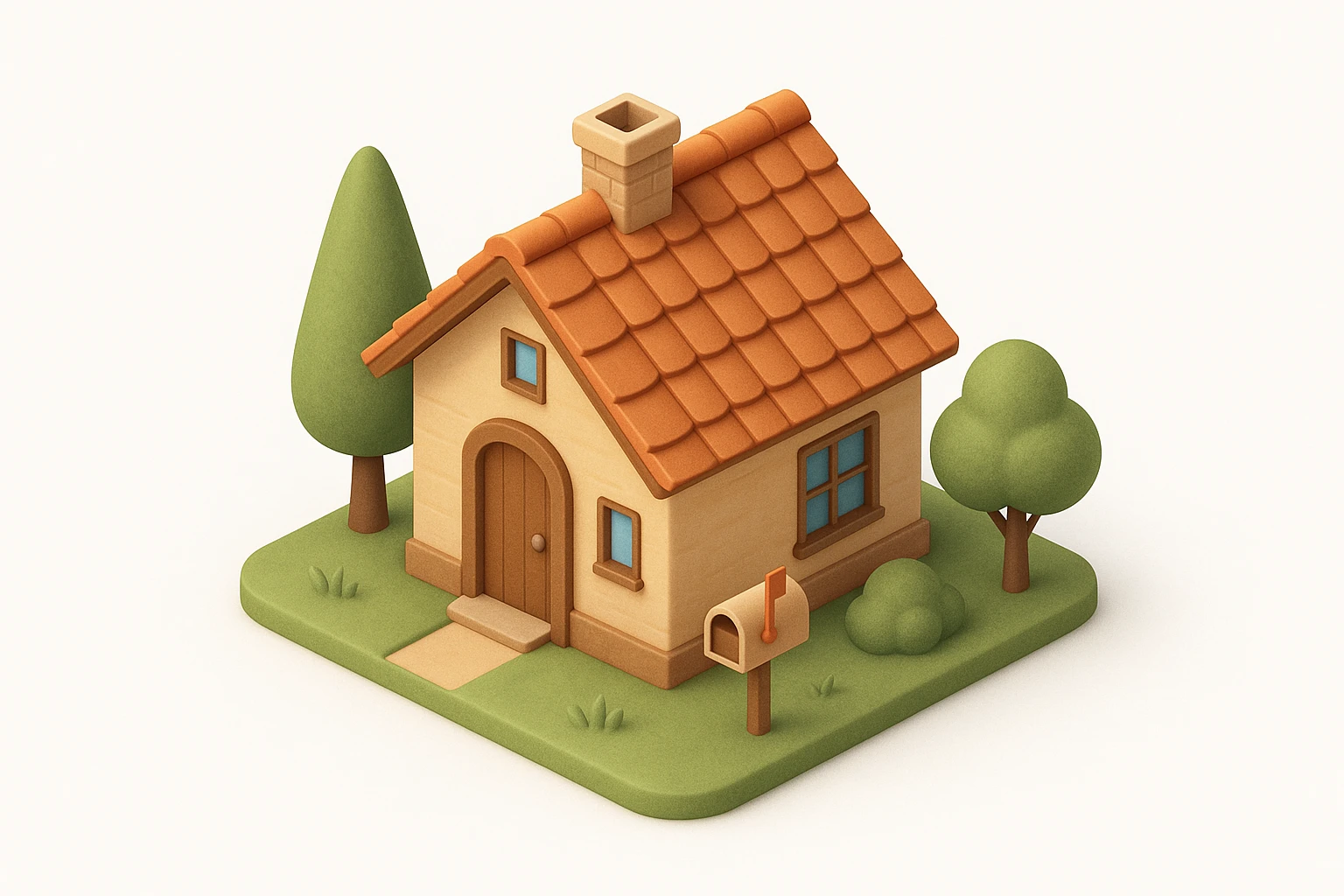
Morph Studio强烈建议使用JSON格式作为你的提示,因为它被广泛认为是AI图标设计的最有效方法,特别是在创建Airbnb风格的视觉效果时。即使你之前没有JSON经验,也可以简单地复制下面的模板提示,让GPT根据你的主题进行定制,帮助你在短时间内获得专业、精致的成果。平台的互动分镜板允许在深入动画之前轻松重新排列和替换元素。
{
  "icon_style": {
    "perspective": "isometric",
    "geometry": {
      "proportions": "1:1 ratio canvas, with house fitting comfortably within margins",
      "element_arrangement": "central dominant small house, with supporting elements like trees, mailbox, or garden objects symmetrically or diagonally placed"
    },
    "composition": {
      "element_count": "2--4 main objects (small house as the primary element)",
      "spatial_depth": "layered to create sense of dimension and slight elevation",
      "scale_consistency": "uniform object scale across icon set",
      "scene_density": "minimal to moderate, maintaining clarity and visual focus"
    },
    "lighting": {
      "type": "soft ambient light",
      "light_source": "subtle top-right or front-top direction",
      "shadow": "gentle drop shadows below and behind the house and surrounding elements",
      "highlighting": "mild edge illumination to define architectural forms"
    },
    "textures": {
      "material_finish": "semi-matte to satin surfaces",
      "surface_treatment": "smooth with light tactile variation (e.g., wood grain, roof tiles)",
      "texture_realism": "stylized naturalism without hyper-realistic noise"
    },
    "render_quality": {
      "resolution": "high-resolution octane 3D rendering",
      "edge_definition": "crisp, no outlines; separation achieved via lighting and depth",
      "visual_clarity": "clean, readable shapes with minimal clutter"
    },
    "color_palette": {
      "tone": "naturalistic with slight saturation boost",
      "range": "harmonious muted tones with gentle contrast",
      "usage": "distinct colors per object (e.g., roof, walls, door, surrounding elements) to improve identification and readability"
    },
    "background": {
      "color": "#FFFFFF",
      "style": "pure white, flat",
      "texture": "none"
    },
    "stylistic_tone": "premium, friendly, clean with lifestyle or home-oriented appeal",
    "icon_behavior": {
      "branding_alignment": "neutral enough for broad applications",
      "scalability": "legible at small and medium sizes",
      "interchangeability": "part of a cohesive icon system with interchangeable home-related subject matter"
    }
  }
}
模型:GPT Image
步骤 2 - 添加动画
虽然静态图标看起来不错,但添加动画会让它们生动起来。为了获得更复杂和动态的动画,请探索我们的 Seedance 2.0 模型。使用 Morph Studio 的AI视频创建画布,拖动和调整元素,移动对话气泡,并调整如淡入淡出或旋转等效果,以创建流畅的动画。
得益于批量上传和一键导出功能,测试多种动画风格既快速又简单——无需额外的软件或插件,轻松匹配AI运动控制的顺畅节奏。
*提示:* Airbnb风格的动画极简房子图标,平滑放大和缩小,轻柔旋转,柔和浮动运动,细微的弹跳效果,粉彩色,循环动画
模型: Kling Master 2.0
步骤 3- 构建故事序列
通过将图标连接到迷你故事中,让你的动画更进一步。例如:观看一个房子图标变形成地图针,然后变成行李箱,用不需要文字的简单旅行故事,将你从需要复杂AI视频生成器的困扰中解放出来。
Morph Studio 的拖放AI分镜工具使场景排序变得轻松——重新排列片段,调整时间,并在导出前预览你的故事。
*提示:*图标转换序列,房子图标 -> 地图针 -> 行李箱,流畅动画,airbnb风格,粉彩色
模型: Hailuo 02
步骤 4- 导出并分享
对你的创作满意了吗?将动画导出为MP4或GIF,用于网站、社交媒体或演示。在导出前,使用AI背景去除器干净地清除任何不需要的背景。Morph Studio 通过整合几个顶级AI模型,让你在不需要在各个平台之间跳转的情况下,经济高效地探索各种美学。
Morph Studio 的优势
- 互动分镜板: 灵活画布上轻松操控元素。
- 简化工作流程: 从文本提示(通过文字到视频)到动画视频,全在一个地方完成。
- 多 AI 模型访问: 可试用热门 AI 工具,无需额外成本。
- 批量处理和一键导出: 轻松提高效率。
Morph Studio 将创意自由与AI驱动的效率相结合,帮助你轻松制作出温暖而难忘的视觉效果。无论是用于品牌推广、市场营销,还是个人项目,Airbnb风格的动画图标都能增添一种精致、亲切的触感。
准备好开始了吗?立即访问Morph Studio,把你的想法变为现实吧。