
Free AI Background Remover
Morph Studio के AI Background Remover से images का background seconds में हटाएं। Product photo, portrait, logo, object, graphic या campaign image upload करें और उसे clean cutout या real transparent PNG में बदलें। यह creators, ecommerce teams, marketers और designers के लिए product visuals, stickers, profile photos, social posts, thumbnails, brand assets और design-ready images बनाने में काम आता है।
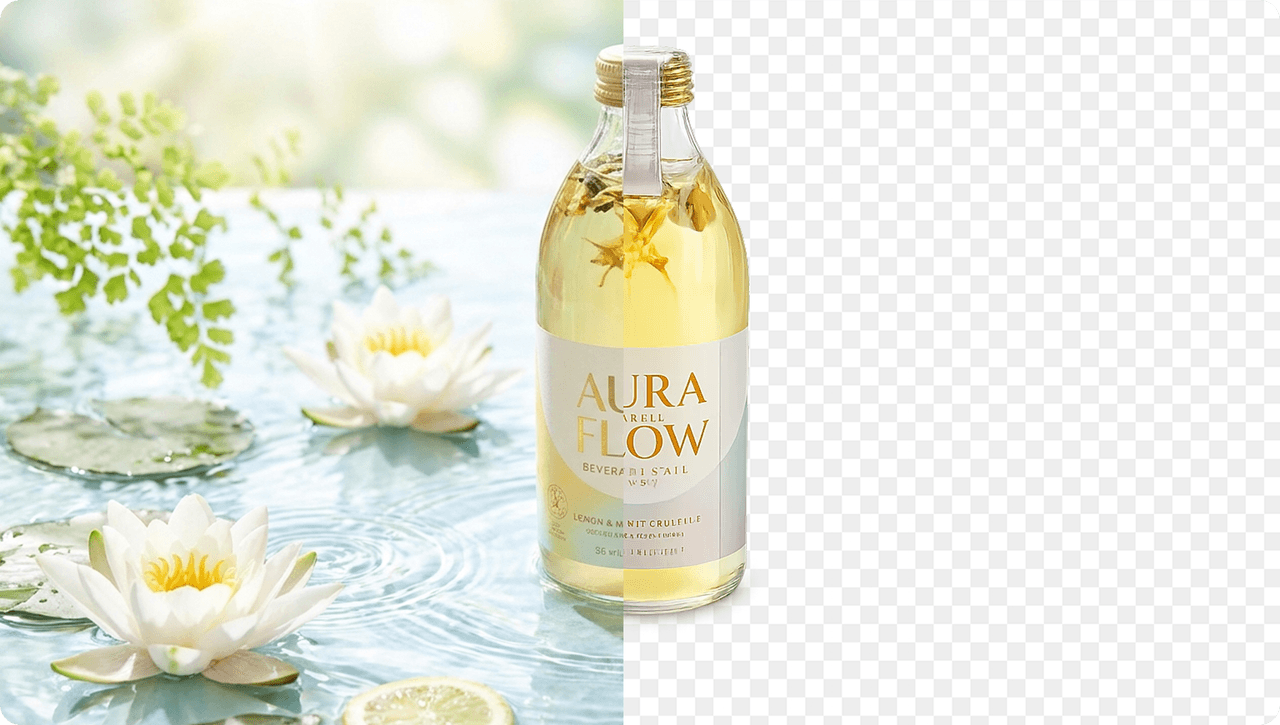
AI से image background हटाकर clean cutout बनाएं
Morph Studio AI Background Remover ordinary photos को transparent background वाले clean assets में बदलता है। Portraits, product shots, logos, objects, food images, fashion items या graphics upload करें और background को जल्दी हटाएं। यह उन workflows के लिए अच्छा है जहां clean edges, subject detail और transparent PNG export जरूरी होते हैं।
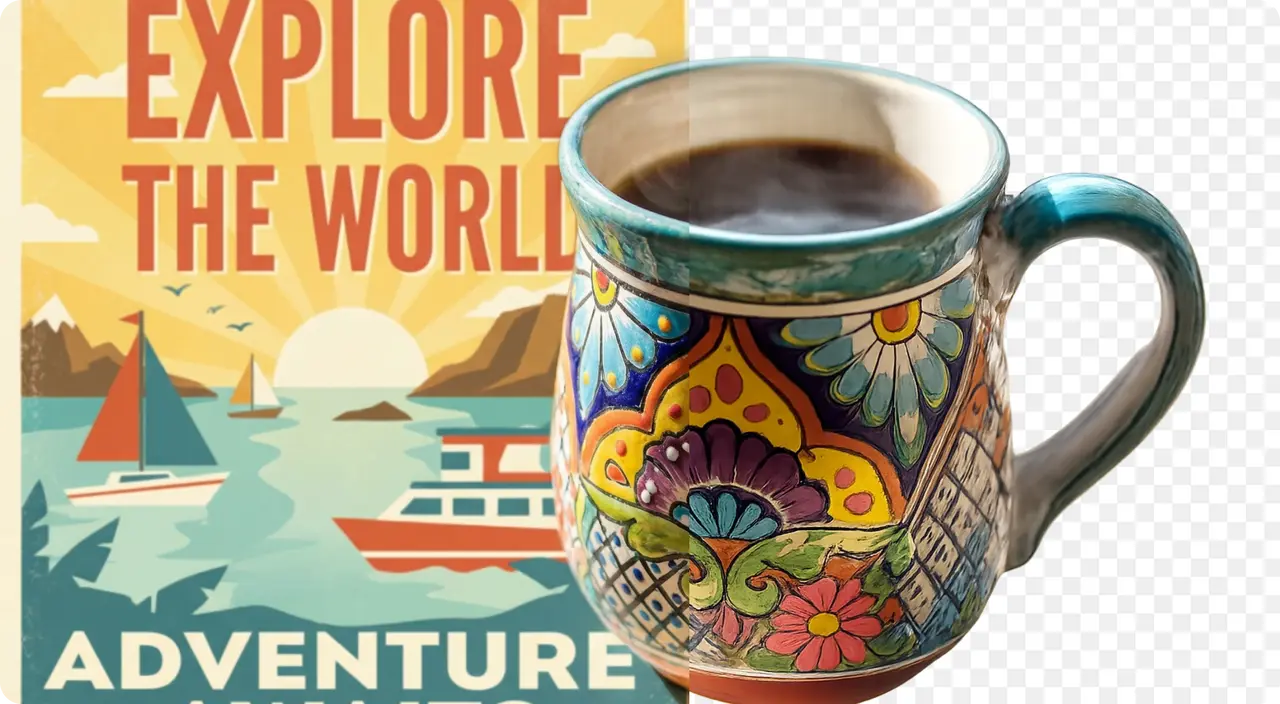
Products, logos और design assets के लिए transparent PNG
Background Remover से ecommerce photos, brand kits, websites, ads, presentations, thumbnails और social content के लिए transparent background बनाएं। Product image से white background हटाएं, logo backdrop clean करें, objects isolate करें और PNG को Canva, Photoshop, Figma, landing pages, marketplaces या Morph Studio workflow में use करें।
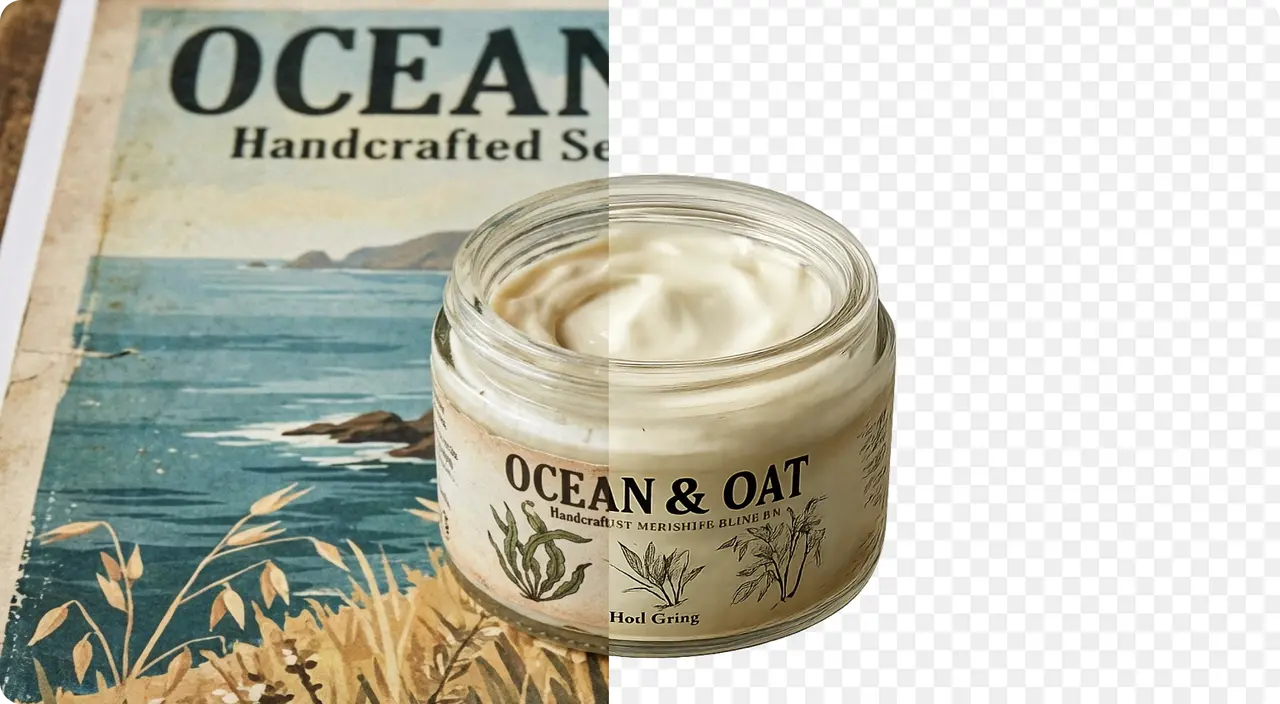
Natural language instructions से result refine करें
सिर्फ one-click background remover तक सीमित न रहें। Morph को बताएं कि hair detail बचानी है, product edges crisp रखने हैं, natural shadow रखनी है, green screen हटानी है, white background clean करना है या subject को new background के लिए ready करना है।
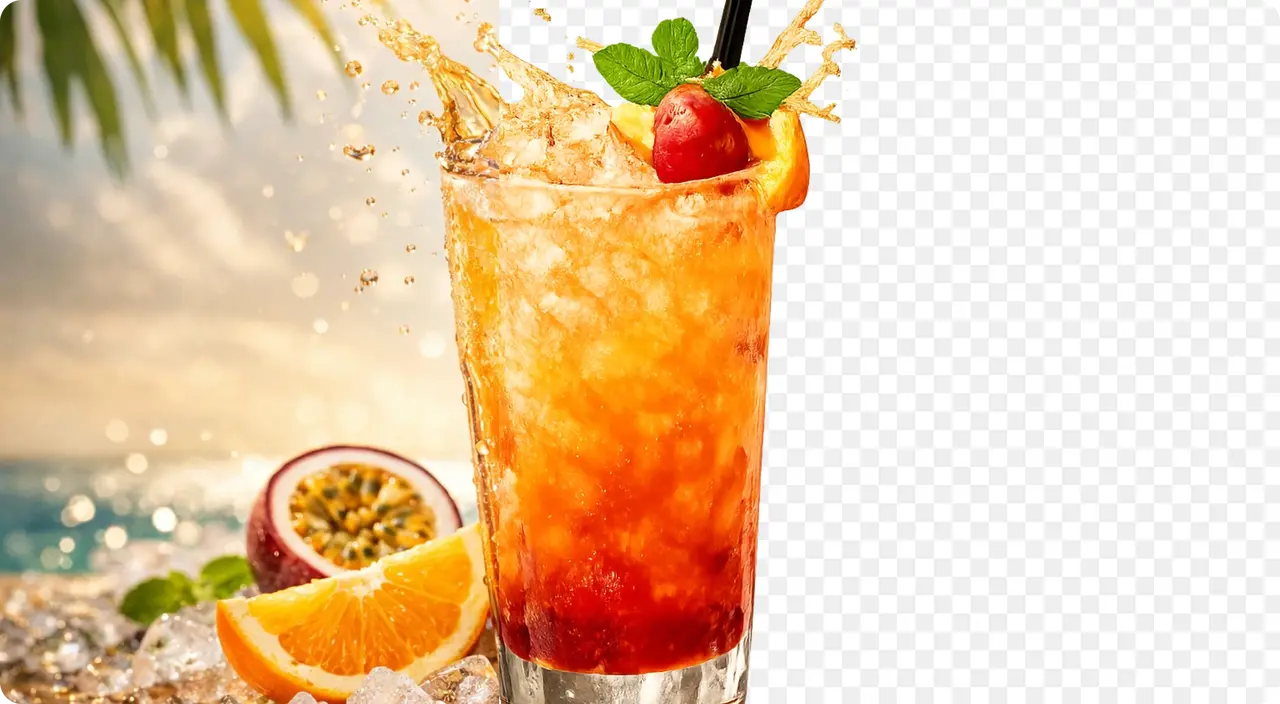
Background removal results देखें
देखें Morph Background Remover portraits, products, logos, green screen images और white backgrounds को clean transparent PNG में कैसे बदलता है।
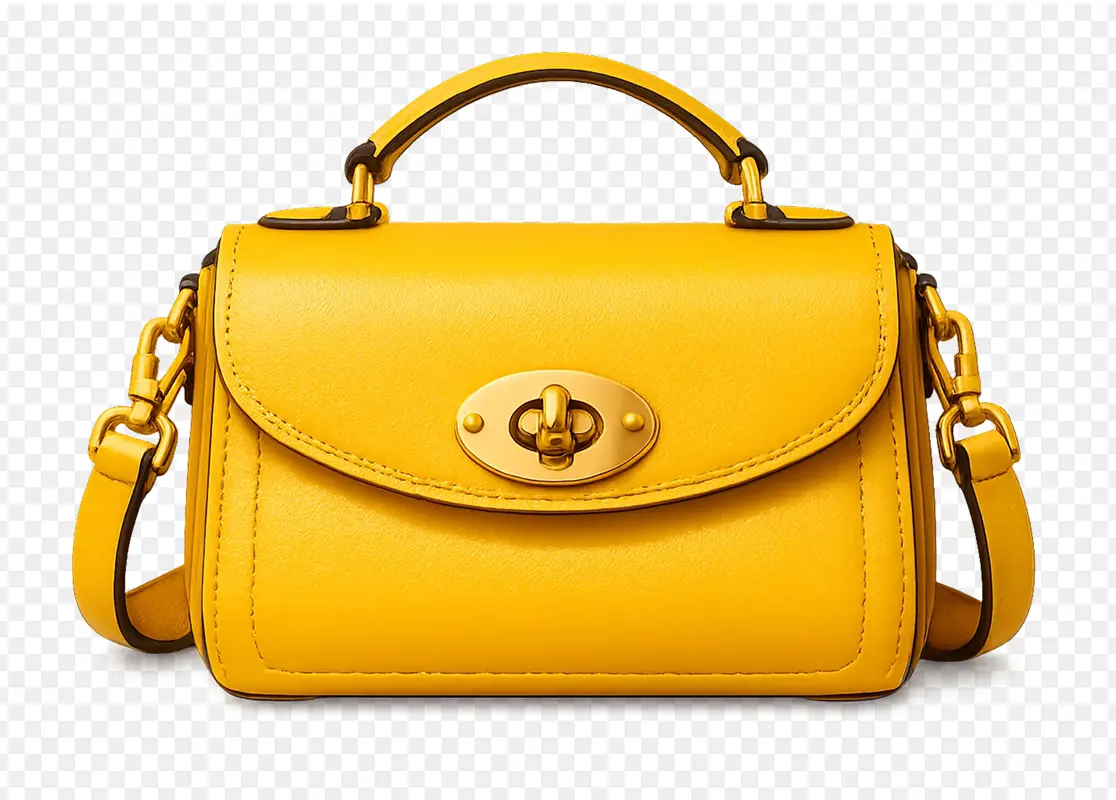
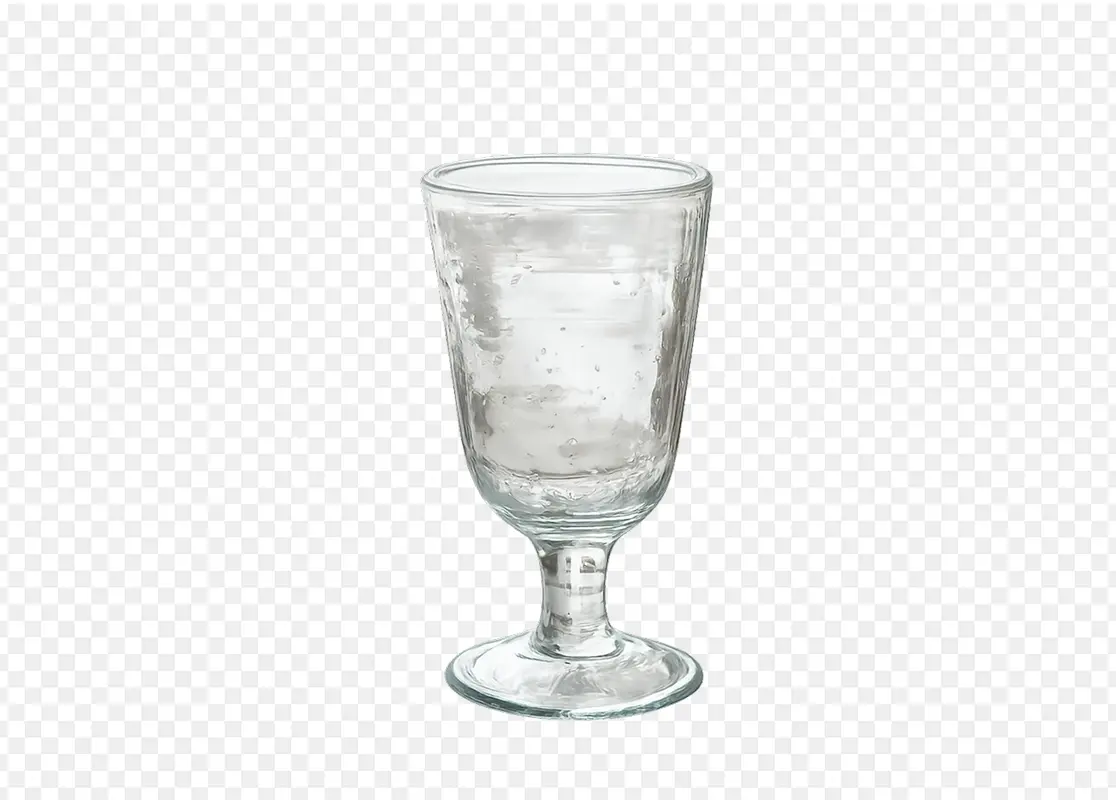
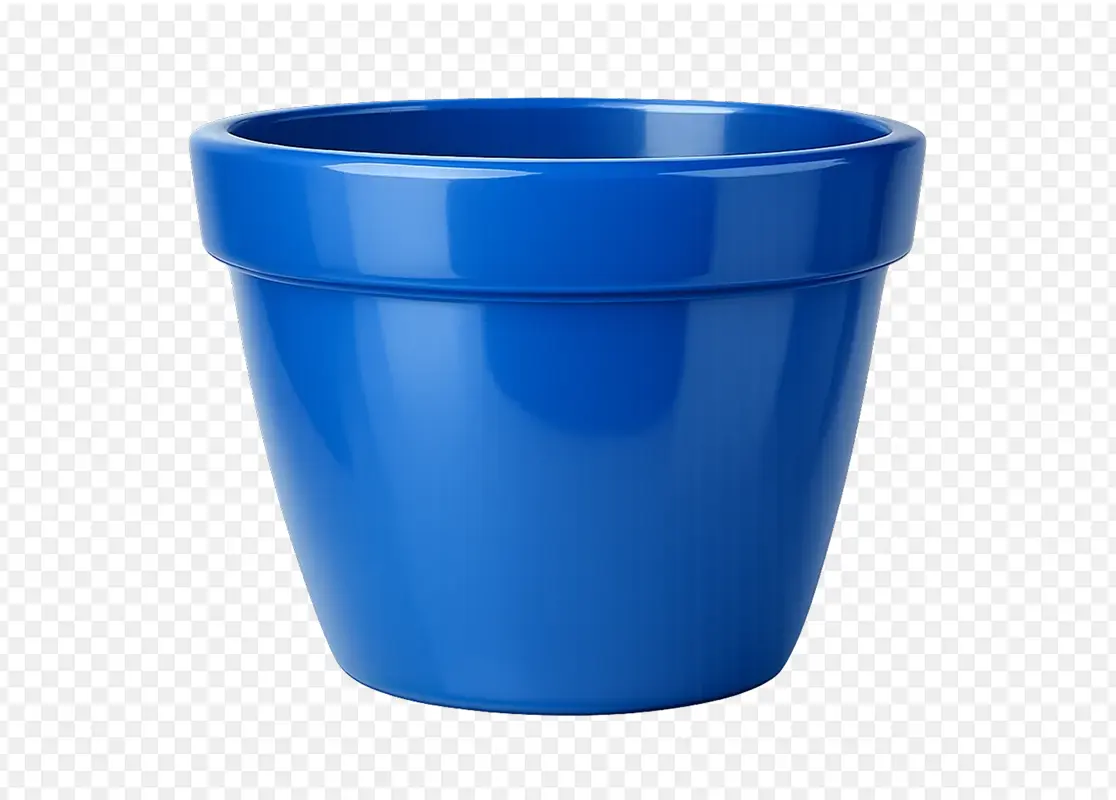

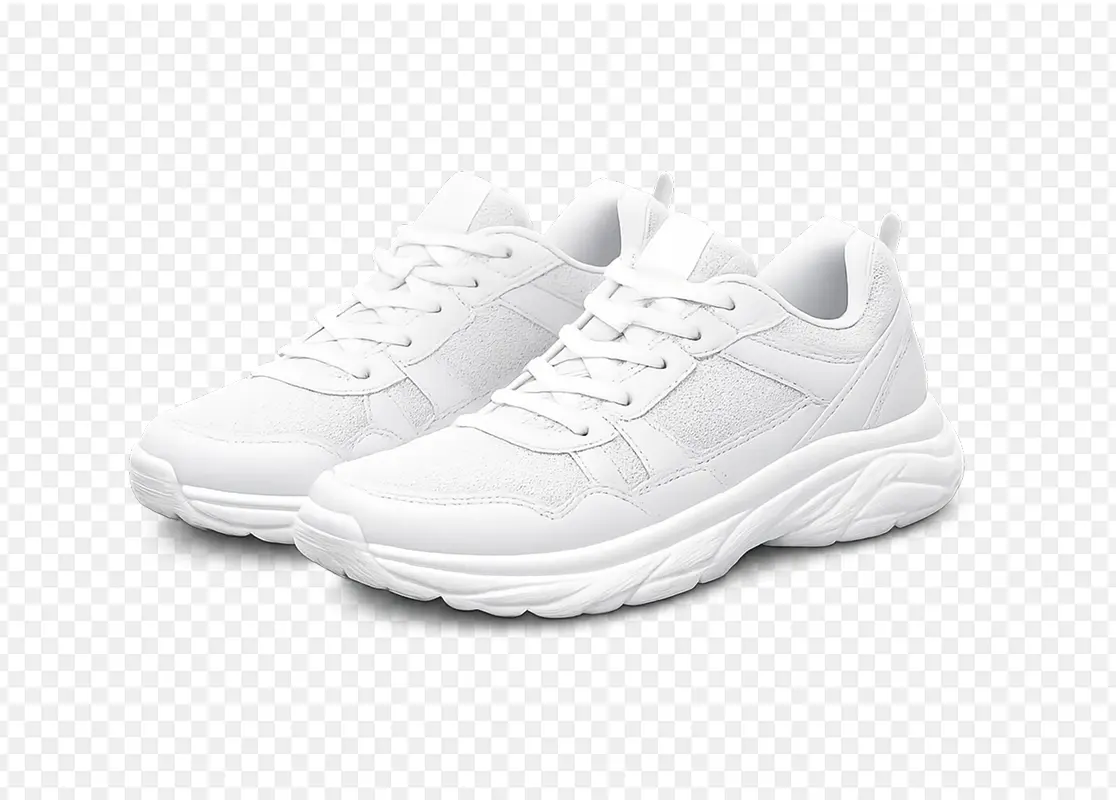
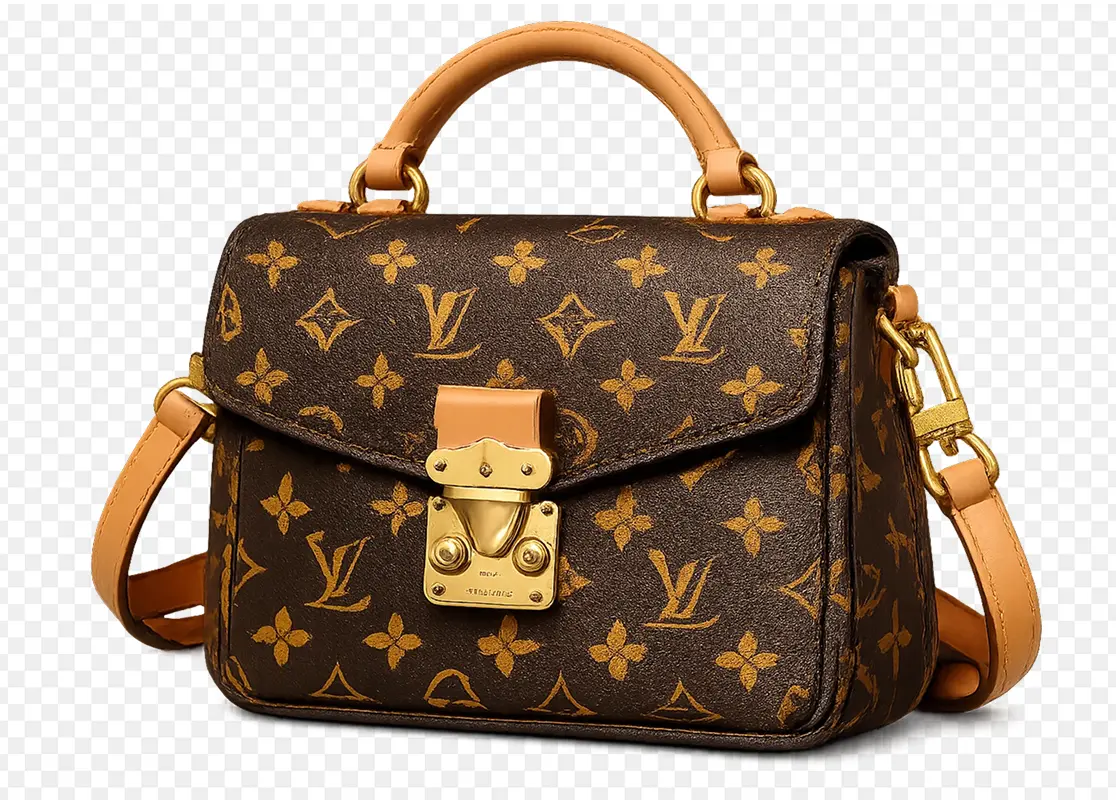
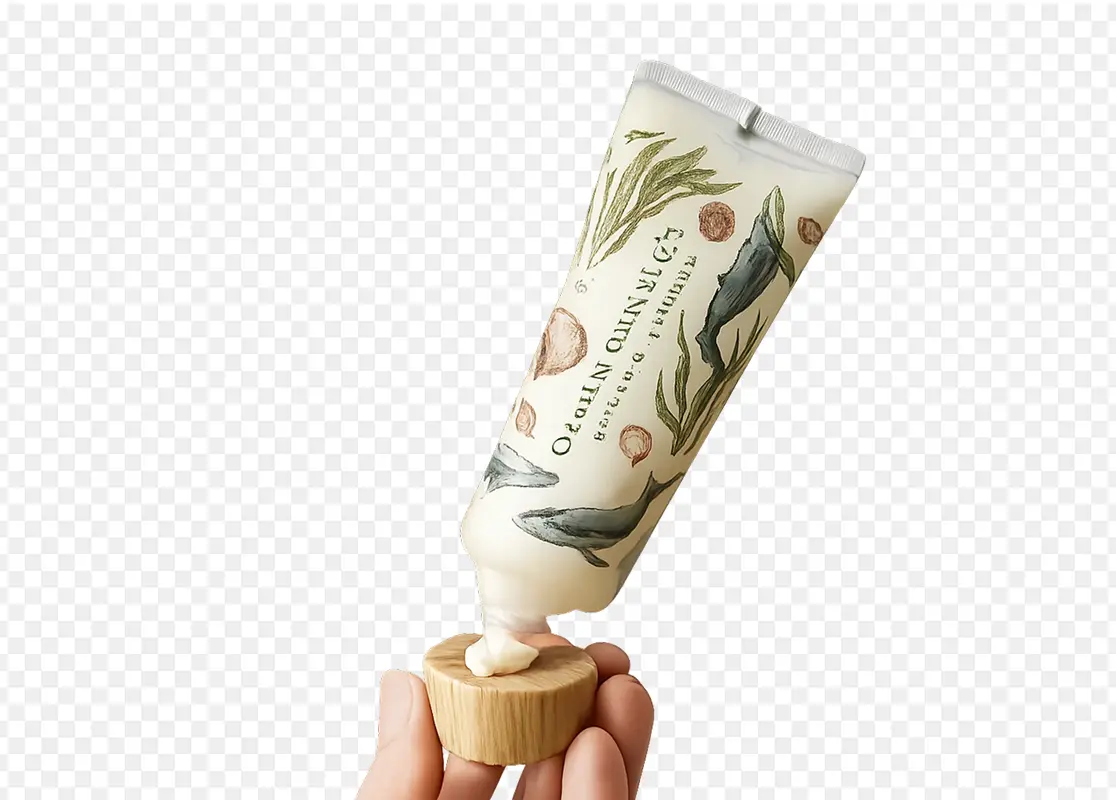
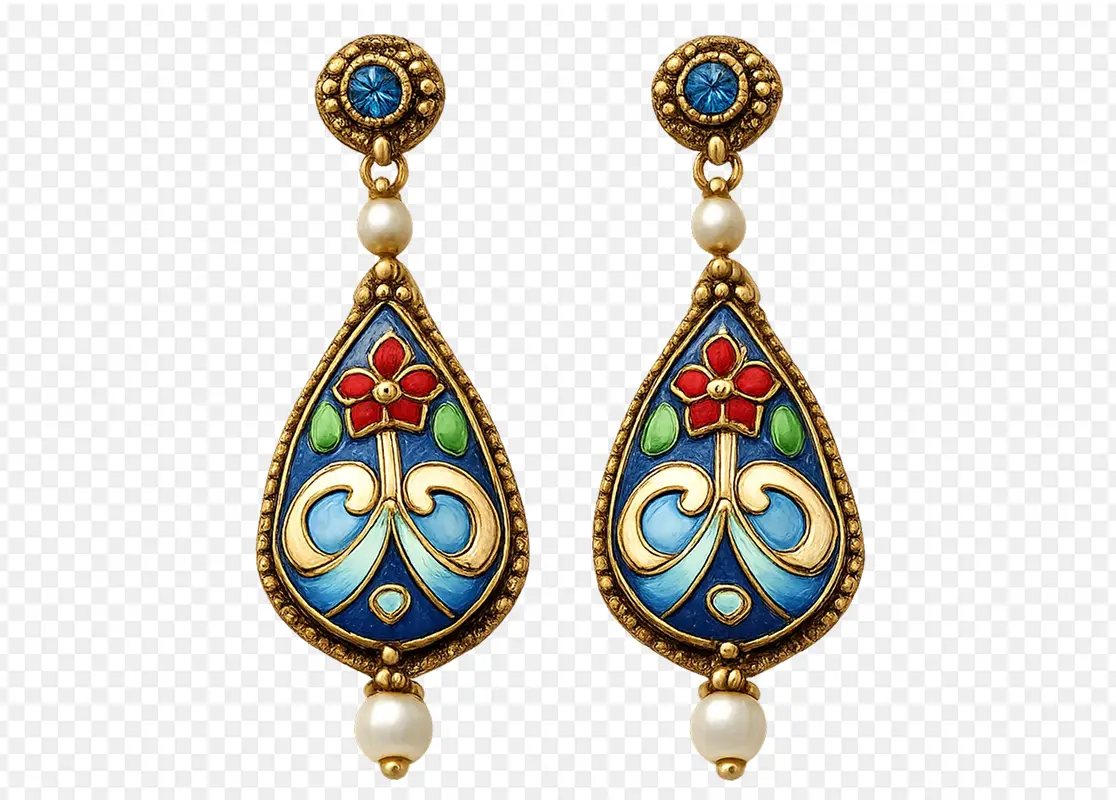
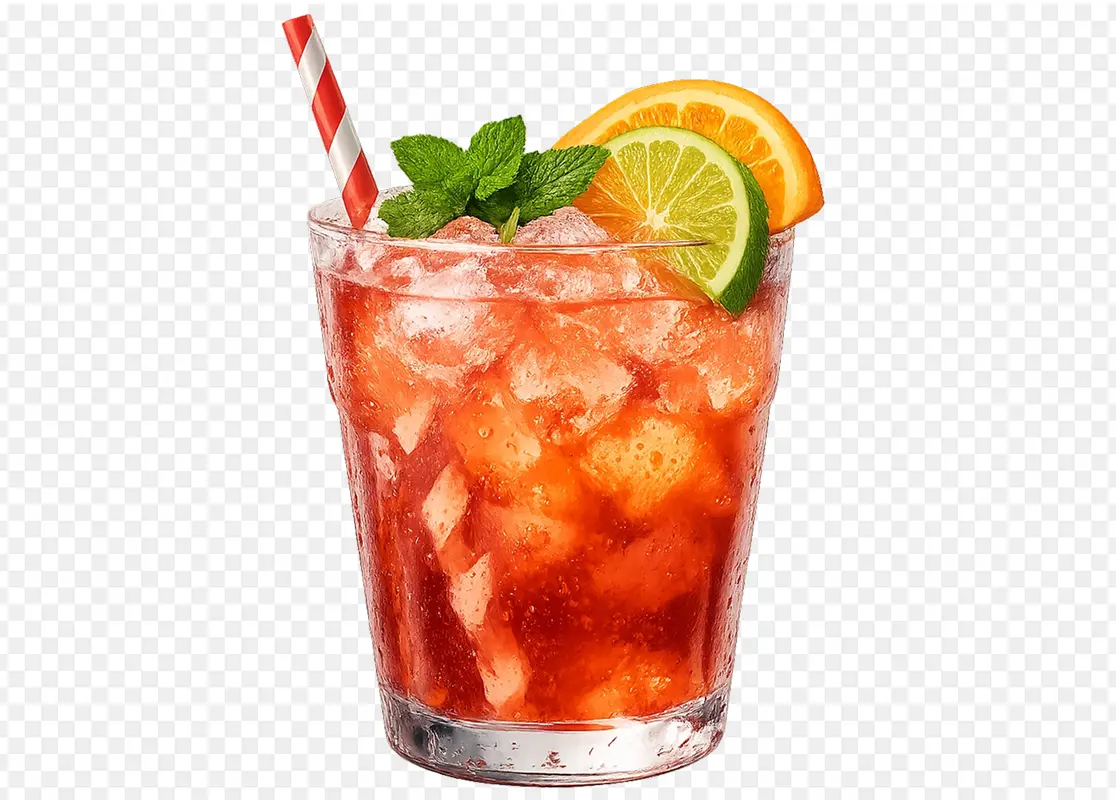
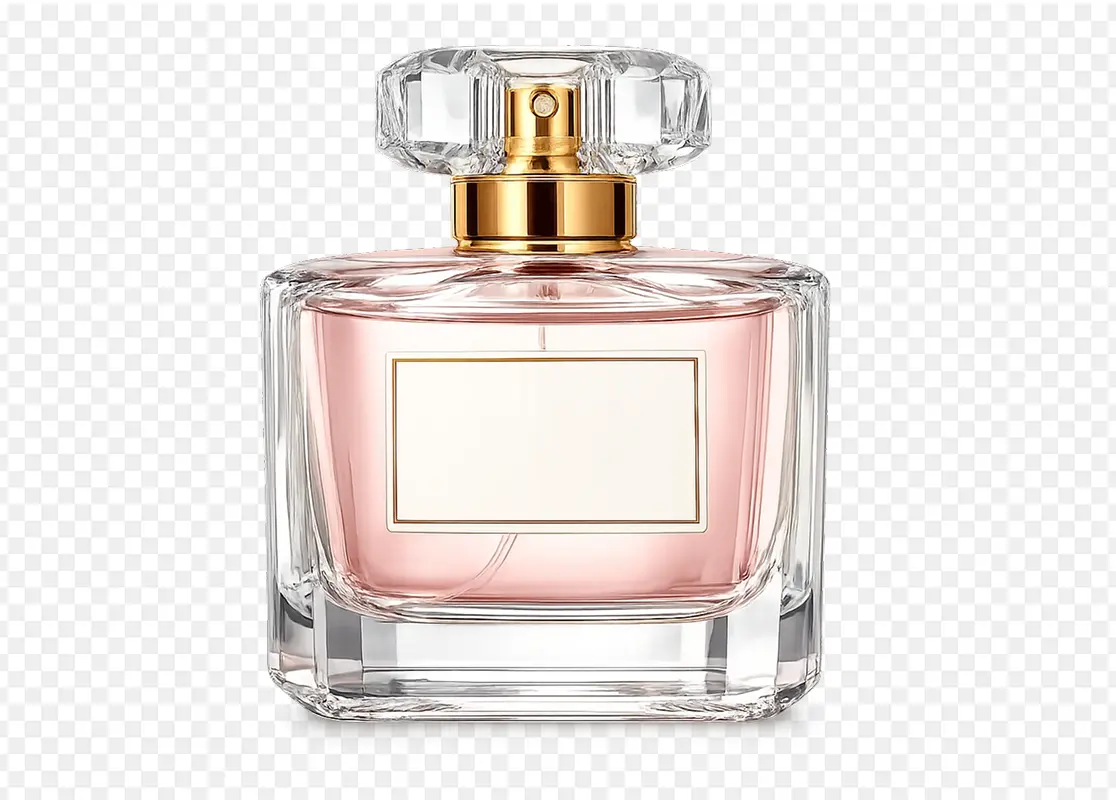
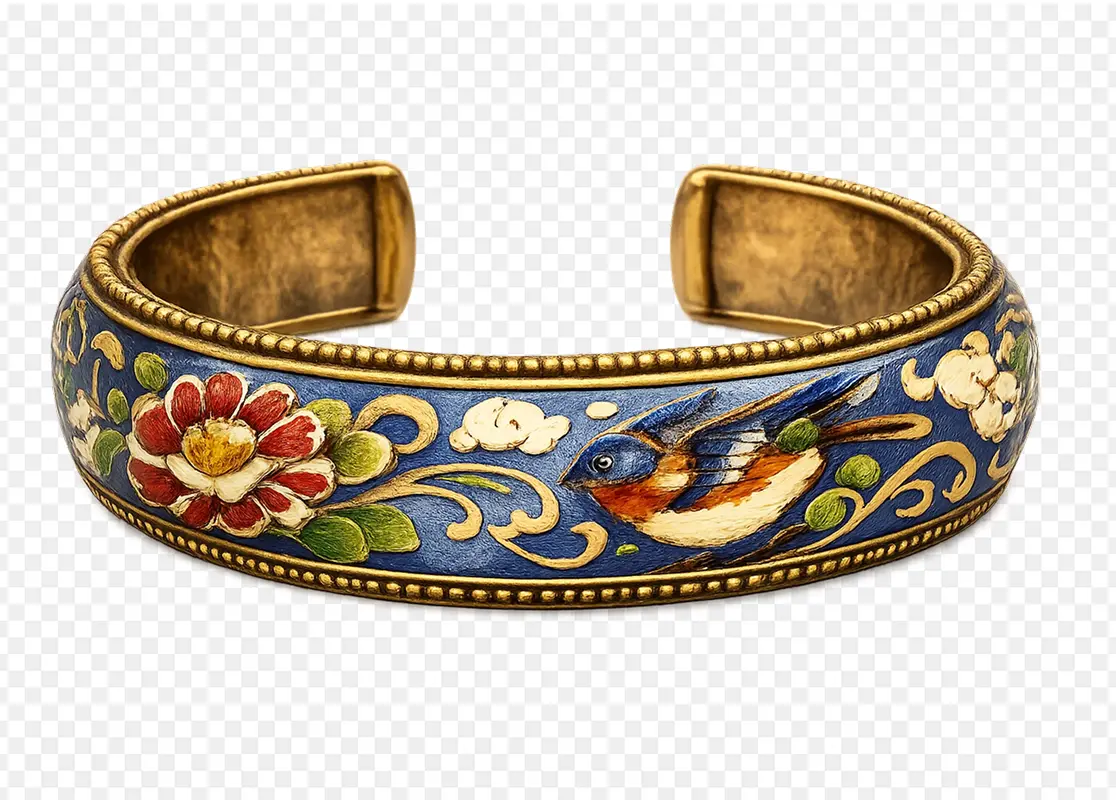
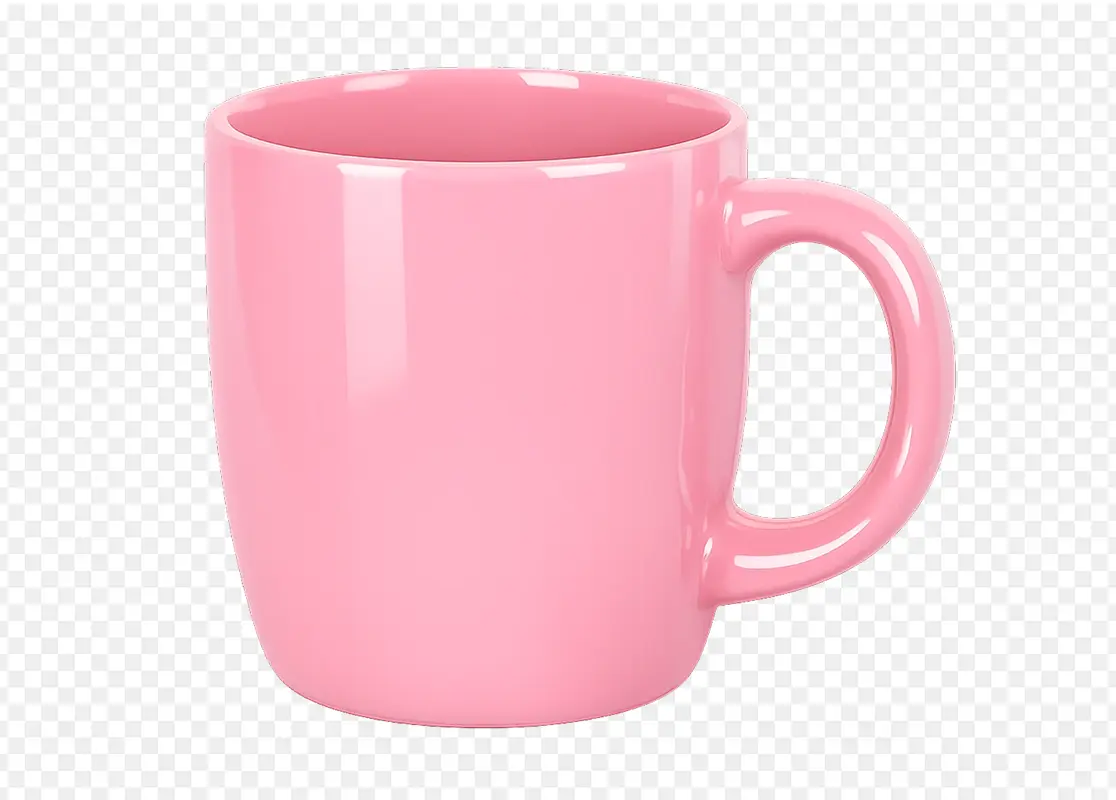
Image background हटाने के 3 steps
Upload करें, refine करें और transparent PNG download करें
Image upload करें
जिस photo, product image, portrait, logo, object, graphic या campaign visual को edit करना है उसे upload करें। Subject clear और image detailed हो तो cutout बेहतर आता है।
Background removal बताएं
अगर specific result चाहिए तो short instruction जोड़ें: background हटाएं, hair detail रखें, product shadow रखें, white background हटाएं, green screen remove करें, logo edges clean करें या ecommerce और design के लिए transparent PNG बनाएं।
Generate, review और download
Cutout generate करें, transparent result review करें, जरूरत हो तो iterate करें और final PNG download करें। Asset product listings, brand materials, social posts, profile images, presentations या Morph Studio editing में use हो सकता है।
और features explore करें
Morph Studio के और AI creative tools देखें
Related tools explore करें
Background Remover के साथ पूरा transparent image workflow बनाएं
अक्सर पूछे जाने वाले सवाल
Morph Studio AI Background Remover के बारे में
Morph Studio से background हटाएं
Image upload करें और seconds में clean transparent PNG बनाएं। Morph Studio AI Background Remover product photos, portraits, logos, objects, graphics और campaign visuals को ecommerce assets, stickers, thumbnails, profile photos और brand materials में बदलने में मदद करता है।
Start Creating