
फ्री Seedream 5.0 इमेज जनरेटर
Morph Studio के Seedream 5.0 AI इमेज जनरेटर से आइडिया को प्रोडक्शन के लिए तैयार विज़ुअल में बदलें। टेक्स्ट से इमेज बनाने से लेकर रेफ़रेंस आधारित एडिटिंग तक, Seedream V5 उन क्रिएटर्स के लिए है जिन्हें सिर्फ़ खूबसूरत आउटपुट नहीं, बल्कि बेहतर नियंत्रण चाहिए। यह प्रॉम्प्ट को अधिक गहराई से समझता है, इमेज में टेक्स्ट को साफ़ दिखाता है और पूरी सीरीज़ में सब्जेक्ट, प्रोडक्ट और विज़ुअल भाषा को एक जैसा रखता है। भौतिक दुनिया की इसकी गहरी समझ और रियल टाइम वेब सर्च संदर्भ से भरपूर क्रिएटिव ब्रीफ़ में मदद करते हैं। Seedream 5.0 Lite उच्च गुणवत्ता वाले 2K और 4K आउटपुट के साथ काम को तेज़ और हल्का रखता है, जबकि Seedream 5.0 Pro अधिकतम 10 रेफ़रेंस इमेज से सब्जेक्ट, स्टाइल, कंपोज़िशन और कैरेक्टर पर अधिक सटीक नियंत्रण देता है। ई-कॉमर्स विज़ुअल, पोस्टर, कैंपेन सामग्री और वास्तविक डिज़ाइन वर्कफ़्लो में उपयोग होने वाले कॉन्सेप्ट फ़्रेम बनाएं।
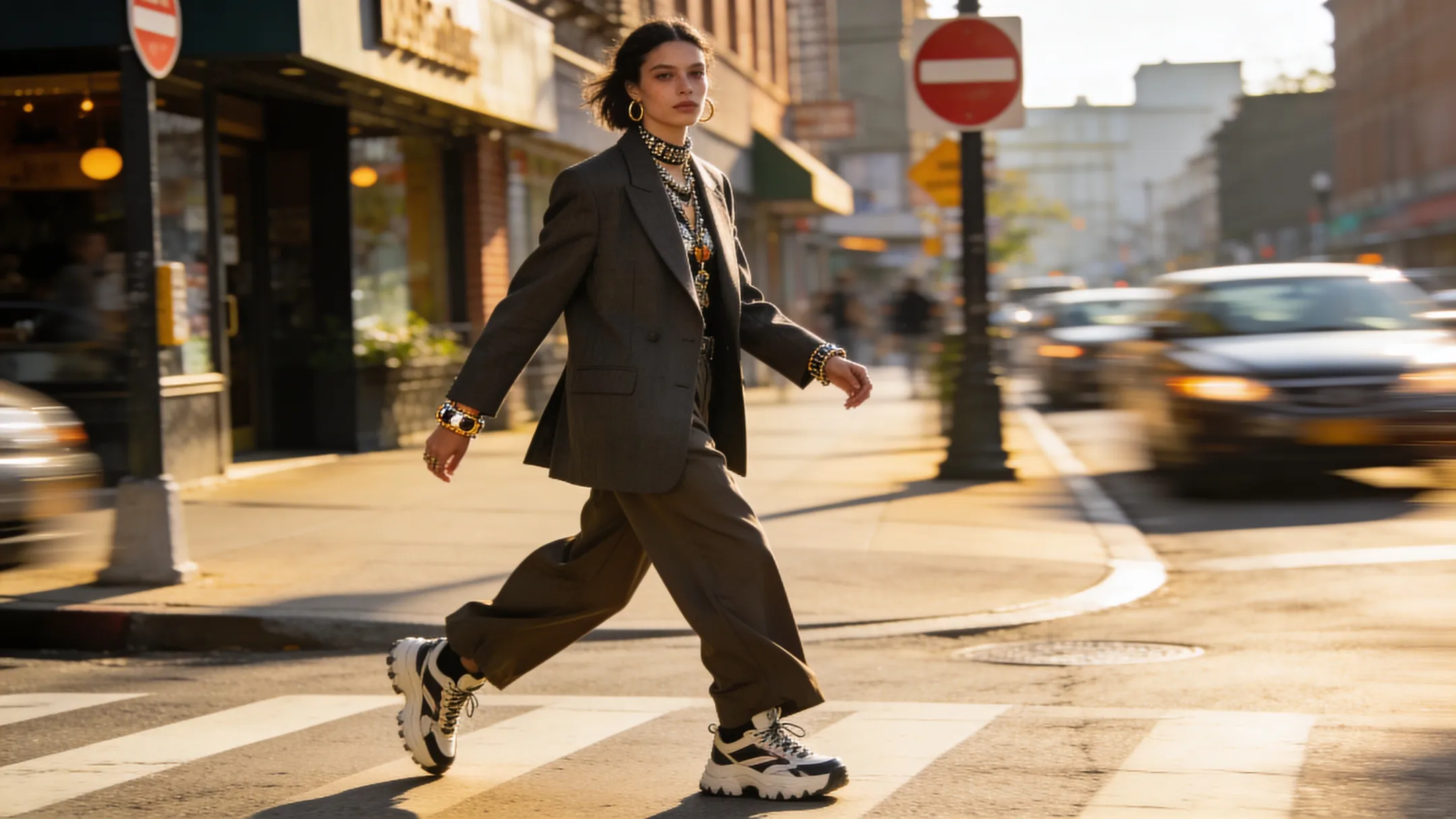
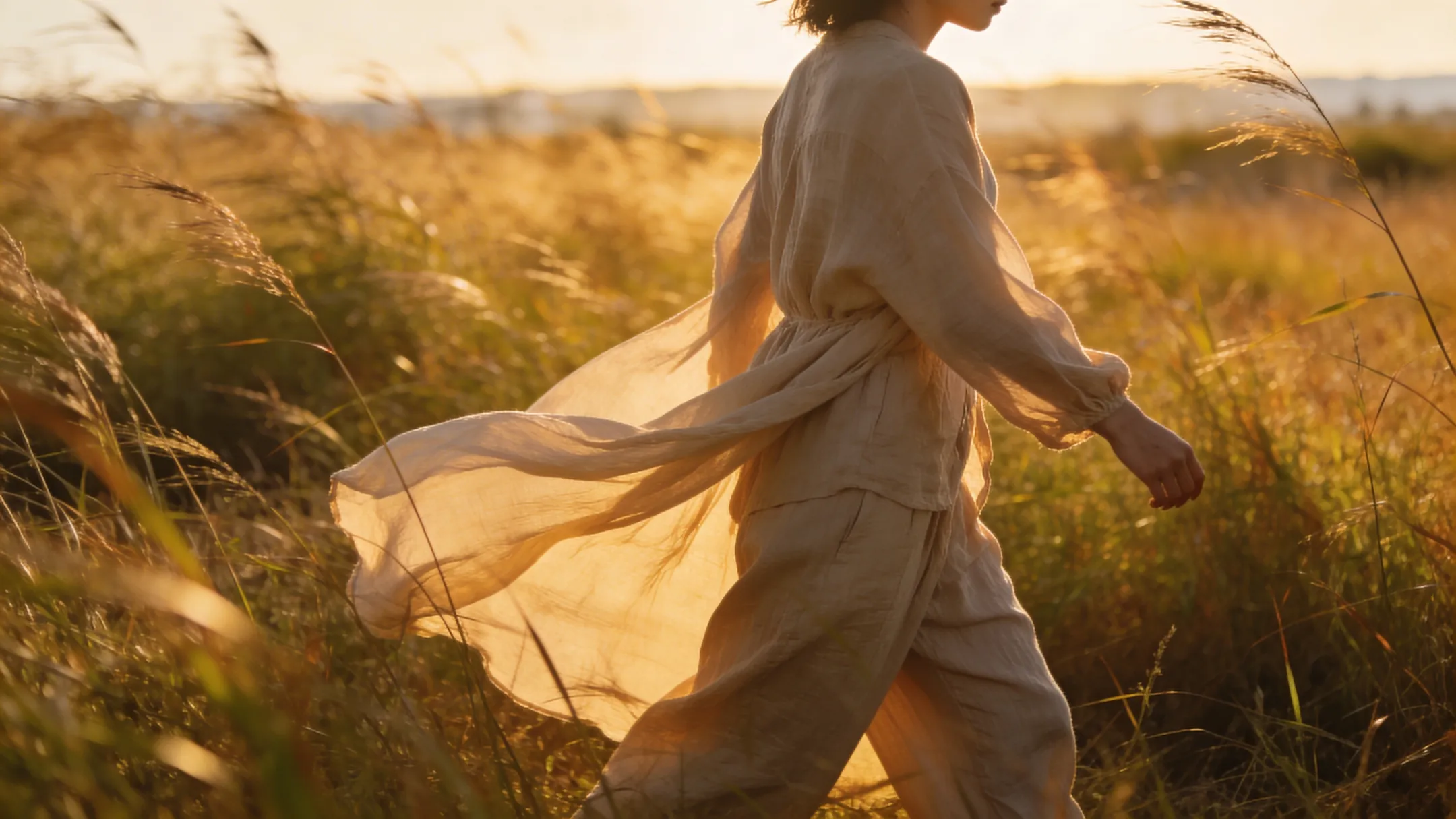
ज़्यादा मजबूत prompt understanding
design workflows के लिए
Seedream 5.0 Lite उन प्रॉम्प्ट के लिए बना है जिनमें केवल सब्जेक्ट और स्टाइल से अधिक जानकारी होती है। यह कंपोज़िशन, तत्वों के संबंध, सामग्री, टाइपोग्राफ़ी और ब्रांड टोन को अधिक भरोसेमंद तरीके से समझता है। भौतिक दुनिया की गहरी समझ और रियल टाइम वेब सर्च ऐसे ब्रीफ़ में भी मदद करते हैं जिनमें अधिक संदर्भ और वास्तविकता चाहिए। यह पोस्टर, लैंडिंग पेज विज़ुअल, सोशल ग्राफ़िक्स, कैंपेन सामग्री और ऐसे AI वॉलपेपर जनरेटर आउटपुट के लिए उपयोगी है जिन्हें सिर्फ़ अच्छा दिखना नहीं, ब्रीफ़ का सही पालन भी करना है।
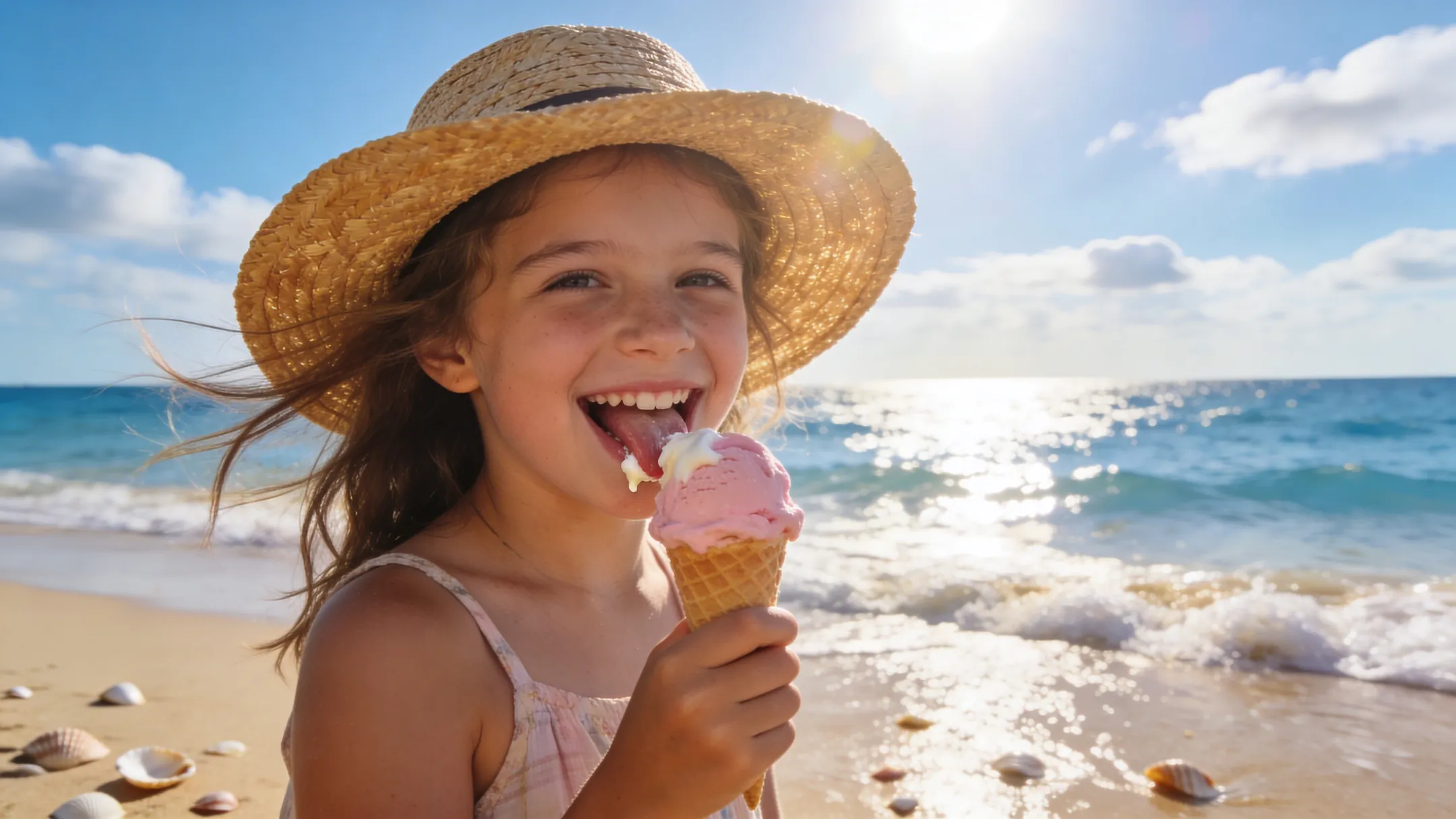
साफ text rendering और
बेहतर visual consistency
प्रोडक्ट स्टोरीटेलिंग, ब्रांड कैंपेन, कैरेक्टर शीट और मार्केटिंग सामग्री में एक बार संयोग से मिली अच्छी इमेज से अधिक महत्वपूर्ण है निरंतरता। Seedream 5.0 Pro अधिकतम 10 रेफ़रेंस इमेज सपोर्ट करता है, जिससे एक जनरेशन में सब्जेक्ट, प्रोडक्ट, कैरेक्टर, विज़ुअल पहचान, स्टाइल और कंपोज़िशन एक साथ बने रहते हैं और इमेज का टेक्स्ट भी अधिक साफ़ आता है। Morph Studio में लगातार एक जैसी ब्रांड सीरीज़, प्रोडक्ट विज़ुअल, विज्ञापन कॉन्सेप्ट और प्रोजेक्ट के बढ़ने पर भी उपयोगी AI कैरेक्टर जनरेटर वर्कफ़्लो बनाएं।
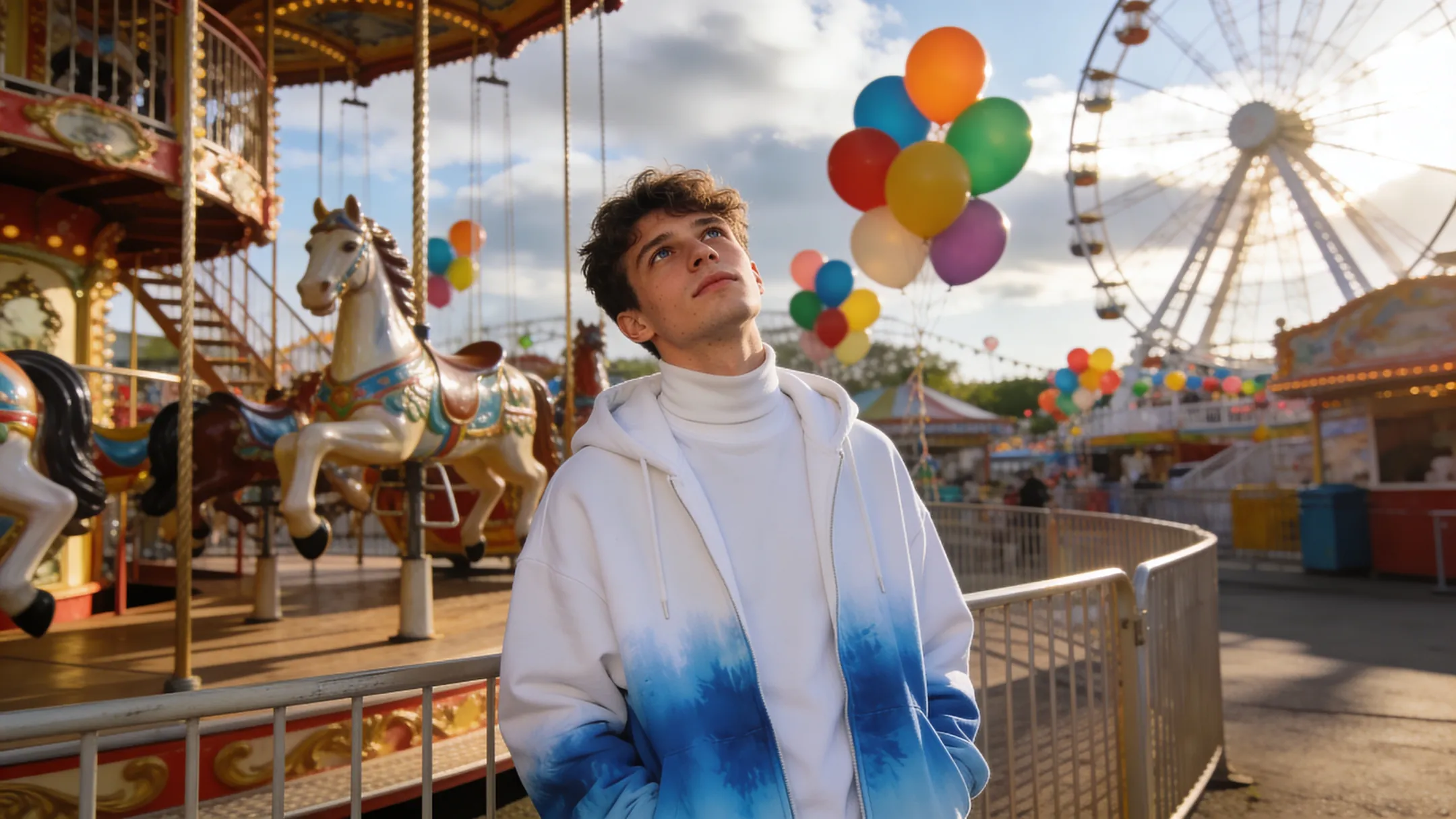
सिर्फ generation नहीं, editing और
workflow handoff के लिए भी उपयोगी
Seedream 5.0 केवल खाली कैनवस से इमेज बनाने तक सीमित नहीं है। एक ही वर्कफ़्लो में रेफ़रेंस आधारित क्रिएशन, स्टाइल एक्सप्लोरेशन, बैकग्राउंड बदलना, विज़ुअल सुधार और कई इमेज के साथ आइडिया विकसित करना संभव है। Lite रोज़मर्रा के काम को तेज़ और हल्का रखता है, जबकि Pro अधिकतम 10 इमेज के साथ रेफ़रेंस आधारित काम और सटीक क्रिएटिव नियंत्रण को बढ़ाता है। स्थिर फ़्रेम मिलने के बाद बिना फिर से शुरू किए उसे Morph Studio की AI मोशन कंट्रोल योजना में आगे बढ़ाएं।
3 steps में Seedream 5.0 के साथ create करें
Prompt से production-ready visuals तक
एक detailed prompt लिखें
Subject, composition, style, text elements, lighting और mood को describe करें। अगर आपके पास visual direction पहले से है, तो reference image भी upload कर सकते हैं।
Creative direction refine करें
Layout, materials, typography, colors और framing पर अधिक details दें। Product images, posters, brand visuals और storyboard frames में specific brief होने पर Seedream 5.0 Lite और बेहतर perform करता है।
Generate करें और आगे बढ़ाएँ
पहला result generate करें, फिर उससे variations बनाएं। जब आपके पास एक strong still हो, तो Morph Studio में text-to-image variations, transparent image export, या Seedance 2.0 के साथ उस frame को अगले production step में Morph करें।
अन्य features देखें
Morph Studio के और AI creative tools खोजें
Related tools एक्सप्लोर करें
Seedream 5.0 के आसपास पूरा image workflow बनाएं
अक्सर पूछे जाने वाले सवाल
Seedream 5.0 के बारे में आपको जो जानना चाहिए
Morph Studio पर Seedream 5.0 आज़माएँ
Seedream 5.0 Lite और Pro से अधिक नियंत्रित, एक जैसी और प्रोडक्शन के लिए तैयार AI इमेज बनाएं।
Morph Studio वर्कफ़्लो में आइडिया को पोस्टर, प्रोडक्ट विज़ुअल, कॉन्सेप्ट आर्ट और कीफ़्रेम में बदलें।