
मुफ़्त GPT Image 2 इमेज जेनरेटर
Morph Studio के image generator में GPT Image 2 AI model का उपयोग करें। GPT Image 2 उन creators, marketers और design teams के लिए बनाया गया है जिन्हें सिर्फ़ तेज़ image outputs नहीं, बल्कि real workflow में काम आने वाले assets चाहिए। Morph Studio में यह prompts से high-quality visuals बनाने, natural language से images edit करने, images के अंदर text को ज़्यादा साफ़ render करने, और reference images से products, characters, layouts और visual style को guide करने में मदद करता है। prompts को product visuals, campaign images, posters, social posts, infographics, concept art और production-ready creative assets में बदलें।
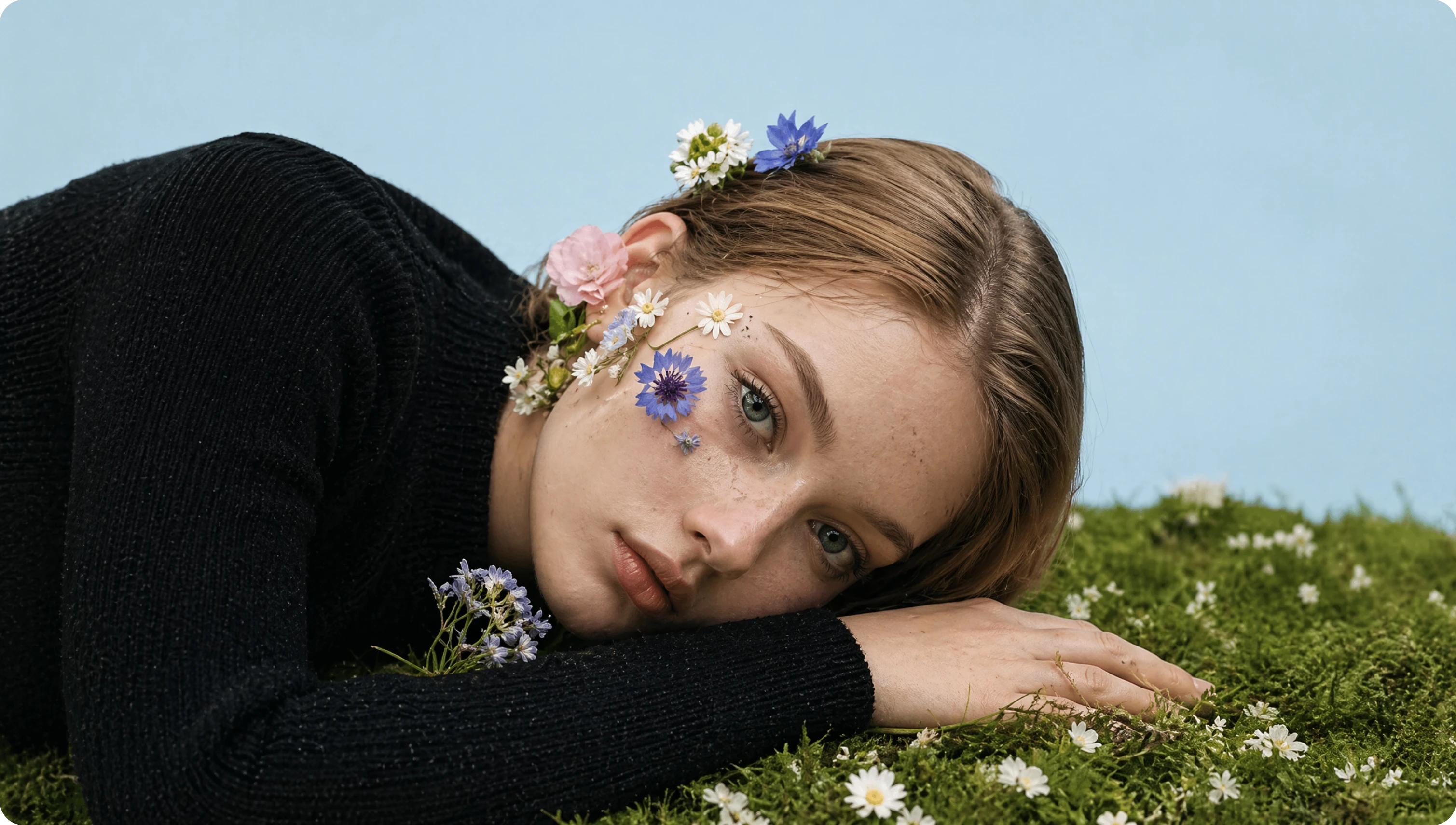
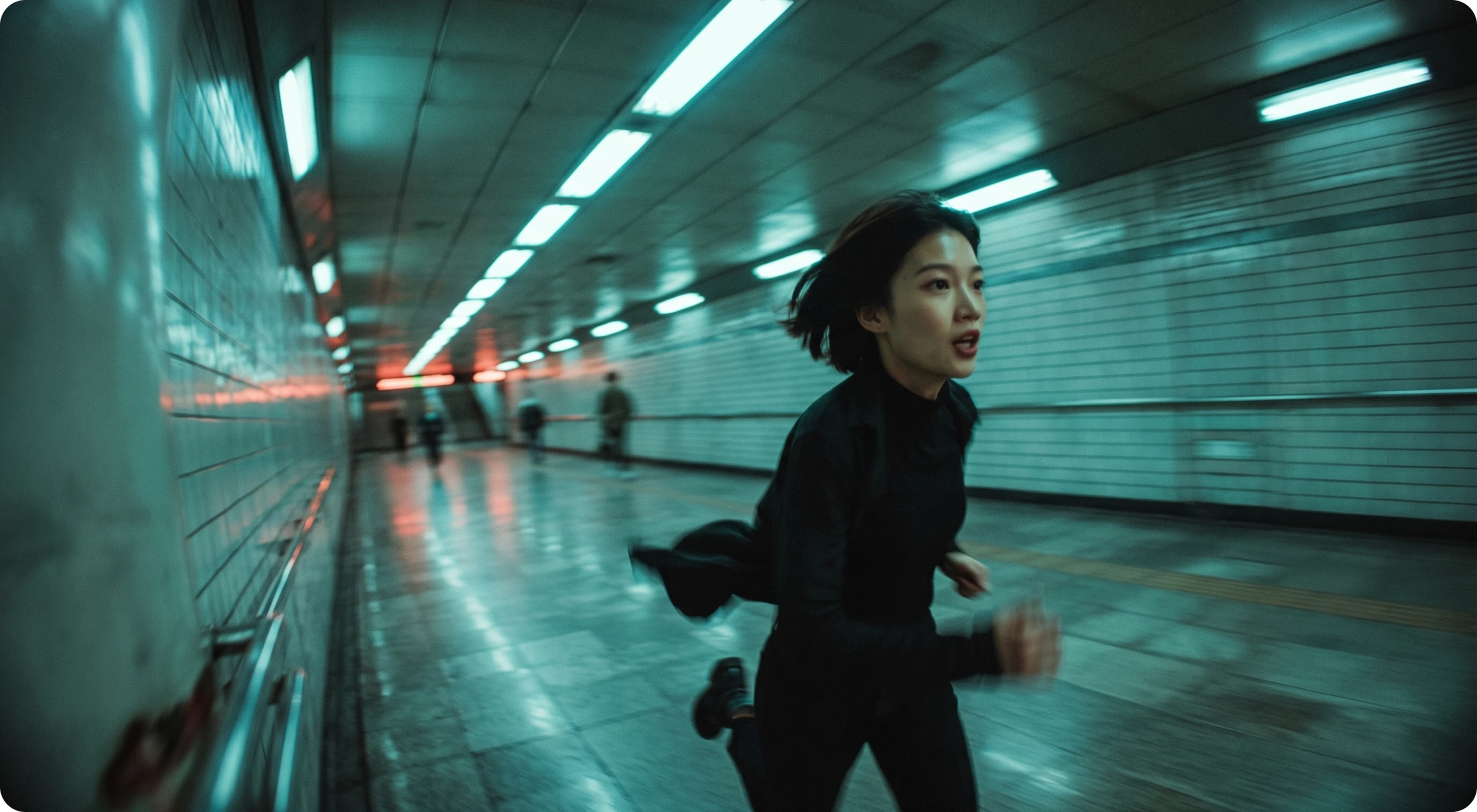
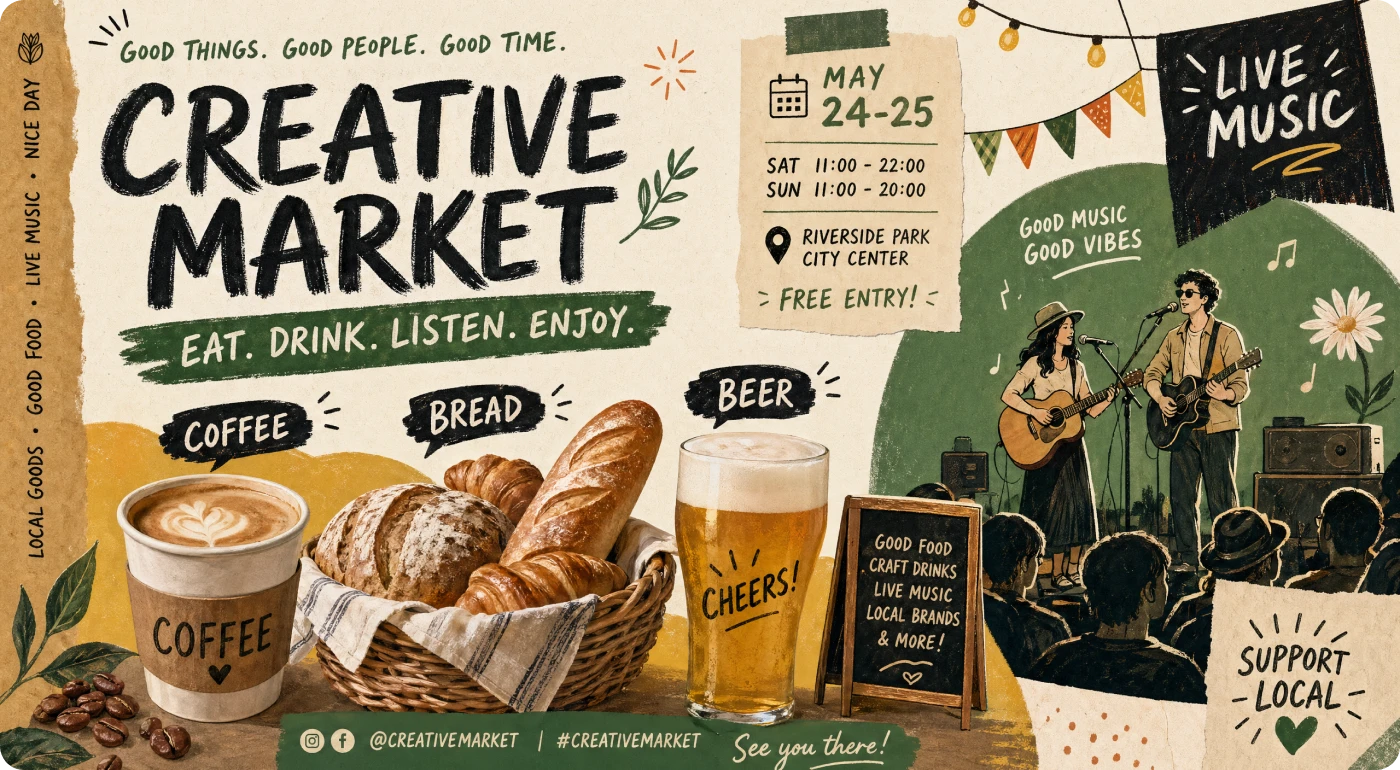
साफ़ text rendering के साथ high-quality images बनाएं
GPT Image 2 detailed creative briefs को polished images में बदलने में मदद करता है, जिसमें stronger prompt following और cleaner on-image text rendering मिलती है। subject, composition, lighting, material, mood, typography, camera angle और brand direction बताएं, फिर posters, social graphics, product visuals, infographics, concept art और campaign assets बनाएं जिन्हें real creative workflows में इस्तेमाल करना आसान हो।
Natural language instructions से images edit करें
Basic generation से आगे बढ़ें और existing visuals को natural language editing से refine करें। image upload करें, बताएं कि क्या बदलना है, और GPT Image 2 से backgrounds adjust करें, layouts improve करें, product details refine करें, visual variations explore करें या plain-language instructions से targeted inpainting-style edits करें। यह उन creators के लिए तेज़ image editing workflow है जो complex manual editing process के बिना precise changes चाहते हैं।

Reference images और image-to-image workflows से create करें
Reference images से output के subject, product, character, composition या visual style को guide करें। Morph Studio में GPT Image 2 reference-led creation, image-to-image generation, natural language refinements और visual variations को support करता है, ताकि creative series में assets aligned रहें। existing image से शुरू करें, नए directions बनाएं और strong visuals को marketing, design और content production के लिए workflow-ready assets में बदलें।
GPT Image 2 से 3 steps में create करें
prompt से final asset तक images generate, edit और refine करें
Prompt लिखें या reference upload करें
subject, style, composition, lighting, mood, colors, text elements, typography और output goal के साथ clear creative brief लिखें। product, character, layout या visual style guide करने के लिए reference image भी upload कर सकते हैं।
Natural language से refine करें
साधारण भाषा में बताएं कि कौन से edits चाहिए। background, product details, framing, layout, visual style, typography या specific image areas adjust करें। GPT Image 2 product visuals, posters, branded assets, infographics, concept frames और image-to-image variations के लिए उपयोगी है।
Generate, iterate और download करें
image generate करें, result review करें, variations बनाएं, prompts या references से refine करते रहें और final asset download करें। strong images आगे Morph Studio workflow में image-to-video, motion design या अन्य creative production tasks के लिए भी जा सकती हैं।
अन्य features देखें
Morph Studio के और AI-powered creative tools खोजें
Related tools देखें
GPT Image 2 के around complete image workflow बनाएं
अक्सर पूछे जाने वाले प्रश्न
GPT Image 2 के बारे में ज़रूरी जानकारी
Morph Studio पर GPT Image 2 आज़माएं
GPT Image 2 से high-quality AI images generate और edit करें। prompts और reference images को product visuals, posters, social posts, infographics, concept art, campaign assets और image-to-image variations में बदलें, सब Morph Studio workflow के अंदर।