
Seedance 2.0 Multimodal Playbook: Video Creations Beyond Prompts
Most guides talk about prompts. This one is about control. Seedance 2.0 is at its best when you treat it like a multimodal editor: let images define look, videos define motion, audio define rhythm, and text define story. On Morph, this approach produces cleaner continuity and a wider range of styles in fewer tries. Start with Seedance 2.0 and think in layers, not lines.
Multimodal Input Ability
This is a compact view of the input limits and output range so you can plan your creative stack quickly:
| Item | Limit |
|---|---|
| Images | Up to 9 |
| Video | Up to 3 clips, 15 seconds total |
| Audio | Up to 3 MP3 files, 15 seconds total |
| Text | Natural language prompts |
| Output length | 4 to 15 seconds, selectable |
| Audio output | Built-in sound effects and music |
| Total files | 12 files per generation |
How to Use References (The @ Mention System)
Seedance 2.0 uses an @ mention system so you can assign roles to each uploaded asset. This makes it clear what each file should control.
Entry Points
- First/Last Frame mode: Use when you only need a starting image plus a prompt.
- Universal reference mode: Use when combining images, videos, audio, and text together.
For complex camera paths, pairing references with AI motion control keeps movement consistent.
@ Syntax
After you upload files, reference them inside your prompt using @ plus the file label:
@Image1 as the first frame, reference @Video1 for camera movement,
use @Audio1 for background music
Example Instructions You Can Mix
| Use case | Prompt pattern |
|---|---|
| Set first frame | @Image1 as the first frame |
| Reference motion | Reference @Video1 for the choreography |
| Copy camera work | Follow @Video1 camera movements and transitions |
| Add music or rhythm | Use @Audio1 for background music |
| Extend a clip | Extend @Video1 by 5 seconds |
| Replace character | Replace the woman in @Video1 with @Image1 |
1. The Multimodal Mindset
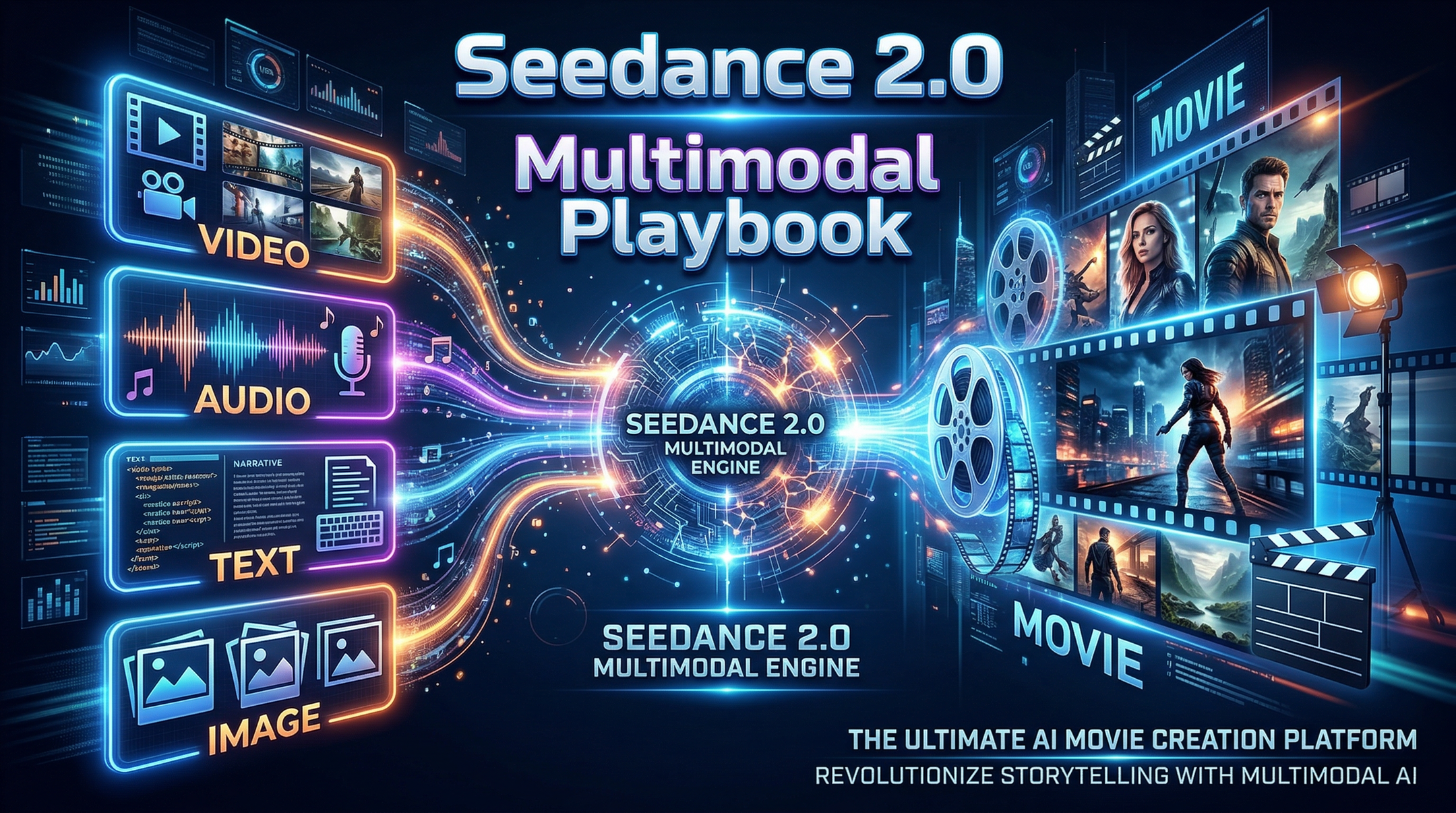
Single prompts are fine for quick ideas. Multimodal workflows are how you make something that feels designed. Instead of packing everything into one sentence, assign roles to each input:
- Image sets style, character identity, or art direction.
- Video sets motion, camera behavior, or pacing.
- Audio sets rhythm, energy, and emotional timing.
- Text sets narrative intent and constraints.
When you work this way in Morph Studio, you stop fighting drift and start shaping outcomes.
2. A Simple Control Map (Who Controls What)
This is the mental model we use most on Morph:
- Look: reference image for color, lighting, texture, and costume.
- Subject: reference image for identity and consistency.
- Motion: reference video for choreography and physics.
- Camera: reference video for movement and lens feel.
- Rhythm: reference audio for timing and beat.
- Story: text for what must happen and what must not.
The key is to keep each input focused. If two inputs fight over the same job (two different motion references, for example), the output becomes average.
3. Seven Ways to Play With Multimodal Seedance 2.0
These are not prompt templates. They are creative patterns you can repeat and remix in Morph Studio.
3.1 Style Lock + Motion Borrow
Use one image to lock the look, and one short video to borrow motion.
- Image defines palette, wardrobe, and lighting.
- Video defines camera movement and kinetic energy.
- Text defines story beats.
Great for: fashion films, cinematic portraits, product motion tests.
3.2 Character Lock + Scene Swap
Keep a character stable while swapping environments.
- Character image controls identity.
- Environment image controls setting.
- Video controls movement style.
Great for: episodic storytelling, brand mascots, recurring series.
3.3 Audio-First Rhythm
Start with a music track and build visuals that hit the beat.
- Audio sets pacing and emotional arc.
- Video reference sets camera language.
- Text defines cuts or transitions.
When you need narration, an AI voiceover can lock tone before you cut to the beat.
Great for: music videos, trailers, kinetic brand ads.
3.4 Template Remix
Find a visual template you like and re-skin it.
- Video reference defines structure and transitions.
- Image references define character or product styling.
- Text defines narrative swaps.
Great for: ads, UGC series, promo variations.
3.5 One-Take Illusion
Make a sequence feel like one continuous shot.
- Video reference sets motion path.
- Image references lock key locations.
- Text defines what must happen at each point.
Great for: suspense, experiential brand work, immersive storytelling.
3.6 Continuation and Extension
Extend a clip while preserving direction and tone.
- Video reference defines pacing and camera feel.
- Image references hold character or product details.
- Text states the new beat that must happen.
Great for: content expansion, re-edits, narrative add-ons.
3.7 Localization Without Rebuilding
Keep the visuals, change the tone or rhythm.
- Video reference preserves motion and framing.
- Audio reference or text changes the emotional timing.
- Image reference maintains character identity.
Great for: market variants, seasonal refreshes, A/B tests.
4. Multimodal Rules That Keep Results Clean
If you want Seedance 2.0 to feel intentional, treat inputs like a hierarchy:
- Pick one primary driver (motion, style, or rhythm).
- Limit overlaps (do not assign two different files to the same job).
- Use fewer, stronger references instead of many weak ones.
- Explain the role of each input in plain language.
- Keep your text short and decisive so the references do the heavy lift.
This is where Seedance 2.0 shines most: it follows clear intent better than long, poetic prompts.
5. Why Morph and Morph Studio Make This Easier
Morph is built for fast iteration. When you are exploring multimodal ideas, speed matters more than perfect first takes. Morph Studio helps you:
- Compare variations quickly
- Reuse consistent assets across projects
- Keep camera language stable across sequences
- Build a reusable creative library
Once you find a rhythm, save it. Multimodal wins compound fast when you reuse what works on Morph.
6. A Lightweight Starting Workflow
If you are new to multimodal, start with this simple stack:
- 1 image for style or character
- 1 short video for motion or camera
- 1 audio track for rhythm
- 1 paragraph of text for story and constraints
Run it on Morph, then swap only one input at a time. You will learn faster and keep results coherent.