
Free GPT Image 2 Image Generator

Use Morph Studio's image generator with the GPT Image 2 AI model. GPT Image 2 is built for creators, marketers, and design teams who need more than quick image outputs. Inside Morph Studio, it helps you generate high-quality visuals from prompts, edit images with natural language, render cleaner text inside images, and use reference images to guide products, characters, layouts, and visual style. Morph prompts into product visuals, campaign images, posters, social posts, infographics, concept art, and production-ready creative assets that fit real design workflows.
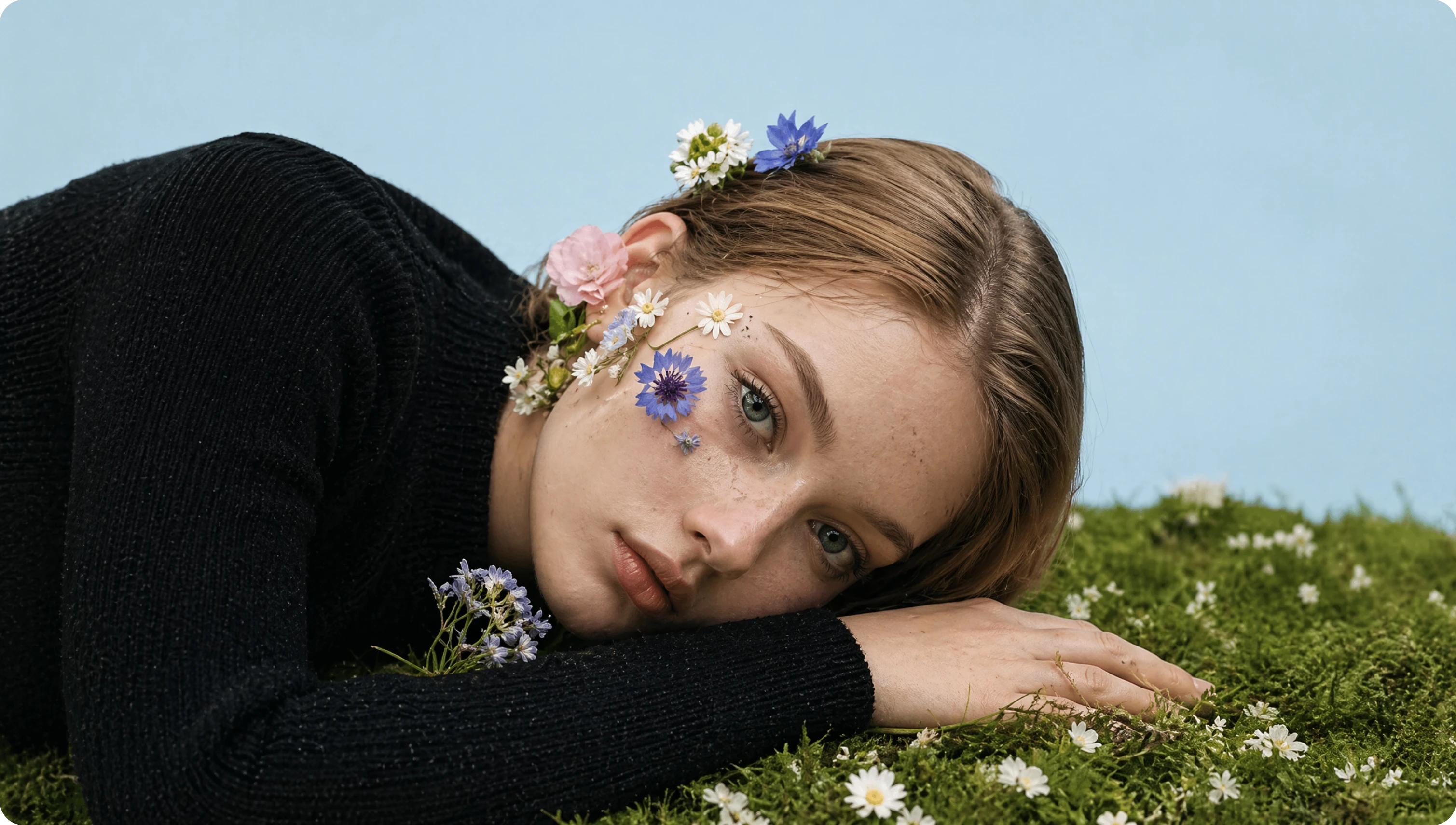
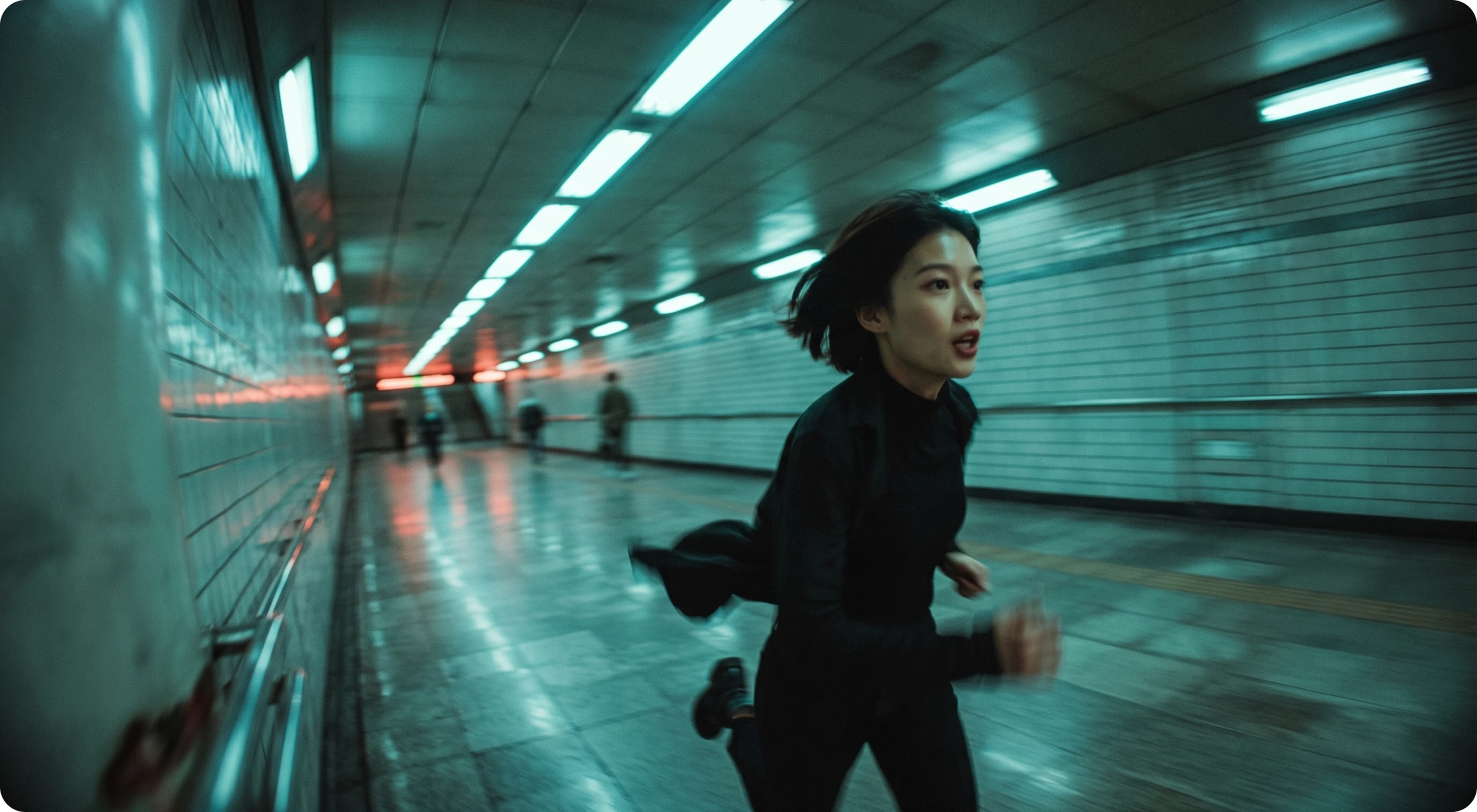
GPT Image 2 image generation preview
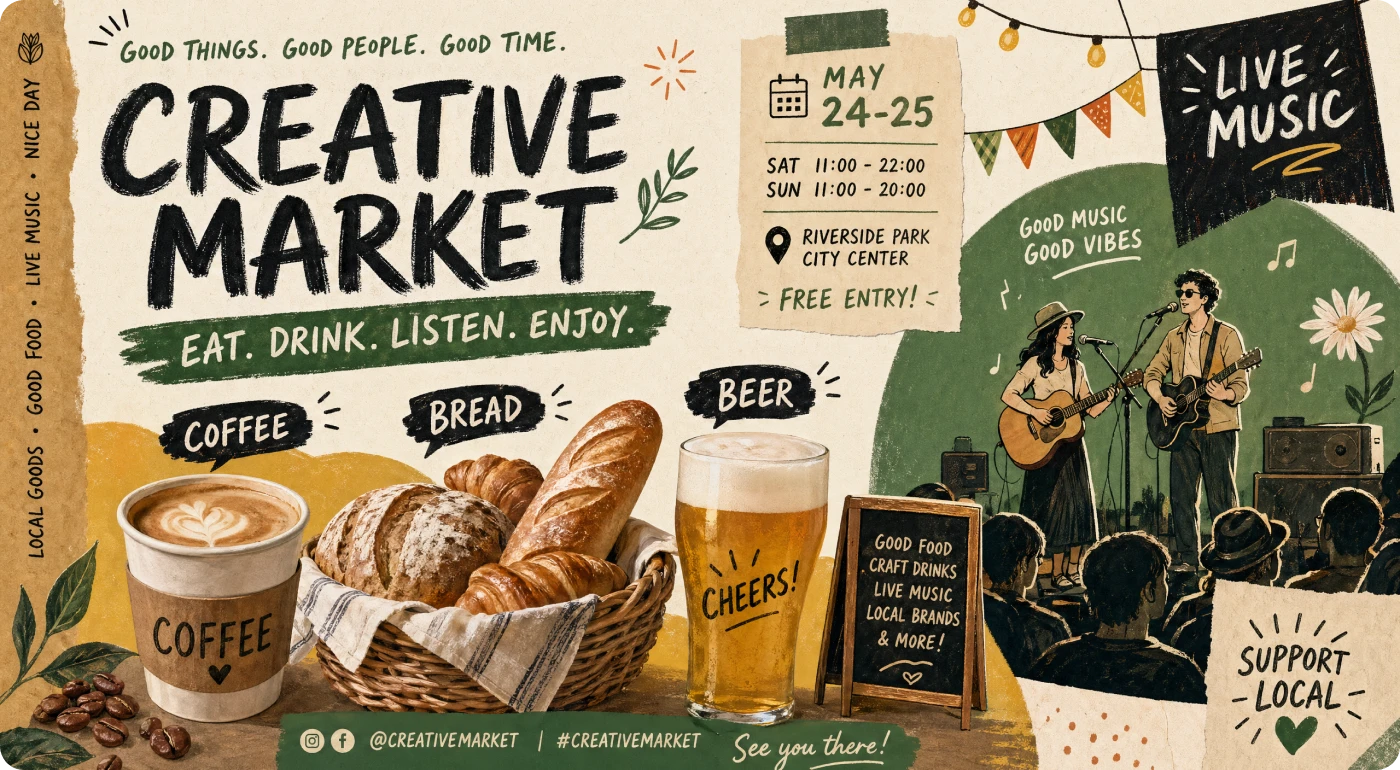
GPT Image 2 text rendering and visual generation preview

Generate High-Quality Images with Cleaner Text Rendering

GPT Image 2 helps turn detailed creative briefs into polished images with stronger prompt following and cleaner on-image text rendering. Describe the subject, composition, lighting, material, mood, typography, camera angle, and brand direction you want, then generate posters, social graphics, product visuals, infographics, concept art, and campaign assets that are easier to use in real creative workflows.
Get Started Now
GPT Image 2 natural language image editing preview

Edit Images with Natural Language Instructions

Go beyond basic generation and refine existing visuals with natural language editing. Upload an image, describe what you want to change, and use GPT Image 2 to adjust backgrounds, improve layouts, refine product details, explore visual variations, or make targeted inpainting-style edits through plain-language instructions. It works as a faster image editing workflow for creators who want precise changes without a complex manual editing process.

Get Started Now
GPT Image 2 reference image workflow preview

Create with Reference Images and Image-to-Image Workflows

Use reference images to guide the subject, product, character, composition, or visual style of your output. GPT Image 2 in Morph Studio supports reference-led creation, image-to-image generation, natural language refinements, and visual variations that help keep assets aligned across a creative series. Start from an existing image, build new directions, and turn strong visuals into workflow-ready assets for marketing, design, and content production.

Get Started Now

Create with GPT Image 2 in 3 Steps

Generate, edit, and refine images from prompt to final asset

1

Write a Prompt or Upload a Reference

Write a clear creative brief with the subject, style, composition, lighting, mood, colors, text elements, typography, and output goal. You can also upload a reference image to guide the product, character, layout, or visual style.

2

Refine with Natural Language

Describe the edits you want in plain language. Adjust the background, product details, framing, layout, visual style, typography, or specific image areas through natural language instructions. GPT Image 2 is useful for product visuals, posters, branded assets, infographics, concept frames, and image-to-image variations.

3

Generate, Iterate, and Download

Generate your image, review the result, create variations, continue refining with prompts or references, and download the final asset. Strong images can also move into the broader Morph Studio workflow for image-to-video, motion design, or other creative production tasks.

Frequently Asked Questions

Everything you need to know about GPT Image 2

What is GPT Image 2?
GPT Image 2 is an advanced AI image generation model for creating and editing high-quality images from text prompts and image inputs. In Morph Studio, you can use it to generate visuals, edit existing images, create variations, and build production-ready creative assets for design, marketing, and content workflows.
What makes GPT Image 2 different from a general AI image generator?
GPT Image 2 is useful when you need stronger prompt following, cleaner on-image text rendering, more controllable image editing, reference-led creation, and image-to-image workflows. Instead of only generating a single image from a simple prompt, you can guide the output with detailed creative direction, uploaded references, and natural language refinements.
Is GPT Image 2 good for branding and marketing visuals?
Yes. GPT Image 2 can help create product visuals, campaign graphics, social media images, posters, landing page visuals, product mockups, infographics, and brand assets. It is especially useful for teams that need to explore multiple visual directions quickly before moving into final production.
Does GPT Image 2 render text well inside images?
GPT Image 2 is stronger at text-heavy image generation than earlier image models. In Morph Studio, it can help create posters, social graphics, infographics, product visuals, and campaign assets with cleaner on-image text and more controlled typography. For exact brand copy, always review the final image before publishing.
Can GPT Image 2 create images with multilingual text?
GPT Image 2 can help create text-heavy visuals across multiple languages and scripts. You can use it for multilingual posters, social graphics, educational visuals, campaign concepts, and layout-driven design assets. As with any generated image, review the final text before publishing.
Can I generate images from prompts and reference images with GPT Image 2?
Yes. You can write a prompt describing the subject, style, composition, lighting, mood, colors, typography, and creative direction you want. You can also upload reference images to guide the subject, product, character, layout, composition, or visual style of the generated image.
Can I edit images with GPT Image 2?
Yes. Morph Studio supports natural language image editing with GPT Image 2. Upload an image, describe the changes you want, and refine the result with prompt-based editing instructions.
Does GPT Image 2 support image-to-image generation?
Yes. You can start from an existing image and use GPT Image 2 to generate variations, transform the visual direction, refine details, or create new outputs based on the original image.
Does GPT Image 2 support inpainting?
Morph Studio supports inpainting-style edits through natural language instructions. Instead of relying only on manual masks or complex editing tools, you can describe the area or detail you want to change and generate an updated result.
Is GPT Image 2 free to use on Morph Studio?
Morph Studio offers a free way to start creating with GPT Image 2. Some advanced usage, higher limits, downloads, or workflow features may depend on your plan.
Do I need to log in before generating images?
Yes. You need to log in to generate and download images with GPT Image 2 on Morph Studio.
When should I choose GPT Image 2 over another model in Morph Studio?
Choose GPT Image 2 when you want strong prompt-based image generation, cleaner text rendering, natural language image editing, reference image workflows, image-to-image variations, and production-ready creative assets that can move into a real design or marketing workflow.
Can GPT Image 2 generate videos?
No. GPT Image 2 is designed for image generation and image editing. If you want to turn images into videos, you can continue your workflow with Morph Studio's image-to-video or video generation tools.
Can I use GPT Image 2 commercially?
Images generated in Morph Studio can be used commercially according to your plan and Morph Studio's usage terms. GPT Image 2 is suitable for product visuals, ads, social posts, campaign concepts, brand assets, and other creative work, but you should review the final output and usage rights before publishing.

Try GPT Image 2 on Morph Studio

Generate and edit high-quality AI images with GPT Image 2. Morph prompts and reference images into product visuals, posters, social posts, infographics, concept art, campaign assets, and image-to-image variations inside the Morph Studio workflow.

Morph Studio
Email
Continue
By continuing, you agree to theTerms of ServiceandPrivate Policy.