Free AI Image Text Remover

Remove text from any image online with Morph Studio's free AI Image Text Remover. It automatically detects and removes printed text, handwriting, captions, labels, and text overlays in one click, then reconstructs the areas behind the text while preserving the background and image quality. Clean up screenshots, product photos, social graphics, scanned images, and more without manual selection or retouching.
Upload your image here
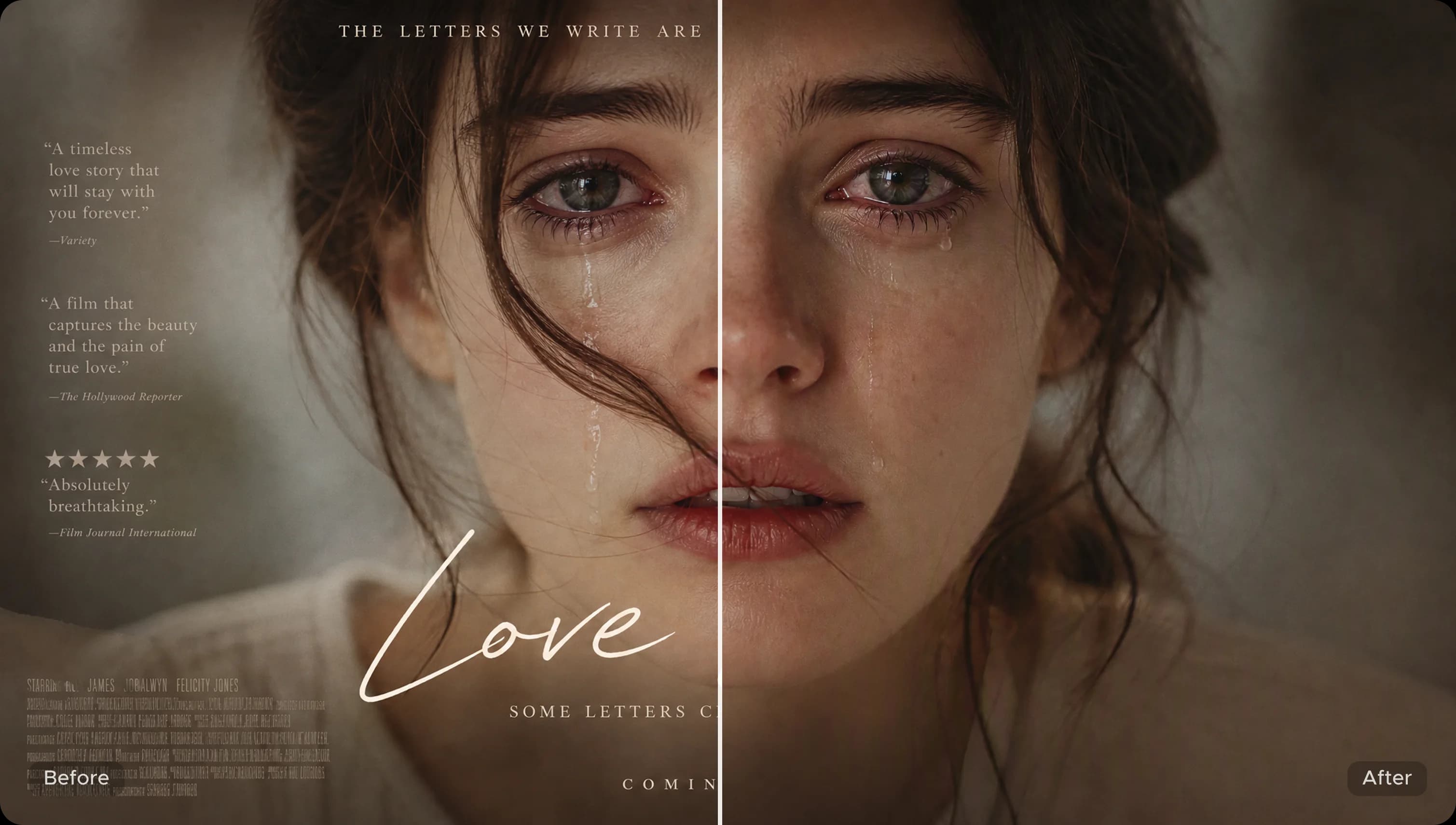
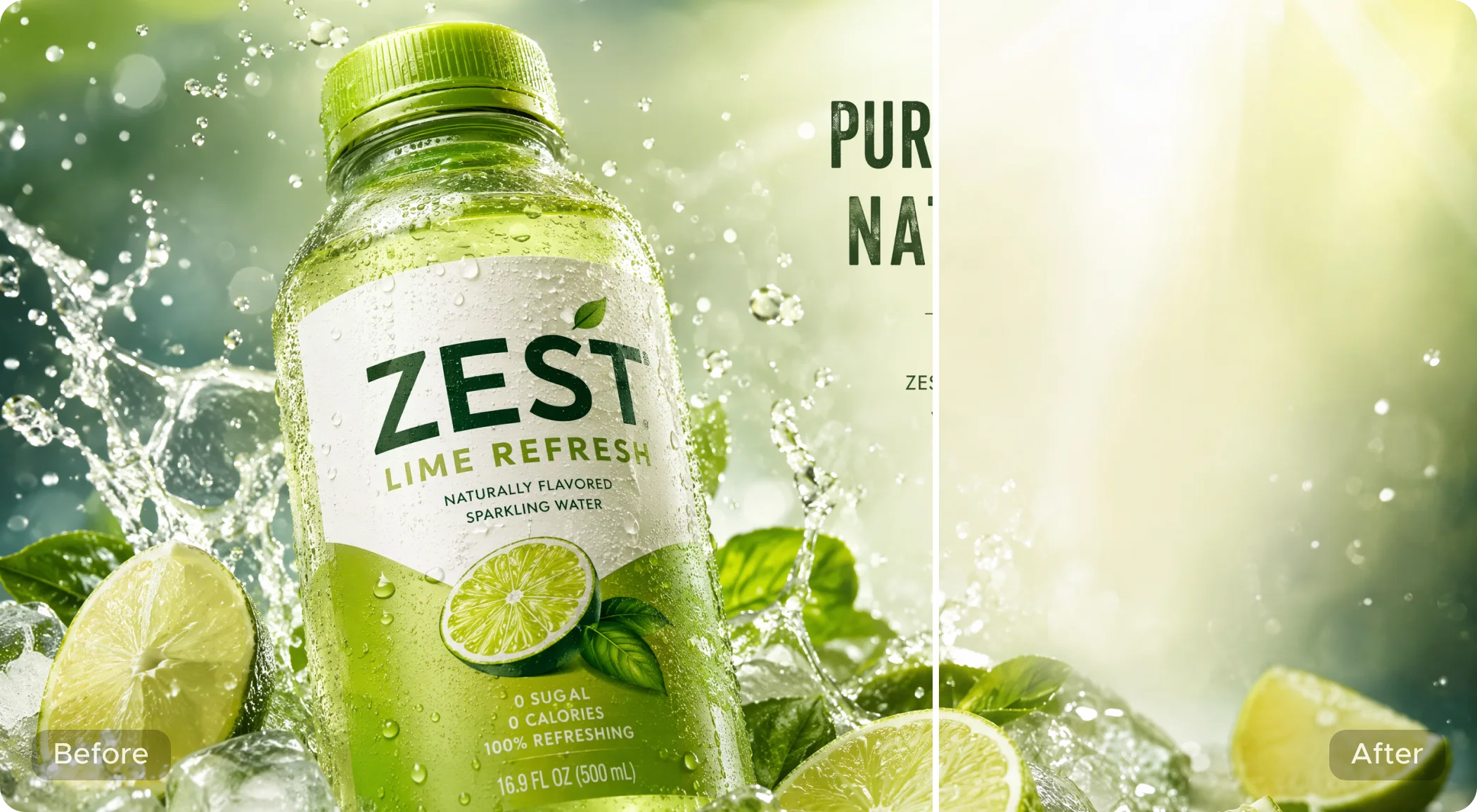
Before and after removing text from an image with Morph Studio
AI removing printed and handwritten text from an image automatically

Automatically Remove Printed and Handwritten Text

Clear all visible text from an image in one pass. Morph Studio automatically detects printed text, handwriting, captions, labels, signs, and text overlays, whether they appear in one area or across the entire picture. No manual brushing, masking, or word-by-word selection is required.
Get Started Now
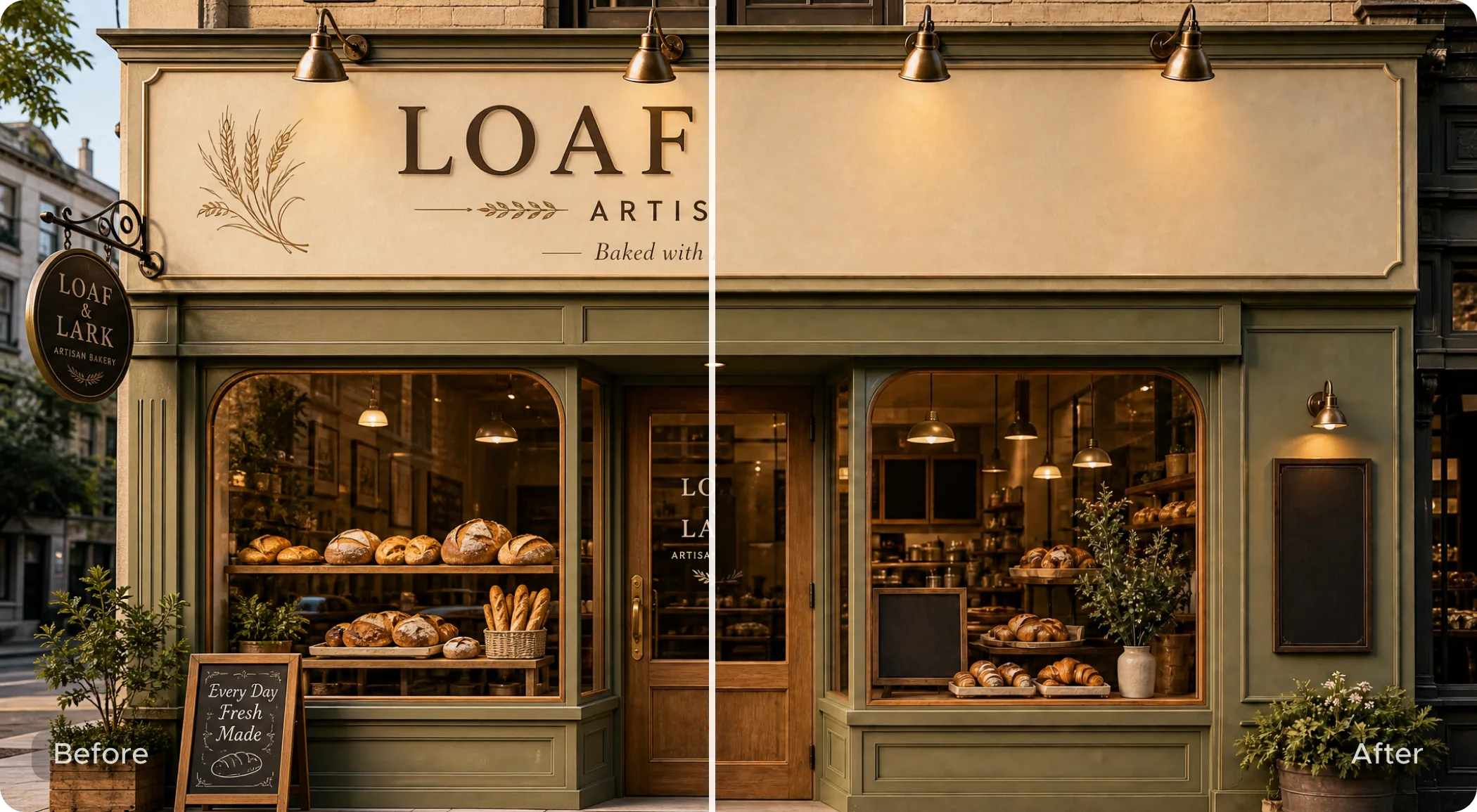
Image text removal with the background preserved

Remove Text Without Affecting the Background

Preserve the original look and detail of your image while clearing unwanted text. Morph Studio reconstructs the areas behind the text to retain surrounding colors, textures, edges, and composition without reducing image quality.
Get Started Now
Clean product photo after removing text with AI

Clean Photos, Screenshots, and Product Images

Turn product photos, screenshots, social graphics, scanned images, posters, and design drafts into clean, reusable visuals. Use them for ecommerce listings, presentations, campaigns, and social posts, or continue refining them with Morph Studio's image-to-image editor without rebuilding the image from scratch.

Get Started Now

Image Text Remover Examples

See printed and handwritten text removed from photos, screenshots, product images, and other visuals while the original background stays intact.
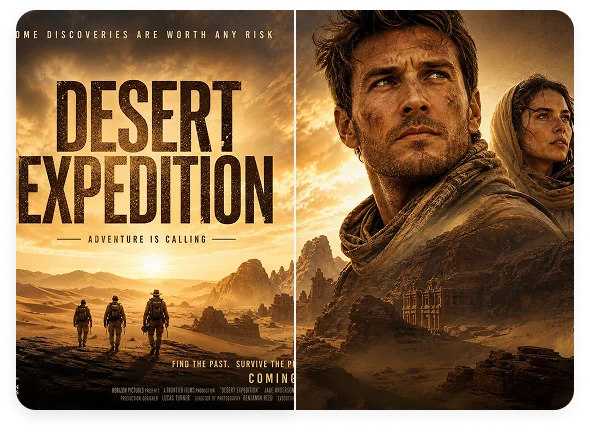
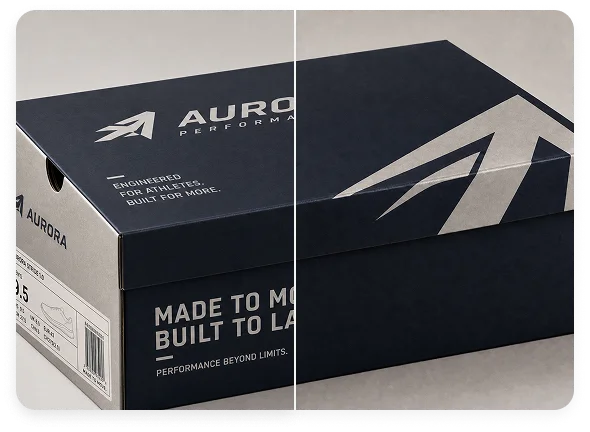
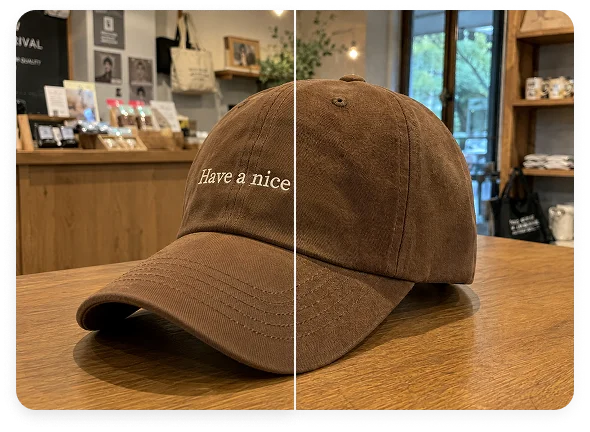
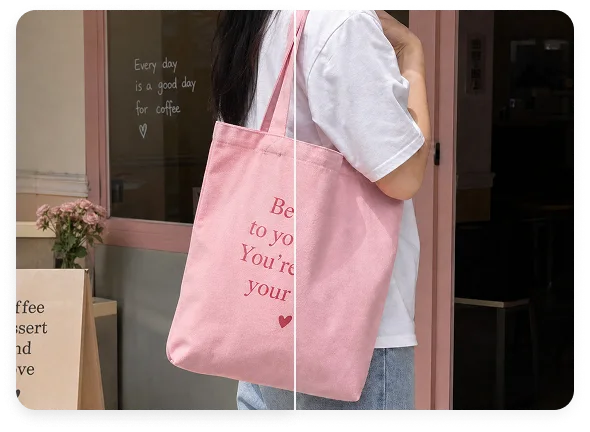
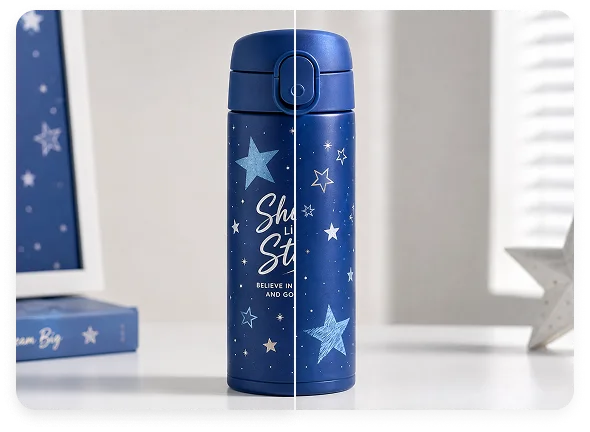
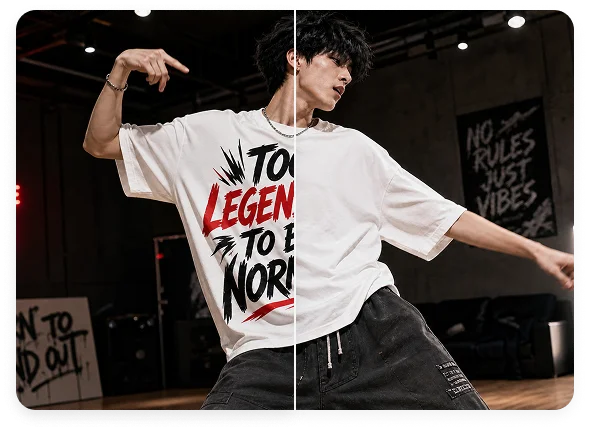
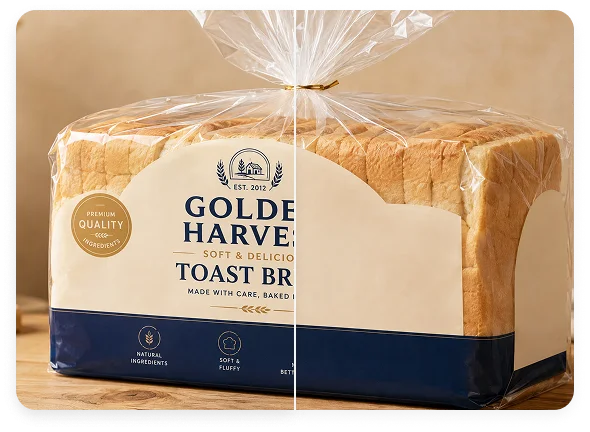
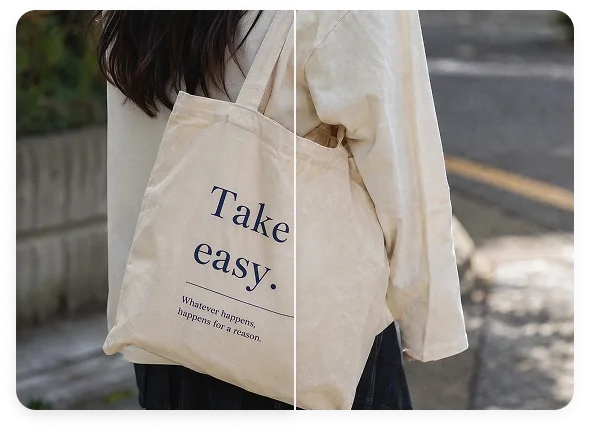
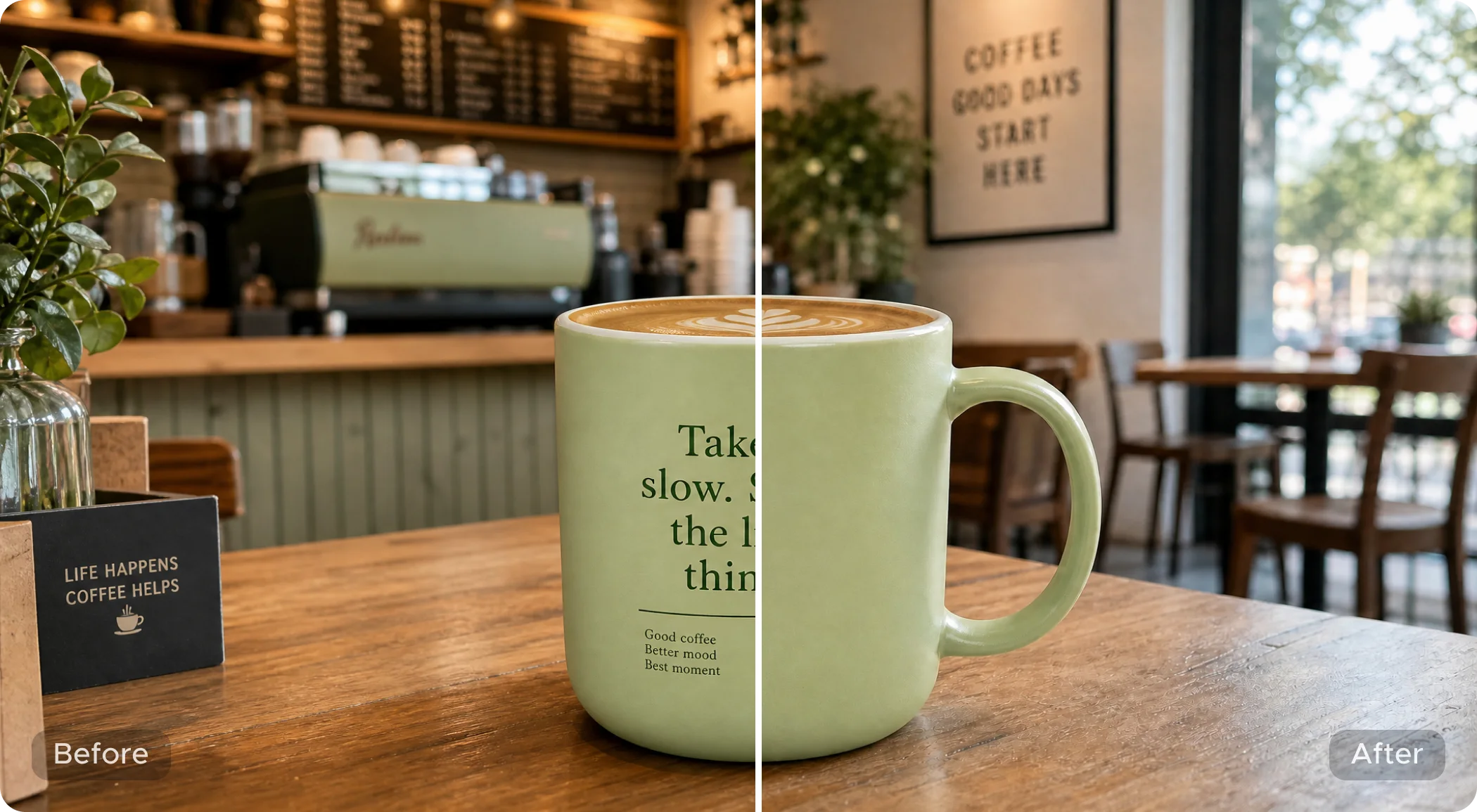
Image Text Remover example 1Image Text Remover example 2Image Text Remover example 3Image Text Remover example 4

How to Remove Text from an Image Online

Clean any picture in three simple steps

1

Upload Your Image

Choose the photo, screenshot, scan, or design you want to clean.

2

Let AI Remove All Text

Click the Remove Text button. Morph Studio detects printed and handwritten text throughout the image and removes it automatically.

3

Preview and Download

Review the clean result, then download the image or continue editing it in Morph Studio.

Continue Editing Your Images

Remove backgrounds, upscale images, create new visuals, and continue working with Morph Studio's image tools

Frequently Asked Questions

Everything you need to know about removing text from images

What is an AI image text remover?
An AI image text remover detects text in a picture, removes it, and reconstructs the background behind it. Morph Studio automatically removes printed text, handwriting, captions, labels, and overlays throughout the image.
Is Image Text Remover free to use on Morph Studio?
Yes. After logging in to Morph Studio, you can use a limited number of free generations to remove text from images. Paid plans offer higher usage limits.
How do I remove text from a picture online?
Upload the picture you want to clean and click the Remove Text button. Morph Studio automatically detects and removes all visible text, then returns a clean image with the background and image quality preserved.
Does Image Text Remover remove all text automatically?
Yes. The tool is designed to remove all visible text in one pass. You do not need to select individual words, draw a mask, or brush over each text area.
Can it remove handwritten text from an image?
Yes. Image Text Remover can remove both printed and handwritten text from photos, pictures, scans, screenshots, and other images. Clear, legible handwriting generally produces the best results.
Can I remove text from an image without affecting the background?
Yes. Morph Studio removes text without affecting the background or reducing image quality. It reconstructs the areas behind the text while preserving surrounding colors, textures, edges, and composition.
Can I remove text from a photo, screenshot, or product image?
Yes. You can remove printed text, handwriting, captions, labels, signs, notes, product copy, and text overlays from photos, screenshots, product images, scans, social graphics, posters, presentation graphics, and design drafts.
Can I use images edited with Image Text Remover commercially?
Yes. Images edited with Image Text Remover can be used commercially according to your plan and Morph Studio's usage terms. Make sure you have the right to use the original image and any content that remains before using the result in product listings, ads, social posts, or client work.
How is Image Text Remover different from Image Watermark Remover?
Image Text Remover is designed to clear all visible text from an image in one pass. Image Watermark Remover focuses on watermarks, logos, author names, date stamps, and platform marks.

Remove Text from Images Online

Clear printed and handwritten text automatically while preserving the original background and image quality. Start for free with Morph Studio.

Morph Studio
Email
Continue
By continuing, you agree to theTerms of ServiceandPrivate Policy.