
Free AI Transparent Image Maker
Create transparent PNG images from simple prompts with Morph Studio's AI Transparent Image Maker. Use it as a transparent image generator, transparent background generator, and AI PNG generator for product visuals, ecommerce images, stickers, icons, overlays, social posts, thumbnails, presentations, brand kits, and design files. Morph helps creators, marketers, sellers, and design teams turn ideas into ready-to-use transparent assets without searching stock libraries or building every element from scratch.
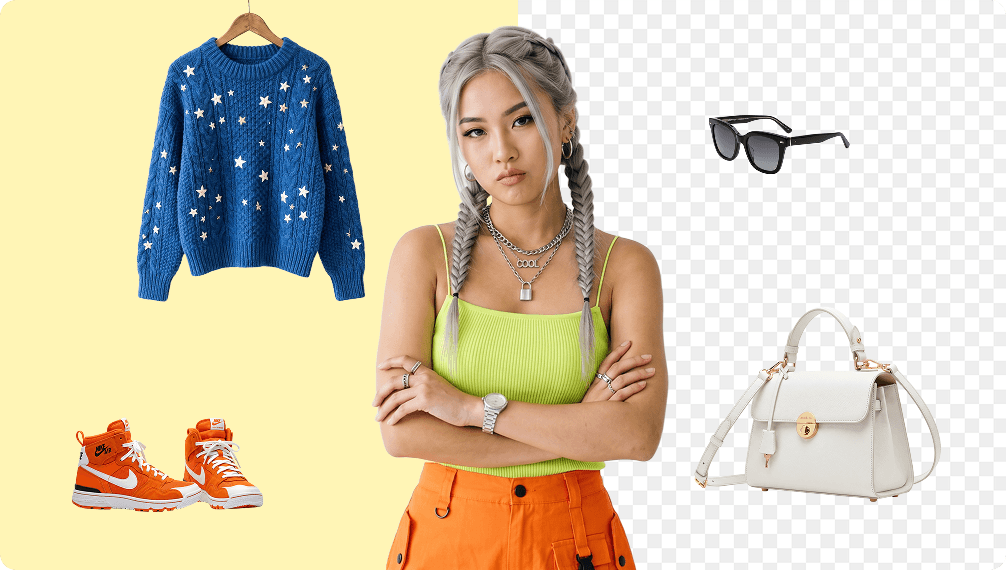
Transparent Image Generator for Prompt-Based PNG Assets
Transparent PNG Generator turns short creative prompts into ready-to-use PNG assets with real transparency. Describe a product, object, icon, sticker, decorative element, overlay, or visual effect and generate a clean isolated asset with an AI image generator with transparent background support. If you already have a photo or logo to cut out, use Background Remover instead.
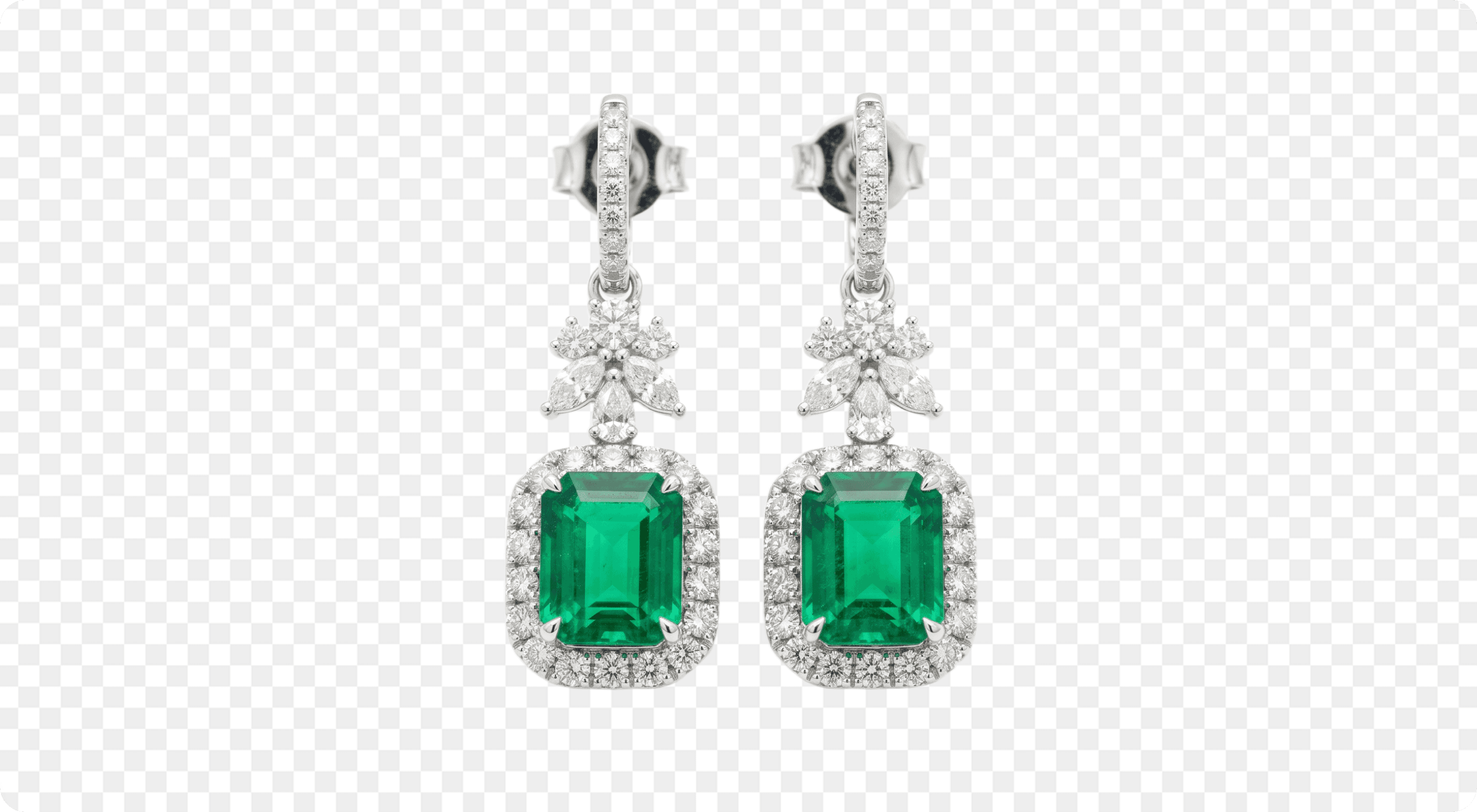
AI PNG Generator for Product Cutouts, Stickers, Icons, and Overlays
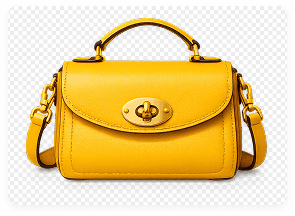
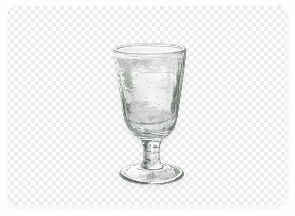
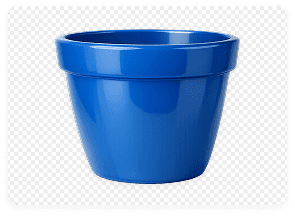
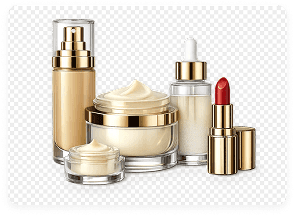
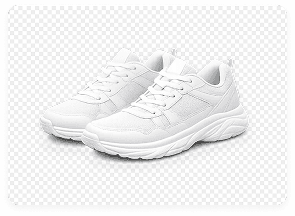
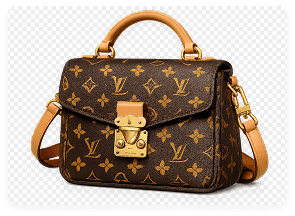
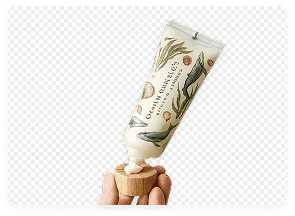
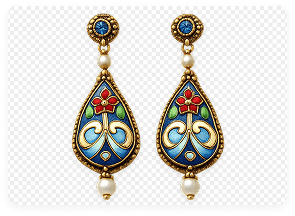
Generate the kinds of transparent PNGs teams search for every day: product PNG generator assets, ecommerce product PNGs, sticker PNG generator outputs, transparent icon maker assets, arrows, hearts, stars, smoke overlays, clouds, fire effects, flowers, lace borders, decorative shapes, and campaign visuals. Start with a prompt, then refine the asset direction with image-to-image editing when you need more control.
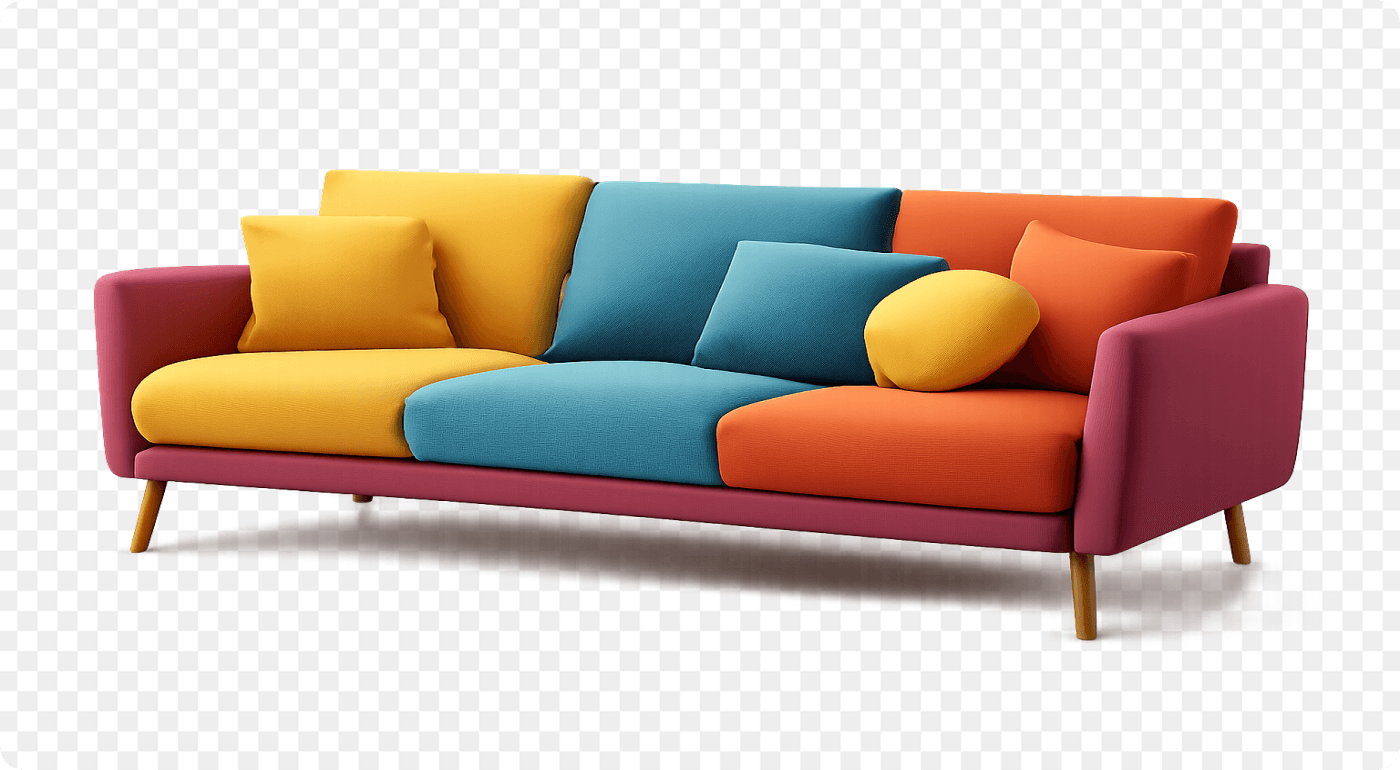
Transparent Image Maker for Fast Design Workflows
Transparent PNG Maker is built for repeatable asset creation. Generate variations, refine the prompt, adjust style direction, and create a consistent set of PNG elements for a campaign, ecommerce collection, content series, or brand layout. Use the transparent image creator workflow for Canva, Photoshop, Figma, websites, ads, and social posts, upscale final outputs with AI Image Upscaler, or move PNG elements into image-to-video and motion design workflows.
Showcase Our Transparent PNG Assets
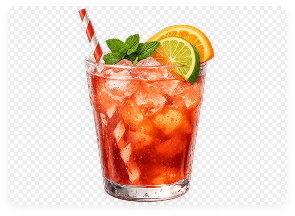
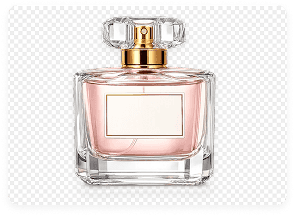
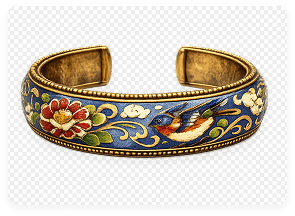
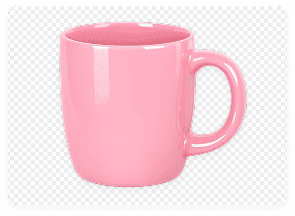
See how Morph generates prompt-based transparent PNG assets for product visuals, stickers, icons, overlays, social graphics, and design-ready compositions.
How to Create Transparent PNG Images from Text Prompts
Describe, generate, and download design-ready PNG assets
Write a Clear PNG Prompt
Describe the object, product, icon, sticker, overlay, visual effect, style, material, lighting, angle, color, and output goal. Include "transparent background" or "transparent PNG" when you want an isolated asset that can drop into another design.
Refine the Asset Direction
Add details that make the PNG more useful in your workflow. Specify crisp edges, isolated product angle, clean cutout look, soft shadow, flat icon style, premium product render, sticker style, realistic texture, decorative border, or campaign-ready visual direction.
Generate, Iterate, and Download
Generate the transparent PNG, review the result, create variations, refine the prompt, and download the final asset. Use the PNG in ecommerce listings, social posts, thumbnails, presentations, websites, brand kits, design files, or other Morph Studio creative workflows.
Explore other features
Discover more AI-powered creative tools from Morph Studio
Explore related tools
Build a complete transparent image workflow around AI Transparent Image Maker
Frequently Asked Questions
Everything you need to know about Morph Studio's Transparent PNG Generator
Create Transparent Images on Morph Studio
Generate clean transparent PNG assets from simple prompts. Morph Studio's Transparent Image Maker helps you create product PNG assets, stickers, icons, overlays, ecommerce visuals, social graphics, presentation elements, brand assets, and design-ready transparent images for real creative workflows.
Start Creating