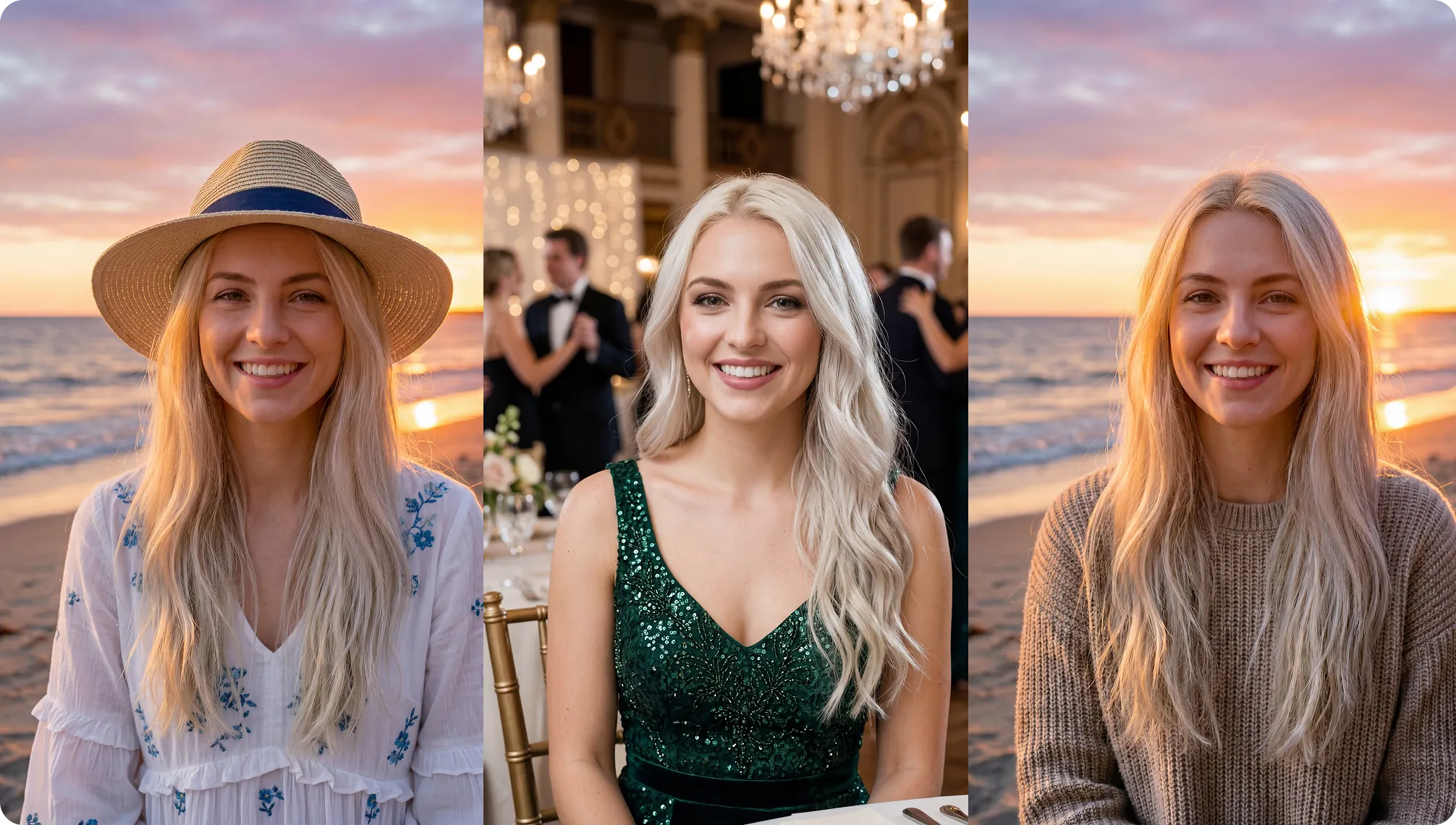
Free Morph Image to Image Generator

Morph Image to Image is your all in one free AI image generator, photo editor, and the best image editing tool online. Use Morph's image generator to turn any photo into Studio Ghibli style art, claymation and any style you can imagine. Upscale low resolution images, make backgrounds transparent, create PNGs, fix old pictures, merge two photos into one, swap faces, change clothes, or convert pictures to drawings. Powered by Nano Banana Pro 2, GPT Image 1.5, Flux Kontext Max, and Seedream.

Morph Image to Image hero preview
Free AI Image to Image Generator with Reference Images and Art Styles - Morph Studio

Free Morph Image to Image
AI generator

Morph's image to image tool is the best free AI image generator online. Use one or more reference images as input to create new visuals, or generate from an AI image prompt. Create digital art in styles like Watercolor, Filmic, Neon, Color Pencil, and Retrowave, and pick a specific aspect ratio to match your concept. Turn any photo into Studio Ghibli style art, convert uploaded photos into anime illustrations, or create slight image variations from existing pictures. Your generated images can also serve as reference images for AI motion control, enabling character driven style video transfers.
Get Started Now
Free AI Image Editor and Photoshop Alternative - Morph Studio

Morph image editor
as Photoshop alternative

Morph's AI photo generation suite is the best free photo editing software and a top Photoshop alternative, no download needed. Add captions to pics, write text on images, combine multiple images into one, or merge two photos seamlessly with our AI image combiner. Swap faces with AI head swap, use the clothes swapper AI to change outfits in any photo, or alter hairstyles with the AI hairstyle changer. A powerful free photo editor that replaces programs like Photoshop with AI.
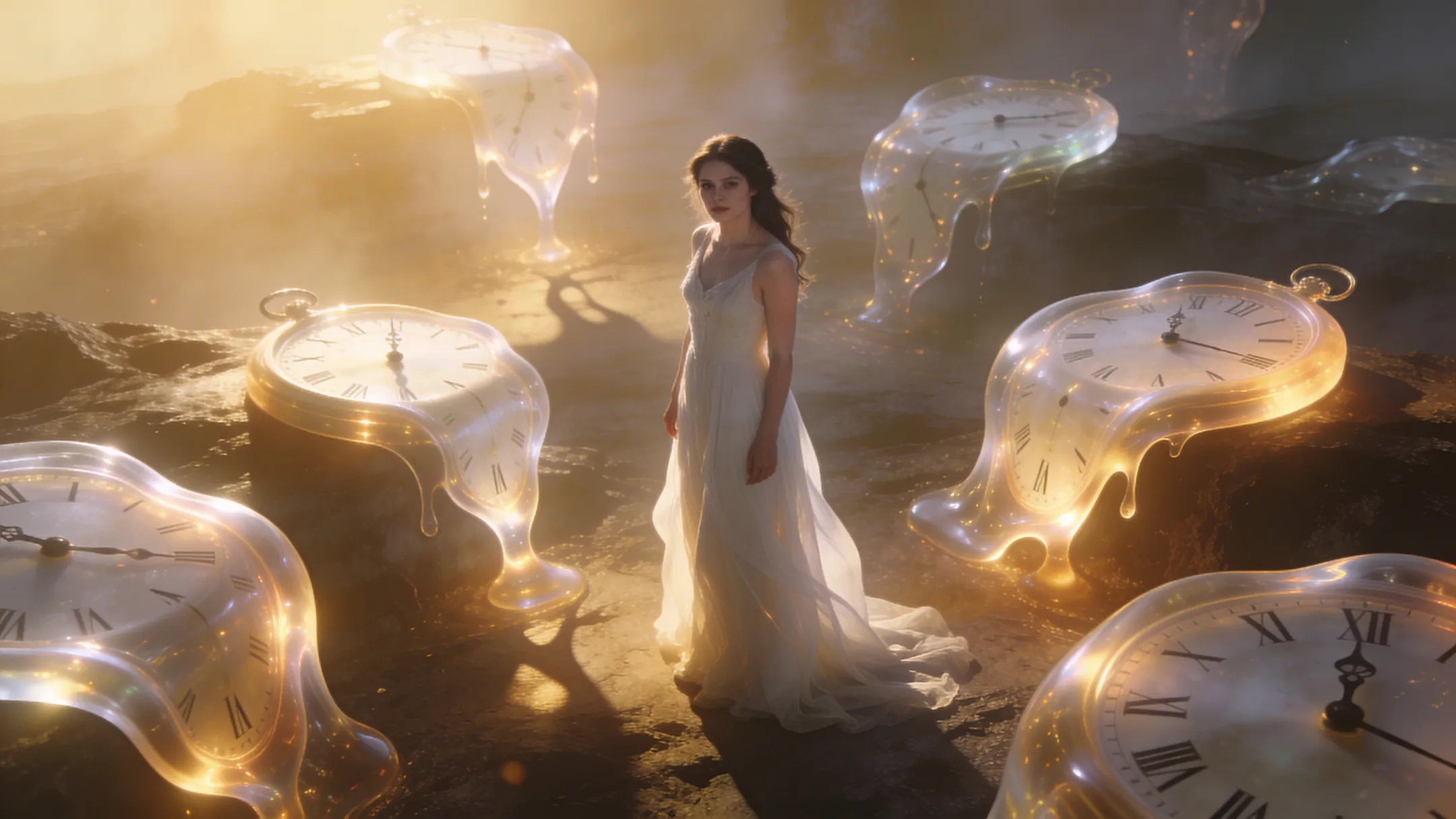
Get Started Now
AI Image Enhancer, Upscaler and Ghibli Style Generator - Morph Studio

Morph your image with
photo enhancer & restoration

Boost any photo with Morph's image quality enhancer. Upscale image resolution to 4K, fix grainy photos, turn low resolution images into high definition, and make bad quality pictures sharp again. Restore old or damaged photographs with the AI restoration tool that repairs scratches, fixes discoloration, and brings antique photos back to life. Need a PNG maker? Make pics transparent, create PNGs with clear backgrounds, or remove backgrounds instantly.

Get Started Now

Morph Image to Image Showcase

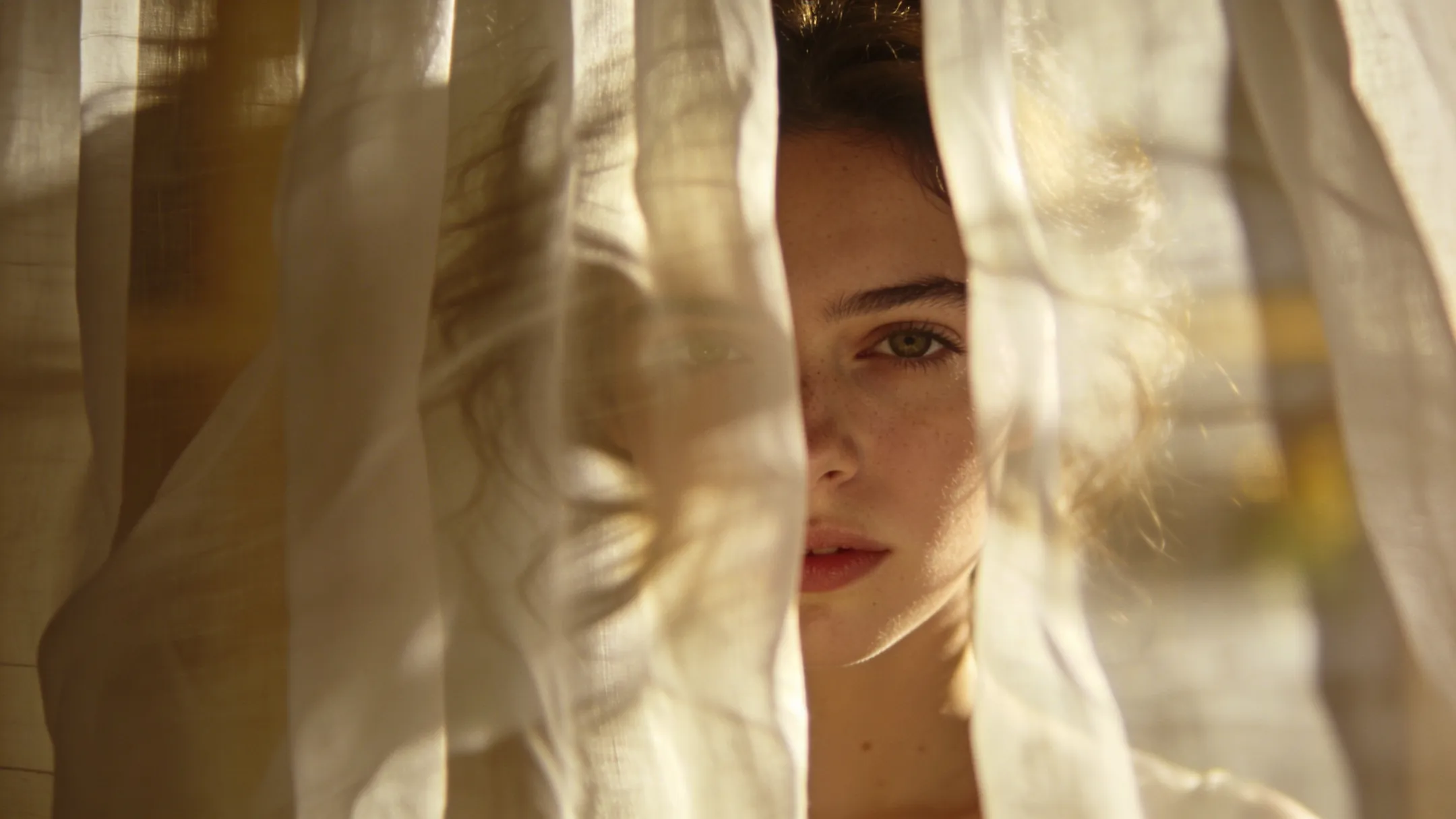
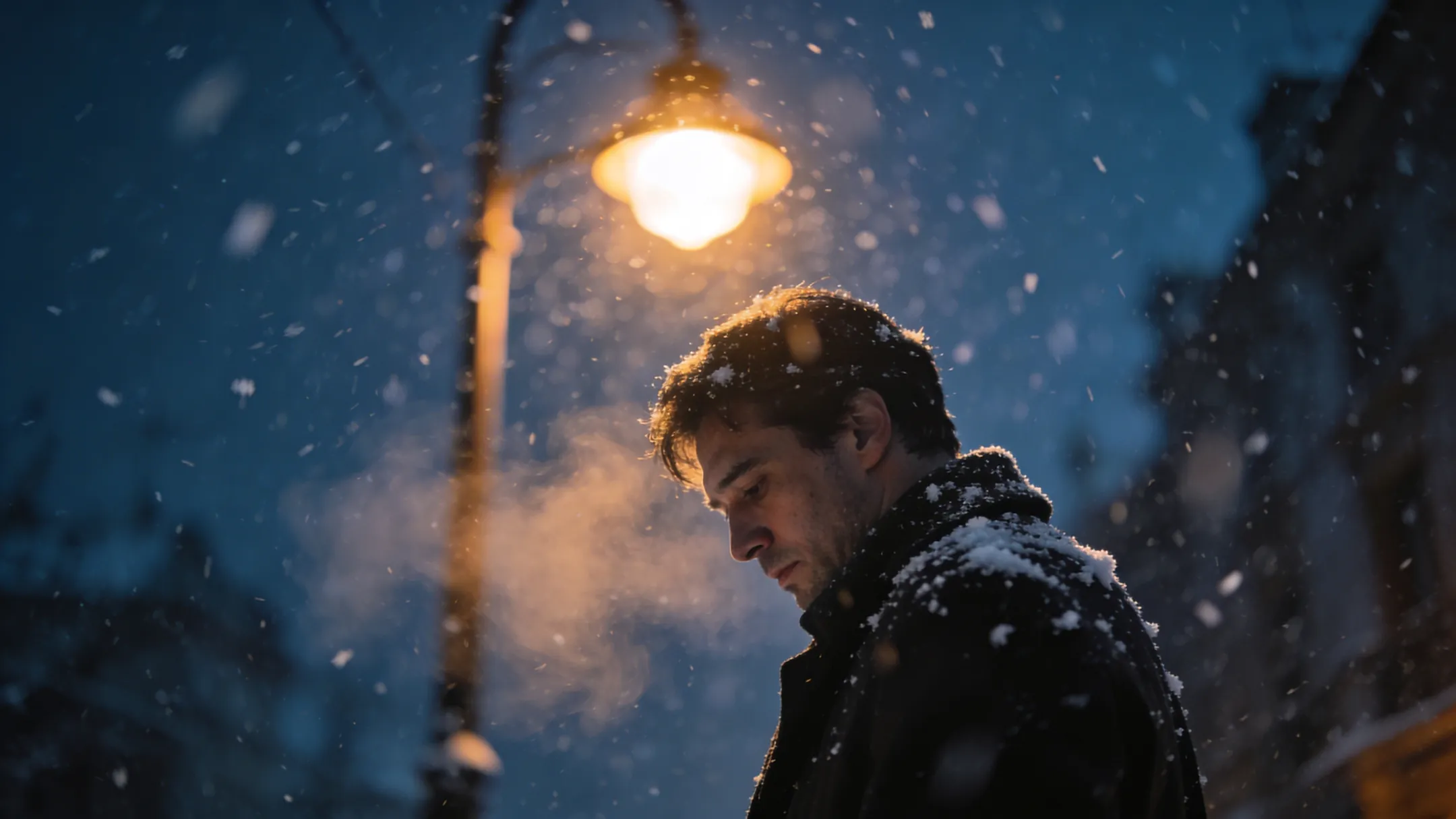
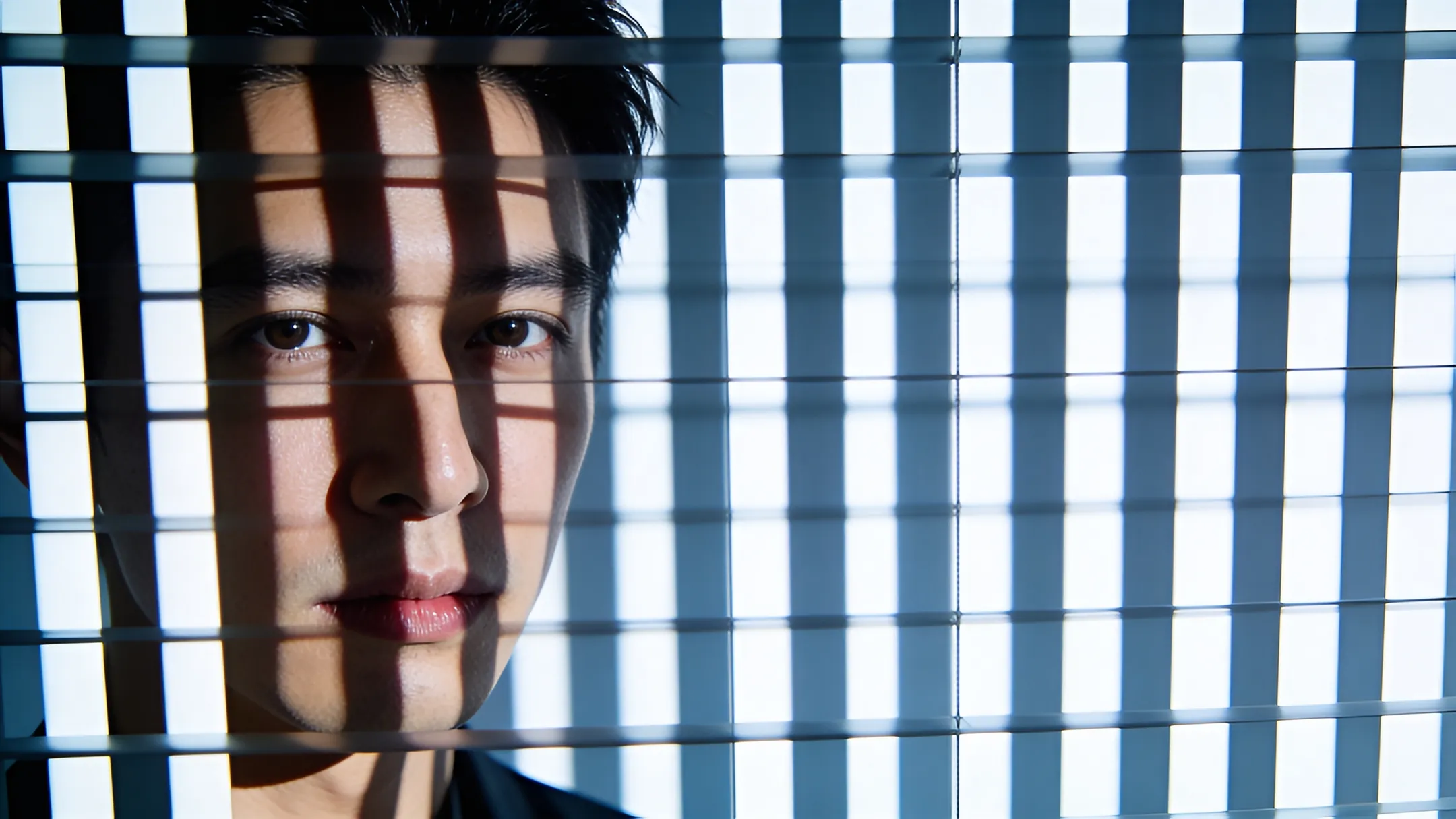
See Morph's image generator AI transform references into new styles - editorial, cinematic, minimal, and more - while preserving structure.
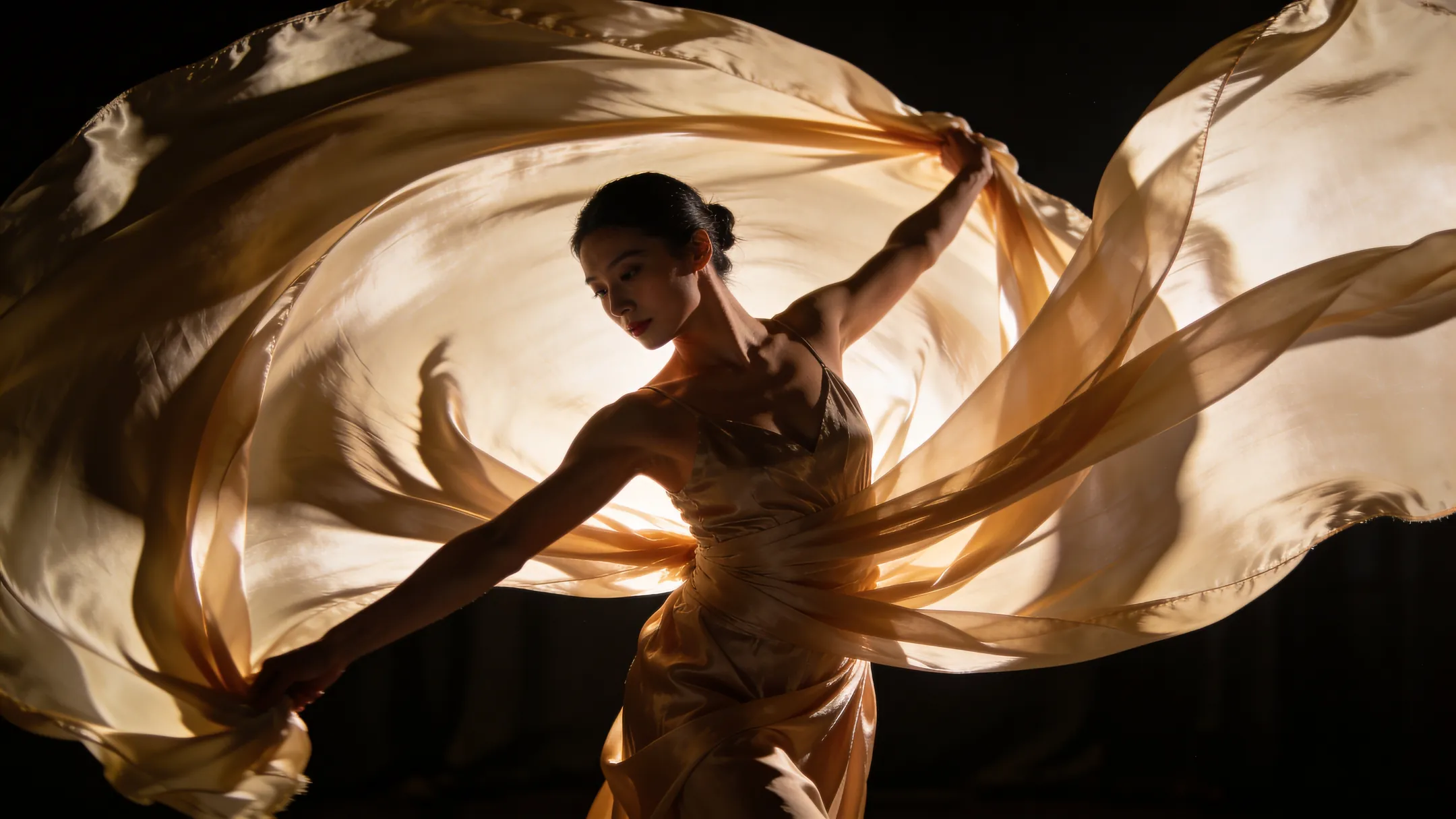
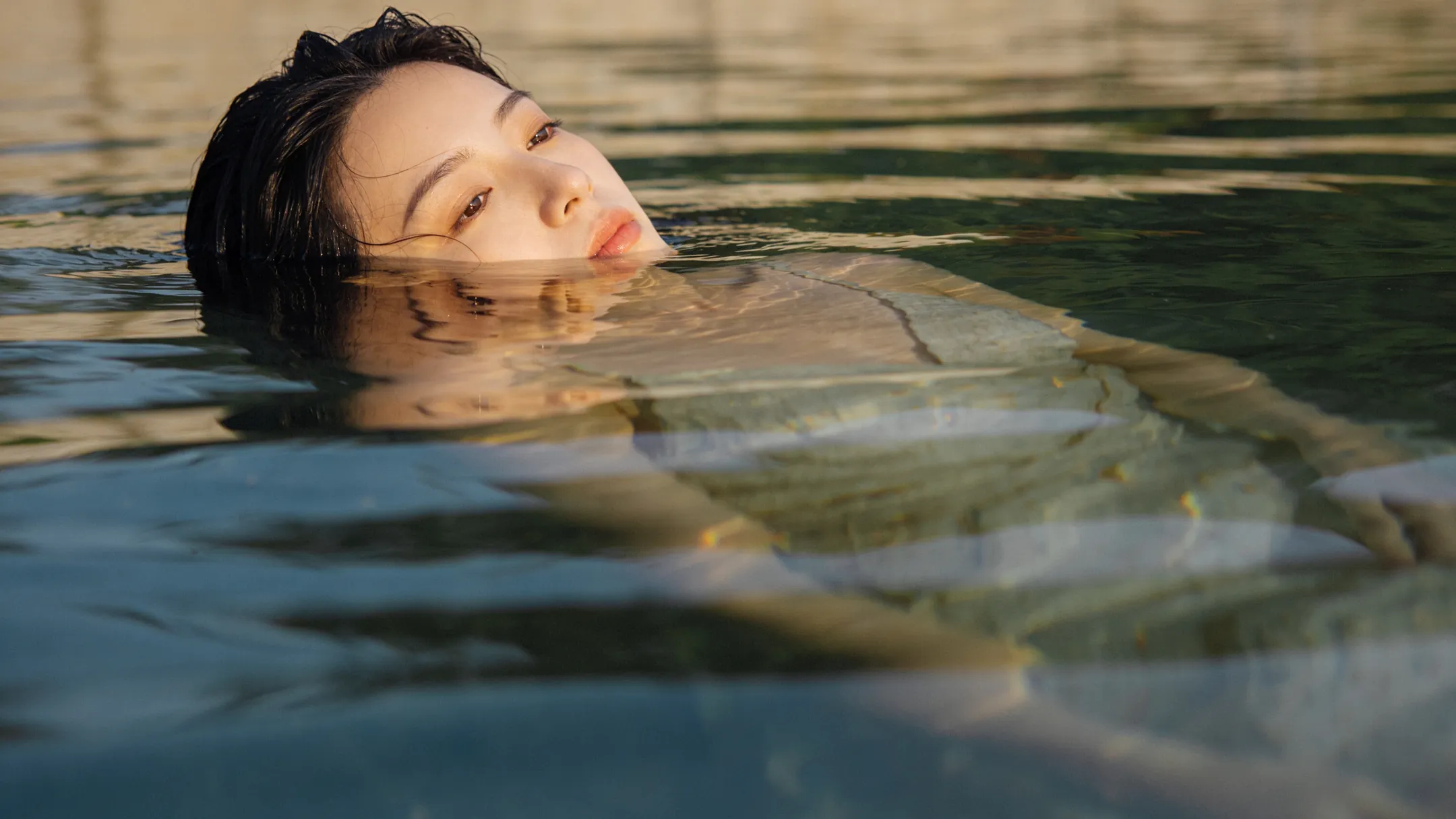
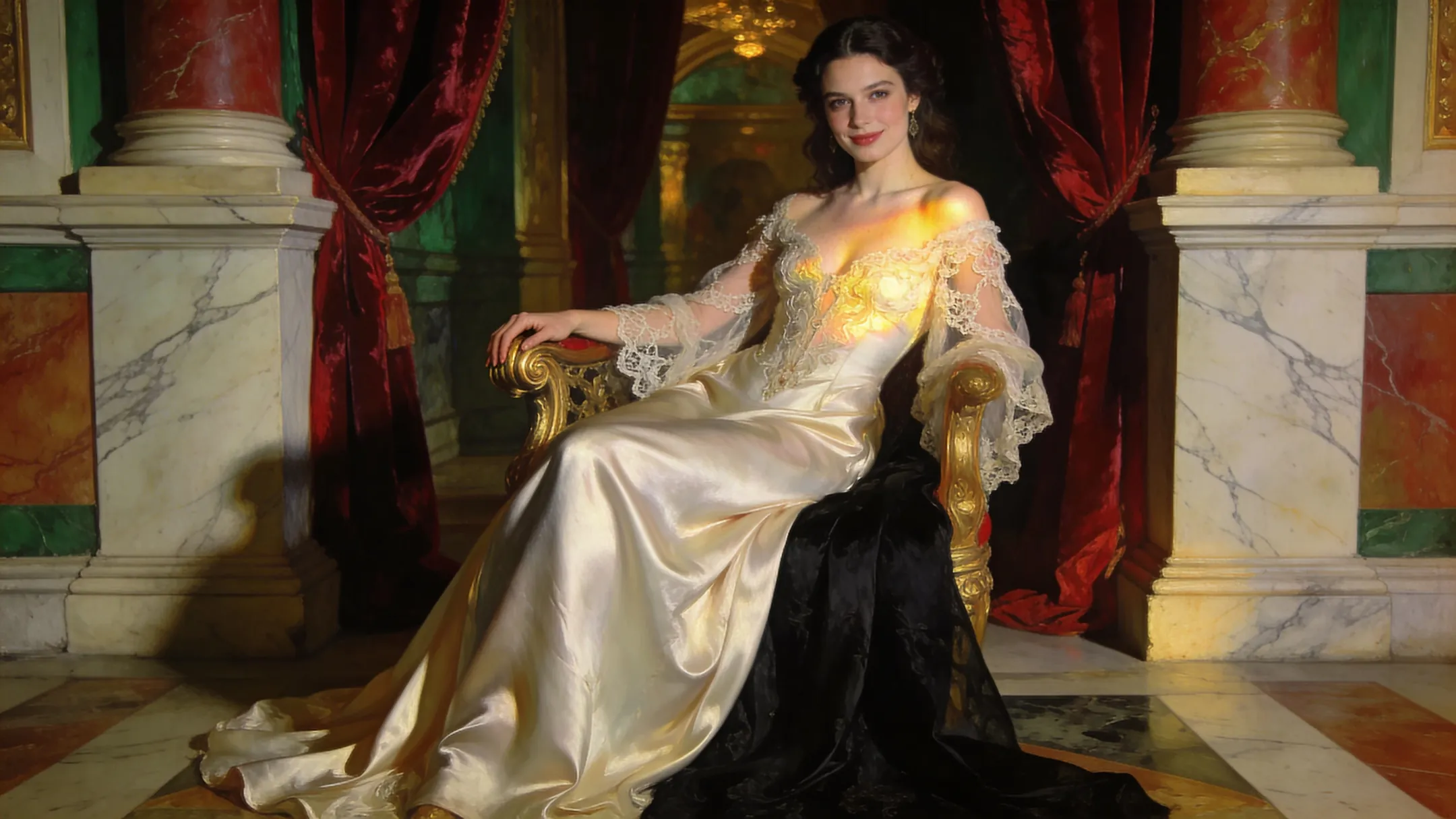
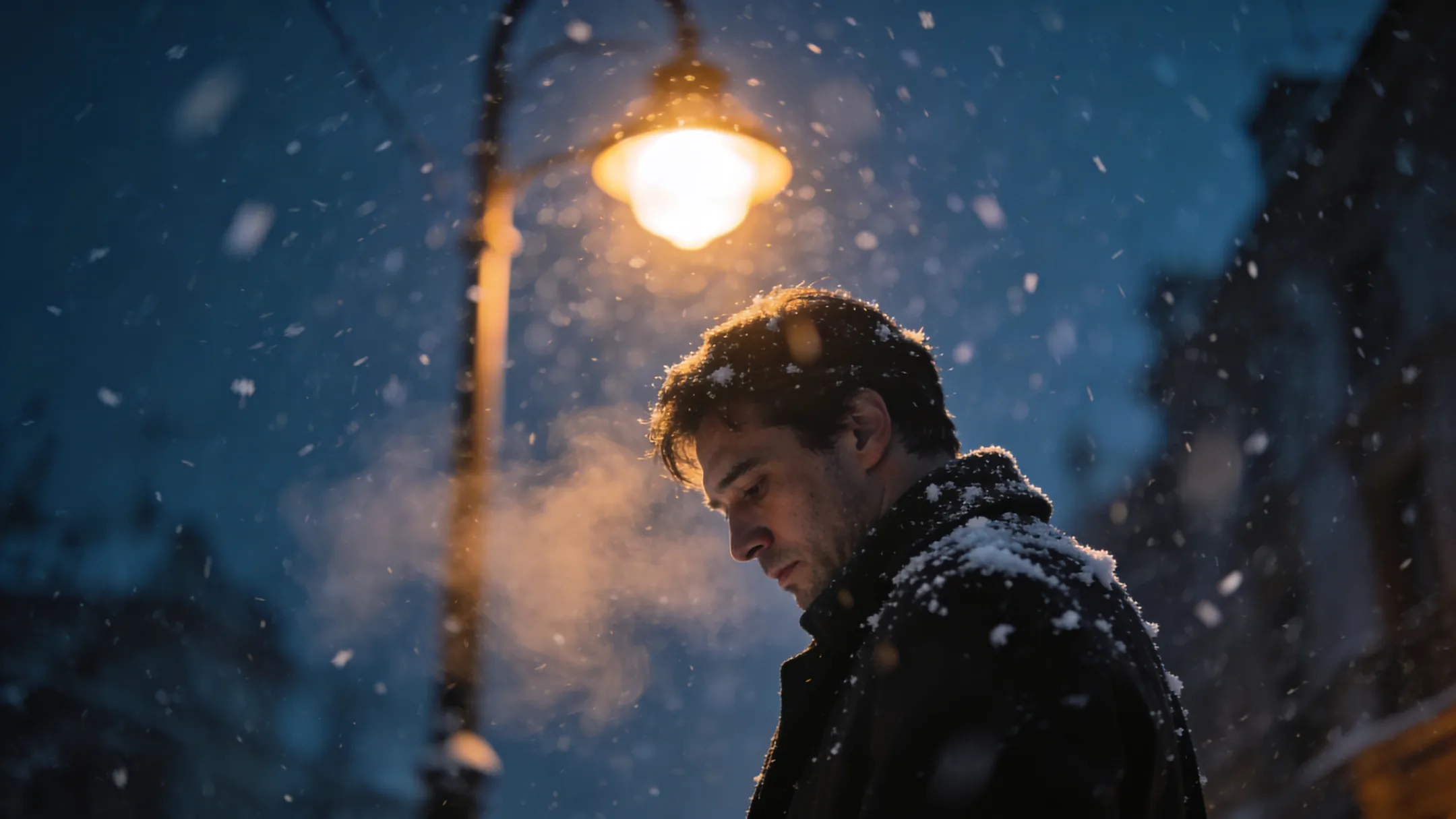
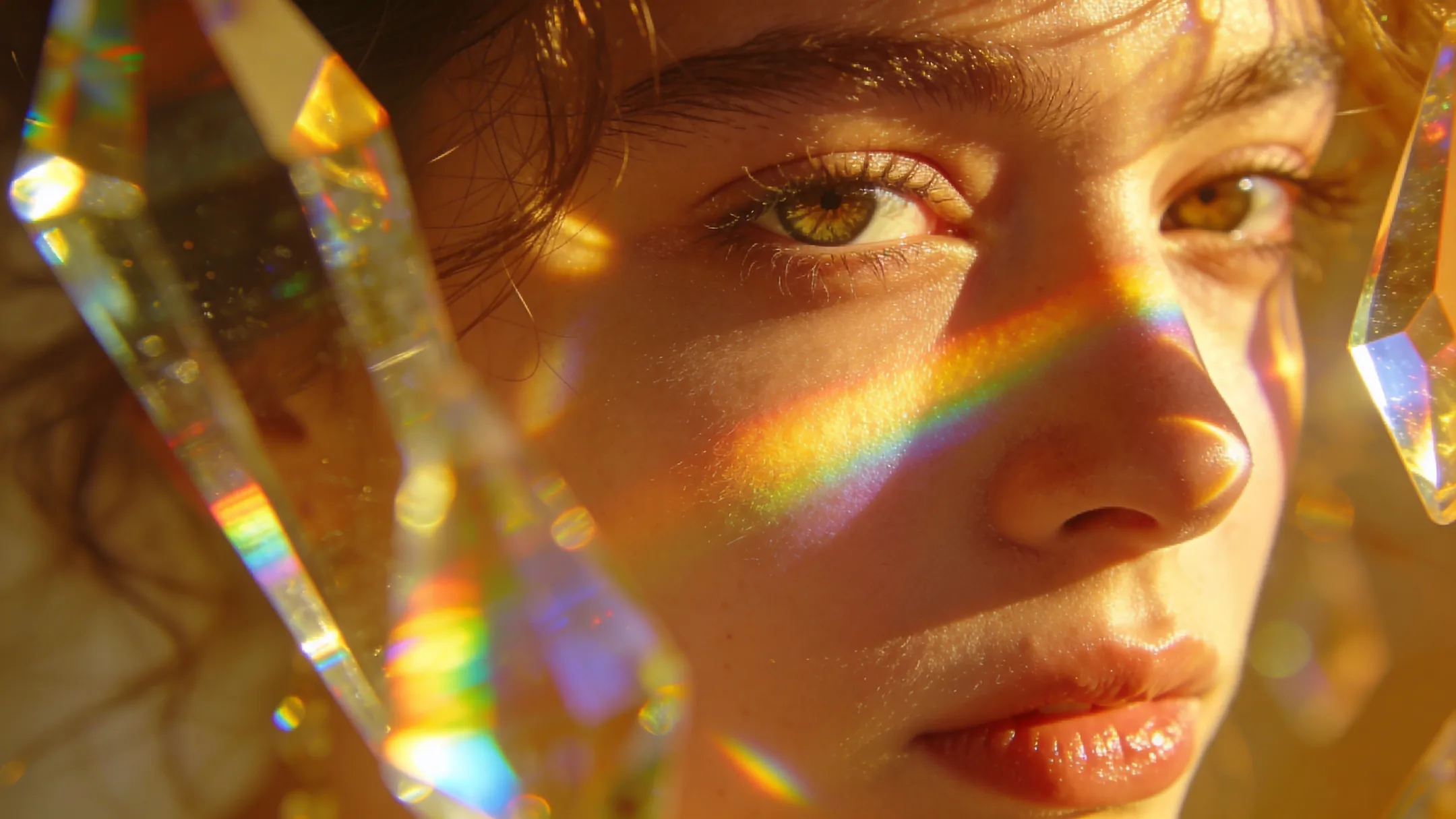
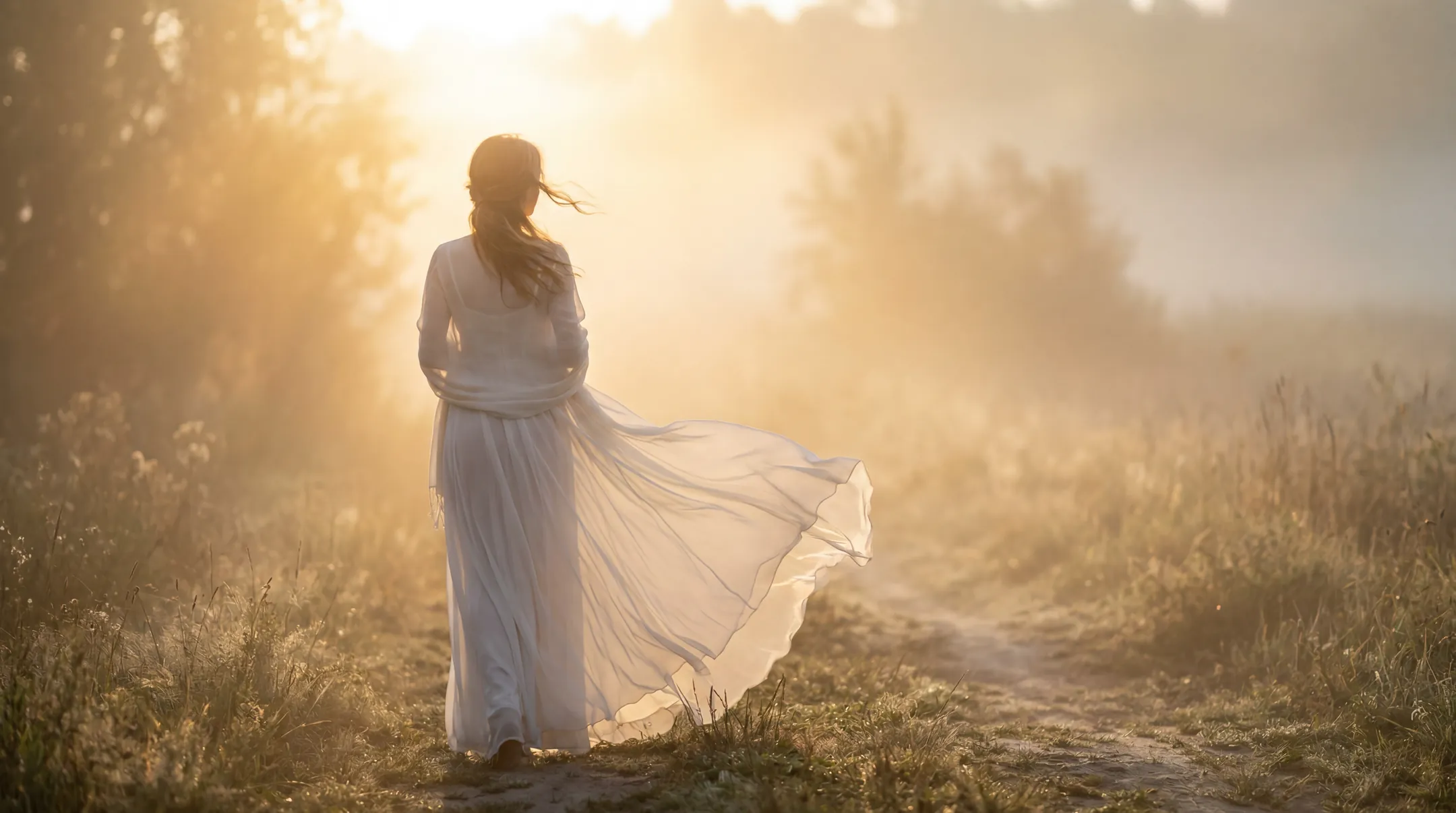
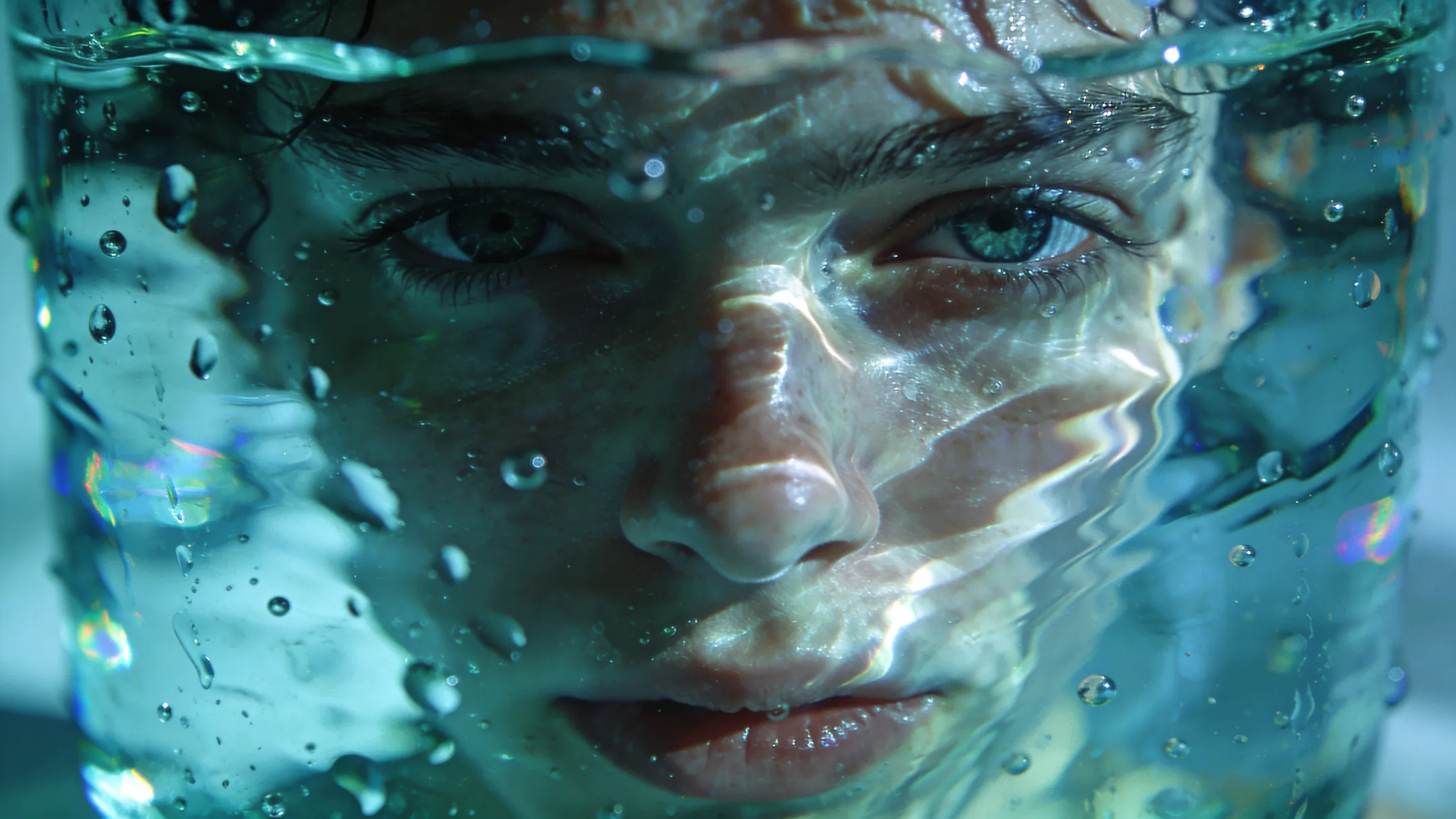
Editorial fashion portrait inspired by Renaissance paintings, painterly lighting style.Lone tree in fog, surreal soft minimal landscape.Portrait through rippling glass, distorted surreal reflections.Young man under neon lights, wet streets, cyberpunk cinematic style.

How to Use Morph Image to Image

Morph's image generator is the fastest way to transform any photo with AI. Upload a reference image, pick a style or edit, and generate stunning results in seconds. Create Ghibli style photos, claymation art, upscale low resolution images, make pic transparent, swap faces, restore old pictures, merge two images, and more.

1

Upload Your Image to Morph

Start by uploading any photo to our AI image editor, whether it's a portrait, old photograph, product shot, or artwork. You can also type a text prompt to generate from scratch. Morph handles both image to image transformation and text to image creation, and you can even feed in multiple reference images to guide the output.

2

Choose a Model and Editing Mode

Pick from top AI models like GPT Image 1.5, Flux Kontext Max, Nano Banana Pro 2, Seedream, Wan 2.5 Image, and Ideogram. Then select what you want to do to morph your image: generate Ghibli style images, upscale image resolution, remove shadows from photos, convert photo to sketch, combine pics, add text to photo online, fix old pictures, or apply creative art styles.

3

Generate, Download & Share

Hit generate and get your incredible AI results in seconds. Generate high resolution images up to 4K, transparent PNGs, or enhanced photos. All free with Morph Studio.

Frequently Asked Questions

Everything you need to know about the Morph image generator

What is Morph Image to Image?
Morph Image to Image is an all in one free AI image generator and photo editor by Morph Studio. You can generate images from text prompts, perform image to image transformations using reference images, upscale photo quality, make background transparent, create transparent PNGs, fix old pictures, combine pics, swap faces, change clothes, convert photos to sketches, add text to images, generate Ghibli photos, and more. Your generated images can also be used directly with our AI video generator and AI motion control tools for even more creative possibilities. Everything works in your browser, no software download required.
Is the Morph image generator really free?
Yes. Morph offers a generous free tier with access to all core AI image to image generation and editing tools. Free users can generate AI images, upscale photos, remove backgrounds, restore old photographs, merge images, create Studio Ghibli style art, apply claymation effects, and edit photos at no cost. Paid plans unlock higher resolution outputs, faster processing, and additional premium features.
How do I make an image transparent to morph my photo?
Upload your photo to the Morph tool and use the AI background remover. You can make any image transparent, create PNG files with clear backgrounds, change the background to white or any color, replace backgrounds with custom scenes, and remove green screens from photos and video. Our transparent photo maker handles it all in one click.
How do I upscale image resolution with Morph's AI?
Morph's AI photo upscaler lets you increase the resolution of a photo up to 4K, fix grainy images, enhance picture quality, and turn low resolution photos into high definition. Whether you need an image resolution upscaler, a tool to make a pic HD, or photo restoration software, our AI image enhancer delivers professional results for free.
How do I combine or merge images with Morph Image to Image?
Morph makes it easy to combine two images, merge photos into one, blend pictures together with the AI photo blender, or create photo collages. Upload your images, describe how you want them combined, and the AI image combiner handles the rest. You can also crop people into pictures or add a person to a group photo.
What art styles can the Morph image generator apply to my photos?
Morph's AI can turn any photo into Studio Ghibli style, claymation, anime art, oil paintings, watercolors, pencil sketches, digital illustrations, 3D renders, neon effects, retrowave, and more. Our style AI lets you convert photos to drawings, turn pictures into illustrations, change image styles, generate fantasy art, and create Ghibli images from your own photos. All powered by top AI models like GPT Image 1.5, Flux Kontext Max, and Seedream.
Can I use Morph to swap faces and change clothes in photos?
Yes. Morph's photo editor lets you swap faces between photos with AI head swap, change clothes in any picture using the AI clothes changer, try on new outfits with the outfit AI, or alter hairstyles. You can add someone to a photo, photoshop a person into a picture, crop people into new scenes, and generate AI selfies and portraits. It works as a free photo editing program that replaces the need for Photoshop.
How do I restore old photos with Morph Image to Image?
Upload your old or faded photograph to our image generator. Ask the AI to restore it with a prompt. The AI restoration tool automatically repairs scratches, fixes discoloration, sharpens blurry areas, and restores image quality. It works for antique photo restoration, damaged old photographs, and any picture that needs repair. All online, completely free, no app download needed.
Which AI models power the Morph image generator?
Morph integrates the best AI image models: GPT Image 1.5, Flux Kontext Max, Nano Banana Pro 2, Seedream, Wan 2.5 Image, Ideogram, Recraft, and Luma. Each model brings unique strengths, from photorealism and text rendering to Ghibli style art and fantasy illustrations. You get the best AI image generation experience for any task.
Is Morph Image to Image better than Photoshop?
Morph's image generator is one of the best free alternatives to Photoshop for AI powered photo editing. Edit photos, make background transparent, add words to pictures, change background colors, combine images, enhance picture quality, turn photos into sketches, apply Ghibli or anime effects. All online, no download. Morph replaces expensive programs with AI tools anyone can use, on computer or Chromebook.

Start Creating Now

Enter your creative flow with Morph Studio — from focused AI generation to boundless visual storytelling.
Morph Studio
Email
Continue
By continuing, you agree to theTerms of ServiceandPrivate Policy.