
Free AI Clothes Changer
Use Morph Studio's free AI clothes changer to try a new outfit in your photo. Upload your photo and a clothing reference to preview casual looks, workwear, or a full outfit.
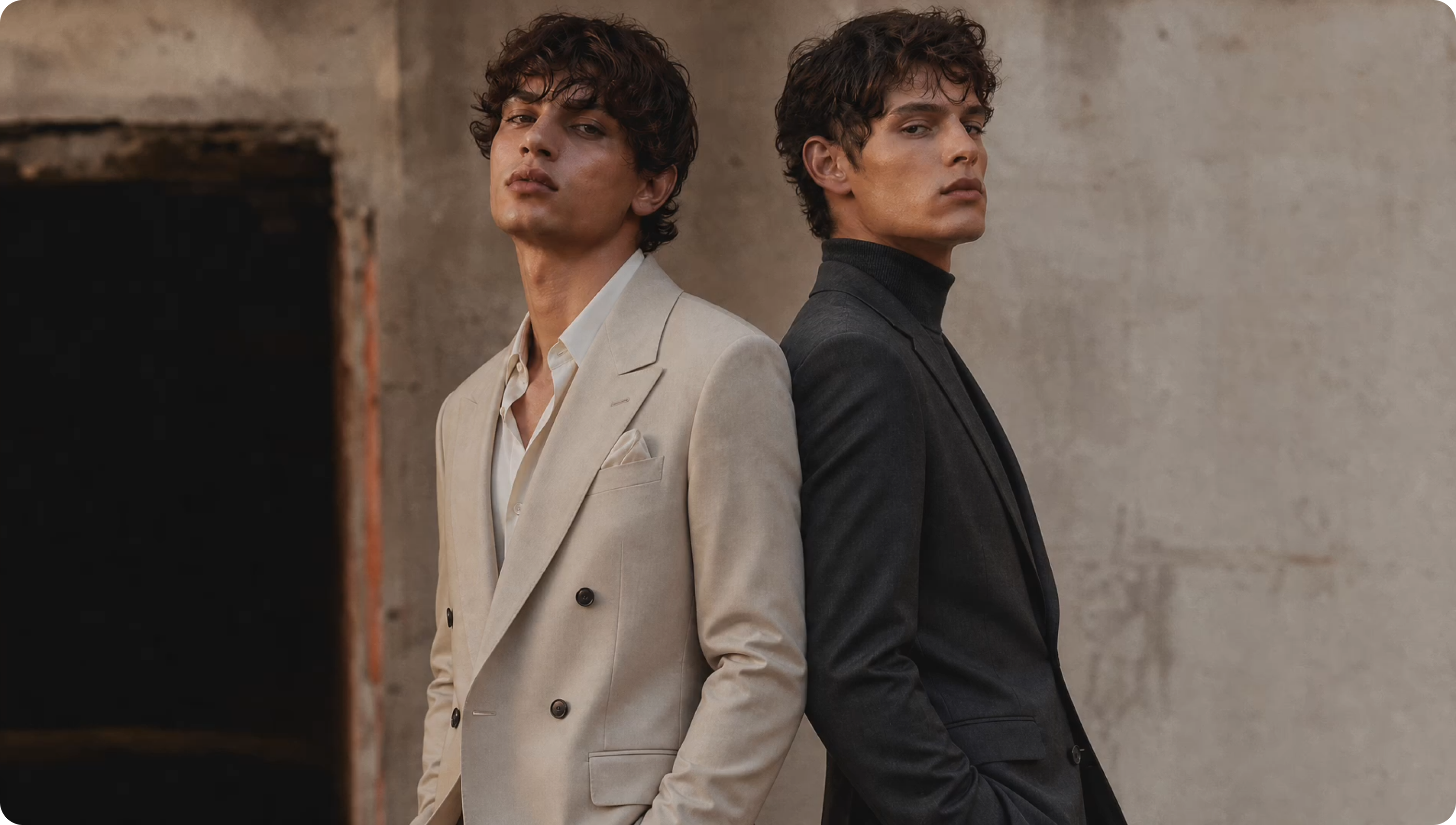
LinkedIn-Ready Profile Photos
Turn one clear portrait into a polished profile photo with blazers, suits, dresses, or smart casual outfits. Preview a professional look for LinkedIn, resumes, CVs, portfolio pages, and profile pictures without booking a new shoot.
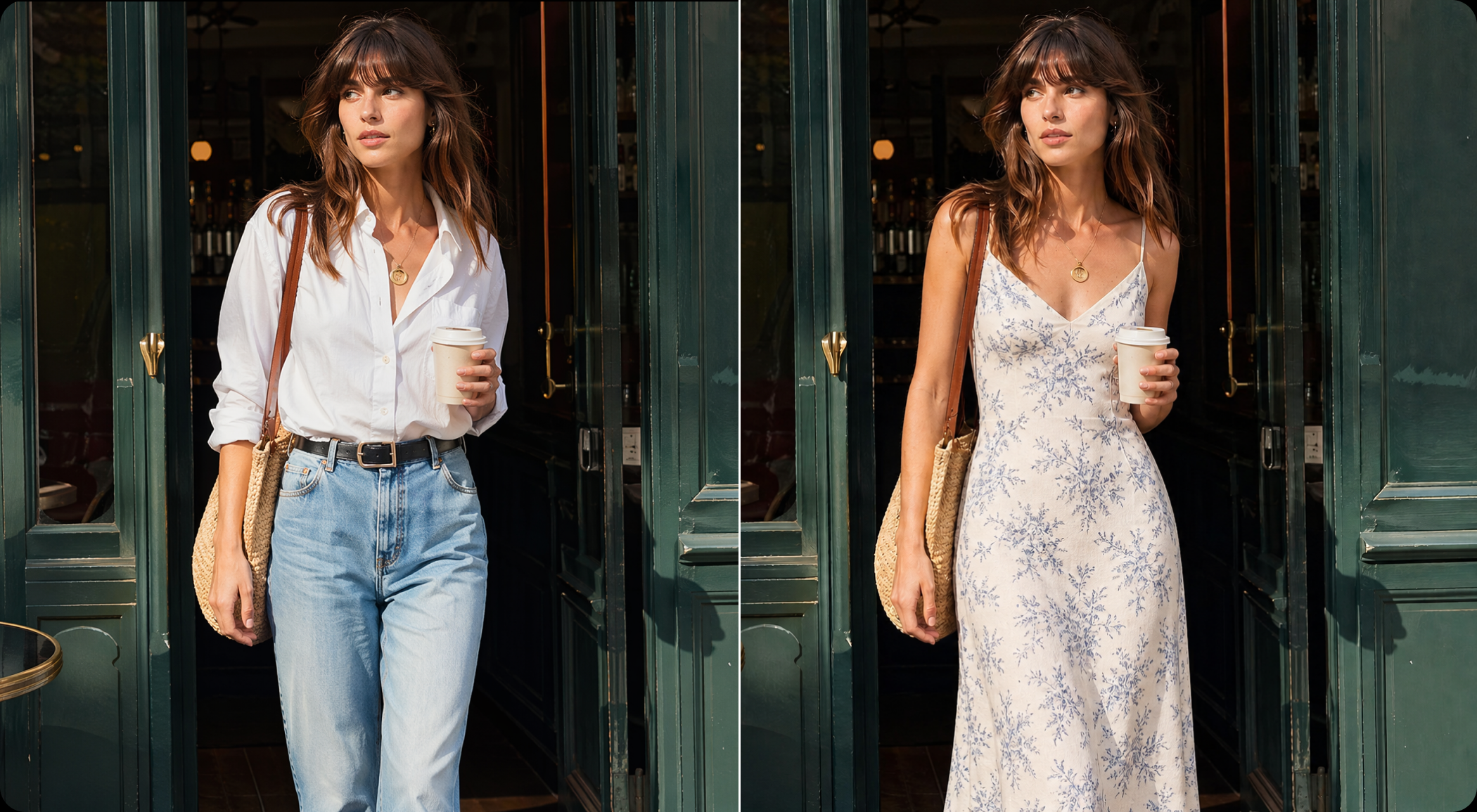
Try Shirts, Jackets and Dresses
Use your own clothing reference to try a shirt, jacket, dress, or a complete outfit. Morph Studio's AI outfit changer creates a new preview from your photo and the clothing image.
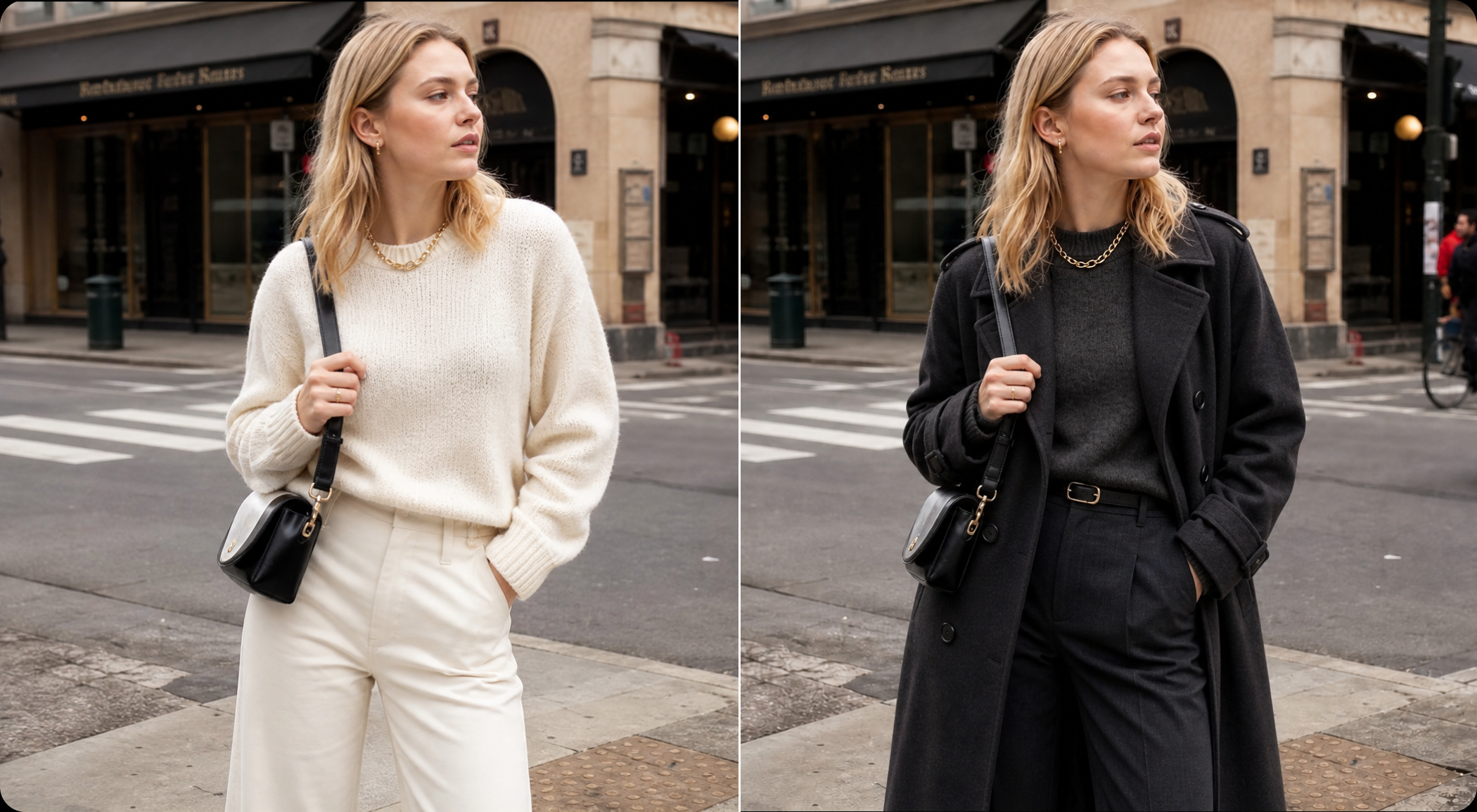
Fresh Outfit Photos for Social Content
Preview everyday outfits in photos you already have. Upload a clothing reference to try a casual look for social posts, profile updates, or fashion moodboards.
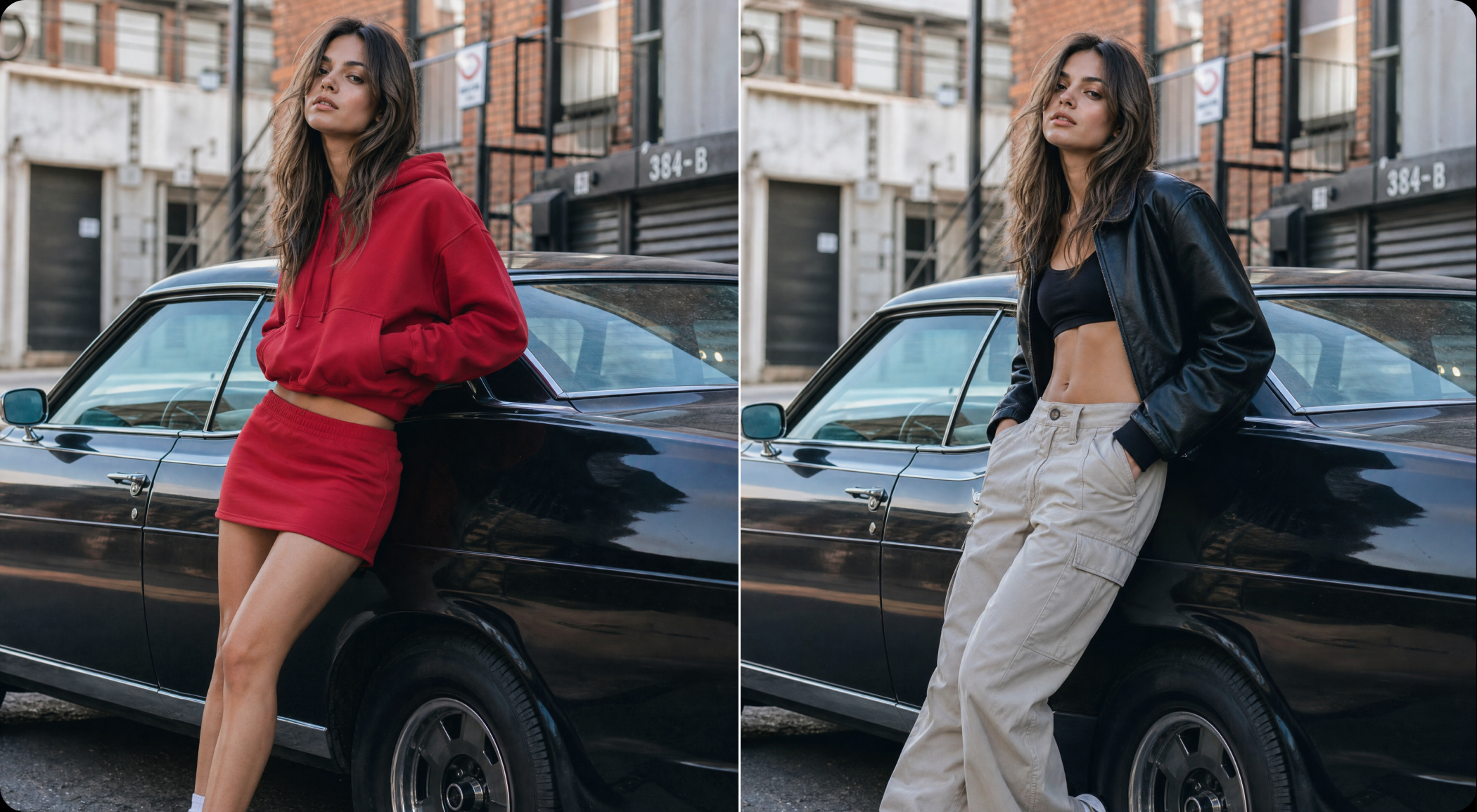
AI Clothes Changer Examples
See outfit changes for profile photos, workwear, and everyday looks.
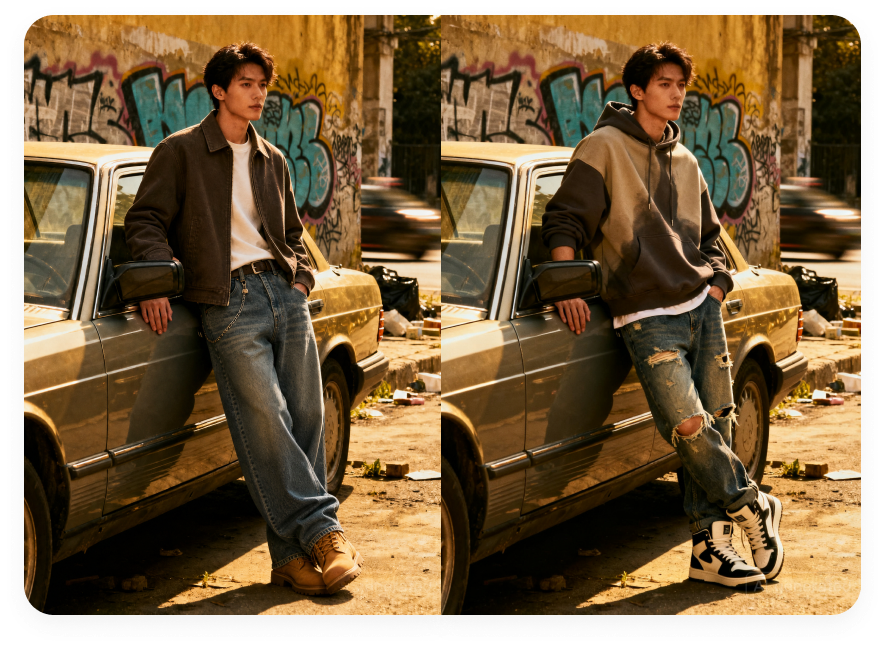
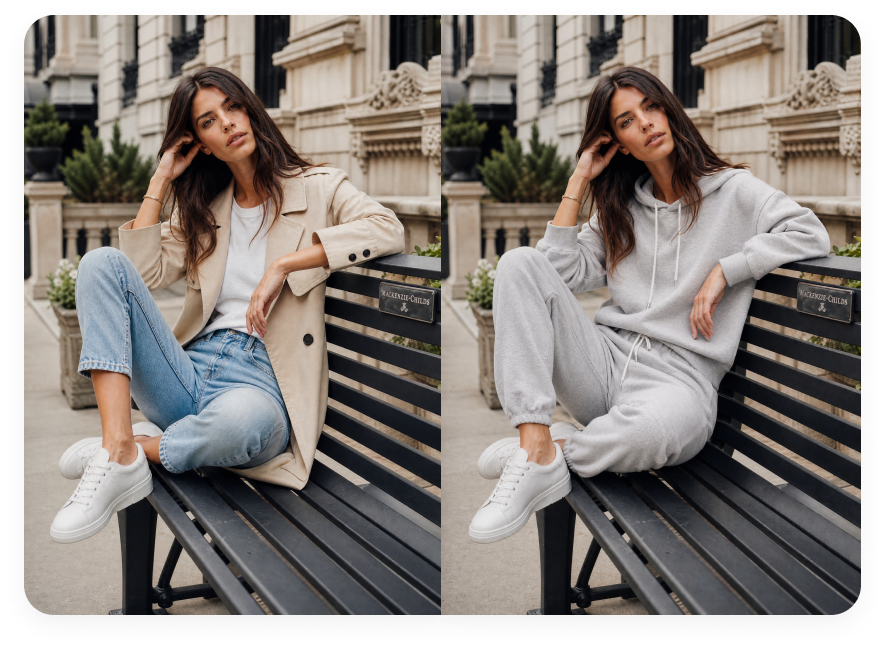
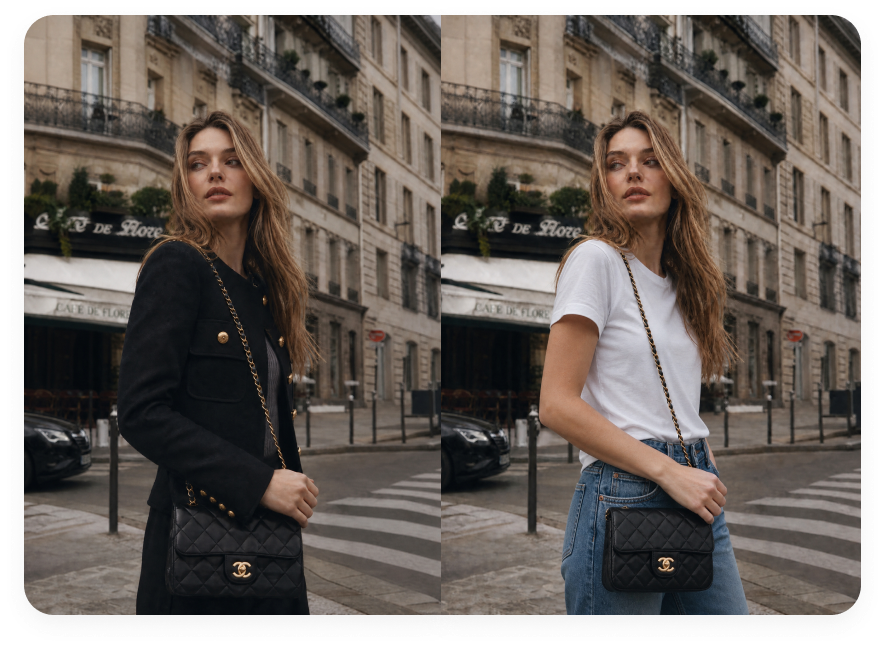
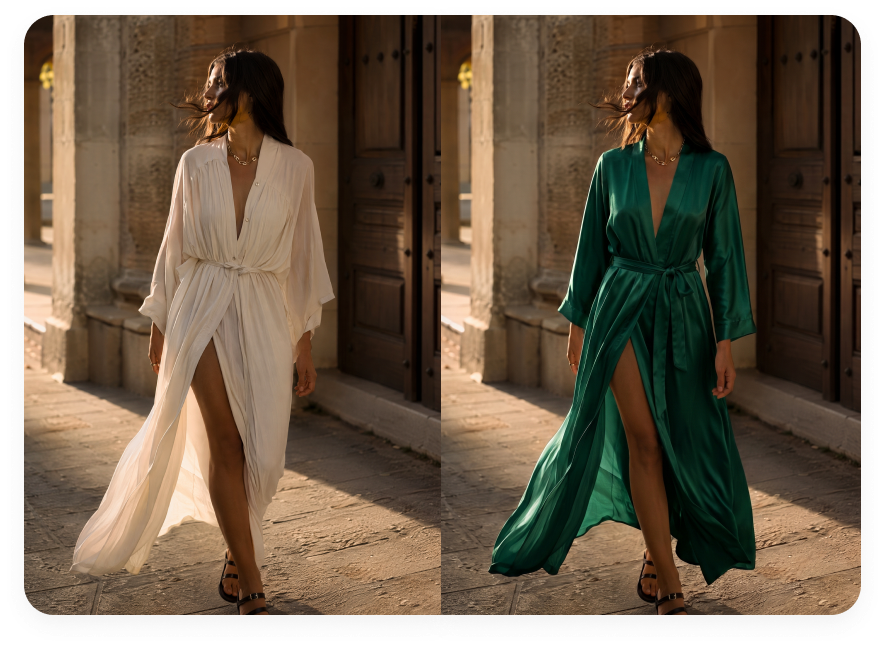
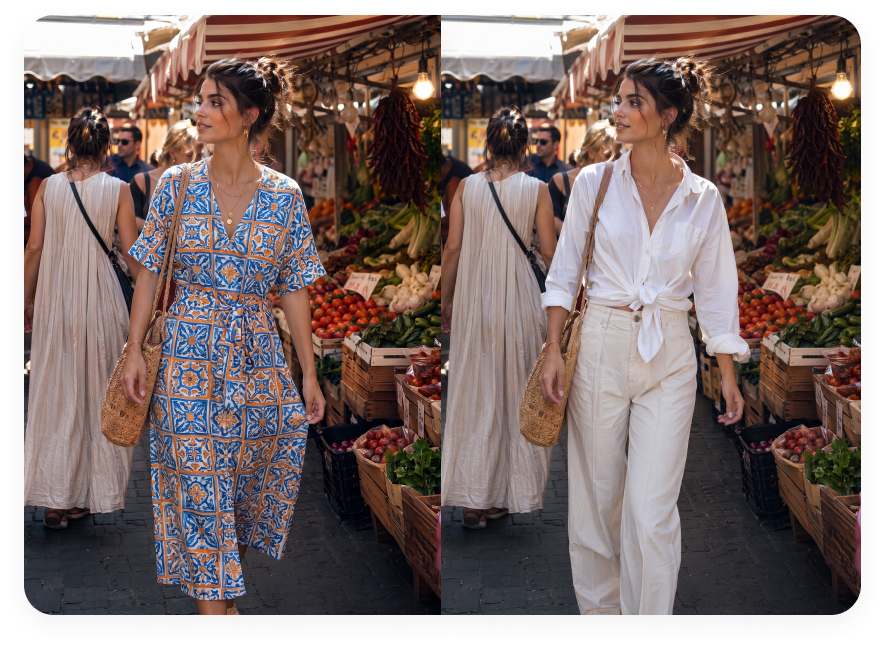
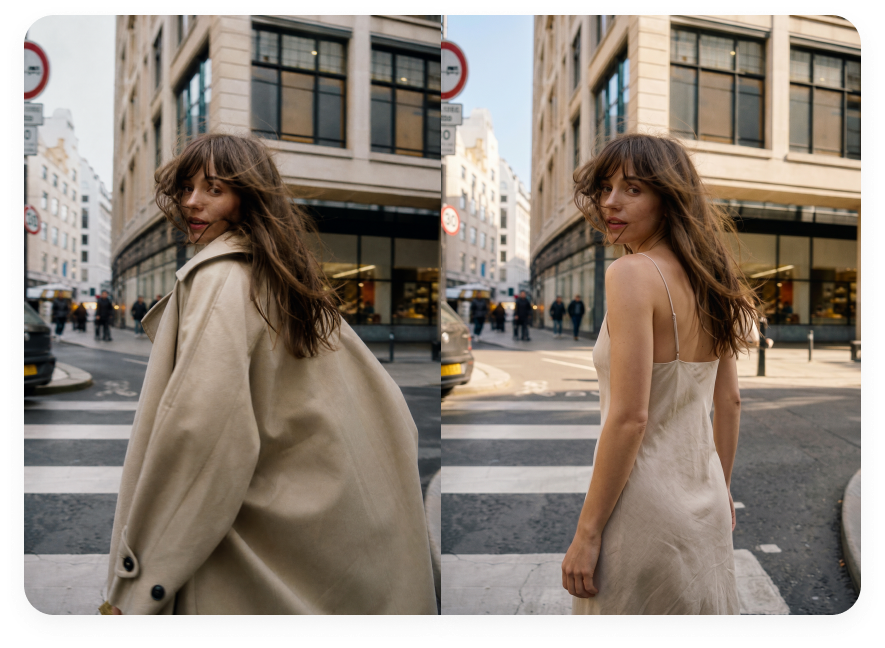
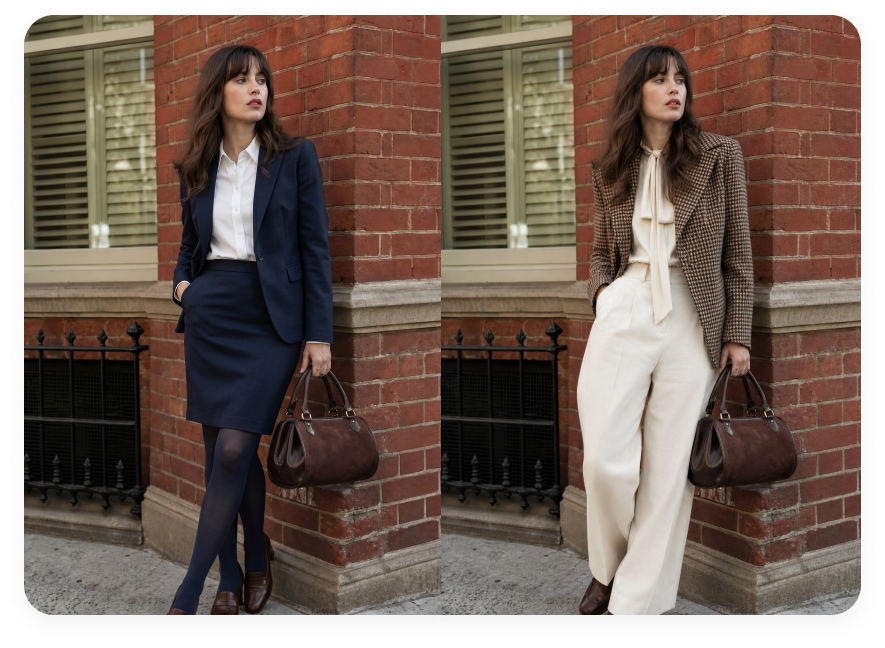
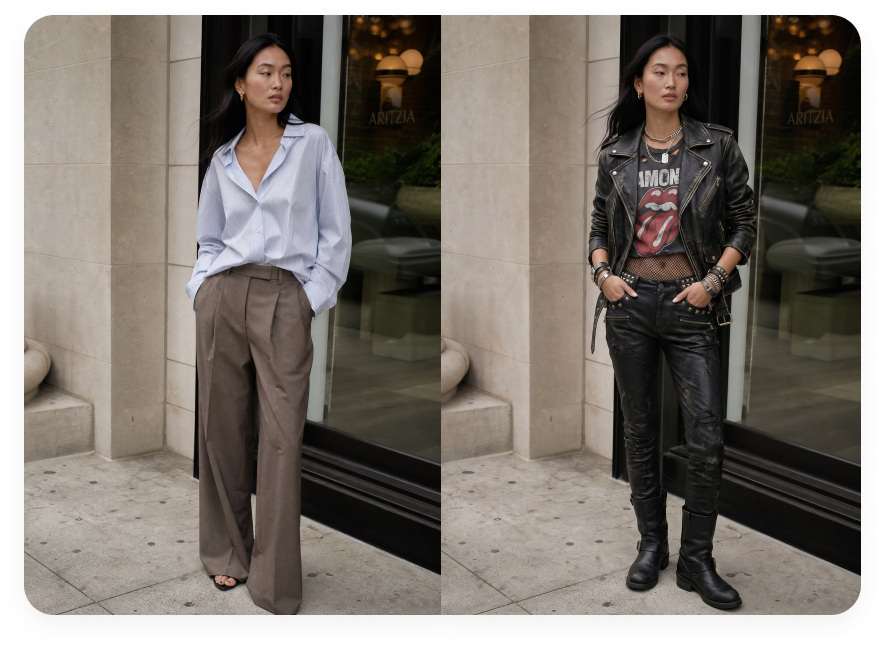
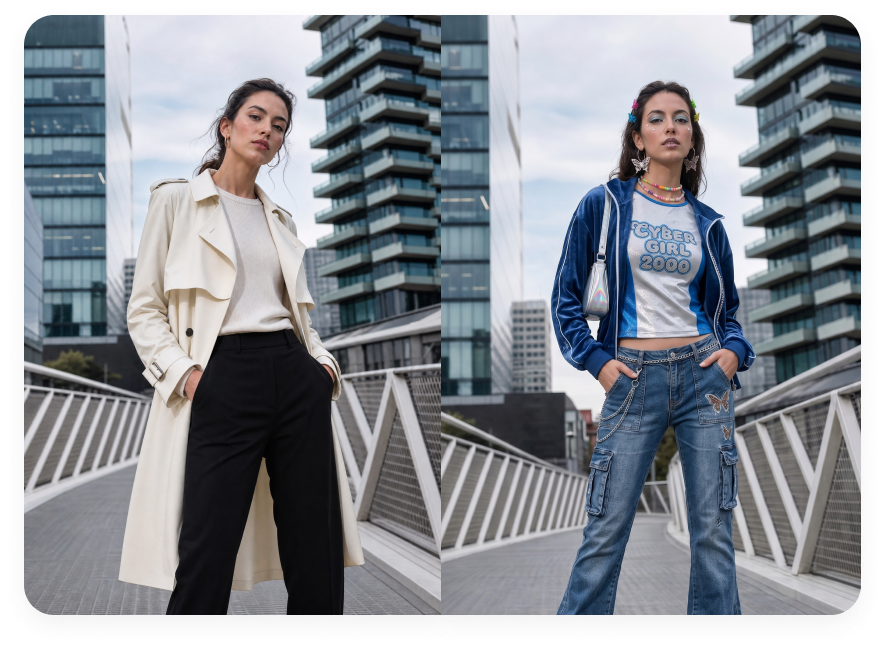
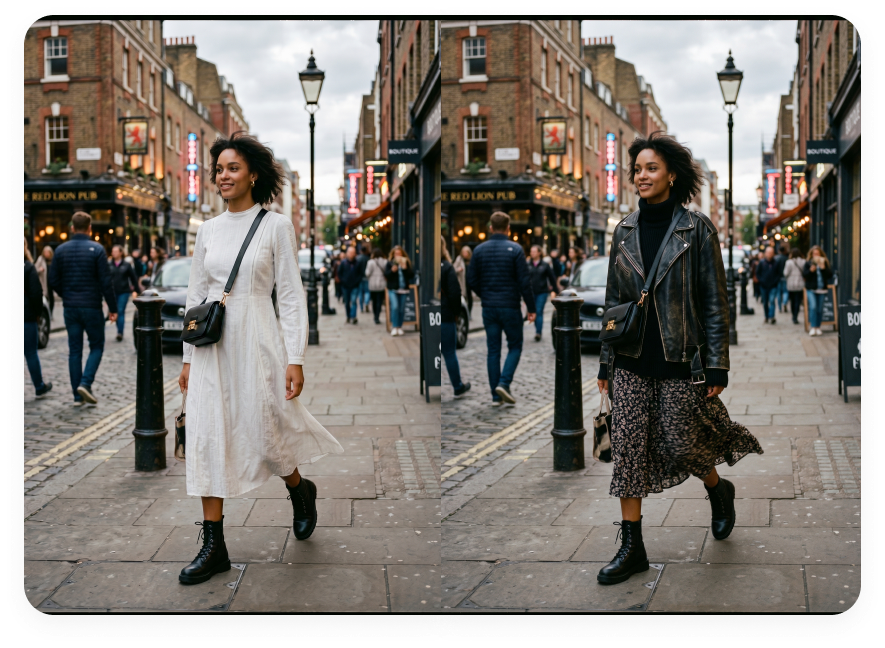
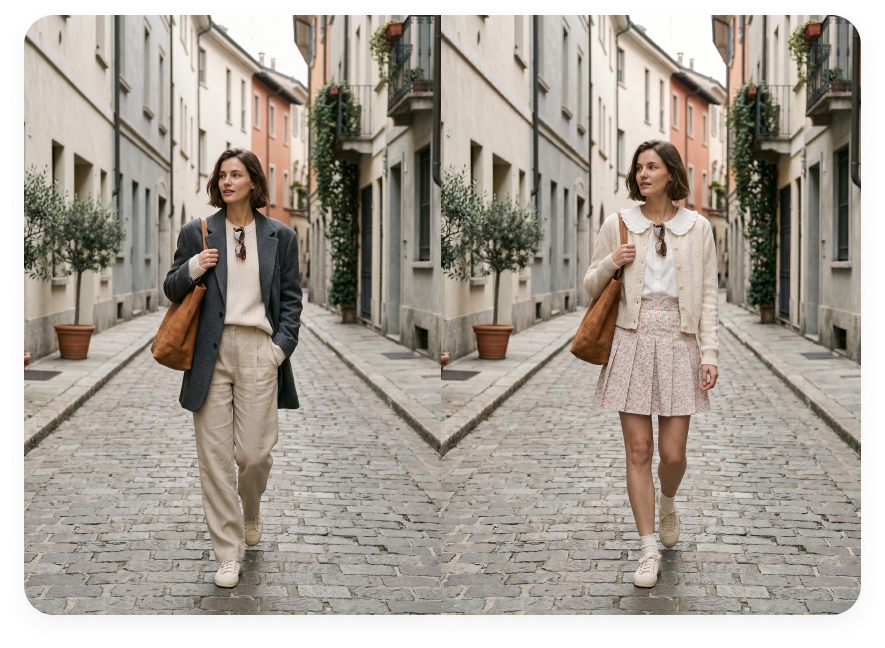
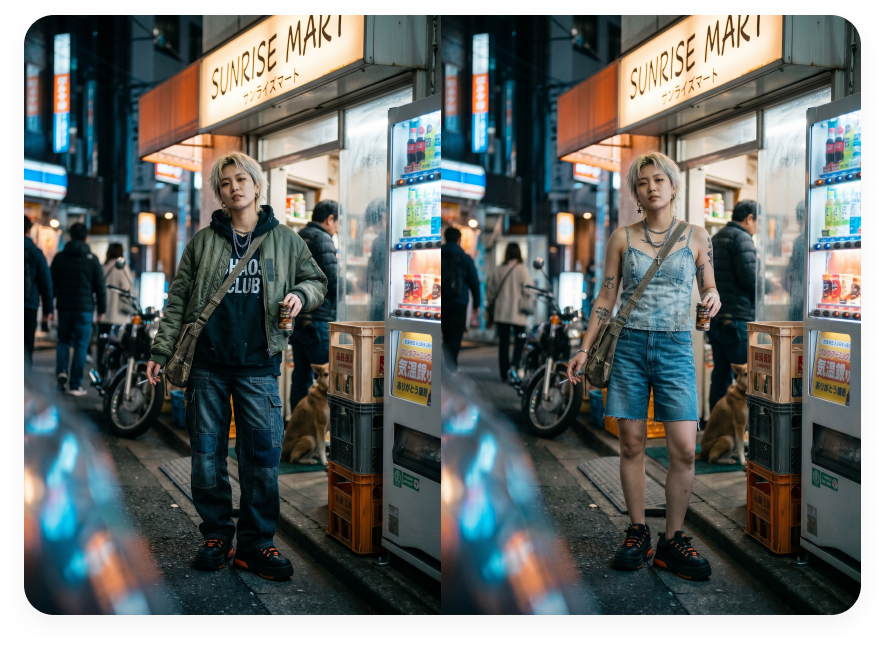
Change Clothes in a Photo in 3 Steps
Upload your photo, add an outfit reference, and preview a new look
Upload Your Photo
Start with the photo you want to edit. Full-body or upper-body photos with visible clothing, a clear pose, and good lighting usually work best for AI outfit changes.
Upload Your Outfit Reference
Add the clothing reference you want to try. Use a flat lay, product photo, on-model outfit image, or another clear visual reference.
Generate and Download
Generate your AI clothes changer result, review the outfit preview, then download it or keep editing inside Morph Studio.
Explore other features
Discover more AI-powered image editing tools from Morph Studio
Explore related tools
Continue your portrait and styling edits with related Morph Studio tools
Frequently Asked Questions
Try Morph Studio's Free AI Clothes Changer
Upload your photo and an outfit reference to preview a new look. Try casual outfits, workwear, or clothing for your next profile photo. Start for free.