Free Nano Banana 2 Image Generator

With Google's Nano Banana 2, Morph Studio brings fast, high-quality image generation into your AI workflow. Generate wallpapers, edit existing images, and develop polished visuals while keeping your subject and creative direction consistent. Choose output up to 4K with Nano Banana 2 or up to 8K with Nano Banana Pro. Build variations from your prompt and references, then refine your favorite result.
Nano Banana 2 Feature 1

Free Multi-Modal
Creative Workflow

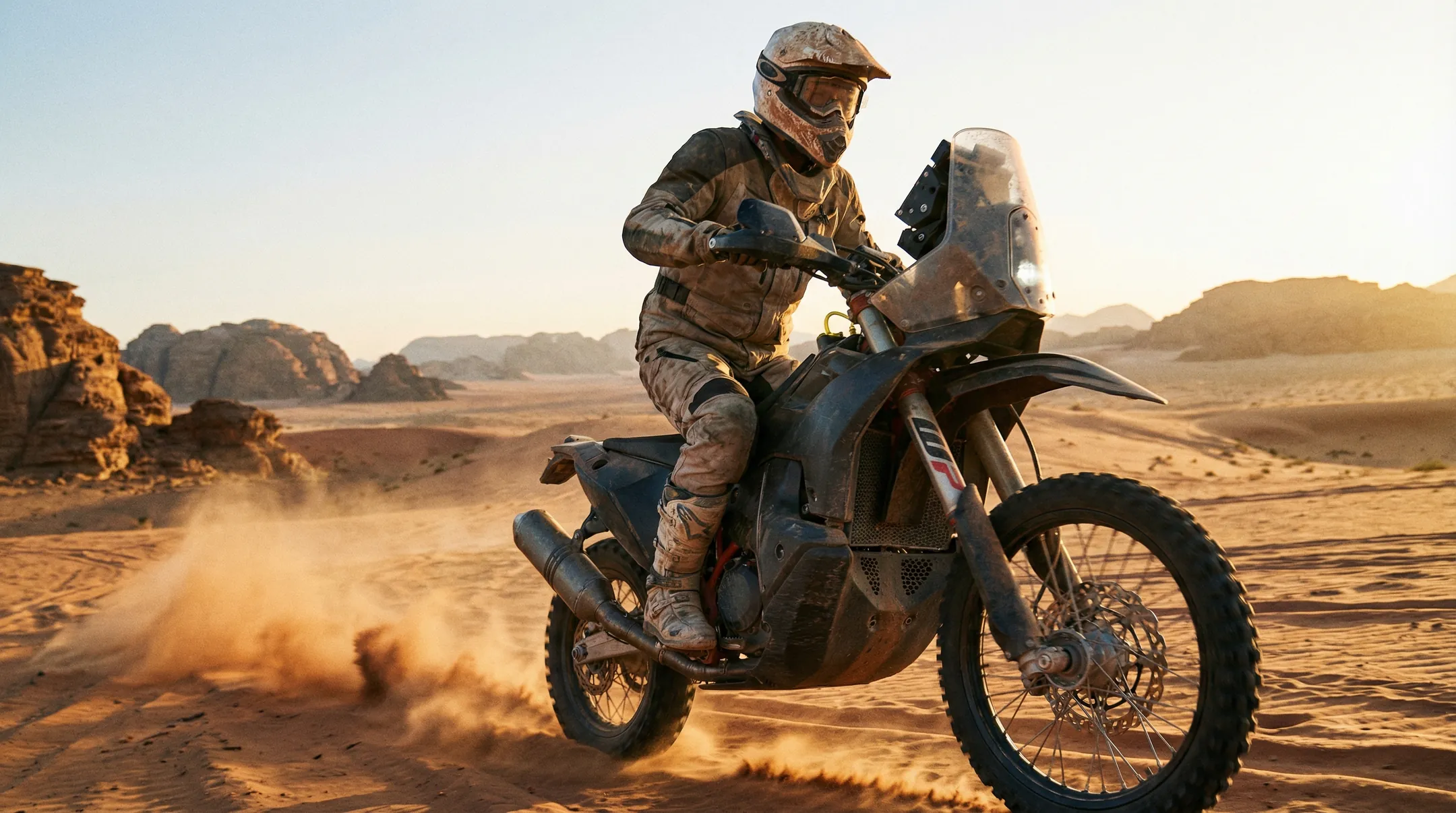
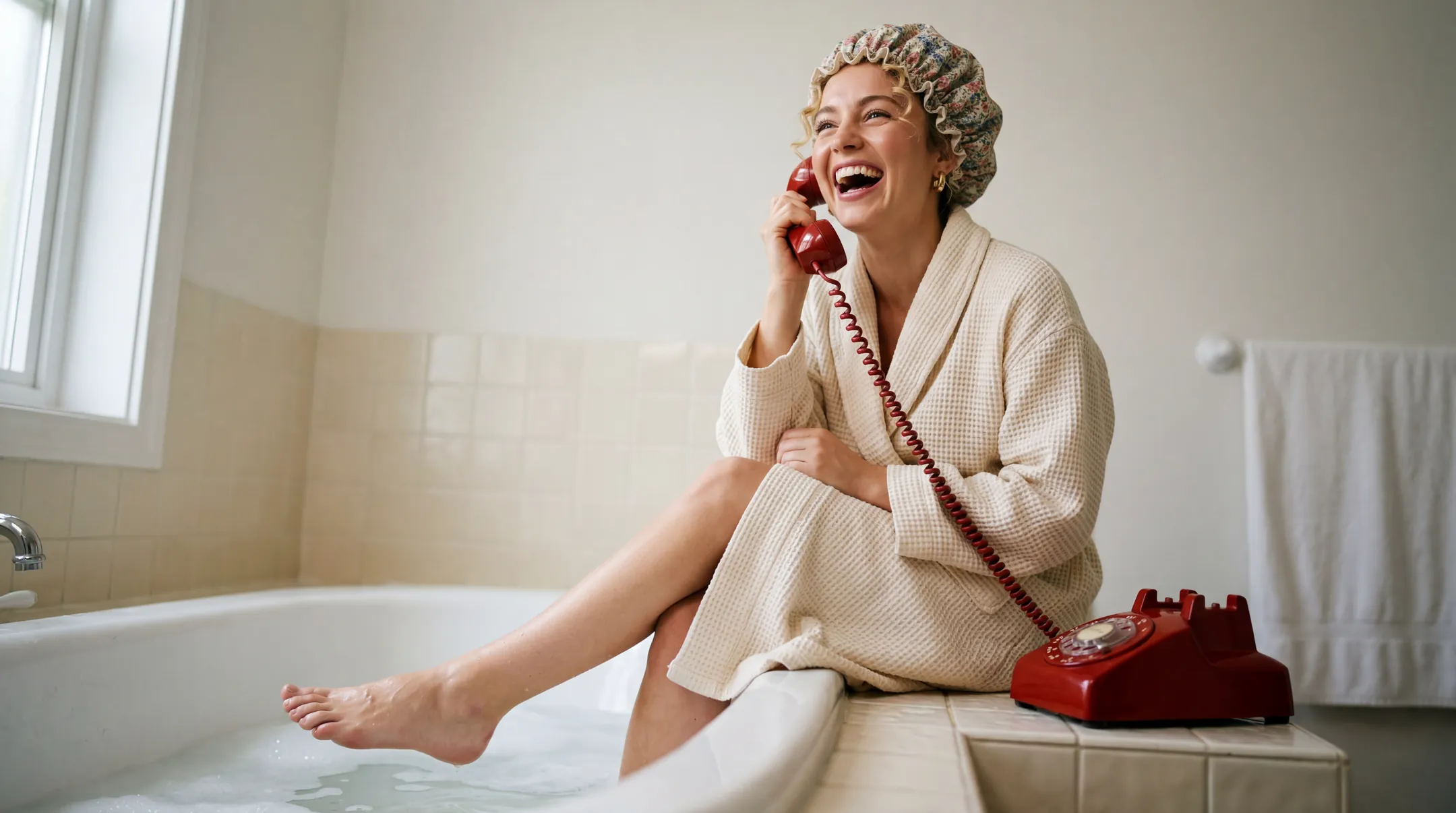
Complete creative workflow in one platform. Generate images from text prompts with text-to-image, refine existing photos with image-to-image editing, or use multi-image references to guide the output. Nano Banana 2 and Nano Banana Pro handle everything from a model with cute hairstyles for women to a full AI poster design — with precision text rendering that keeps every word legible. When you are ready, bring your images to life in our image-to-video workspace for cinematic motion.
Get Started Now
Nano Banana 2 Feature 2

4K Output & Character Consistency

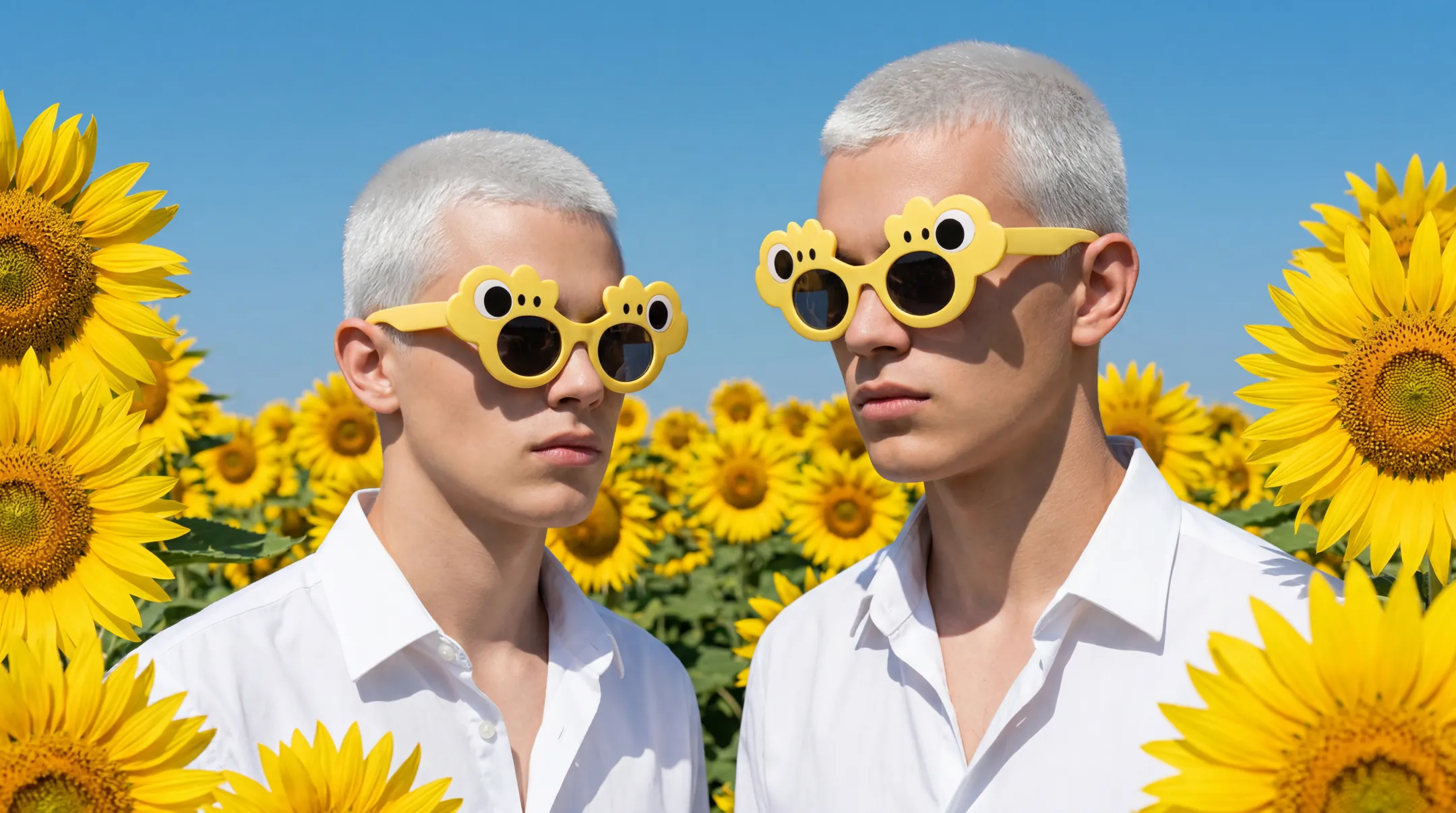
Choose output up to 4K with Nano Banana 2 or up to 8K with Nano Banana Pro in Morph Studio. Prepare detailed visuals for print, presentations, and creative projects. Use reference-guided editing to keep faces, hairstyles, and expressions recognizable across a connected series. Try a pink, blue, or dark background to change the mood, and describe the subject details you want to preserve. Build portraits and style variations with our AI profile picture generator.
Get Started Now
Nano Banana 2 Feature 3

Multi Style &
AI Image Editing

Free AI Wallpaper Generator for your phone, desktop, and tablet. From pink wallpaper and hello kitty wallpaper to cute christmas wallpaper, spring wallpaper, 3D wallpaper, nature wallpaper, and aesthetic night wallpaper — just describe what you want. Create halloween backgrounds, green screen backgrounds, or switch to a cool background or dark background for any vibe. Need background removal or to make a background transparent free? Built right in. Use Nano Banana 2 alongside Seedream 5.0 Pro, Nano Banana Pro, GPT Image 2.5, and other supported models for image generation, editing, and reference-guided creative workflows. Use it for character generation, AI headshot generation, AI poster design, background removal, wallpaper generation, profile picture creation, manga colorization, postcard design, transparent image export, and AI hairstyle changing.

Get Started Now

Create AI Images with Nano Banana 2 in 3 Steps

Seamless image generation experience from concept to creation

1

Describe Your Vision

Enter a text prompt or upload an image. The AI Image Generator understands natural language so you can describe subjects, scenes, styles, colors, and composition in detail for the best results.

2

Adjust Parameters

Choose your resolution like 2K or 4K, select an aspect ratio from 16:9, 9:16, 1:1, or 4:3, and pick your style preferences. Nano Banana 2 provides simple and intuitive parameter controls for precise creative direction.

3

Generate & Extend

Click generate and let the AI bring your vision to life in seconds. Want to turn this into a cinematic masterpiece? Combine it with our seedance2.0 video model for Hollywood level production.

Frequently Asked Questions

Everything you need to know about Nano Banana 2 & Pro

What is Nano Banana 2 & Nano Banana Pro (including Nano Banana 3)?
Nano Banana 2 and Nano Banana Pro are Google's AI image generation and editing models. In Morph Studio, Nano Banana 2 supports 1K, 2K, and 4K output, while Nano Banana Pro also offers 8K. Create images from text or use references to develop product visuals, portraits, posters, and wallpapers. Choose the model and resolution for your project, then review the generated details before using the result.
How does Nano Banana 2 & Nano Banana Pro compare to Flux1 Kontext and Imagen 4?
In performance tests, Nano Banana 2 and Nano Banana Pro demonstrate stronger reasoning ability and more accurate text preservation than Flux1 Kontext and Imagen 4. Its deep spatial understanding and edit consistency make it ideal for professional AI image workflows. These comparisons are based on user tests rather than official benchmarks.
Can I use it as an AI Profile Picture Generator or Wallpaper Maker?
Nano Banana 2 helps keep faces, hairstyles, and expressions recognizable across multiple images, making it useful as an AI profile picture generator. Choose 1K, 2K, or 4K output to create detailed portraits and polished backgrounds. Its flexible resolutions and visual styles also make it an effective AI wallpaper generator for phones, desktops, and creative projects.
What are the key improvements in Nano Banana 2 compared to the original version?
Nano Banana 2 improves the image-editing workflow with faster generation, stronger prompt understanding, and better preservation of text during changes. Use it to refine object placement, update a background, or develop variations while keeping your subject and visual direction consistent. Review the details after each edit before building the next version.
What kinds of projects is Nano Banana 2 good for?
Nano Banana 2 works well for posters, product concepts, social visuals, presentation images, moodboards, profile pictures, and polished creative drafts. With strong text rendering, editing consistency, and high resolution output, it fits fast moving design and content workflows.
Can I generate images with specific background colors like pink, blue, or green?
Yes. Nano Banana 2 handles color-specific prompts very well. You can generate images with a pink background, blue background, green background, dark background, or even a halloween background for seasonal content. Just describe the color and mood in your prompt and the model will match it accurately.
What types of wallpapers can I create with the AI wallpaper generator?
Pretty much anything. Users regularly generate hello kitty wallpaper, pink wallpaper, cute christmas wallpaper, spring wallpaper, nature wallpaper, 3d wallpaper, and aesthetic night wallpaper using Morph Studio's free AI wallpaper generator. The range of supported styles is broad because the underlying model understands both realistic and illustrated aesthetics equally well.
Does Nano Banana 2 support background removal or transparent backgrounds?
Yes. Morph Studio includes background removal as part of its editing toolkit. You can remove the background from any generated or uploaded image, and export it with a transparent background free of charge on supported plans. This is especially useful for product shots, stickers, and social media content where you need clean cutouts.
Can I generate headshots or portraits with specific hairstyles?
Absolutely. Nano Banana 2 is great for generating portrait images with detailed styling. You can describe cute hairstyles for women, specific hairstyles for women like braids or buns, or reference a character style and the model will closely follow the description. Combined with character consistency, you can generate a full set of portraits with the same person across different hairstyle references.

Try Nano Banana 2 & Pro

Create production ready, highly consistent 4K AI images at unprecedented speeds.
Stop waiting and start creating.

Loading…