
Kling 4.0 AI Video Generator
Kling 4.0 is coming soon to Morph Studio. Turn text and images into cinematic videos up to 30 seconds. Use Omni Reference to guide characters, products, and motion, or plan key visual moments with up to 10 keyframes. Build product films, character scenes, and action sequences with more control over how the story unfolds.
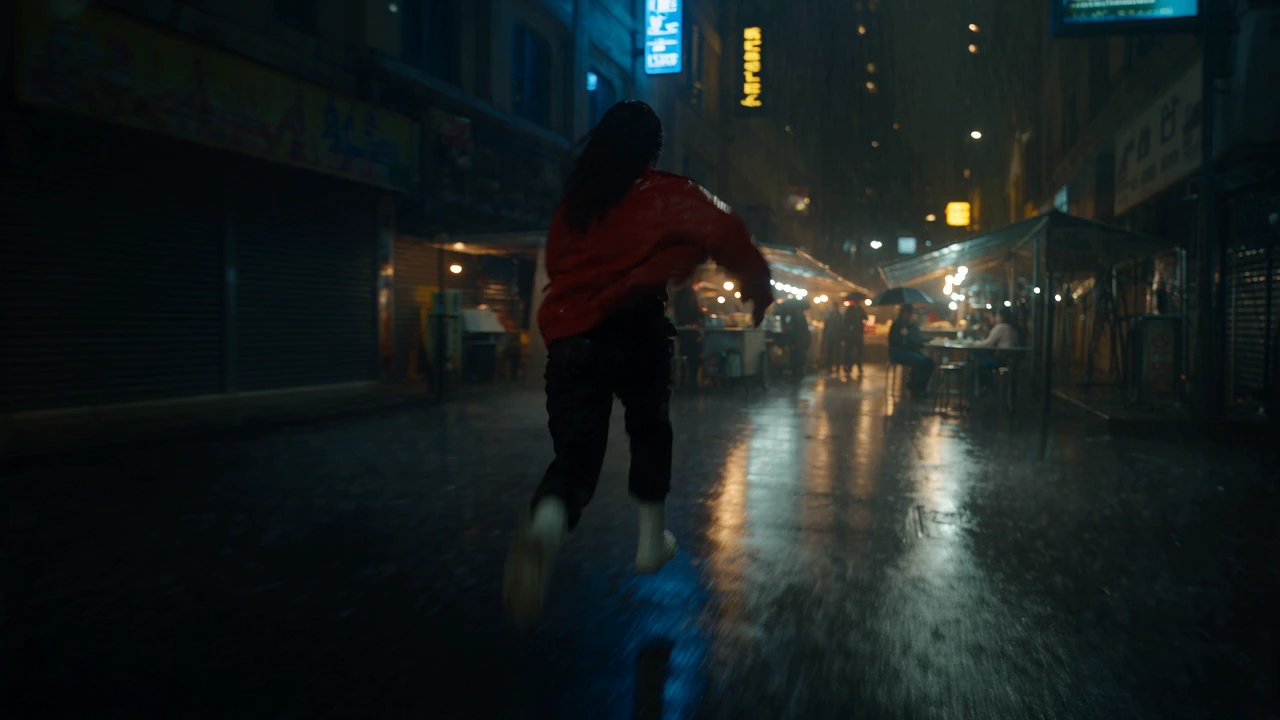

Tell a Complete Story in Up to 30 Seconds
Create a product reveal, a continuous camera move, or a character scene with room to develop. Kling 4.0 generates videos from 3 to 30 seconds in a single pass, so action and story beats can unfold within one clip.

Keep Characters and Products Consistent
Bring the same character, product, or visual style into new scenes. Omni Reference combines up to 15 assets, including images, videos, subjects, and voice references, to guide appearance, movement, and camera direction.

Guide Your Story with Up to 10 Keyframes
Decide when a character changes pose, a product appears, or a scene changes. Add up to 10 keyframe images to guide the sequence, while Kling 4.0 generates movement between them.
Plan Your First Kling 4.0 Video
Set the creative direction, choose your inputs, and prepare to bring the scene to life.
Set the Creative Direction
Describe the subject, action, camera movement, lighting, and mood. Give the scene a clear beginning and ending, with the story beats you want to see along the way.
Choose How to Guide the Scene
Choose Omni Reference to guide appearance and motion with reference media, or Keyframes to place key images along the timeline. Describe what each reference should contribute to your scene.
Generate and Refine After Launch
Once Kling 4.0 is available in Morph Studio, choose the supported settings and generate your video. Refine the prompt, camera direction, or selected inputs to develop the shot.
Explore other features
Discover more AI-powered creative tools from Morph Studio
Explore other features
AI-powered creative tools for every need
Frequently Asked Questions
Explore Kling 4.0, its creative controls, and its upcoming arrival in Morph Studio.
Kling 4.0 Is Coming Soon
Longer AI videos, flexible reference control, and more precise visual direction are coming to Morph Studio. Plan the next story you want to tell.