
Free AI Background Remover
Remove backgrounds from images in seconds with Morph Studio's AI Background Remover. Use it as a free background remover, AI image background remover, and AI tool for removing background from image files: upload a product photo, portrait, logo, object, graphic, or campaign image and turn it into a clean cutout with real transparency. Morph helps creators, ecommerce teams, marketers, and designers remove white backgrounds, clean up messy backdrops, isolate subjects, export transparent PNGs, and prepare product visuals, profile photos, social posts, thumbnails, brand assets, and design-ready images without a complex manual editing workflow.
AI Tool for Removing Background from Image
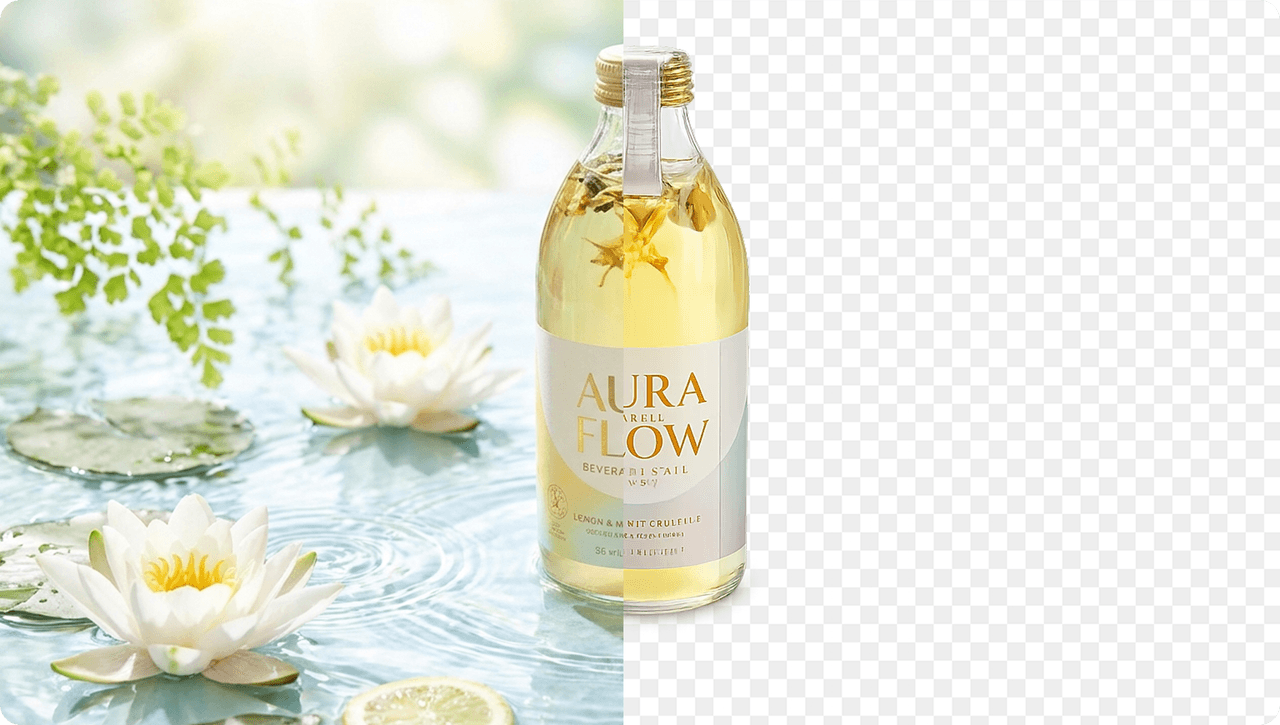
Morph Studio's AI Background Remover helps turn ordinary photos into clean, isolated subjects with real transparency. Upload portraits, product shots, logos, objects, food images, fashion items, or graphics and use AI to remove background from image files in seconds. If you need a new transparent asset from a prompt, use Transparent PNG Maker.

Product Photo Background Remover for Transparent PNG Cutouts
Use Background Remover as a product photo background remover, logo background remover, and image cutout tool for ecommerce photos, brand kits, websites, ads, presentations, thumbnails, and social content. Export transparent PNG cutouts, refine details with image-to-image editing, or upscale product visuals with AI Image Upscaler before publishing.
White Background Remover, Logo Background Remover, and Green Screen Remover
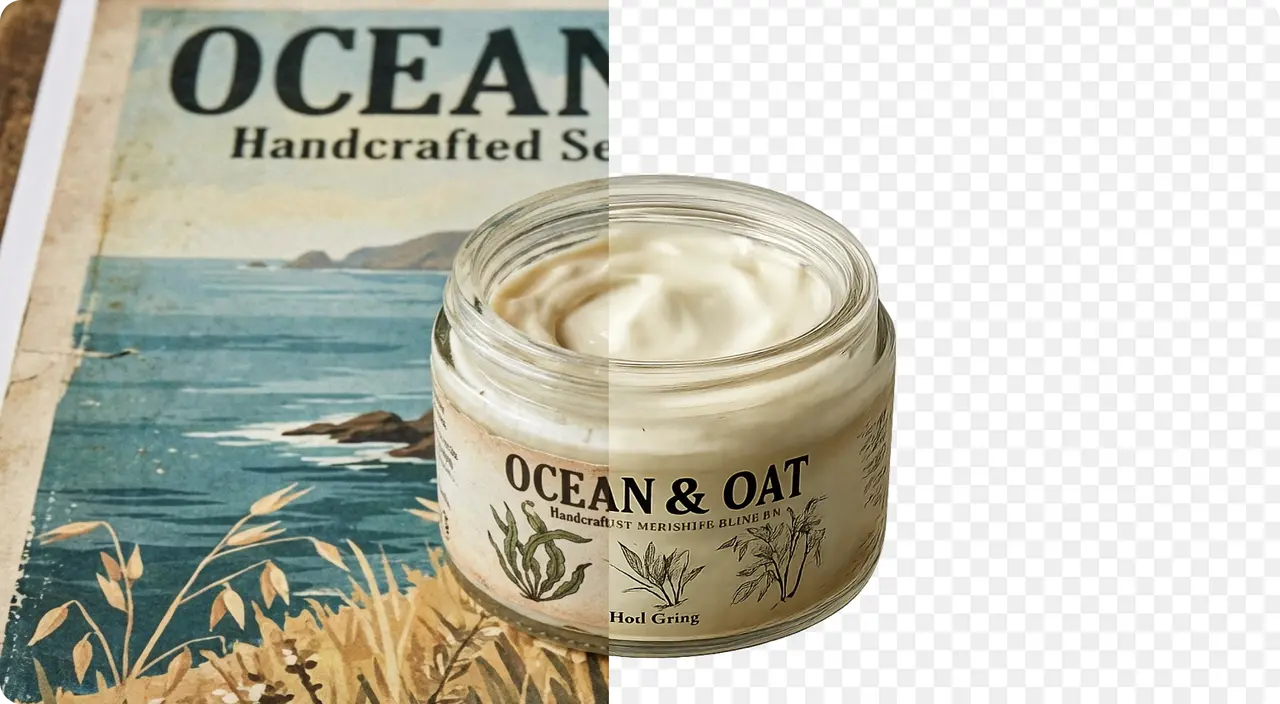
Go beyond a one-click background remover by describing the result you want. Ask Morph to preserve hair detail, keep product edges crisp, maintain a natural shadow, remove green screen from image files, clean up a white backdrop, or prepare the subject for a new background. Clean cutouts can also become source assets for image-to-video and other Morph Studio creative workflows.

Showcase Our Background Removal Results
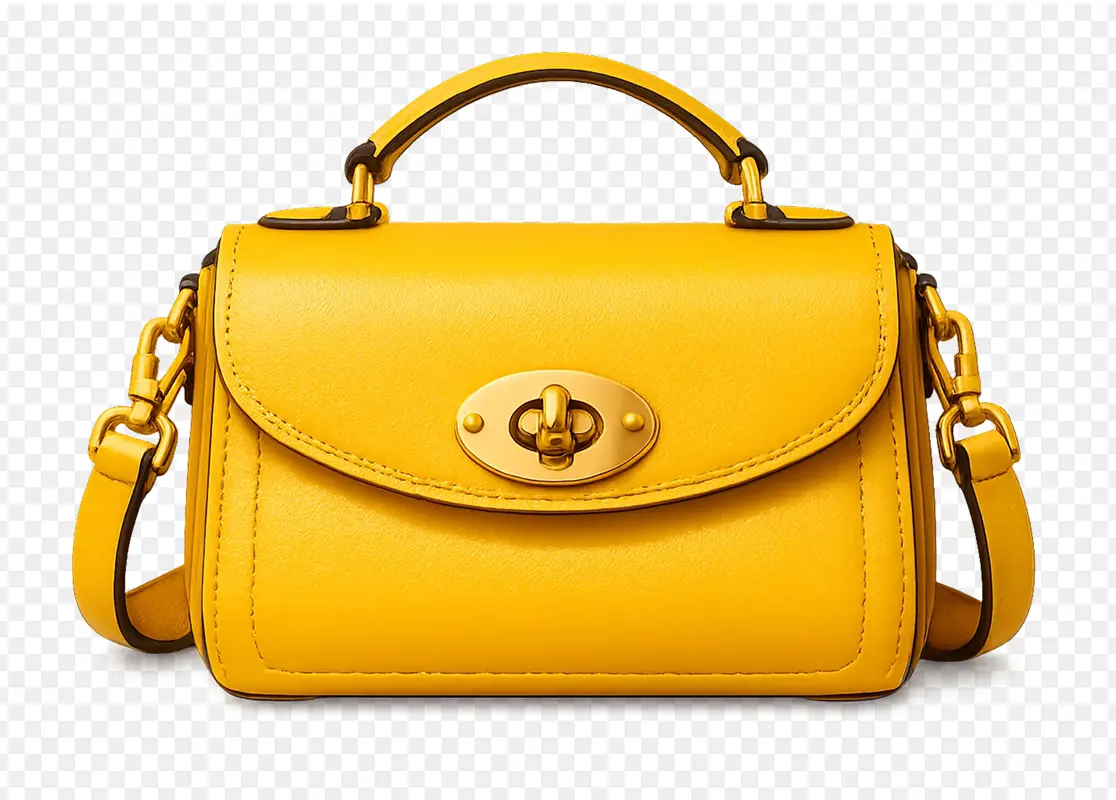
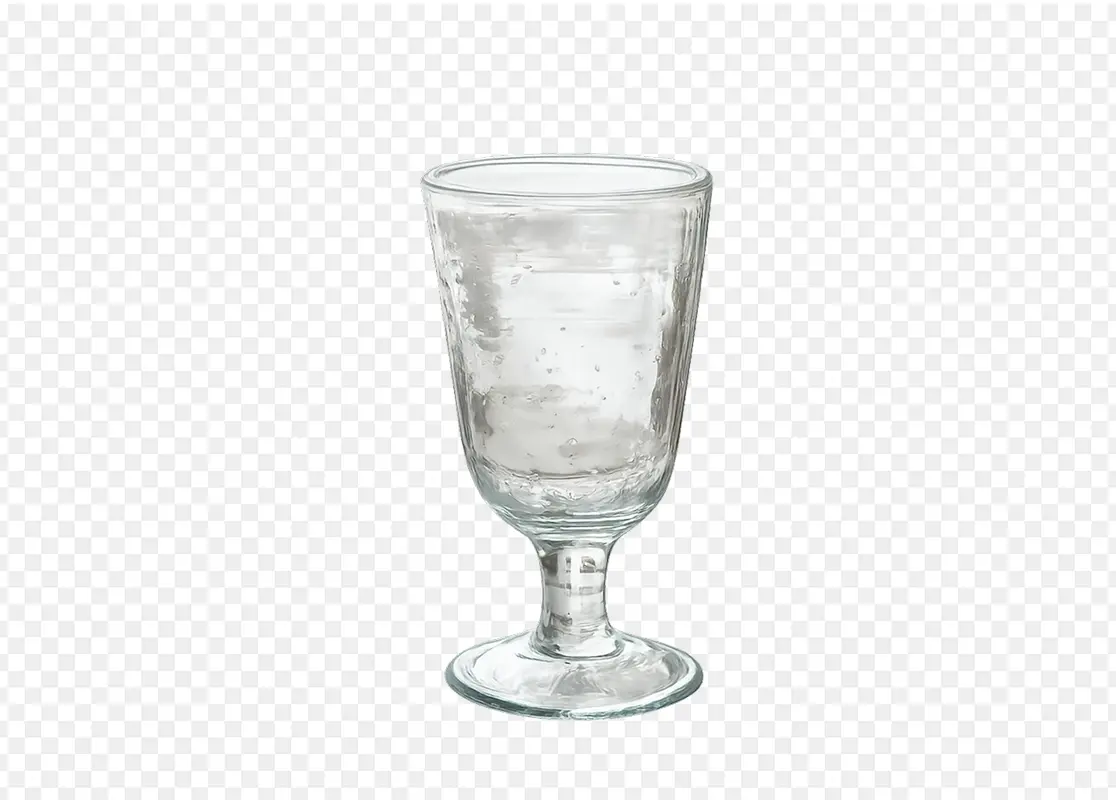
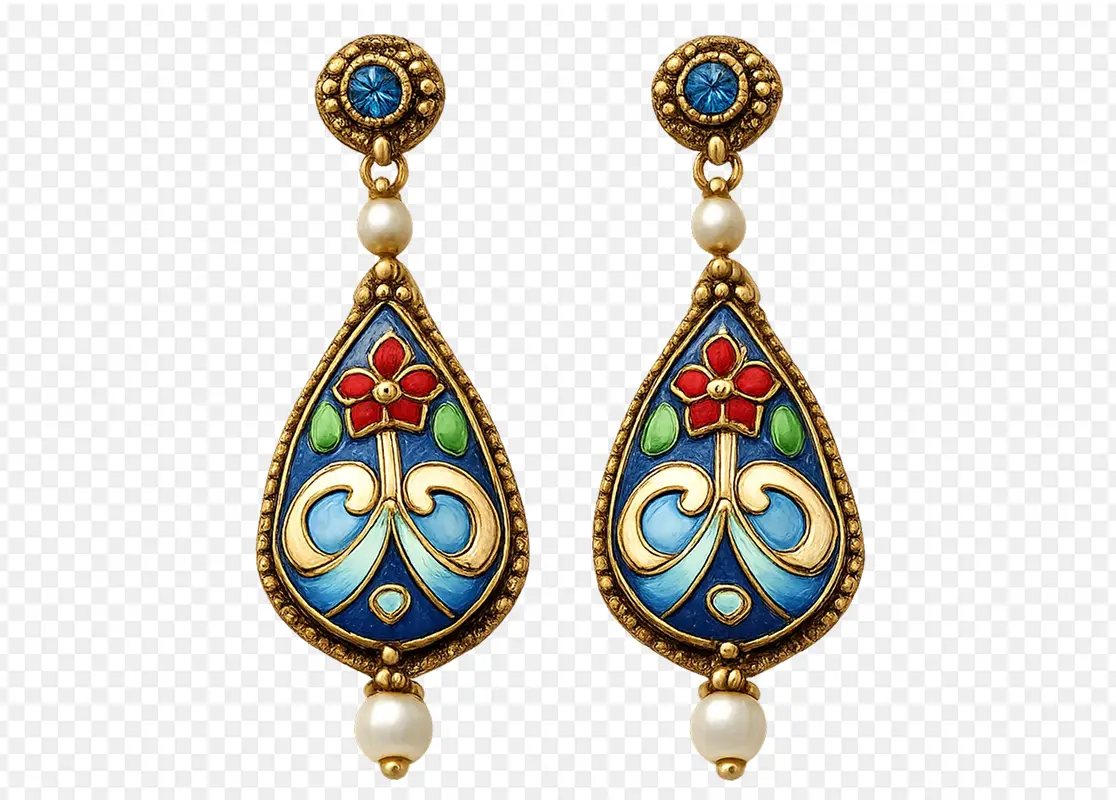
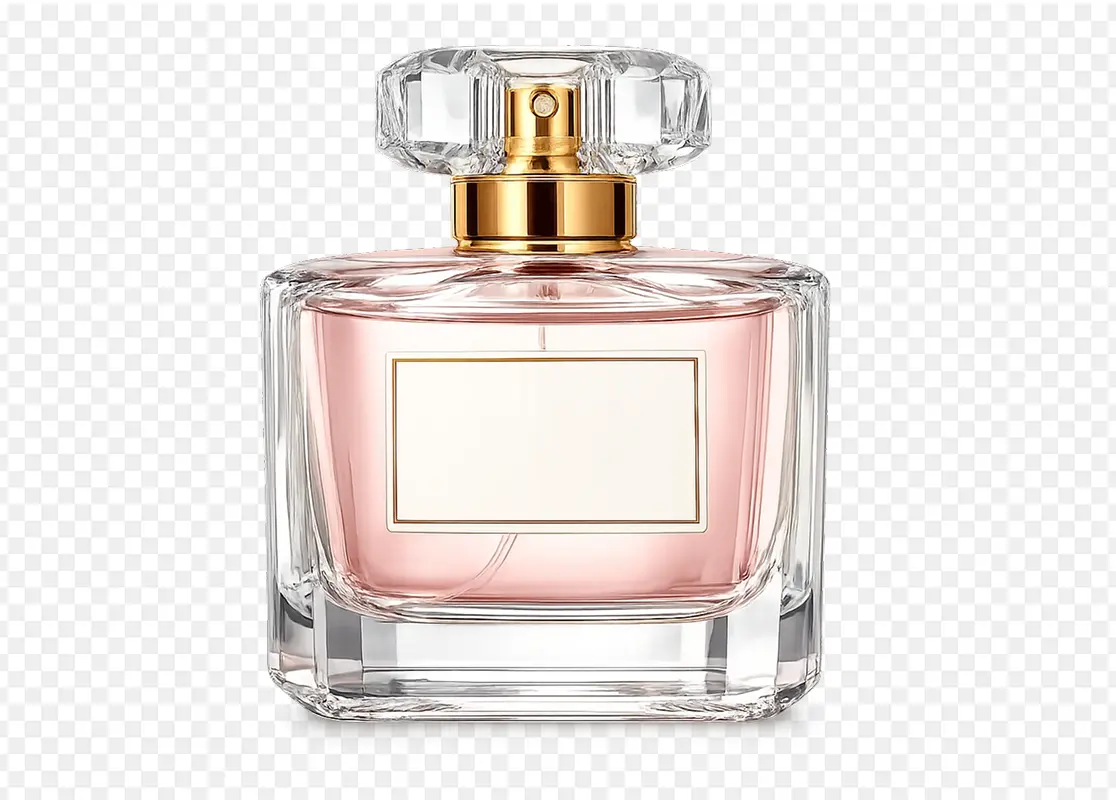
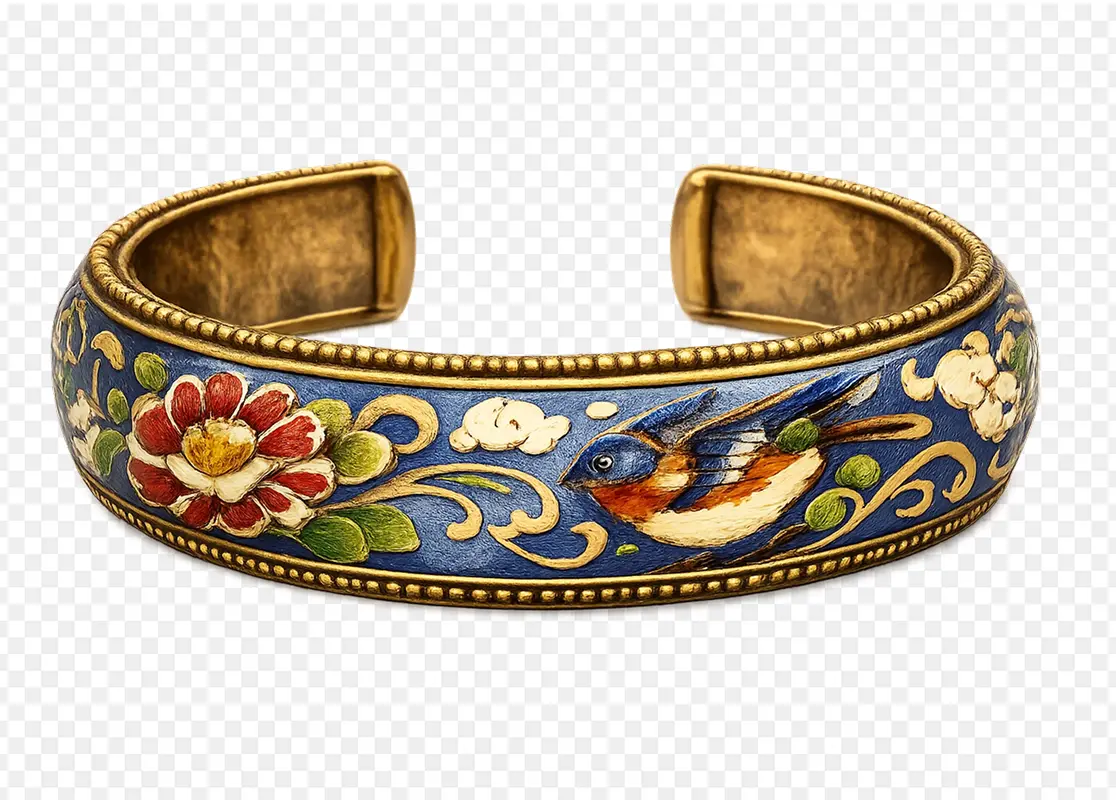
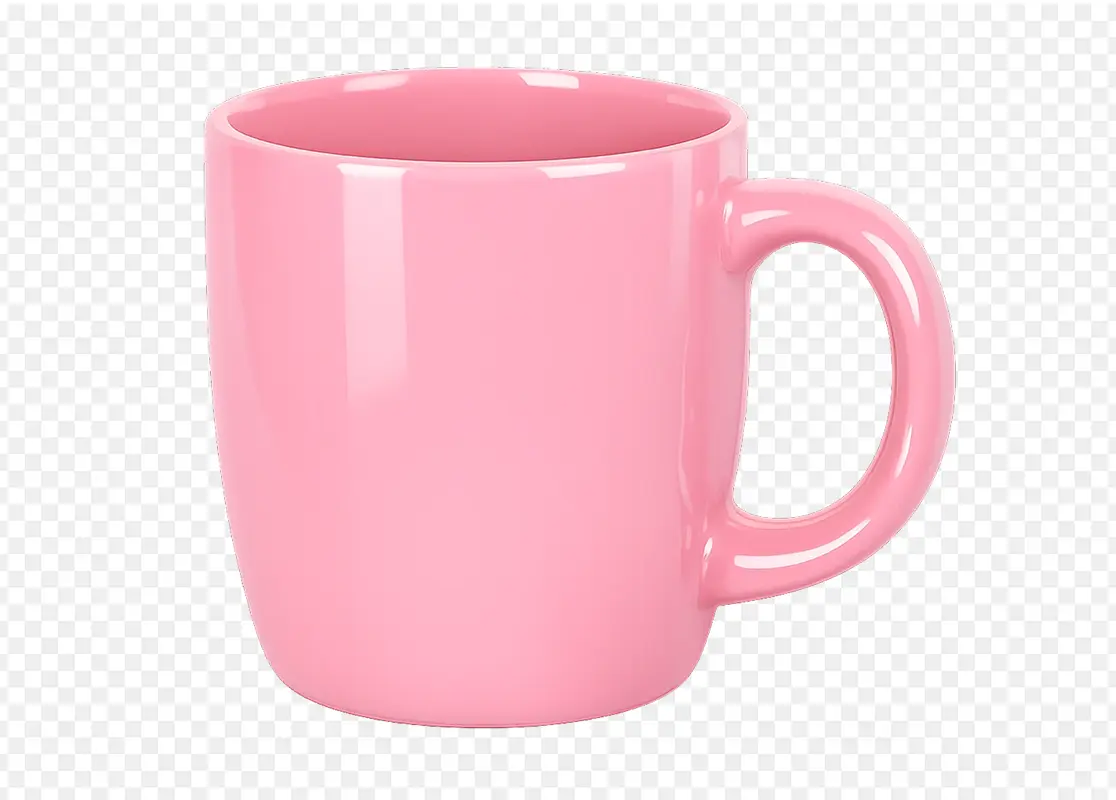
See how Morph Background Remover handles portraits, products, logos, green screen images, and white backgrounds with clean edges, natural detail, and transparent PNG export.
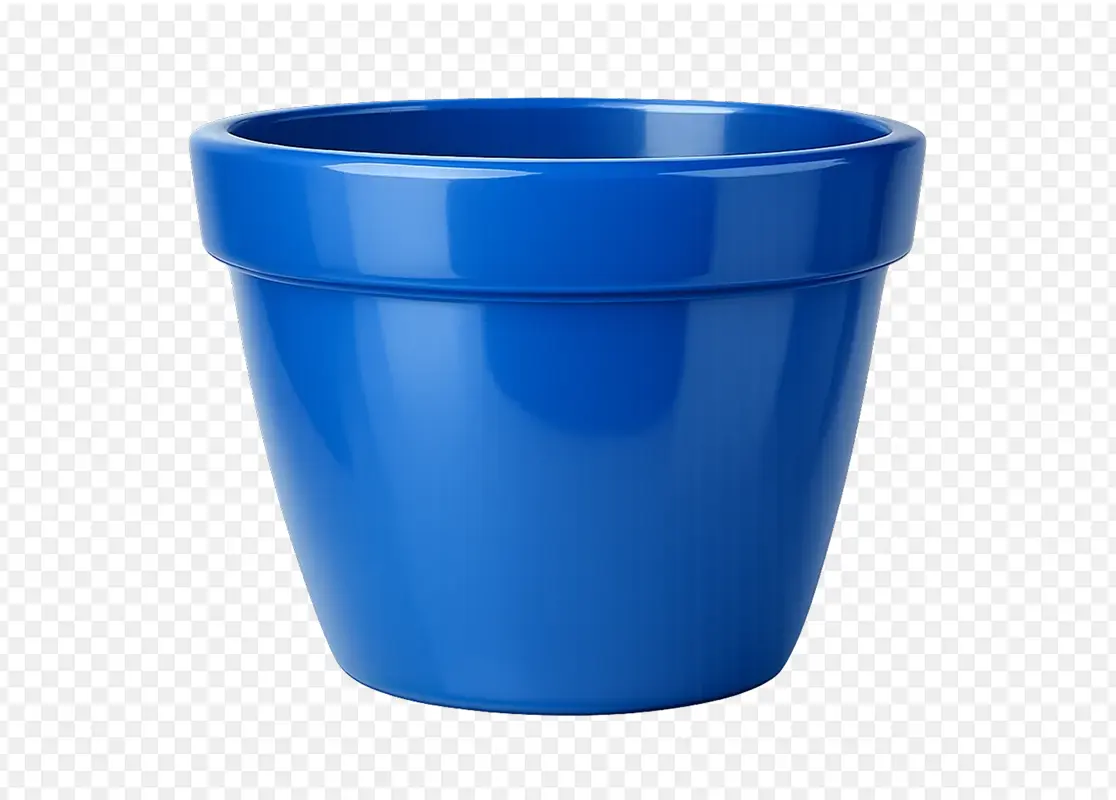

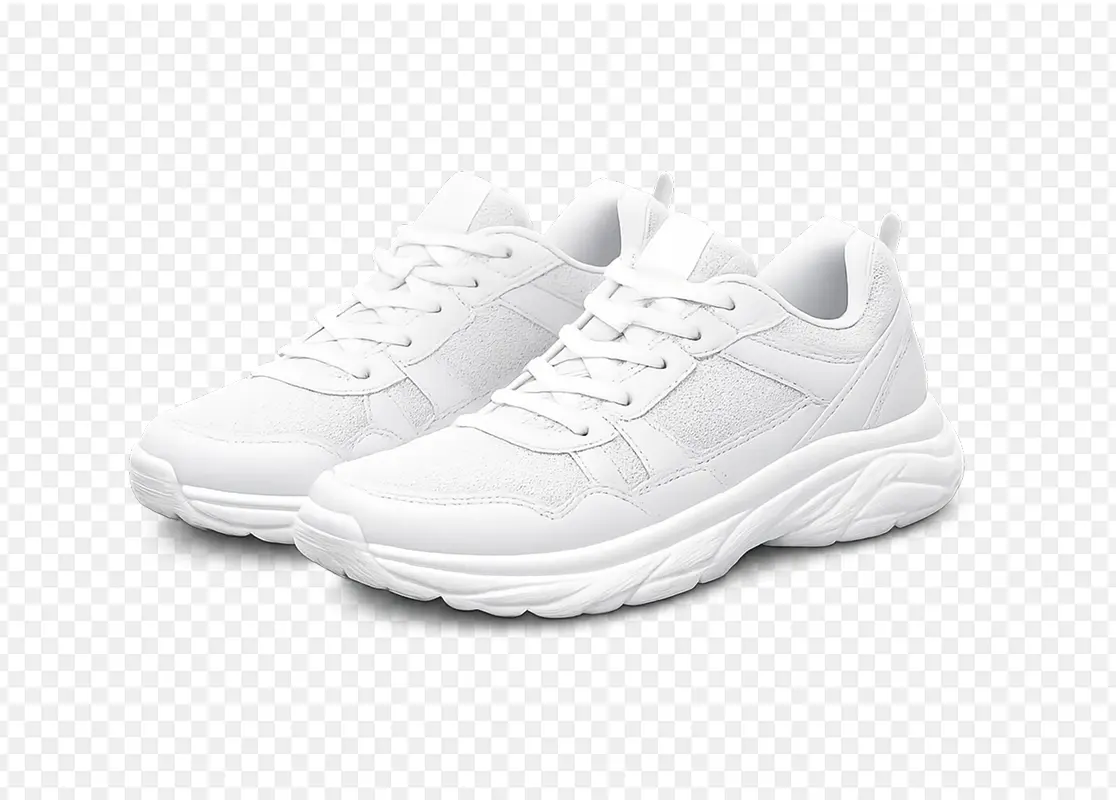
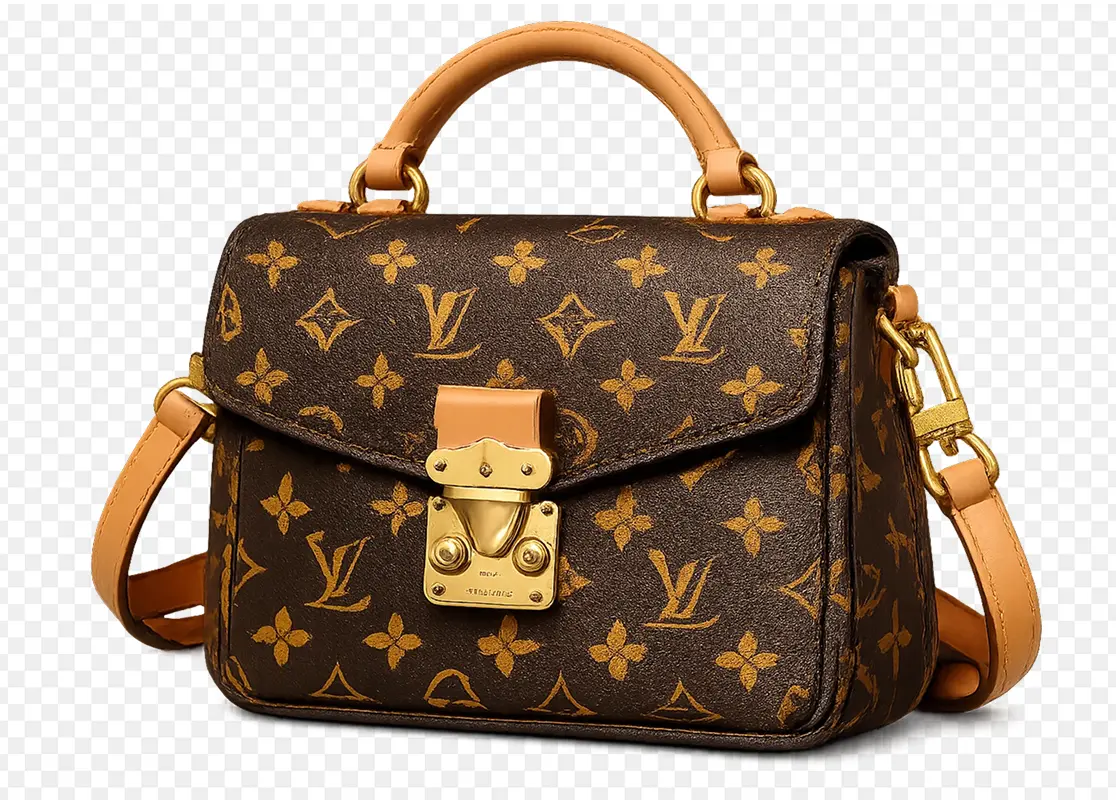
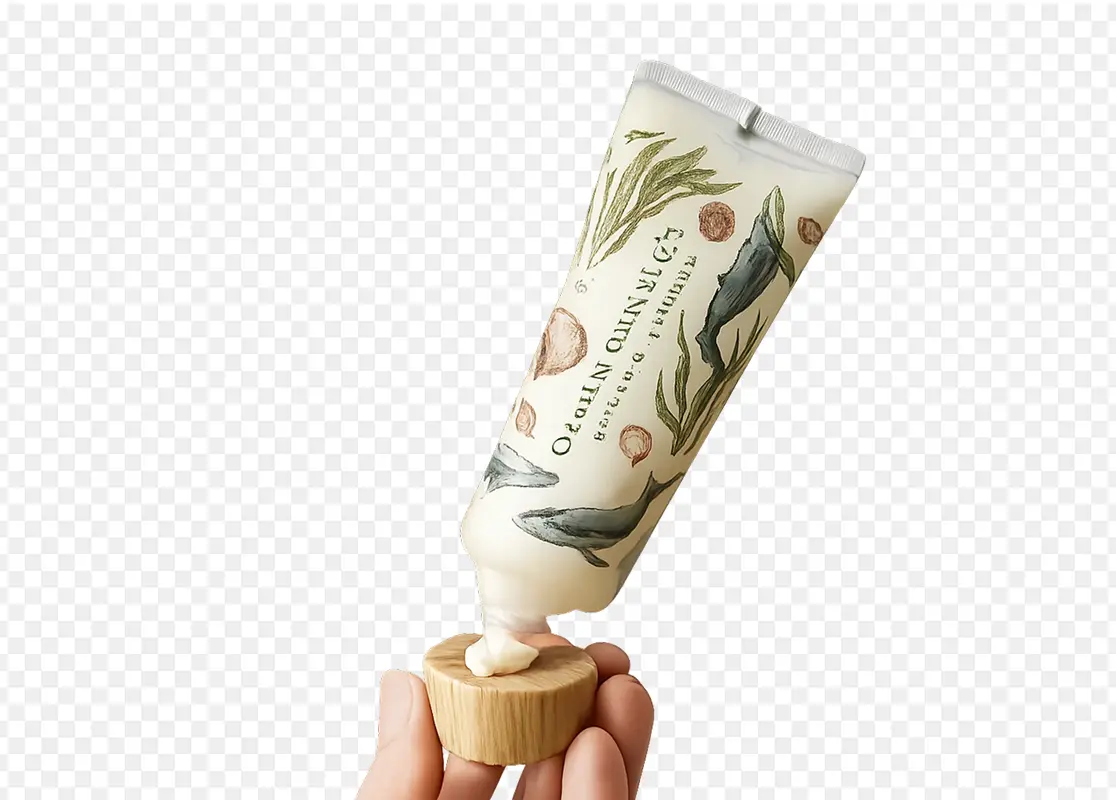

How to Remove Background from Image in 3 Steps
Upload, refine, and export clean transparent PNG assets
Upload an Image
Upload the photo, product image, portrait, logo, object, graphic, or campaign visual you want to edit. Background Remover works best when the subject is visible and the image has enough detail for clean edge detection.
Describe the Background Removal
Add a short instruction if you need a specific result. You can ask to remove the background, keep hair detail, preserve product shadows, remove a white background, remove a green screen, clean up logo edges, or create a transparent PNG for ecommerce, social content, thumbnails, or design assets.
Generate, Review, and Download
Generate the cutout, review the transparent result, iterate if needed, and download the final PNG. The asset can be used in product listings, brand materials, social posts, profile images, presentations, or moved into Morph Studio for additional image editing and creative production.
Explore other features
Discover more AI-powered creative tools from Morph Studio
Explore related tools
Build a complete image cutout workflow around Background Remover
Frequently Asked Questions
Everything you need to know about Morph Studio's AI Background Remover
Remove Backgrounds with Morph Studio
Upload an image and export a clean transparent PNG in seconds. Morph Studio's AI Background Remover helps you remove backgrounds from product photos, portraits, logos, objects, graphics, and campaign visuals, then turn them into ecommerce assets, thumbnails, profile photos, brand materials, and design-ready cutouts.
Start Creating