
AI Dance Video Generator
Put your character center stage. Turn one photo into a lively dance performance, with supporting dancers and dramatic lights. Give your next introduction the energy of a live show.
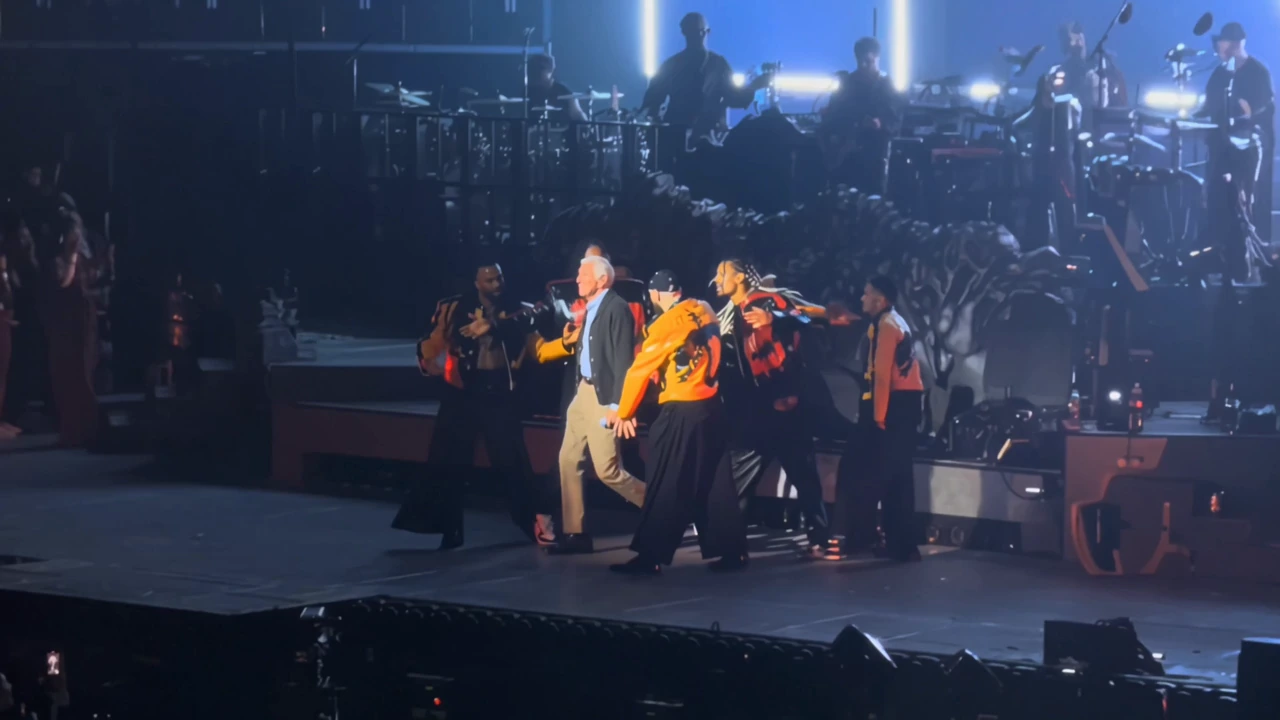
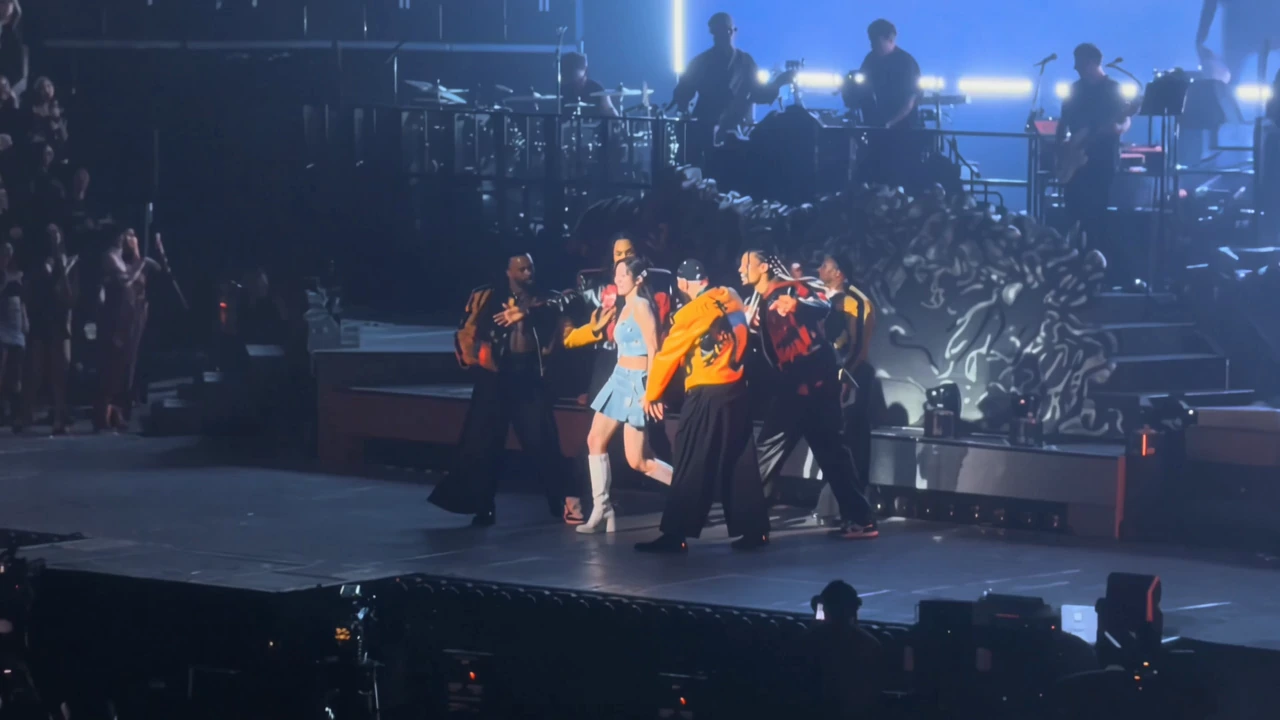
Make Your Character the Main Event
Put a familiar face in the lead of a full stage routine. With supporting dancers and an audience around them, your character becomes part of a bigger show. Give a creator introduction or a personal social post the presence of a stage entrance.
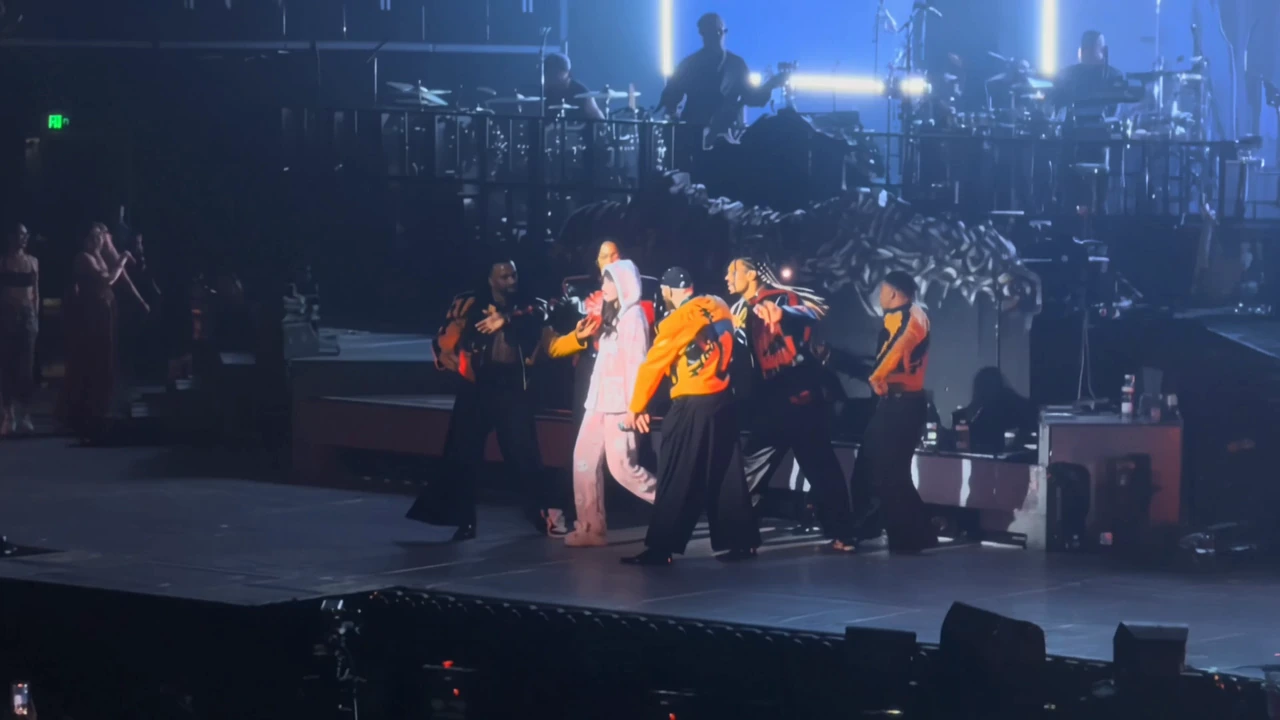
Bring the Whole Performance to Life
Footwork, gestures, and changes of stance turn a still image into a performance with momentum. Let your character carry the routine from one movement to the next, giving the clip more personality than a simple pose or a static introduction.
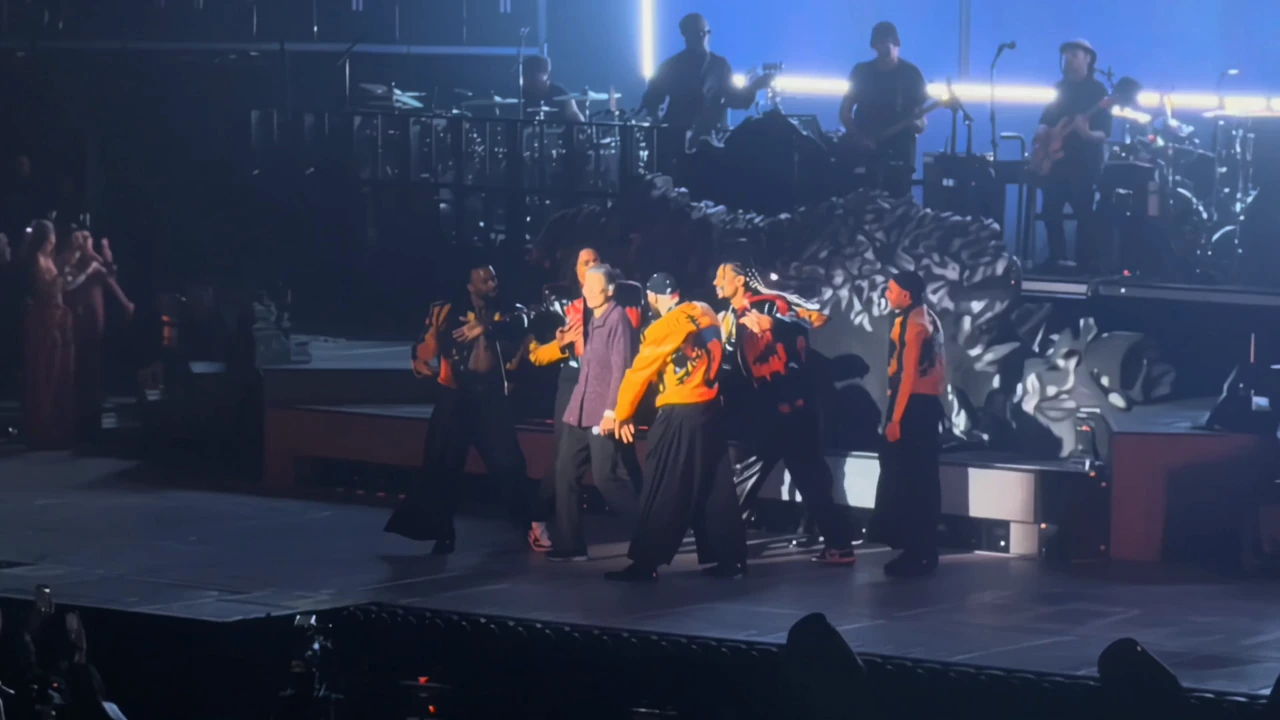
Give Your Next Post Some Stage Energy
Spotlights, supporting dancers, and bursts of stage fire give the scene its sense of occasion. Bring your character into that energy for a playful reveal, a celebratory post, or a fresh way to introduce yourself.
How to Create Your AI Dance Video
Bring a full-body photo and let the stage preset guide the performance.
Upload a Full-Body Photo
Sign in and upload one photo with a simple background. Keep the whole person visible, including the hands and feet, so the image clearly shows the subject.
Continue with the Dance Preset
Click Generate to carry your photo and AI Dance selection into the app. The platform provides the stage reference video; you do not need to upload a dance clip or write a prompt.
Generate Your Video
Continue to the app with your photo and effect. Choose your output settings, review the current credit quote, and confirm generation. Download the video for your next post or edit.
Find Your Character’s Next Role
Explore another scene or bring a new performance to life.
Keep the Performance Going
Create another entrance, guide your own routine, or refine the video you have made.
Cast your character in a cinematic diner scene with suspended action.
Use your own reference video to give a character a new performance.
Create a higher-resolution version of your finished dance video.
Frequently Asked Questions
Prepare your photo and understand the preset stage performance.
Your Next Entrance Deserves a Spotlight
Bring your character to the stage and turn a photo into a performance worth sharing.