
Modify and Morph Video with AI
Upload an existing video and describe the edit you want. Morph Studio helps you morph your video into a new visual direction, modify existing MP4 or MOV clips, guide changes to backgrounds, people, objects, and lighting, and create a new video-to-video result from simple prompts.
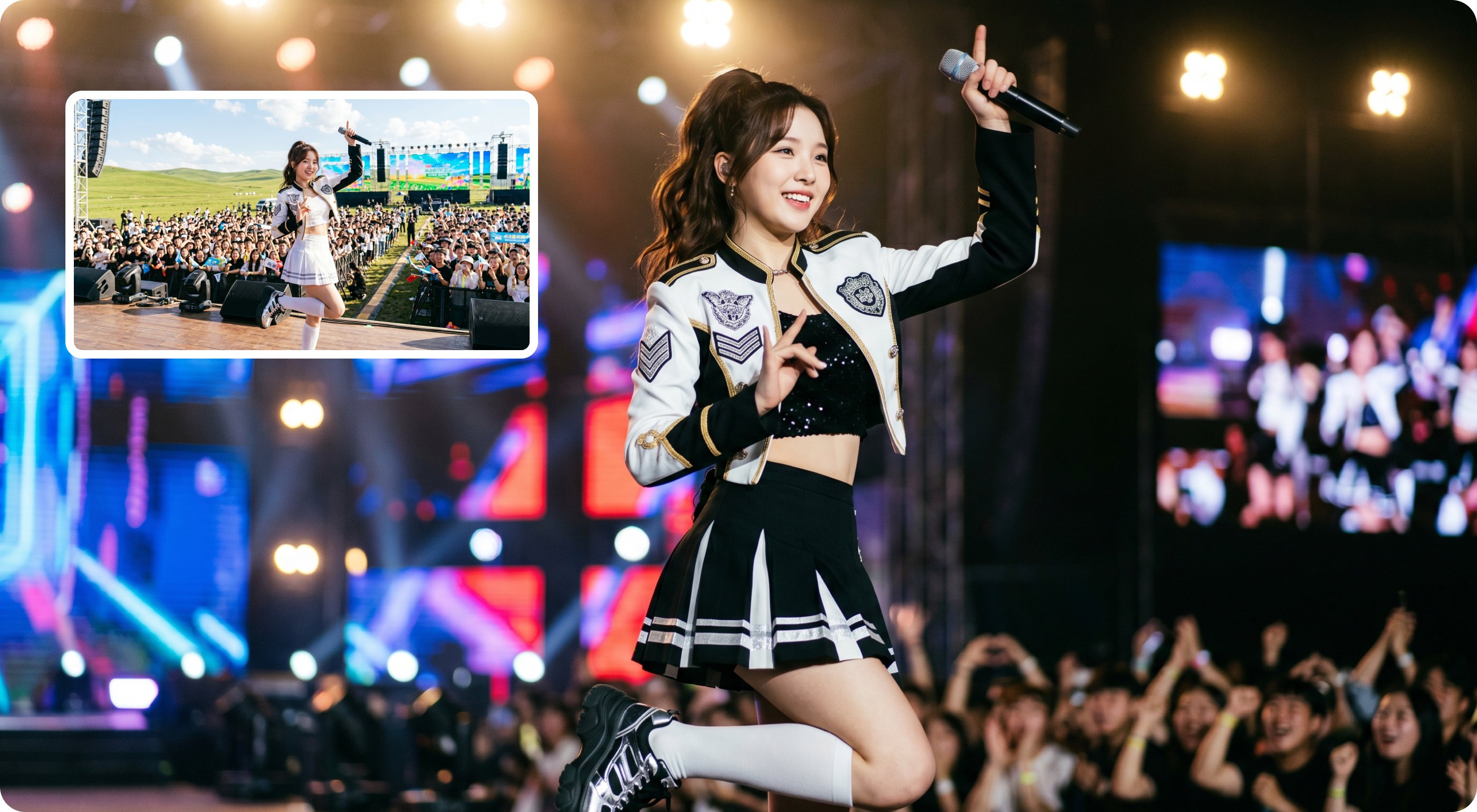
Edit Existing Video with AI Prompts
Start with a real clip instead of a blank timeline. Upload your video, write what should change, and use Morph Studio as an AI video editing tool for scene restyling, background changes, lighting updates, outfit changes, product looks, and fast social video variants. If you need to create a new clip from scratch, start with Text to Video instead.

Morph Your Video into a New Visual Direction
Use AI video modification when you need to morph a source clip into a new look while keeping the original motion. Guide object changes in video, adjust a character style, test a new location, update props, or turn one source clip into multiple campaign-ready versions with optional reference images. For style-first workflows, compare the result with Video Style Transfer.
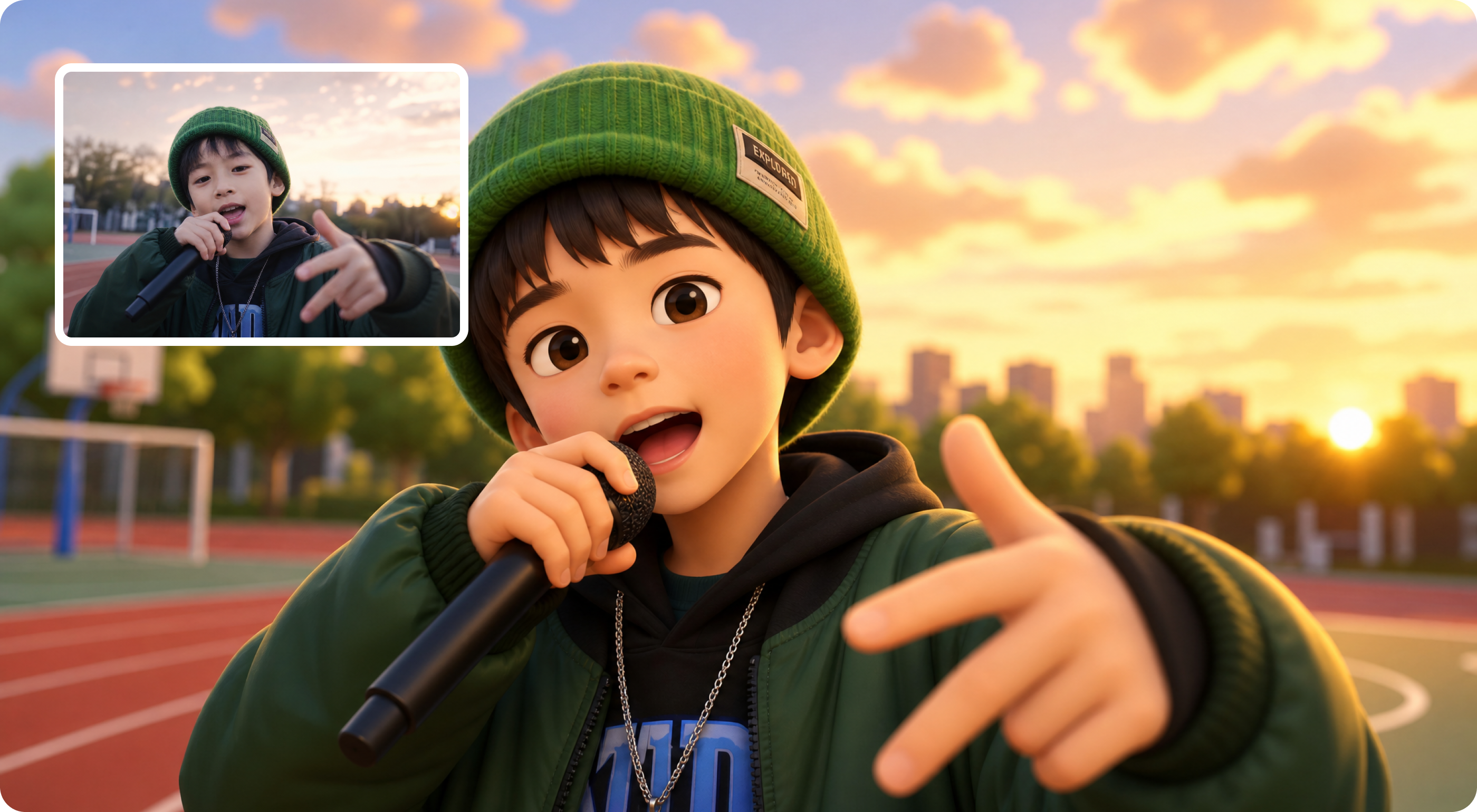
Video-to-Video Editing for Short Creative Clips
Modify short clips for ads, music visuals, product footage, creator posts, storyboards, and visual experiments. If you want to start from a still frame before editing motion, continue with Image to Video inside Morph Studio.
How to Use Morph Video Modifier
A simple Morph video-to-video workflow for editing an existing MP4 or MOV clip with prompts.
Upload Your Source Video to Morph
Start with a short video clip that contains the subject, scene, pose, camera movement, or motion you want to keep.
Describe How to Morph the Video
Write a clear prompt for the background, person, object, outfit, style, lighting, mood, camera feel, or visual effect you want the AI to apply.
Add References and Generate
Add optional reference images for stronger visual control, generate the modified video, then refine the prompt if you need a different restyle or replacement.
Explore More AI Video Tools
Continue generating, editing, enhancing, and cleaning up videos with Morph Studio.
Explore Related Tools
Build a complete AI video workflow from generation to final polish.
Frequently Asked Questions
Everything you need to know about modifying video with AI.
Start Editing Existing Videos with AI
Upload a clip, describe the edit, and morph your video into a new version with AI restyle, background changes, object adjustments, and reference-guided visual direction.